
Where Can You Fax? 7 Top Spots for Sending Documents in 2024
Table of Contents
Despite the rise of email and instant messaging, faxing remains a surprisingly relevant and secure method for transmitting important documents. Many organizations, from legal firms and healthcare providers to government agencies, still rely on fax for official communications like contracts, medical records, and financial statements. The real challenge for most people isn't why they need to fax, but rather finding a convenient and affordable place to do it. If you’ve ever found yourself asking, "where can you fax a document near me?" you're not alone. With home fax machines being a thing of the past, knowing your options is crucial.
Ready To Fax?
Start sending faxes online in seconds with FaxZen - No account required
Send Fax Now 🚀Ready to skip the search and send your fax from anywhere? Try FaxZen for a simple, secure, and modern online faxing solution.
This guide will walk you through the best places to send a fax today. We’ll explore everything from well-known retail stores that offer in-person services to powerful online platforms that let you fax directly from your computer or smartphone. For each option, we'll cover the process, potential costs, and key benefits to help you choose the right service for your needs, whether you're sending a single page or a multipage legal document.
Online Fax Services
Online fax services have revolutionized the way we send documents, offering a modern alternative to traditional fax machines. These platforms allow you to send faxes directly from your computer, tablet, or smartphone using an internet connection. This method is often the most convenient and cost-effective solution, especially for those who need to send documents regularly or require enhanced security features. You simply upload your document (like a PDF or image file), enter the recipient's fax number, and the service handles the transmission for you.
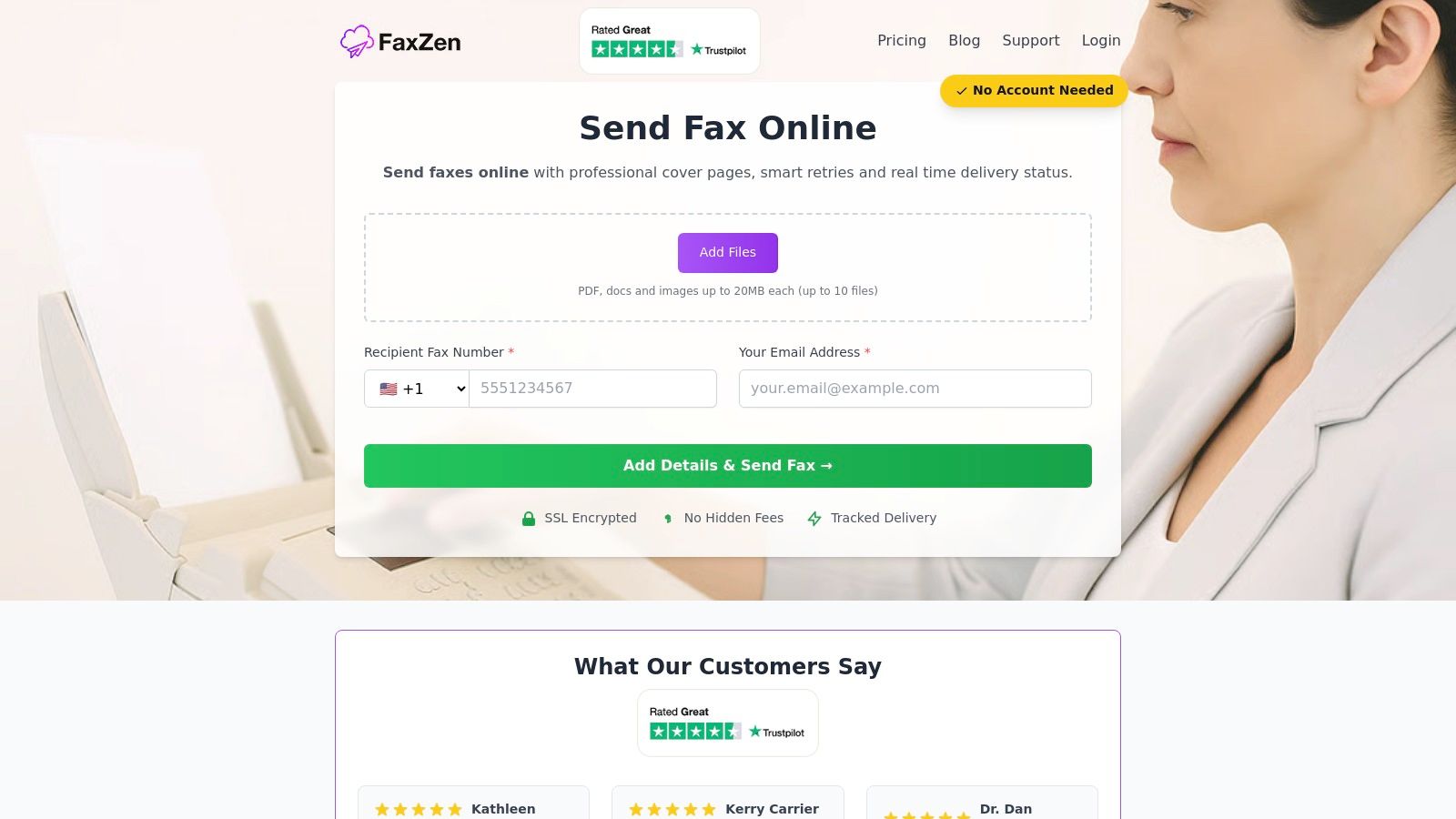
1. FaxZen
For those seeking a modern, secure, and highly efficient answer to the question "where can you fax," FaxZen emerges as a premier online platform. It masterfully bridges the gap between legacy fax technology and the digital convenience modern users expect. This service is engineered for reliability and ease of use, eliminating the need for a physical fax machine, a dedicated phone line, or even a monthly subscription. FaxZen’s frictionless, pay-per-fax model allows you to send a document almost instantly, making it a powerful choice for both individuals and businesses. For those new to the process, FaxZen provides helpful resources; you can learn how to fax a document from your computer with their straightforward guide.
2. Free Online Services (FaxZero, GotFreeFax)
If your faxing needs are minimal and you're looking for a no-cost solution, services like FaxZero and GotFreeFax are excellent options. These platforms allow you to send a fax from your computer for free, typically with some limitations. For example, you might be restricted to a few pages per fax and a certain number of faxes per day. The free versions often include branding or ads on the cover page. While not ideal for all professional correspondence, they are perfect for quick, non-sensitive, one-off tasks. Both services also offer low-cost, one-time payment options to send larger documents without ads or branding.
3. Subscription-Based Services (eFax)
For businesses and professionals who send and receive faxes regularly, a subscription-based service like eFax is a comprehensive solution. These platforms provide you with a dedicated fax number, allowing you to receive faxes directly in your email inbox. They offer a suite of advanced features, including mobile apps, document storage, and electronic signatures. While the monthly subscription model isn't cost-effective for occasional use, it provides a reliable and scalable solution for those who rely on faxing as a core part of their operations. You can explore their plans at efax.com/pricing.
Pro Tip: When choosing an online fax service, consider both sending and receiving needs. If you only need to send documents, a pay-per-fax service is often the most economical. If you need to receive faxes as well, a subscription service with a dedicated number is the better choice.
In-Person Faxing Locations
For those who prefer a more traditional, hands-on approach or need to fax physical documents, several retail locations offer reliable walk-in fax services. This option is perfect for people who aren't comfortable with digital platforms or need to send a fax immediately without creating an online account. You can simply bring your documents to a counter, and a staff member will handle the transmission for you, providing a printed confirmation receipt for your records.
4. The UPS Store
The UPS Store is a widely accessible option for in-person faxing, with thousands of locations nationwide. It’s an ideal choice for one-off needs, as you can walk in and have an associate handle the entire process. They offer both domestic and international faxing services. A significant advantage is the ability to bundle services; you can print, notarize, and fax a document all in the same visit. Pricing varies by franchise, so it's a good idea to call your local store for rates. For more details on what to expect, check out this guide on UPS fax services and potential costs.
5. FedEx Office
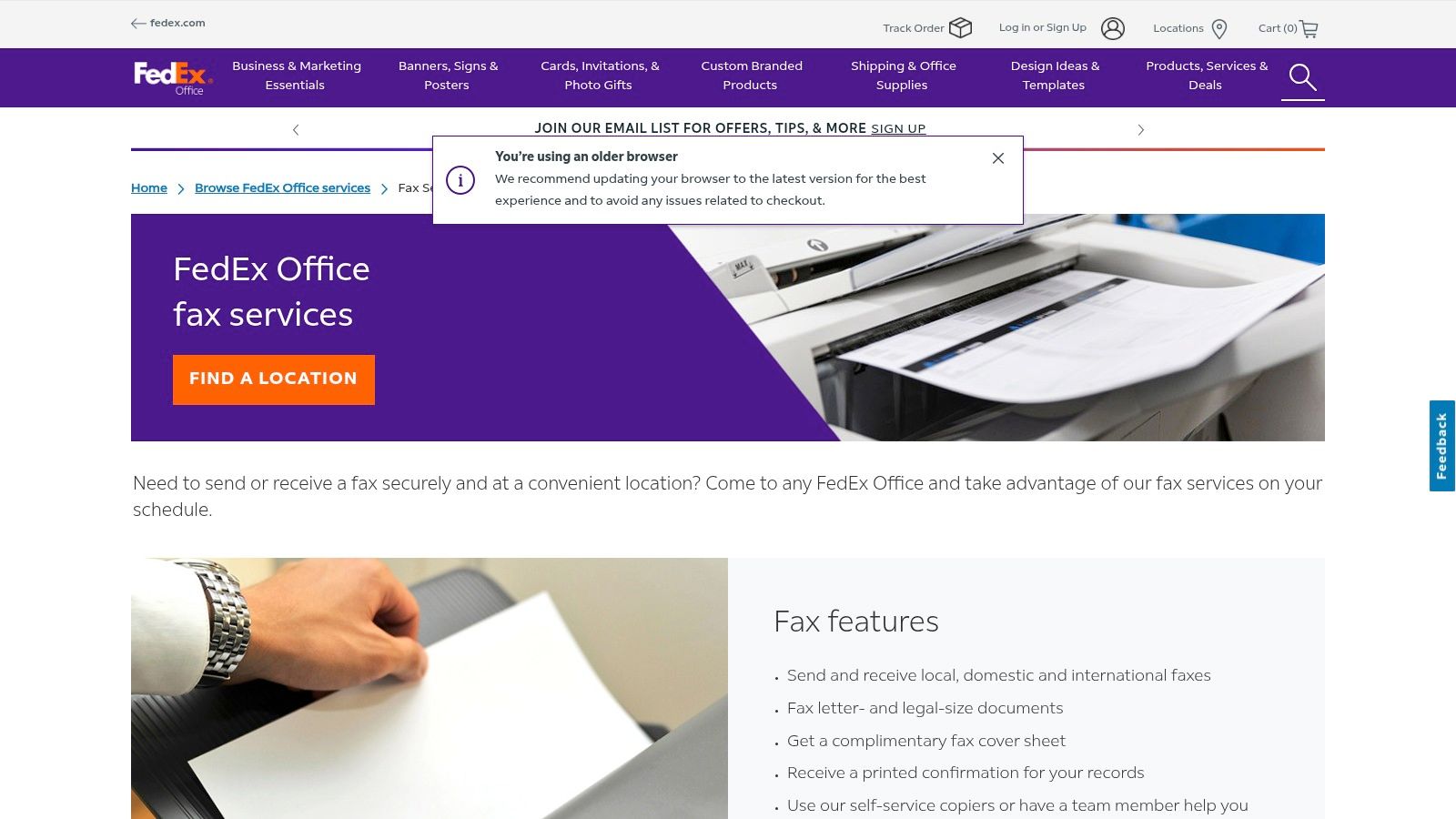
FedEx Office (formerly Kinko's) is another major player offering professional-grade fax services. With nearly 2,000 locations, many operating with extended hours, it provides a reliable solution for business professionals and individuals alike. Customers can choose between self-service machines for quick tasks or request assistance from a team member. Like The UPS Store, pricing is set at the local level. You can typically find more information on their official fax services page.
6. Office Supply Stores (Office Depot & OfficeMax)
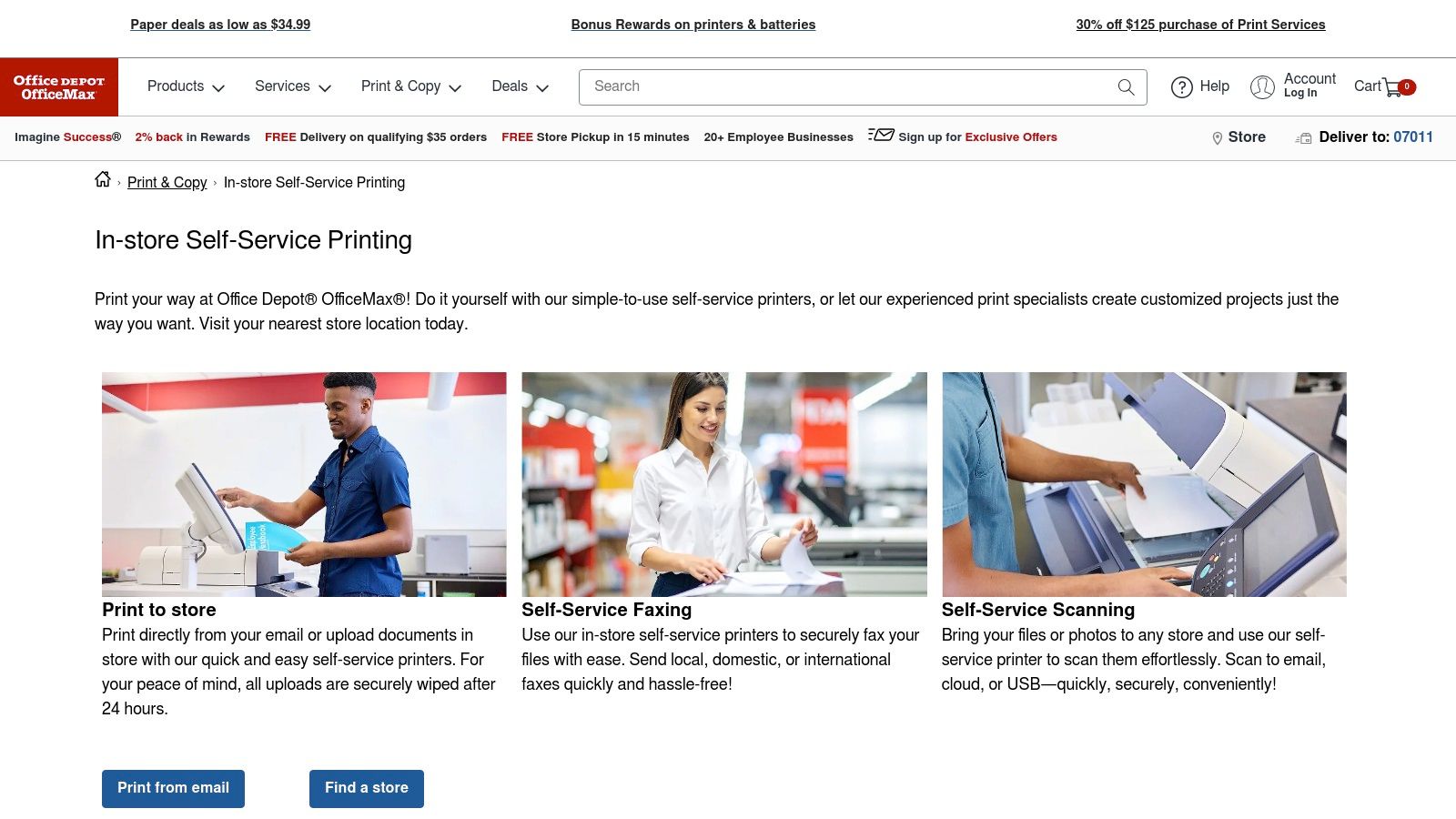
Office supply chains like Office Depot and OfficeMax are convenient spots for faxing, often featuring self-service print and copy centers. This is particularly useful if you need to print a document from an email or a USB drive before sending it. You can handle the entire process—printing, copying, and faxing—at a single machine. While their self-service model is efficient, it’s best to confirm with your local store that their faxing equipment is operational before you visit. More information can often be found on the Office Depot Print & Copy page.
7. Other Local Options (Libraries, Banks)
While less common, some local public libraries or banks may still offer public fax services. These can be a cost-effective choice, but availability and pricing can vary significantly. Services may be limited to local numbers or have strict page limits. It is essential to call ahead to confirm if they offer the service, what the costs are, and what their hours of operation are. This option is best for simple, non-urgent faxes when other retail locations are not available.
Comparison of Faxing Options
| Option | Best For | Typical Cost | Convenience |
|---|---|---|---|
| FaxZen | Secure, professional online faxing | Pay-per-fax or bulk credits | High (send from anywhere) |
| Free Online Services | Occasional, non-sensitive faxes | Free (with limits) | High (instant online access) |
| Subscription Services | Regular sending & receiving | Monthly fee ($15-$50+) | High (dedicated number) |
| The UPS Store | In-person service, bundling tasks | Per page (varies by store) | Medium (requires travel) |
| FedEx Office | Business needs, self-service option | Per page (varies by store) | Medium (requires travel) |
| Office Supply Stores | Printing and faxing in one stop | Per page (varies by store) | Medium (requires travel) |
Final Thoughts
The best place to fax depends entirely on your specific needs, balancing convenience, cost, security, and frequency. For quick, one-time needs with physical documents, retail stores like The UPS Store or FedEx Office are excellent choices. For cost-conscious users with digital files, free online services provide a no-frills solution. However, for most modern users—especially professionals and businesses—dedicated online services like FaxZen offer the ideal blend of security, professionalism, and convenience, allowing you to manage faxes from anywhere. Understanding your options empowers you to choose the right tool for the job every time. For those looking to streamline their workflows further, exploring related technologies like AI front desk solutions can offer insights into how administrative tasks, including communications, are being automated.
Frequently Asked Questions (FAQ)
1. Is it safe to fax sensitive documents at a public store?
While retail stores take precautions, you are handing your documents to an employee or using a public machine. For sensitive information like financial or medical records, using a secure online fax service that encrypts your data, such as FaxZen, is a safer alternative. Consider some of the best secure online fax services for maximum protection.
2. Can I receive a fax at a retail store like The UPS Store?
Yes, many UPS Store and FedEx Office locations offer fax receiving services. You will be assigned their store's fax number to give to the sender. There is typically a per-page fee for this service. Always call the specific location ahead of time to confirm they offer it and to get the correct fax number.
3. Do I need a physical copy of my document to fax it?
If you use an in-person service at a retail store, you will need a physical copy. If you use an online fax service, you will use a digital file (like a PDF, DOC, or JPG) that you upload from your computer or phone.
4. How do I get a confirmation that my fax was sent successfully?
In-person locations will provide you with a printed confirmation sheet that shows the date, time, and status of the transmission. Online fax services will send a detailed confirmation report to your email address, which serves as a digital receipt and proof of delivery.
5. Are free online fax services really free?
Yes, but they usually come with limitations. Typically, free services restrict the number of pages you can send (e.g., 3 pages max), limit the number of faxes you can send per day, and place their own branding or advertisements on the cover page. They are best for very light, occasional use. Check out options for a one-time online fax service if you need more pages without a subscription.


