
12 Best Sources for a Free Printable Fax Cover Sheet in 2025
Table of Contents
- 1. eFax
- 2. MyFax
- 3. iFax
- 4. FaxBurner
- 5. Microsoft Create (Fax cover pages gallery)
- 6. Microsoft Word template hub (Word for the web)
- 7. Template.net
- 8. Vertex42
- 9. Adobe Acrobat (Document Cloud hub)
- 10. FAX.PLUS
- 11. Fax.Live
- 12. Etsy
- Comparison of Printable Fax Cover Sheet Resources
- Frequently Asked Questions (FAQ)
Despite the prevalence of email, faxing remains a critical communication method for many industries, including legal, healthcare, and finance. A professionally formatted printable fax cover sheet is not just a formality; it's an essential tool that ensures your document reaches the correct recipient promptly and securely. It provides vital information at a glance, such as sender and recipient details, the date, and the total number of pages, preventing misdirection and clarifying the document's purpose. For businesses and individuals alike, using a standardized cover sheet projects professionalism and helps maintain a clear, organized record of communications.
Ready To Fax?
Start sending faxes online in seconds with FaxZen - No account required
Send Fax Now 🚀Tired of printing? FaxZen lets you send faxes online with a professional, integrated cover sheet—no printer required. Ditch the paper and send your next fax in minutes.
This guide simplifies the process of finding the perfect template for your specific needs. We have curated a comprehensive list of the best online resources, from dedicated fax service providers to general template hubs, where you can download a high-quality printable fax cover sheet in formats like PDF and Word. Each entry includes a direct link, a brief overview of what makes it stand out, and the specific use cases it serves best. Whether you need a formal design for a legal contract, a basic template for a personal document, or a customizable option for your small business, you will find a suitable solution here to streamline your faxing workflow.
1. eFax
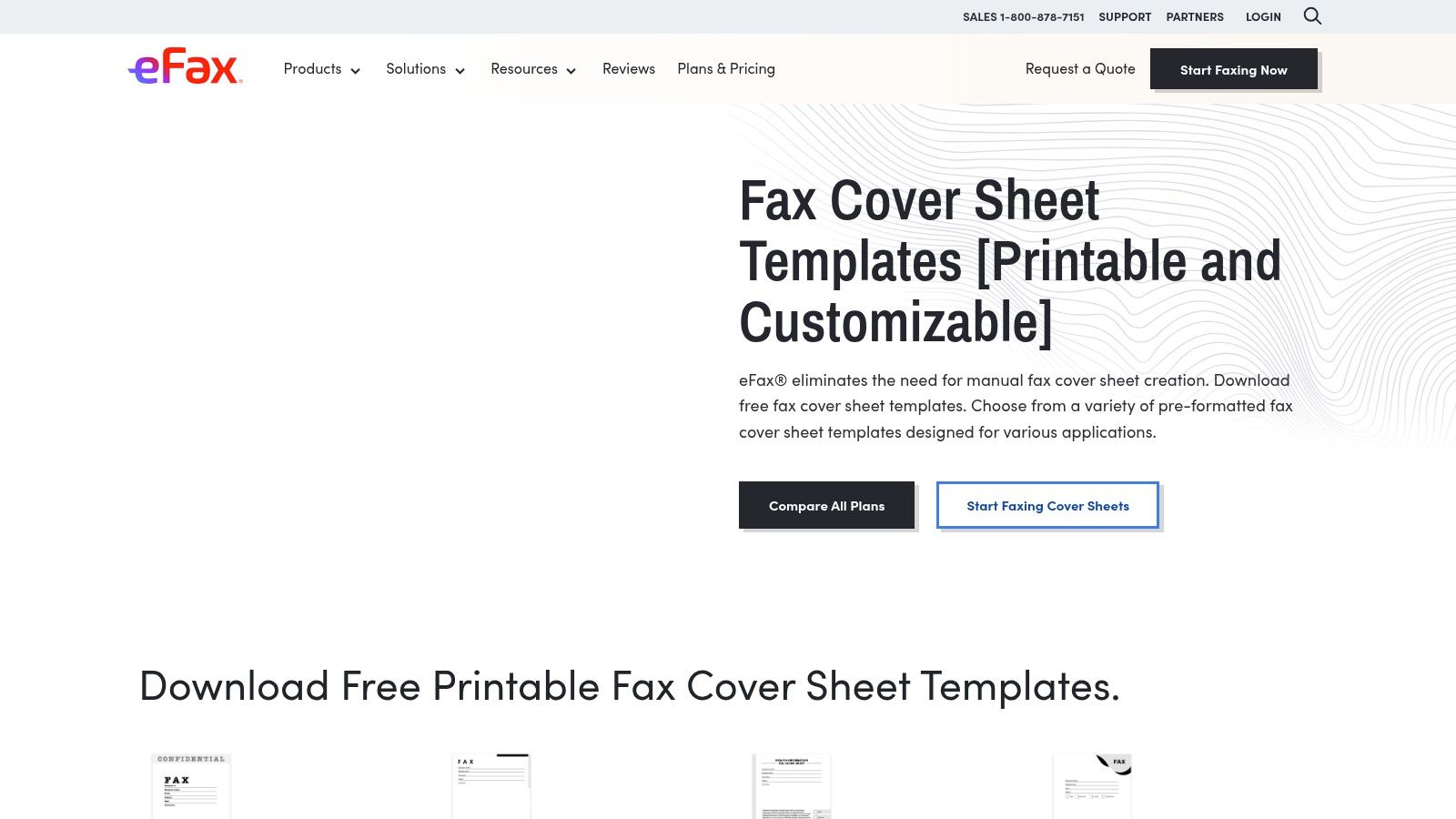
eFax stands out for its extensive library of free, professionally designed fax cover sheet templates. It provides one of the broadest collections available, catering to diverse needs from standard business communications to specific personal use cases. Users can easily browse categories like "Business," "Confidential," and even specialized medical templates, making it simple to find a suitable design. Each template is available for instant download in both PDF and DOC formats. The PDF is perfect for quick printing, while the DOC version allows for easy customization in Microsoft Word before you print. This flexibility is a significant advantage, letting you add a company logo or adjust fields to match your workflow. While the templates are free, eFax is a full-featured online fax service, and some pages will promote its paid subscription. This makes it an ideal starting point if you need a printable fax cover sheet now but might consider a digital solution later. To better understand how these services work, learn more about sending faxes online.
- Pros: Huge variety of templates, both PDF and DOC downloads, clear and simple website navigation.
- Cons: The full faxing service requires a paid plan, and the website includes promotions for it.
- Website: https://www.efax.com/fax-cover-sheets
2. MyFax
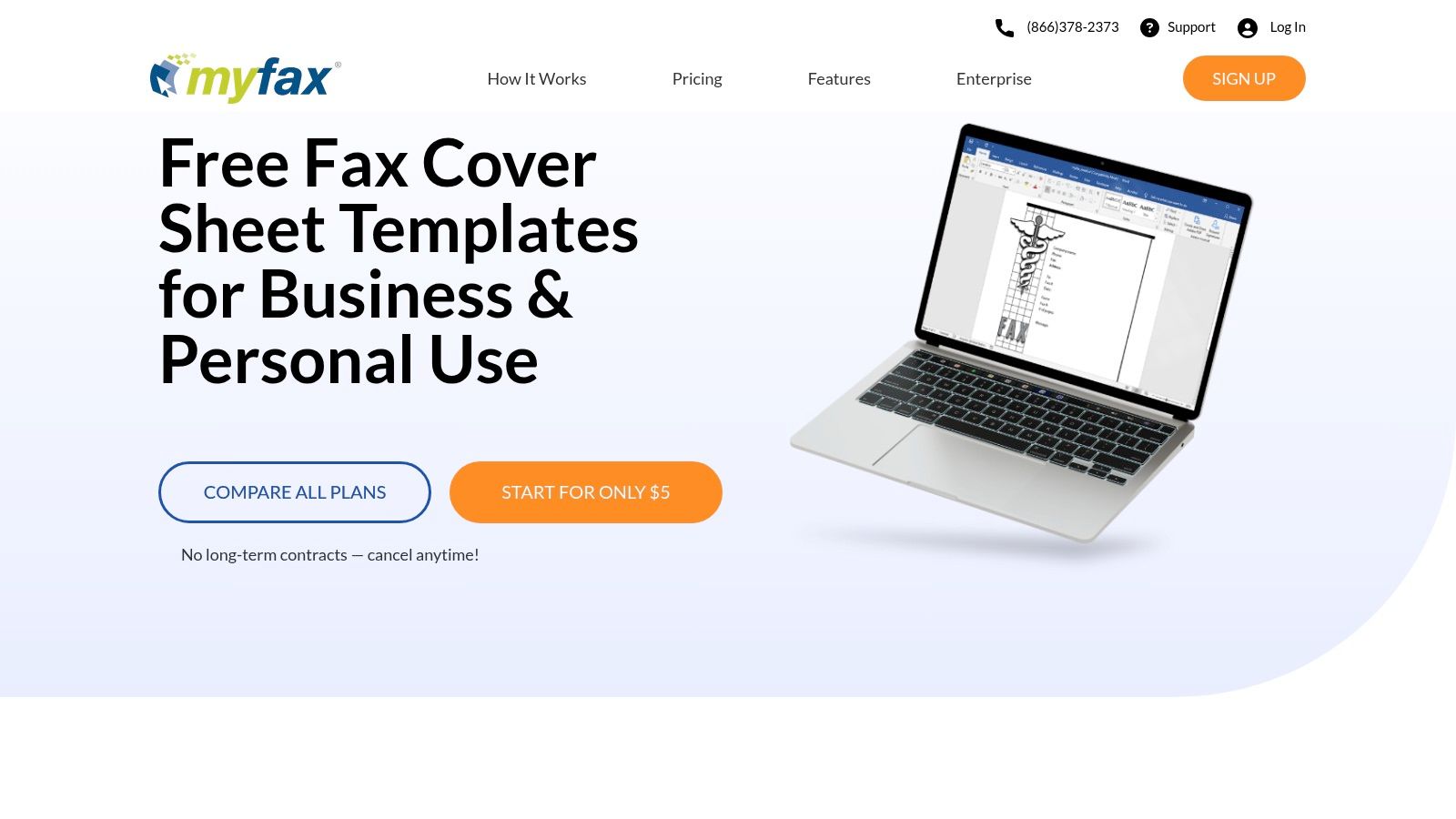
MyFax provides a streamlined collection of free, downloadable fax cover sheets perfect for users who need a professional template without hassle. The platform organizes its offerings into clear categories such as business, personal, healthcare, and accounting, making it easy to find a relevant design. Each template is designed with a clean, functional layout, prioritizing clarity and essential information over elaborate graphics. The primary download format is DOC, which is ideal for customization in Microsoft Word. This allows you to easily add your logo, edit field names, or adjust the layout before printing. PDF versions are also available for those who prefer to print and fill out the sheet by hand. While MyFax offers these printable fax cover sheet resources for free, the website is built around its paid online faxing service, and you will see promotions for it. The site also includes helpful step-by-step instructions on how to attach the cover sheets to your faxes, which is a great touch for beginners.
- Pros: Easy to customize in Word, helpful for infrequent faxers, includes clear instructions for use.
- Cons: Most templates are DOC (less convenient for Google Docs), the site heavily promotes MyFax paid plans.
- Website: https://www.myfax.com/free-fax-cover-sheets
3. iFax
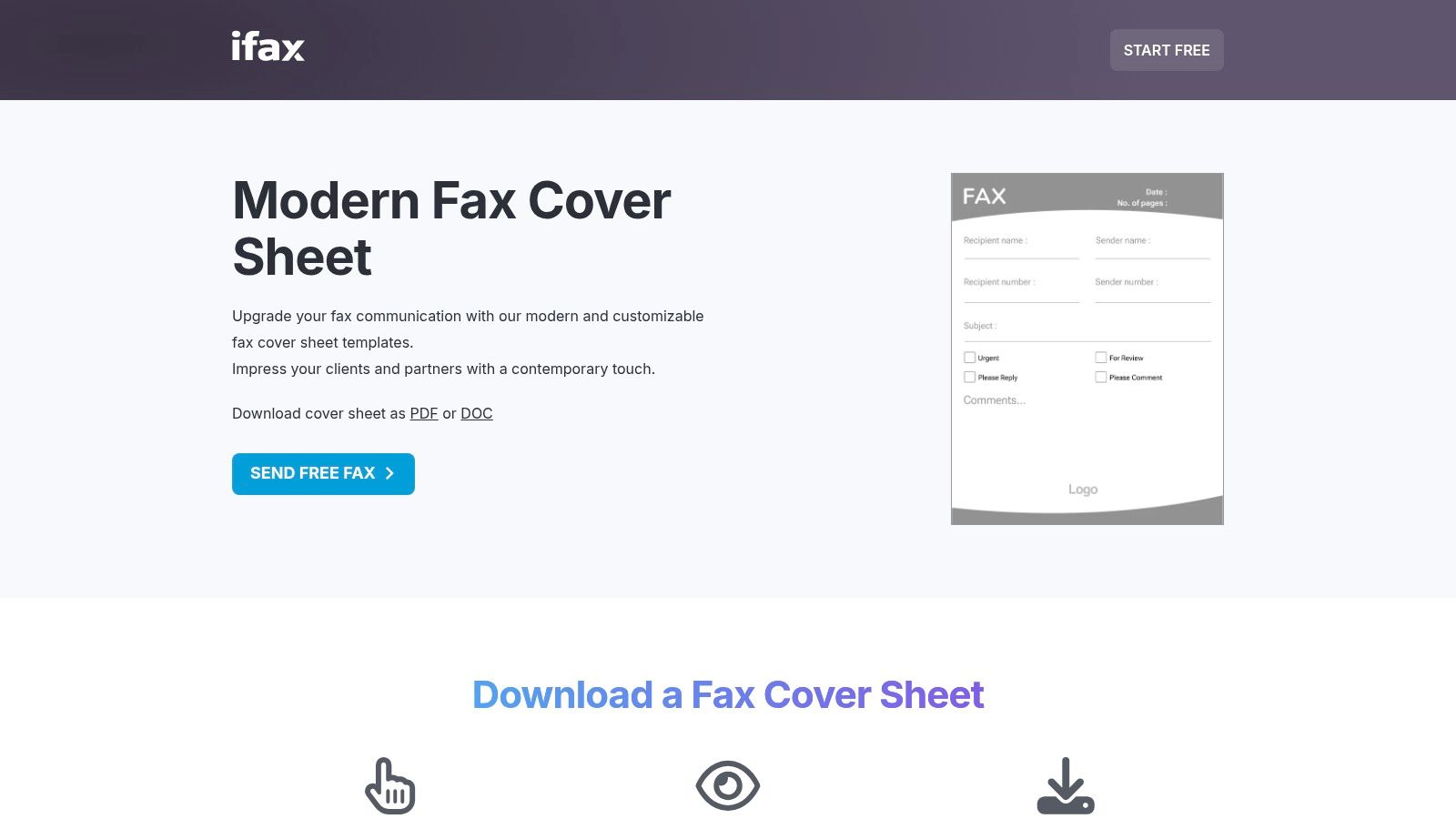
iFax offers a well-organized and extensive library of free printable fax cover sheet templates. The collection is notable for its clean, modern designs and its clear categorization, which includes general business, blank, modern, and even specific agency-related templates. This makes it easy for users to find a suitable cover sheet whether they are sending a casual note or a formal document. Each template is available as an instant download in both DOC and PDF formats. The DOC version is ideal for customization in Microsoft Word, allowing you to add logos or modify fields, while the PDF is ready for immediate printing. The site also provides helpful walkthroughs for each template, explaining its intended use case. Like other online fax services, iFax promotes its own paid app for sending faxes directly from a device. While this is useful for those seeking a digital solution, the site’s organization can feel a bit repetitive, with many similar pages.
- Pros: Wide assortment covering many industries, clean designs, and quick downloads.
- Cons: Pages often encourage subscribing to the iFax app; site organization can be repetitive.
- Website: https://www.ifaxapp.com/free-fax-cover-sheets/modern-fax-cover-sheet/
4. FaxBurner
FaxBurner offers a streamlined collection of free printable fax cover sheets ideal for users who prioritize simplicity and speed. The templates are neatly organized into basic categories like "Urgent," "Confidential," and "Basic," ensuring you can find and download a suitable option without hassle. Its main appeal lies in its straightforward, no-frills approach, making it a great resource for anyone needing a clean, professional cover sheet without complex design elements. Each template is available in PDF, Microsoft Word, and even Apple Pages formats, offering excellent editing flexibility across different platforms. This is particularly useful for Mac users who may not have Word readily available. While the template selection is more limited than some larger providers, FaxBurner’s core strength is its integration with its mobile-first online faxing service. This makes it an excellent choice for professionals who need to send a quick fax from their phone and want a matching printable fax cover sheet for occasional physical mailings. Explore how this works if you need to send a fax online for a one-time task.
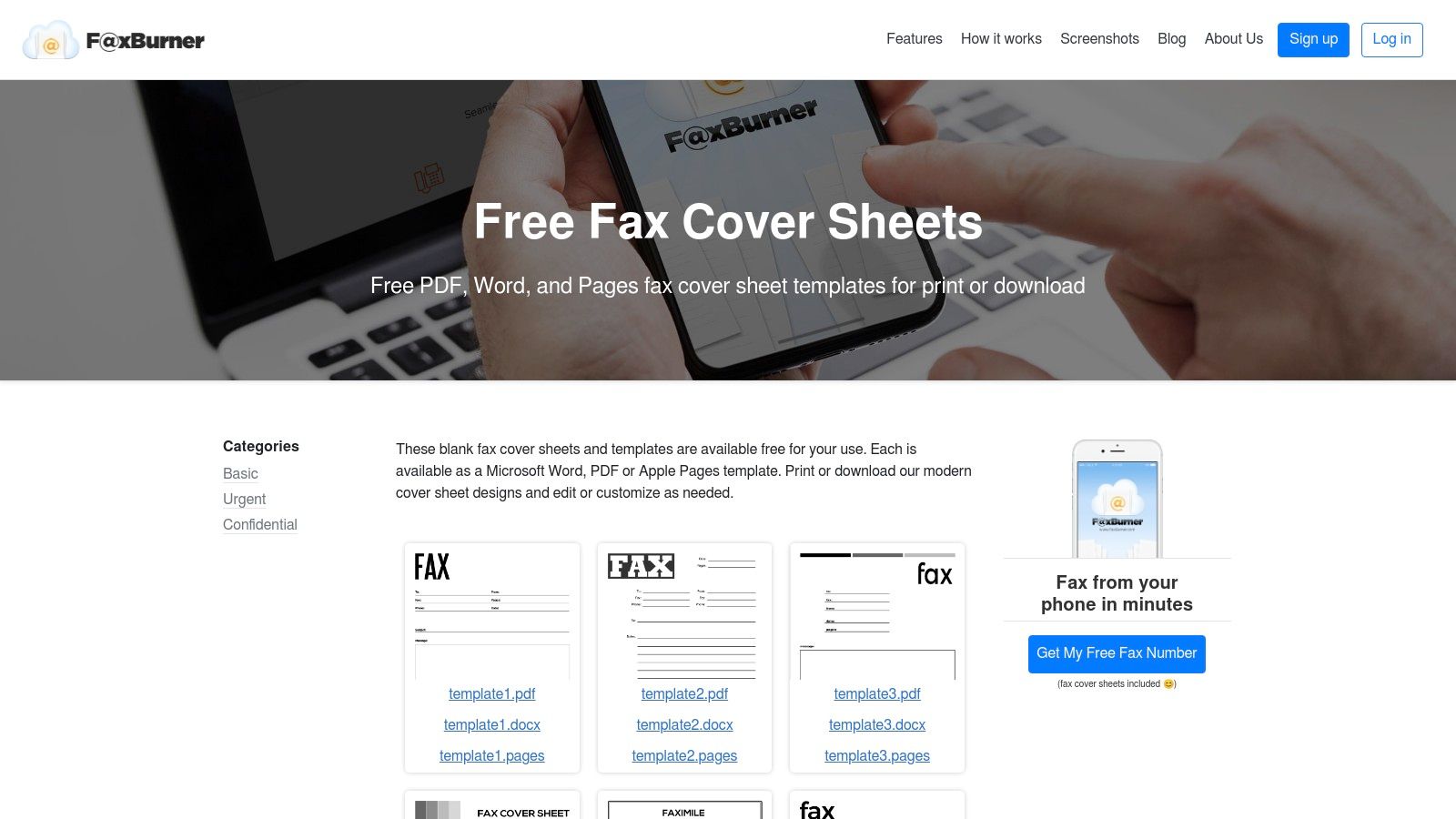
- Pros: Fast, no-signup downloads, mobile-first faxing option for on-the-go use, offers templates in Apple Pages format.
- Cons: Smaller template selection compared to larger libraries, and the mobile app focus may not suit desktop-only users.
- Website: https://www.faxburner.com/homepage/fax-cover-sheets
5. Microsoft Create (Fax cover pages gallery)
For those deeply integrated into the Microsoft Office ecosystem, Microsoft Create offers a seamless solution for generating a professional printable fax cover sheet. Its gallery provides a curated collection of high-quality templates designed specifically for Word. These designs are clean, corporate-focused, and ensure a consistent, polished look for all your business communications. The platform is an excellent choice for users who value familiarity and want to leverage tools they already use daily. Each template opens directly in either desktop Word or Word for the web, making customization incredibly straightforward. You can easily add your company logo, change color schemes to match your branding, and modify fields without needing any design skills. This direct integration is its biggest advantage, eliminating the need to download and manage separate files. While the selection is more limited than specialized fax sites, the quality and ease of use are top-notch for standard business needs. You can explore a variety of templates, and for more options you can learn more about our PDF fax cover sheet templates.
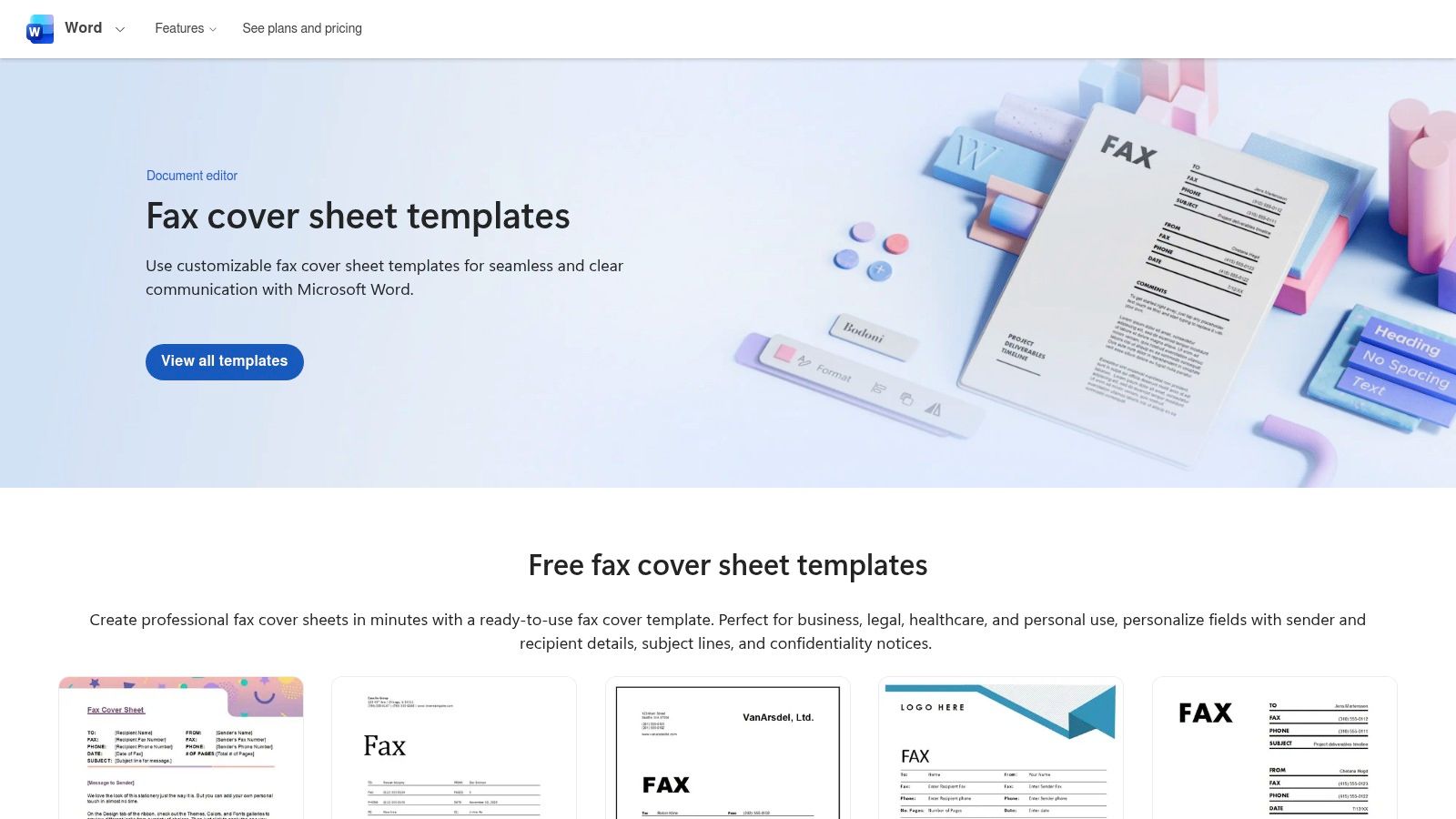
- Pros: Trusted, ad-free source; templates are easily brandable; consistent formatting and reliable printing.
- Cons: Requires a Microsoft account (best with a Microsoft 365 subscription); fewer niche templates than specialized sites.
- Website: https://create.microsoft.com/en-us/templates/fax-cover-pages
6. Microsoft Word template hub (Word for the web)
Microsoft's own template hub provides a direct and reliable source for creating a printable fax cover sheet without needing desktop software. It’s uniquely suited for users who work primarily in a browser or on a restricted computer, as it leverages Word for the web. The platform guides you through finding a suitable template, opening it directly in your browser, and then editing the fields before printing. This no-install approach is its biggest advantage for quick, one-off needs. The process is streamlined and supported by clear instructions, making it accessible even for less tech-savvy users. While the selection isn't as vast as dedicated template sites, it offers clean, professional designs that are easily customizable. Once you've perfected your cover sheet, it's simple to print or convert Office documents to PDF for digital faxing or archiving. The integration with the Microsoft ecosystem ensures a seamless experience, especially for those already using Office 365. To further refine your document, discover what a professional fax cover letter should include.
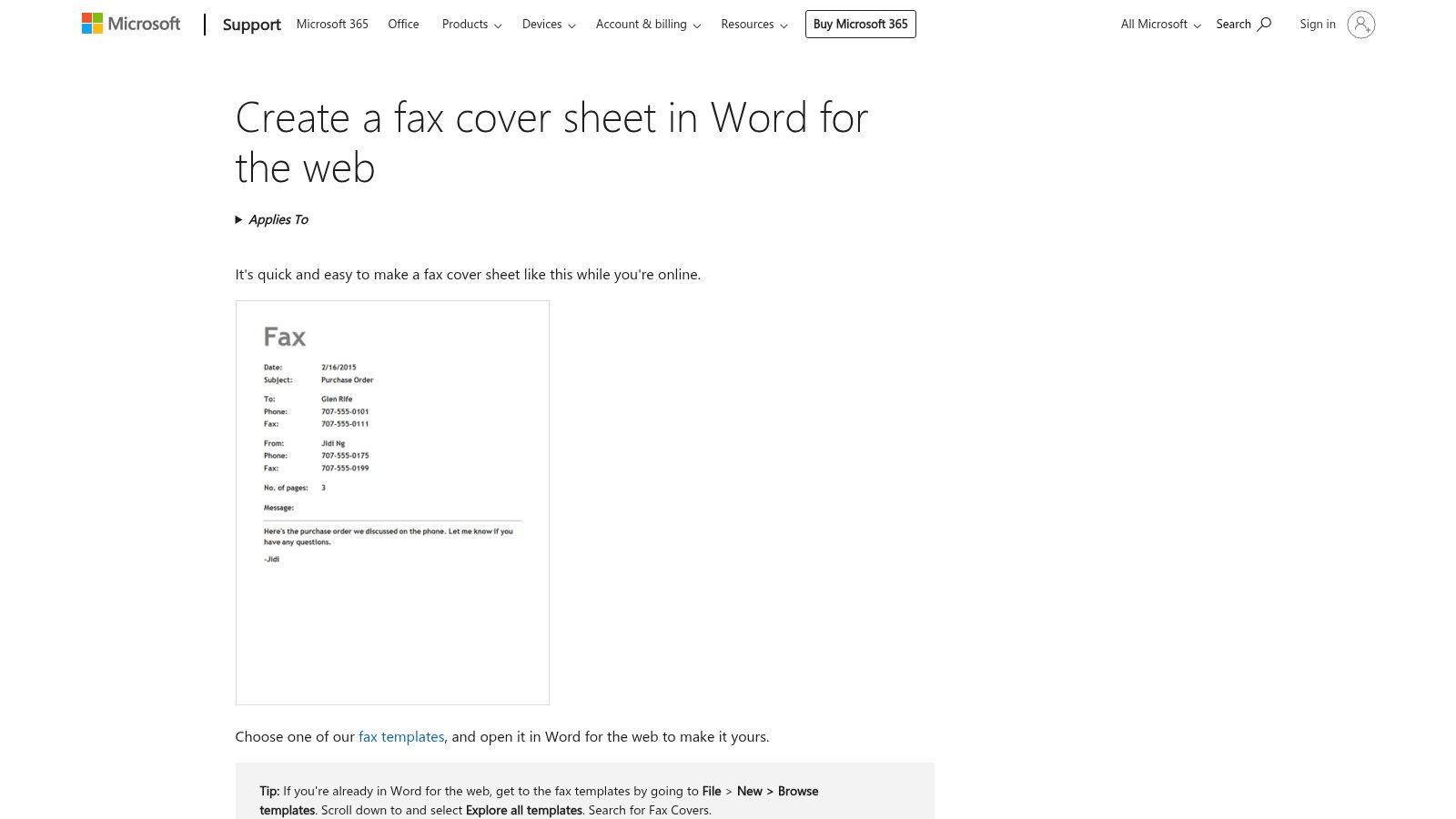
- Pros: Ideal when working on a shared or restricted computer, simple and guided process to find and use templates.
- Cons: Less variety than third-party template libraries, dependent on having a Microsoft account for some features.
- Website: https://support.microsoft.com/en-us/office/create-a-fax-cover-sheet-in-word-for-the-web-3f65bac2-5574-4838-b940-260282d7c451
7. Template.net
Template.net offers a massive library of fax cover sheet templates notable for its exceptional format flexibility. It caters to users who need a specific style or want a printable fax cover sheet that integrates seamlessly with their existing software, whether it's Microsoft Word, Google Docs, or Apple Pages. The platform features an extensive range of designs, from minimalist and professional to more modern and creative layouts, ensuring you can find something that aligns with your branding. What makes Template.net unique is its powerful on-site editor and AI tools, allowing for deep customization directly in your browser before downloading. You can easily modify fields, add logos, or even generate new design ideas. While a vast selection is free, some of the more premium or specialized templates require a subscription. The sheer number of options can also make browsing a bit time-consuming, but for those seeking variety and multi-format support, it’s an invaluable resource.
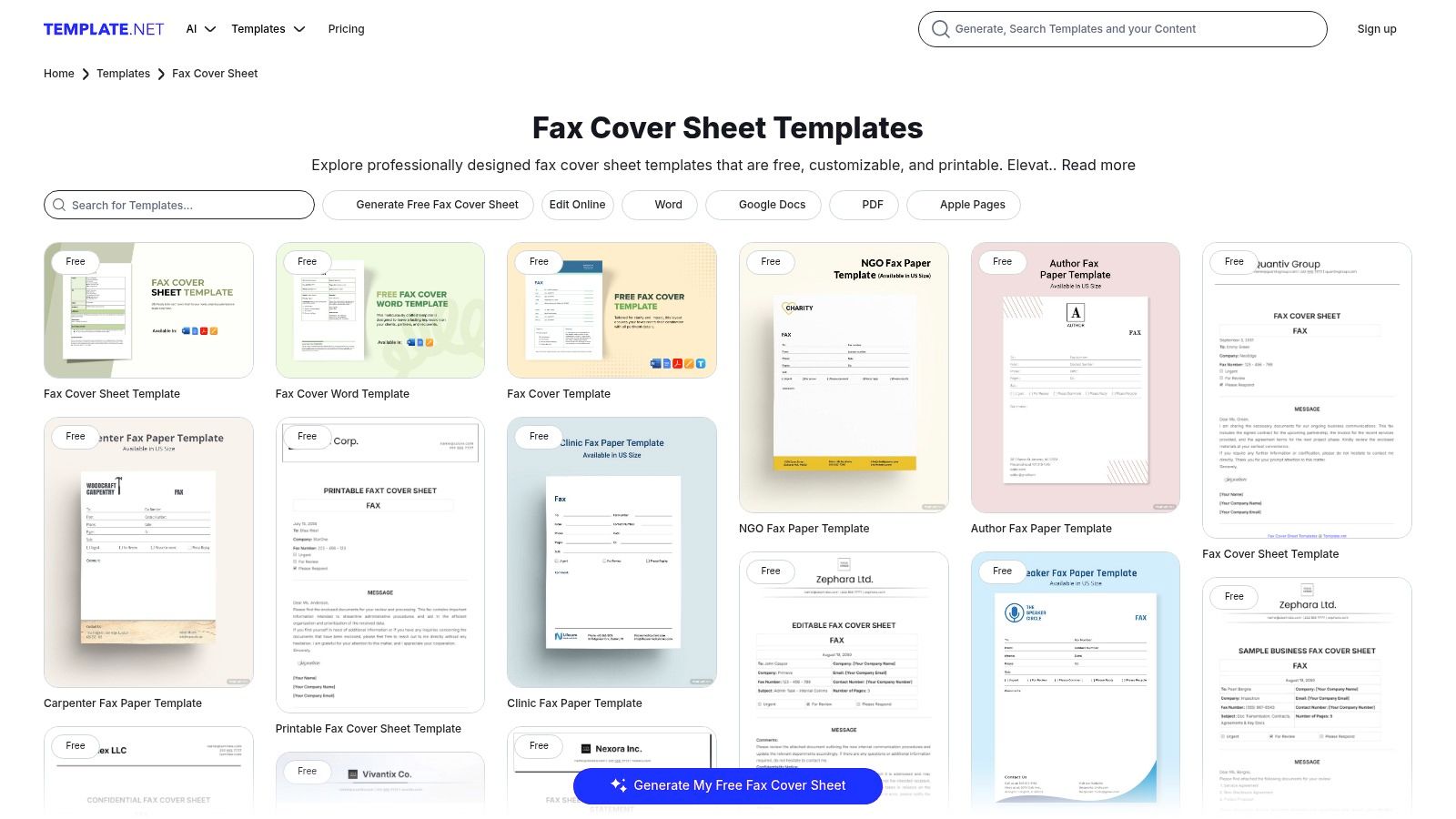
- Pros: Huge variety of styles, supports multiple formats (Word, Google Docs, PDF), on-site editor for direct customization.
- Cons: Some of the best templates require a paid subscription, and the large library can feel overwhelming to navigate.
- Website: https://www.template.net/fax-cover-sheet
8. Vertex42
Vertex42 is the go-to resource for minimalist, highly functional fax cover sheet templates. Instead of offering elaborate designs, its strength lies in providing clean, practical layouts optimized for clarity and business use. The templates are intentionally simple, leaving ample space for handwritten notes or quick edits, which is perfect for fast-paced office environments where efficiency is key. They provide a no-frills, professional starting point for any fax communication. What makes Vertex42 stand out is its exceptional file format versatility. Users can download each printable fax cover sheet as a Word document, an editable PDF, or even as a Google Sheets or Excel file. This range of options caters to virtually any workflow, whether you prefer editing in the cloud or using traditional desktop software. While the designs are basic, this focus on function over form is a significant advantage for users who just need a reliable template without any distracting graphics. The clear licensing terms for private use also add peace of mind.
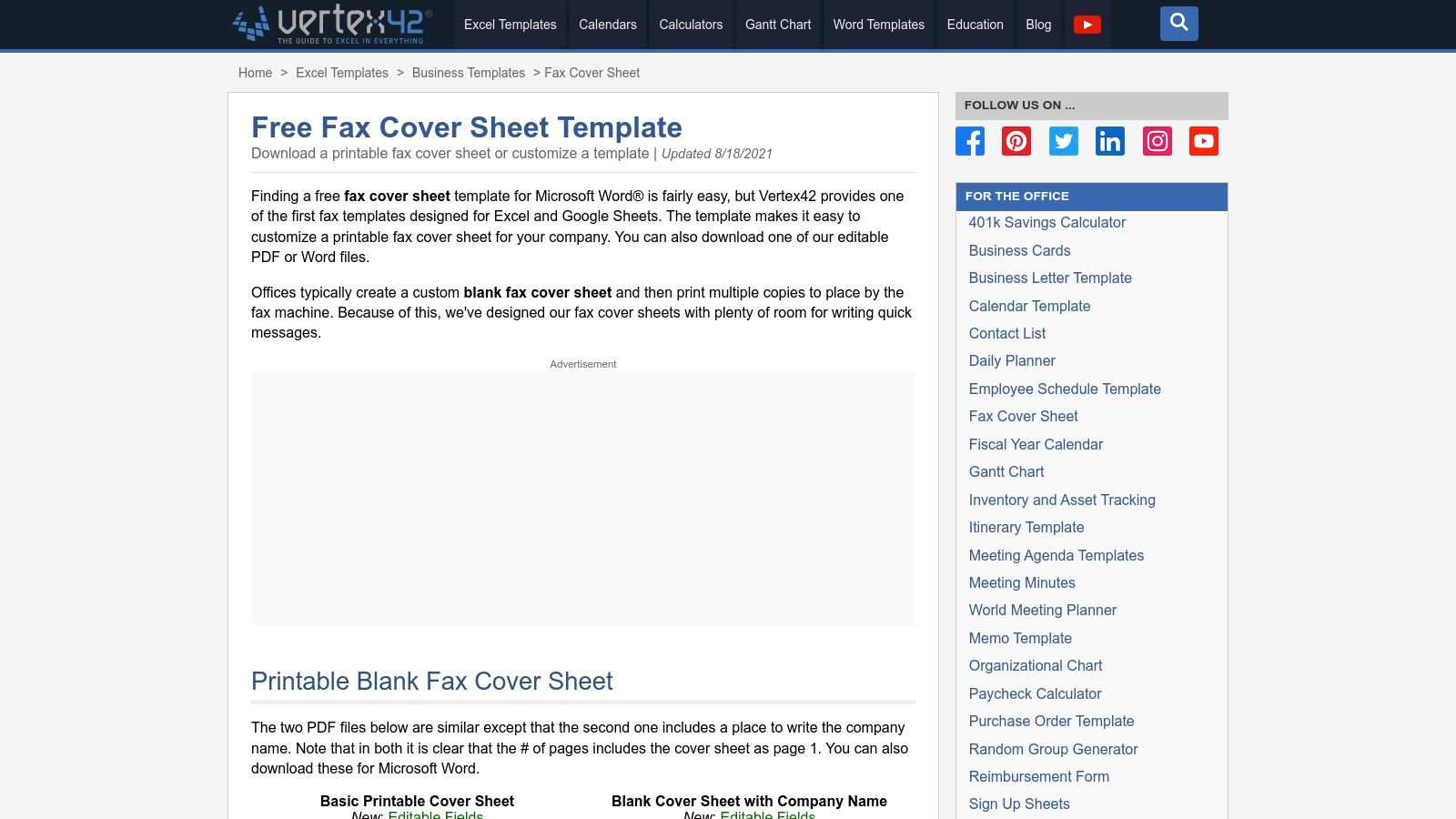
- Pros: Lightweight, print-friendly designs, available in multiple formats (Word, PDF, Excel, Google Sheets), clear licensing for private use.
- Cons: Limited design variety (practical rather than stylish), fewer decorative or branded options.
- Website: https://www.vertex42.com/ExcelTemplates/fax-cover-sheet.html
9. Adobe Acrobat (Document Cloud hub)
Adobe Acrobat offers a straightforward hub with a free downloadable fax cover sheet template, supported by practical guidance on what information to include. This approach is perfect for users already integrated into the Adobe ecosystem. The platform emphasizes best practices, providing a checklist of essential fields like sender, recipient, date, and subject, ensuring your communications are professional and complete. The primary offering is a single, clean PDF template that you can easily edit using the free Acrobat online tools or the desktop application before printing. This PDF-centric workflow is a major benefit for those who prefer Adobe's reliable document management. While it lacks the sheer volume of templates found on other sites, its focus on quality and usability makes it a solid choice. If you're exploring options beyond Adobe Acrobat for managing your fax cover sheet PDFs, consider these top Adobe PDF alternative tools for different features and pricing.
- Pros: Reliable brand and PDF-centered workflow, good best-practice guidance on fields to include.
- Cons: Smaller selection compared to dedicated template libraries, premium Acrobat editing features are paid.
- Website: https://www.adobe.com/acrobat/hub/fax-cover-sheet-template.html
10. FAX.PLUS
FAX.PLUS is an excellent resource for anyone in regulated industries who needs a compliance-minded printable fax cover sheet. The platform provides templates designed with security in mind, featuring pre-written disclaimers and fields that align with best practices for handling sensitive information. This makes it particularly valuable for clinics, law offices, and financial firms that need to ensure their communications are professional and secure from the very first page. The templates are available as both print-ready PDFs for immediate use and editable DOC files for customization in Microsoft Word. This dual-format approach provides great flexibility, allowing you to add specific office details or modify the disclaimer text. While the templates are free, FAX.PLUS is a comprehensive online fax service, and the website naturally encourages users to sign up for its platform. For those who want to transition from traditional faxing to a more modern workflow, you can explore how to send a fax from email to understand the benefits of such services.
- Pros: Practical for clinics and practices needing security-focused language, up-to-date compliance framing.
- Cons: Narrower scope with an emphasis on specific use cases, site content frequently nudges toward account signup.
- Website: https://www.fax.plus/fax-cover-sheet-templates/hipaa-fax-cover-sheet
11. Fax.Live
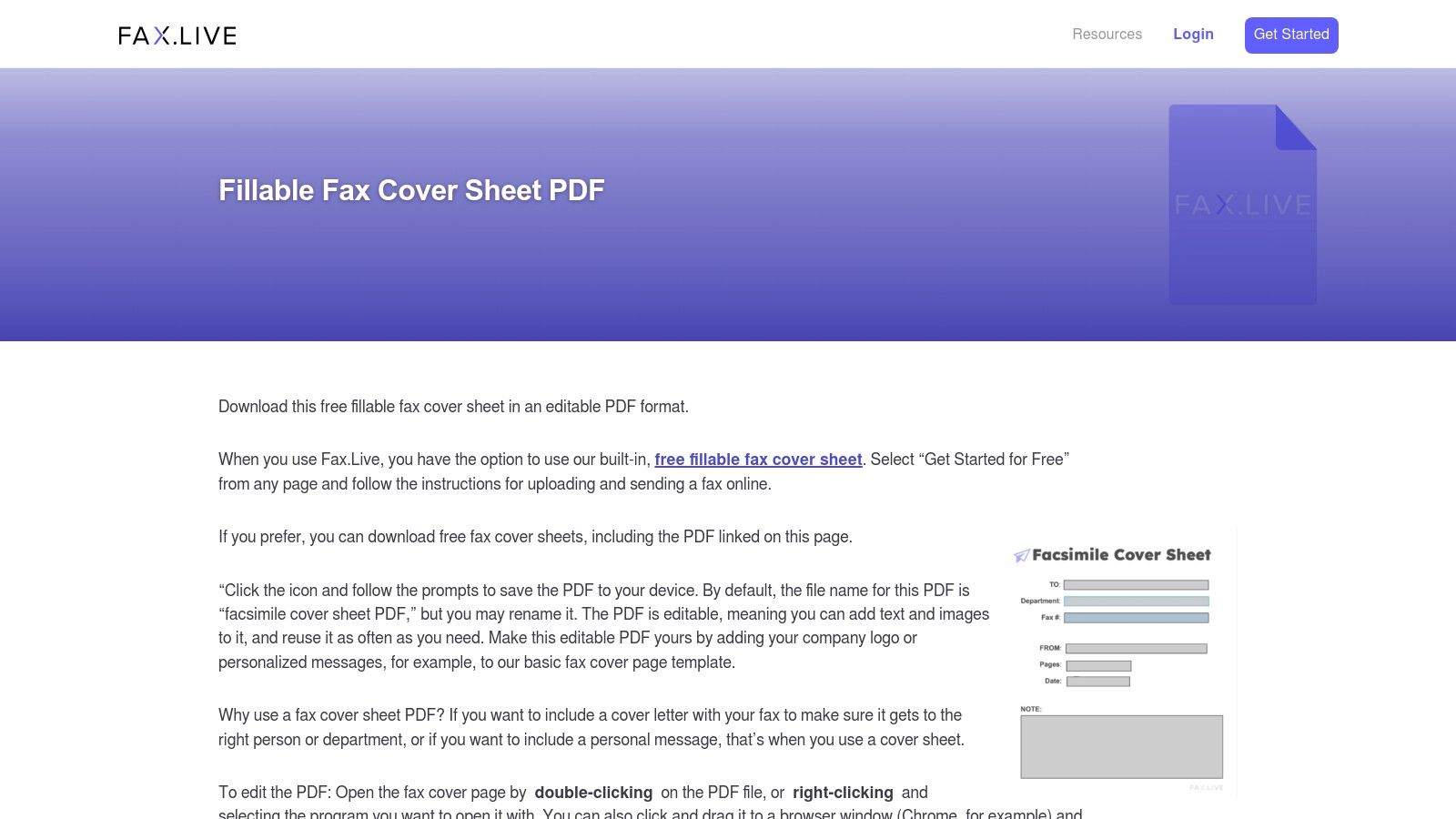
Fax.Live focuses on simplicity, offering a single, effective fillable PDF fax cover sheet that users can quickly download and complete on their computer. Its corporate-neutral design makes it a versatile option suitable for a wide range of professional contexts. The key feature is its fillable format, allowing you to type directly into the fields for sender, recipient, and notes, ensuring a clean and legible final document before printing. This approach is perfect for those who need a professional-looking printable fax cover sheet without the hassle of downloading software or creating an account. The PDF format ensures that the layout remains consistent across all devices and printers. While the template itself is free to download and use, the website prominently features its low-cost web faxing service as an optional next step, positioning itself as a complete solution for those who might prefer to send their fax online after preparing the cover page.
- Pros: No account required to download the template, works well for quick, typed cover pages.
- Cons: Minimal template variety, the site encourages use of its online faxing service.
- Website: https://fax.live/resources/templates/cover-sheet-pdf/
12. Etsy
For those seeking a more modern or branded aesthetic, Etsy is an unconventional but excellent source for unique fax cover sheets. The platform hosts thousands of independent designers who sell instantly downloadable and editable templates for a very low cost. Unlike corporate-focused sites, Etsy provides creative, stylish, and niche designs that are perfect for small businesses, freelancers, or individuals who want their communications to have a distinct personality. You can find everything from minimalist layouts to colorful, industry-specific designs. After a small one-time payment, you typically receive an instant digital download. Most sellers provide files in multiple formats like PDF, Microsoft Word, or even Canva links, giving you full control over customization. This makes it simple to add your logo, change color schemes, or adjust fields to perfectly match your brand's identity. While Etsy doesn't offer any faxing services, it's a fantastic marketplace for acquiring a high-quality, printable fax cover sheet that stands out from the standard free options.
- Pros: Very low cost per template (often $2–$5), unique and modern designs beyond basic corporate looks.
- Cons: Quality and formats vary by seller, no built-in faxing functionality; templates are standalone.
- Website: https://www.etsy.com
Comparison of Printable Fax Cover Sheet Resources
| Source | Core Features | Best For | Formats |
|---|---|---|---|
| eFax | Large library, professional designs | Businesses needing variety | PDF, DOC |
| MyFax | Clean templates, clear instructions | Infrequent or first-time faxers | DOC, PDF |
| iFax | Modern designs, well-categorized | Mobile users, various industries | DOC, PDF |
| FaxBurner | Simple, multi-format templates | Mac users and mobile professionals | PDF, DOC, Pages |
| Microsoft Create | High-quality, brandable templates | Corporate users in the MS ecosystem | Word |
| Microsoft Word hub | Browser-based editing, no installs | Users on restricted computers | Word for web |
| Template.net | Massive library, online editor | Users needing high customization | Word, PDF, Google Docs |
| Vertex42 | Minimalist, highly functional layouts | Efficiency-focused offices | Word, PDF, Excel, Sheets |
| Adobe Acrobat | PDF-centric, best practice guides | Users in the Adobe ecosystem | |
| FAX.PLUS | Security-focused with disclaimers | Regulated industries (legal, finance) | PDF, DOC |
| Fax.Live | Simple, fillable PDF template | Quick, one-off professional needs | |
| Etsy | Unique, designer-made templates | Small businesses seeking a branded look | PDF, Word, Canva |
Frequently Asked Questions (FAQ)
What is the purpose of a fax cover sheet?
A printable fax cover sheet serves as the introductory page of a fax transmission. Its main purpose is to provide the recipient with essential information at a glance, including who the fax is from, who it is for, the total number of pages, and a brief subject line. This ensures the document is routed to the correct person and provides context for the pages that follow.
What information must be included on a fax cover sheet?
A standard fax cover sheet should always include:
- Sender Information: Your name, company, phone number, and fax number.
- Recipient Information: The recipient's name, company, phone number, and fax number.
- Date of Transmission: The date the fax is being sent.
- Total Number of Pages: Including the cover sheet itself.
- Subject Line or "RE:": A brief description of the fax's content. A section for comments or notes is also highly recommended.
Are fax cover sheets still necessary?
While not always mandatory, using a fax cover sheet is a professional best practice. In a busy office, it prevents your document from being lost or misdirected. For sensitive or confidential information, it adds a layer of privacy and can include important disclaimers. It helps create a clear record of communication and conveys professionalism.
Can I create my own printable fax cover sheet?
Absolutely. You can easily create a custom printable fax cover sheet using software like Microsoft Word or Google Docs. Start with a blank document, add your company logo, and create fields for all the essential information listed above. Save it as a template so you can reuse it for all future faxes, saving time and ensuring consistency.
Is a printable fax cover sheet the same as a fax cover letter?
They are similar but serve slightly different purposes. A printable fax cover sheet is a standardized form focused on routing information (To, From, Pages, Subject). A fax cover letter, on the other hand, is a more detailed, personalized letter that often precedes a formal document like a resume or proposal, providing more context and a formal introduction.


