
How to Fax a Document from a Computer The Modern Way
Table of Contents
Sending a fax from your computer is a modern solution to a classic business need, and it’s surprisingly straightforward. While options like dedicated software with a modem or built-in tools like Windows Fax and Scan still exist, for most people, an online fax service is the fastest and most efficient way to get it done. You simply upload your document and send it over the internet—no bulky hardware or dedicated phone line required.
Ready To Fax?
Start sending faxes online in seconds with FaxZen - No account required
Send Fax Now 🚀Ready to send a fax in minutes without a machine? Discover how easy it is with FaxZen.
Why Digital Faxing Is the New Standard
Sending a fax might feel like a throwback, but in many industries, it remains a gold standard for official communications. For sensitive documents in the legal, business, and real estate worlds, the direct, point-to-point security of faxing is a trusted protocol. The great news is that you no longer need a cumbersome machine and a dedicated phone line to leverage this technology. Learning how to fax a document from a computer is about merging that old-school reliability with the speed and convenience of modern digital tools.
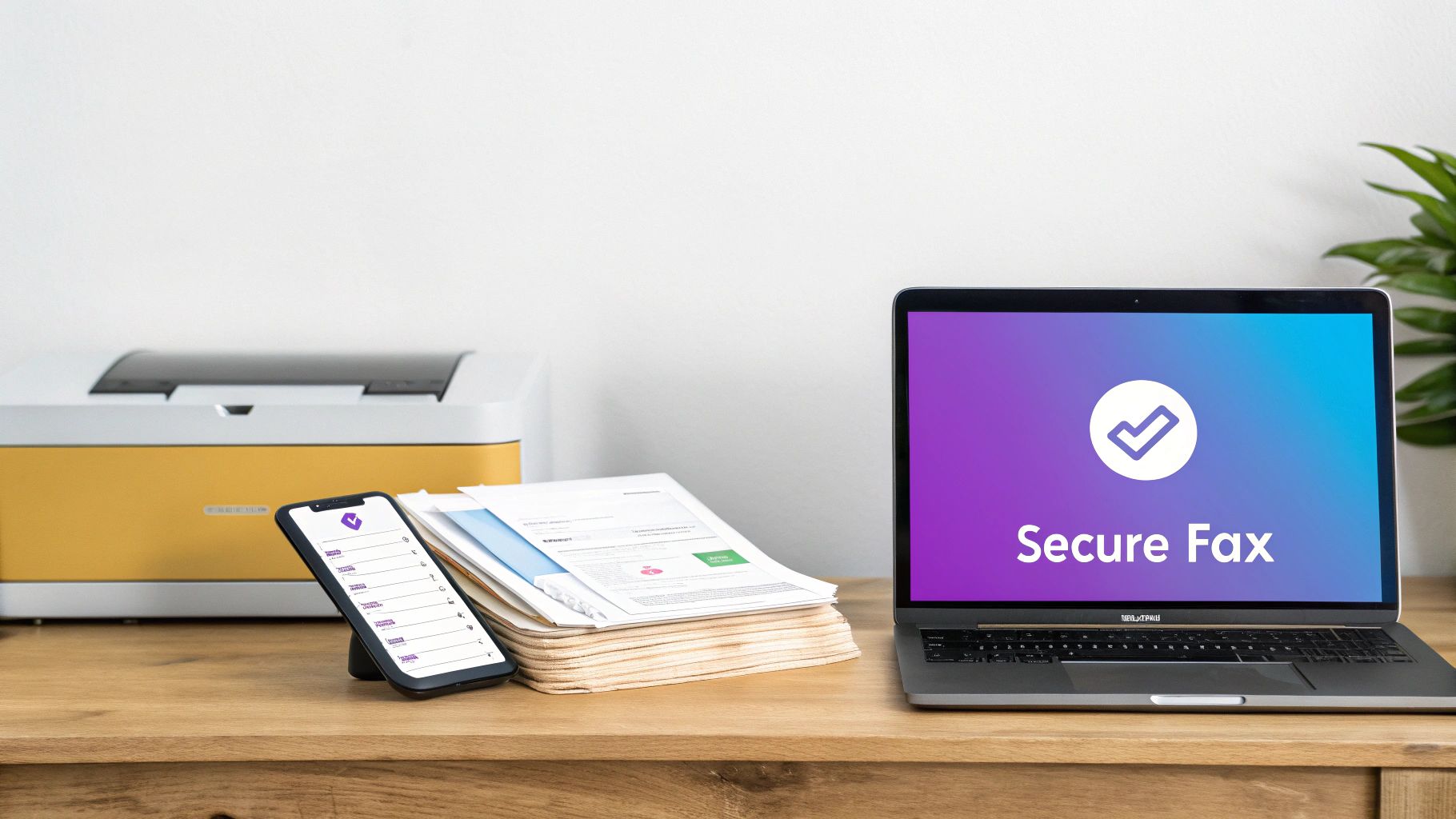
Think of an online fax service as a digital bridge connecting your computer to any standard fax machine on the planet. You upload a document—a PDF, an image, or a text file—and the service converts it into a fax signal. It then sends that signal over the telephone network. On the other end, the recipient’s machine receives it just like any other fax, having no idea it came from your laptop. This process unlocks some powerful benefits, including instant confirmation receipts, enhanced security through encryption, and digital organization of all your sent and received faxes. By going digital, you turn faxing from a clunky chore into a streamlined, secure part of your workflow. For a deeper look, our guide on cloud faxing solutions explains how this technology integrates with other business tools.
Using an Online Fax Service for Instant Results
When you need to fax a document from your computer, an online fax service is the most direct path. This approach completely bypasses the need for special hardware, a dedicated phone line, or complex software. Everything happens right in your web browser, transforming a once-annoying task into something as easy as sending an email. This isn't just a niche convenience anymore; it's how modern business gets done. The global fax services market is a testament to this shift, with the fax market's projected expansion driven almost entirely by the flexibility of online solutions.
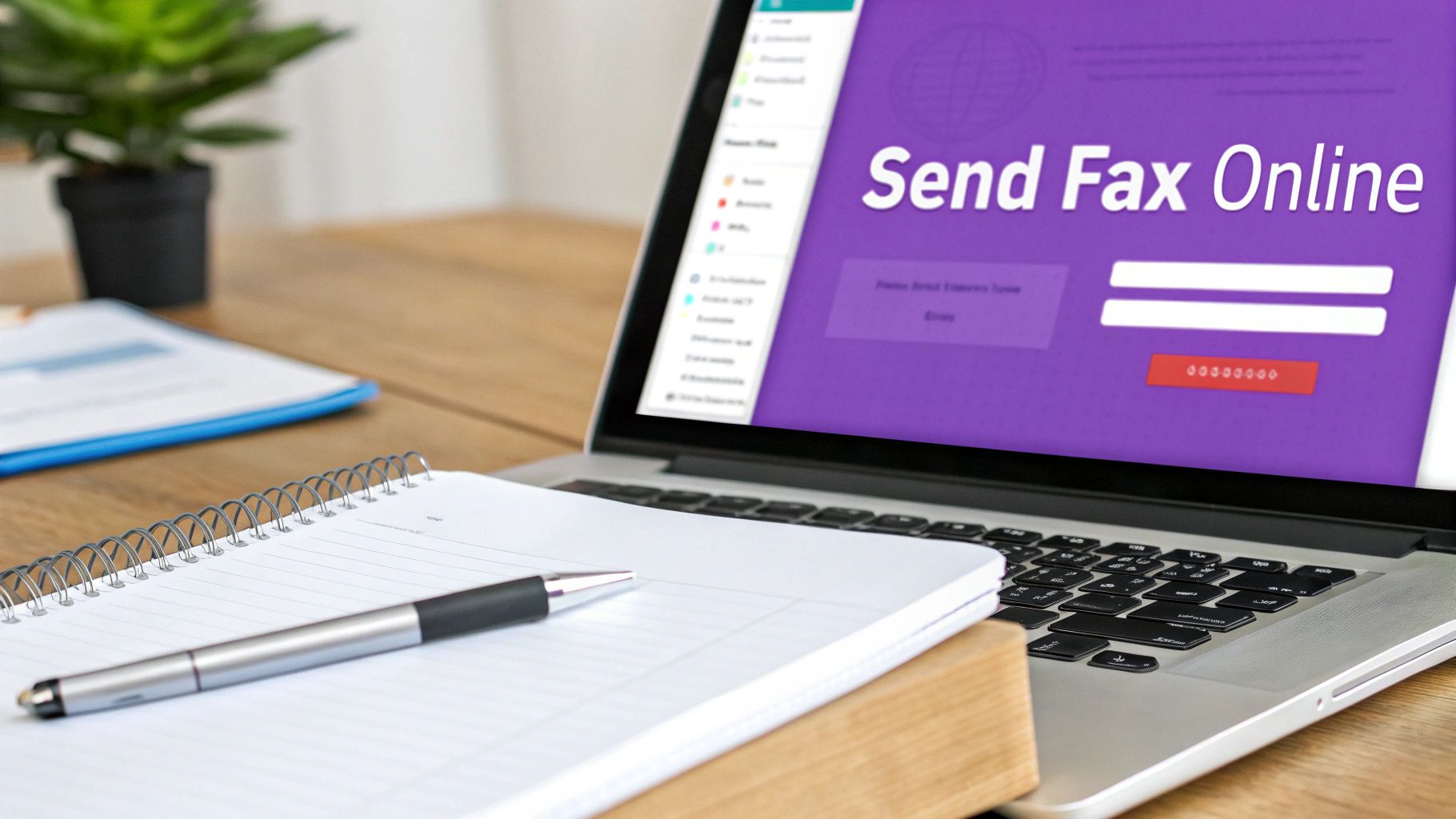
Getting started is refreshingly simple. First, you upload your document directly to the service's website. Most platforms, including FaxZen, are built to handle a wide variety of common file types, so you won’t have to waste time with tricky conversions.
| Common File Types | Status |
|---|---|
| PDF (.pdf) | Highly Recommended for consistent formatting. |
| Microsoft Word (.docx) | Supported |
| Image Files (.jpg, .png) | Supported |
| Text Files (.txt) | Supported |
After your file is uploaded, you just need to enter the recipient's fax number and any information for the cover page, such as your name and a subject line. A professional cover sheet is a must for business communication, and online services make creating one a breeze. Modern platforms also offer advanced features like scheduling faxes for a specific time or receiving real-time status updates. The most critical feature is the confirmation process. Once delivered, you receive an email confirmation that acts as an undisputed record of transmission. This digital paper trail is invaluable for anyone who values efficiency and verifiable communication. If you want a deeper dive, see our guide on how to send an eFax.
Preparing Documents for a Flawless Fax
The quality of the fax your recipient sees comes down to one thing: how you prepare the digital file. A poorly formatted document can arrive blurry and unreadable, leading to frustrating delays. The goal is to ensure every contract, invoice, or record you send arrives looking just as crisp as it does on your screen. Fax machines are old-school tech; they think in high-contrast black and white and struggle with color or shades of gray. Before sending, ensure all text is pure black on a clean white background.
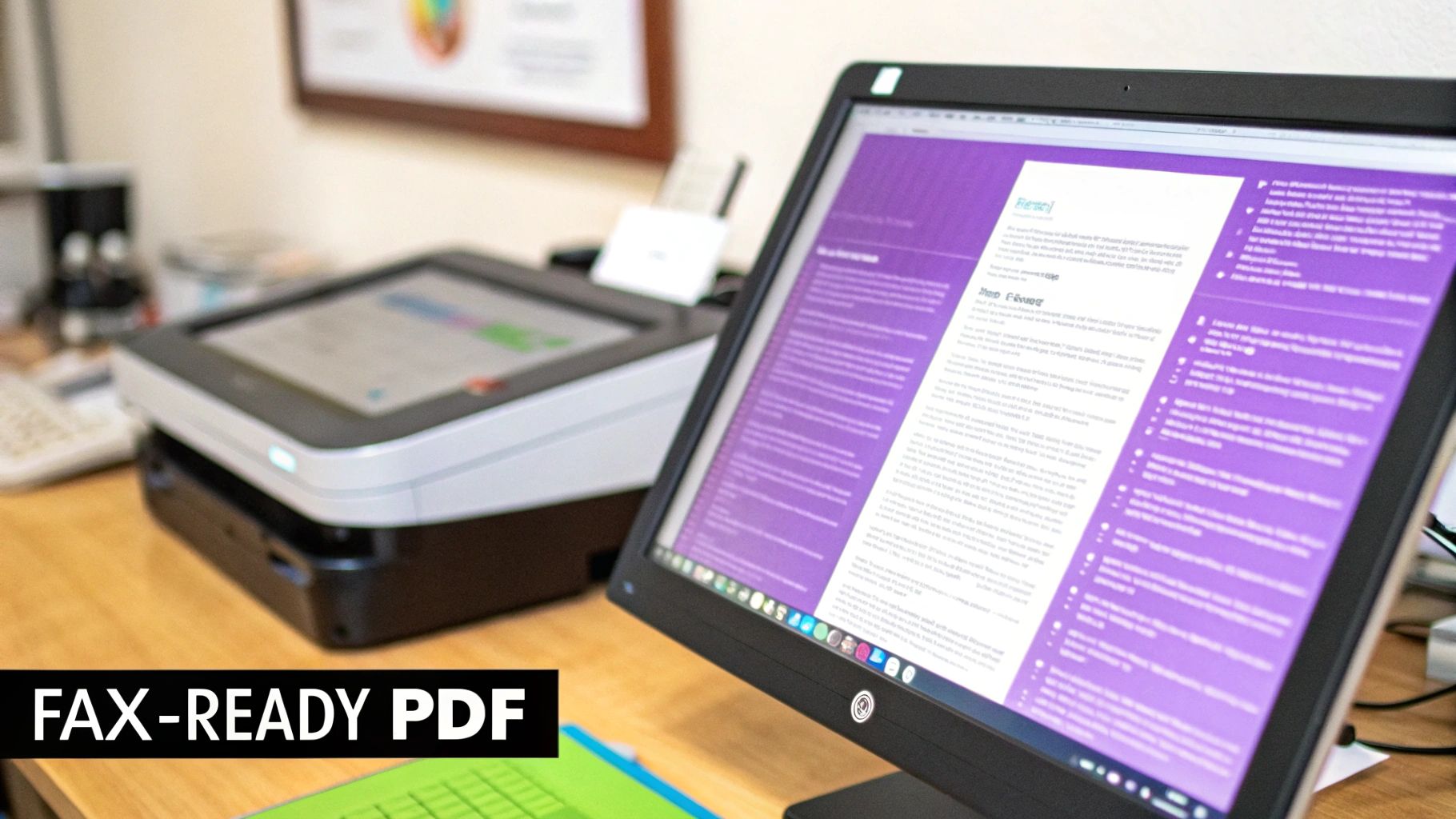
While online fax services can handle many file types, PDF is the undisputed champion. Saving your document as a PDF locks in all formatting—fonts, margins, and spacing—so it looks exactly the same on any device. This prevents the common problem where a document's layout goes haywire during conversion. If you're starting with a physical piece of paper, the scanning process is critical. When preparing documents for digital faxing, choosing the right scanner is a crucial first step. The single most important setting is the resolution, measured in dots per inch (DPI). For faxing, 300 DPI is the non-negotiable minimum to keep text sharp. Also, set the scanner to "Black & White" or "Monochrome" mode for high-contrast output and smaller file sizes. For more detail, read our guide on how to fax from a scanner.
Pro Tip: A clean, properly formatted file is the bedrock of a successful digital fax. Taking a few extra moments to prep your files correctly will save you from the headache of failed faxes or follow-up calls about unreadable documents.
Comparing Your Computer Faxing Options
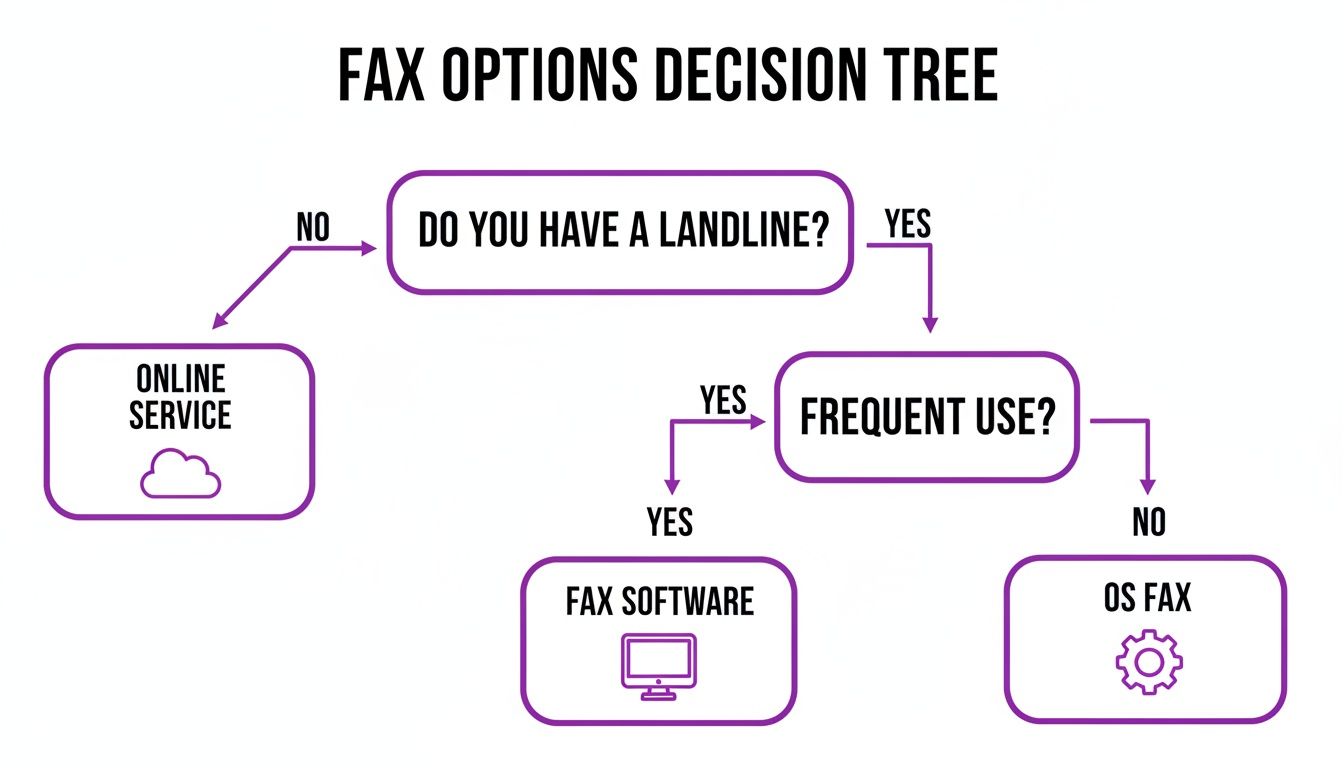
When you need to send a fax from your computer, you have a few ways to tackle it. Picking the right one comes down to your specific needs. While online fax services offer the best all-around solution for most people today, it’s worth understanding the whole picture. Your main choices boil down to modern web-based services, old-school fax software, and the native tools already built into your operating system. For a hassle-free experience, you can visit FaxZen.com to get started right away.
The market trends clearly favor modern solutions. The demand for cloud platforms that ditch physical machines while adding critical security features is driving the industry's growth, as detailed in reports about the future of business faxing. Let’s compare the methods.
- Online Fax Services: This is the easiest and most popular method. They run entirely through your web browser, requiring no hardware or phone line. You just upload your file, enter the fax number, and click send. This model is perfect for everyone, from occasional users to businesses sending documents daily.
- Dedicated Fax Software: For those with a landline and a computer with a fax modem, this is still a viable option. It involves installing a program that turns your PC into a fax machine. However, this method is becoming a relic as it demands specific hardware that most modern computers lack.
- Built-in Operating System Tools: Systems like Windows include tools such as Windows Fax and Scan. This option is "free" with the OS but has the same hardware requirements as dedicated software: a fax modem and a landline. The interface is often clunky and lacks the advanced features of online services. For a detailed breakdown, check out our online fax services comparison.
| Method | Typical Cost | Ease of Use | Hardware Needed | Best For |
|---|---|---|---|---|
| Online Fax Service | Pay-per-fax or subscription | Very Easy | None | Occasional to frequent users and remote work |
| Dedicated Fax Software | One-time software purchase | Moderate | Fax modem and landline | Users with an existing landline |
| Built-in OS Faxing | Free with OS | Moderate to Difficult | Fax modem and landline | Infrequent users with existing hardware |
For a modern approach that works every time, an online service is almost always the right call.
Troubleshooting Common Digital Faxing Glitches
Even the most dependable tech can have its off days. When you're learning how to fax a document from a computer, running into a glitch can be frustrating. However, most issues are simple to resolve. A "transmission failed" message, for instance, is often caused by a typo in the fax number, a busy signal on the recipient's end, or their machine being turned off. A good online service with an automatic retry feature can handle busy signals for you.
Sometimes the problem lies with the file itself. If you encounter an error during upload, it's usually a format or size issue. Converting your document to a PDF is the best practice, as it ensures compatibility and preserves formatting. Also, keep file sizes manageable, ideally under 20MB. If you send a fax but the confirmation email never arrives, check your spam folder first. If it's not there, a quality online fax service will have a dashboard where you can see the live status of your transmission. For those who send faxes from their email client, our guide on how to fax from Outlook offers specific troubleshooting tips.
Remember: A failed transmission isn't a dead end. It's usually a minor snag you can fix in a minute or two by methodically checking the number, the recipient's line, and your file preparation.
Frequently Asked Questions
Is it secure to send a fax from a computer?
Yes, it's often more secure than using a traditional fax machine. Reputable online fax services use strong SSL encryption to protect your documents during transit. Unlike a physical fax that might sit on a machine in the open, a digital fax is sent through a protected channel directly to the recipient.
Can I also receive faxes on my computer?
Absolutely. Most online services provide you with a dedicated virtual fax number. When someone sends a fax to that number, it's converted into a PDF and delivered to your email inbox, allowing you to view, download, and store it digitally.
Do I need a phone line to fax from my computer?
No, not when using an online fax service. These platforms operate over the internet, handling all connections to the traditional phone network for you. This saves you the cost and hassle of maintaining a separate landline.
What is the best file format for faxing?
PDF is the highly recommended file format for faxing. It locks in your document's formatting, ensuring that fonts, margins, and images appear exactly as you intended on the recipient's end.
How do I send an international fax?
With an online service, sending an international fax is simple. You just need to format the number correctly by entering the country code, followed by the area code and the local number. The service handles the complex dialing protocols automatically.
Related Articles
- How to Fax from a Scanner for Crystal-Clear Documents
- A Complete Guide to Sending a Secure eFax
- Cloud Faxing Solutions: A Modern Approach to Business Communication
Ready to experience the simplest way to send a fax from any device? Visit FaxZen and send your first document securely in just minutes.


