
Fax from Scanner: The Definitive Guide to Faxing Without a Machine
Table of Contents
Sending a fax from a scanner sounds a bit old-school, but it's actually the modern, secure way to send physical documents without a clunky fax machine. The process is simple: you turn your paper document into a digital file with a scanner, then send it through an online fax service. It's the perfect blend of traditional fax security and today's digital convenience.
Ready To Fax?
Start sending faxes online in seconds with FaxZen - No account required
Send Fax Now 🚀Ready to give it a try? FaxZen lets you send your scanned documents securely online in minutes, with no account needed. Send your first fax now.
Bridging The Gap From Paper To Digital Fax
Let's be honest, the world has moved on from the screeching sound of a fax machine tied to a dedicated phone line. Today, the whole process is smarter and starts with a device you probably already have on your desk: a scanner. This simple workflow takes your physical paperwork—think signed contracts, critical invoices, or official forms—and converts them into digital files. It’s that crucial first step that connects the physical and digital worlds, making secure communication possible from pretty much anywhere.
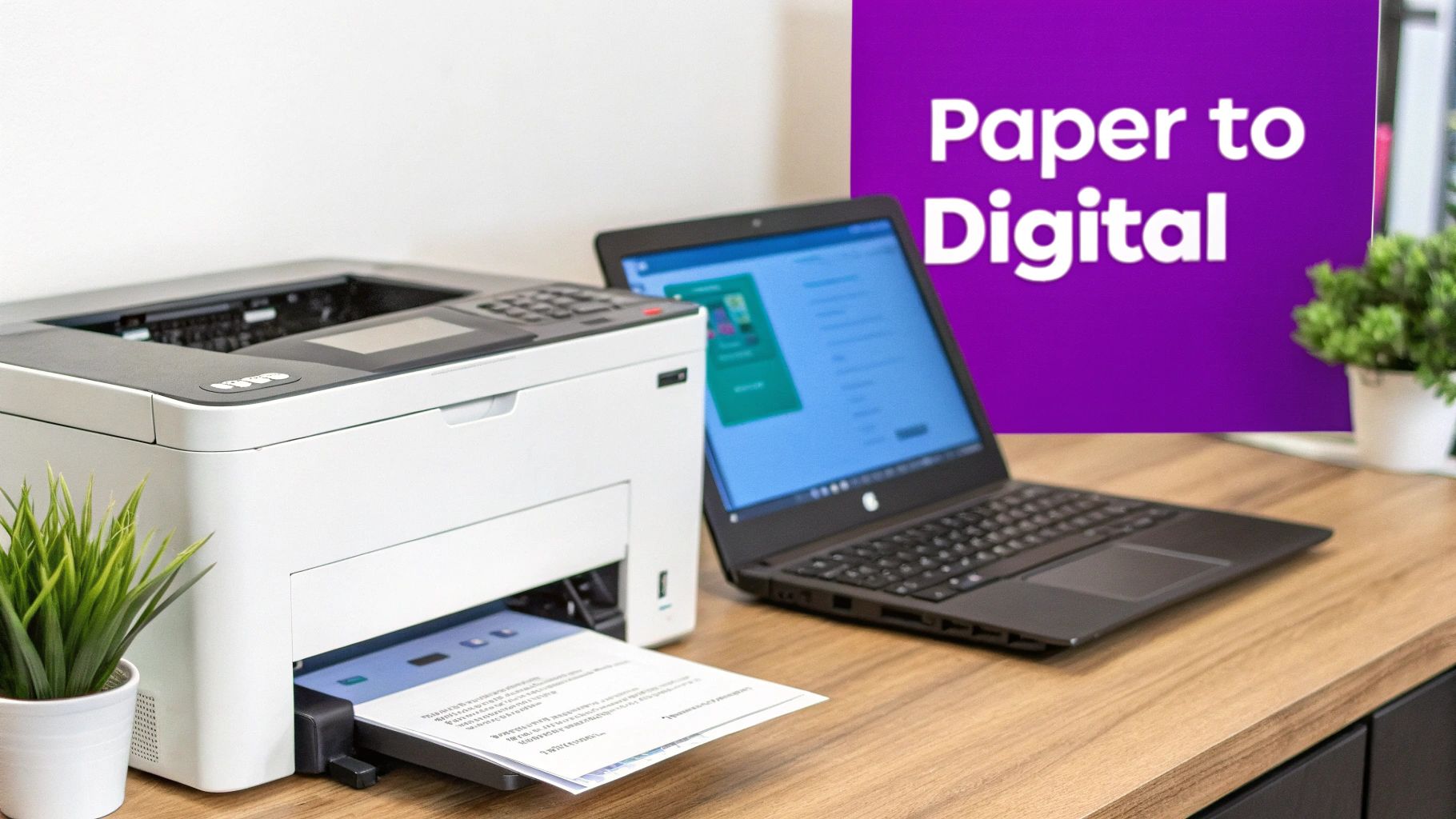
Once you have that digital file, an online fax service like FaxZen takes over. Think of it as your digital post office. Instead of using analog phone lines, these services take your scanned file and transmit it over the internet directly to the recipient's traditional fax machine. The entire process is seamless. This is a game-changer for professionals who need the legal weight of a fax but want a modern, efficient workflow. The benefits are clear: no extra hardware, the ability to work from anywhere, and significant cost savings on phone lines, ink, and paper.
Pro Tip: The need to fax from a scanner is surprisingly widespread. Lawyers send time-sensitive court filings, and real estate agents transmit signed contracts. This digital trail is far more reliable and easier to track. If you're curious about how this digital-to-analog connection works, understanding the basics of what a fax number is can shed some light on the technology.
How to Scan Documents for Flawless Faxing
A successful fax doesn't start when you hit "send"—it begins the moment you place your document on the scanner. The quality of your scan directly impacts what the person on the other end sees. A blurry, crooked, or poorly lit file can turn into a completely unreadable mess, wasting everyone's time. Getting this first step right ensures your document arrives looking crisp and professional every single time. This focus on quality is a big reason why modern businesses are pairing scanners with online faxing.
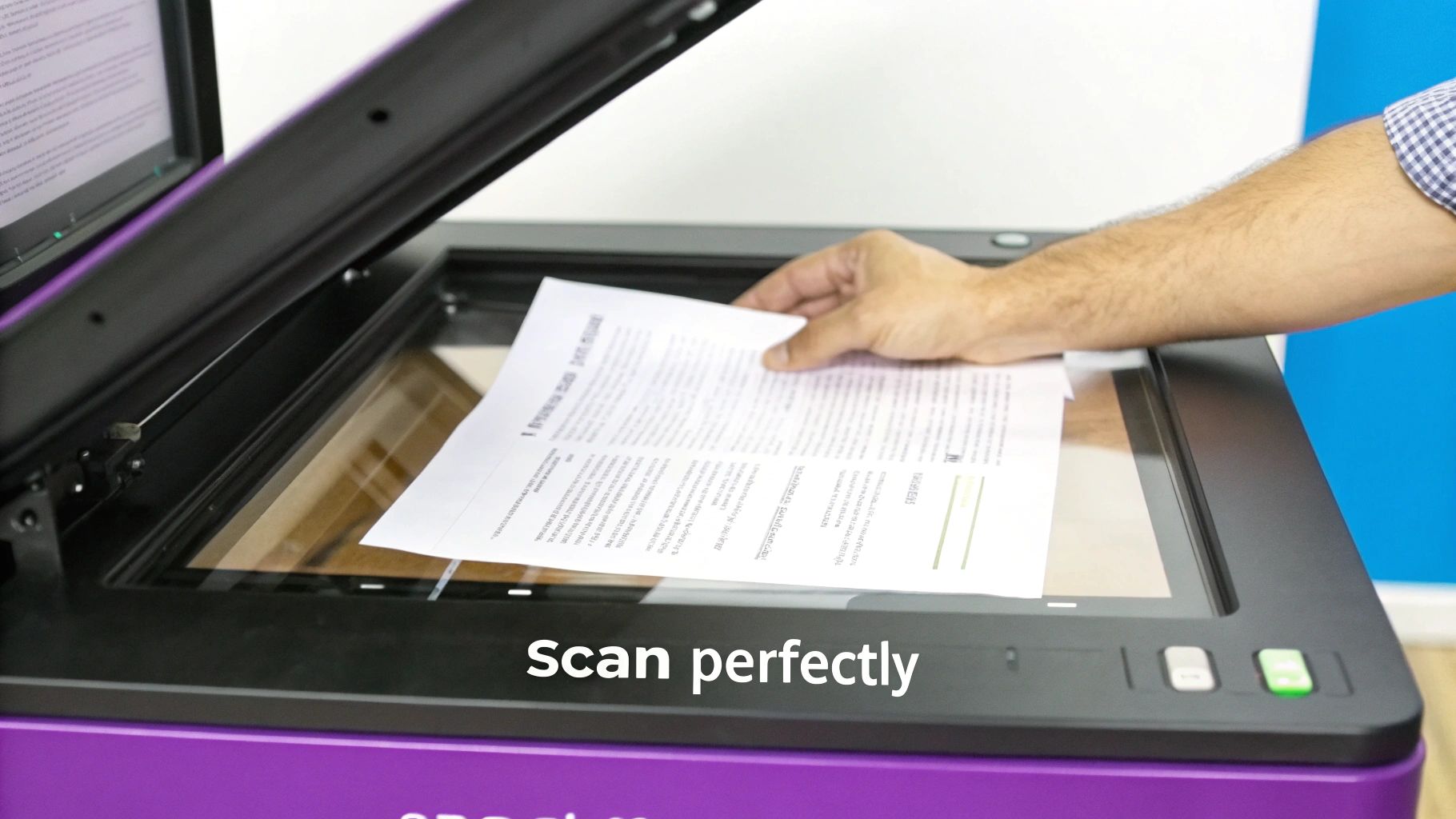
Before you press the scan button, check your settings. For faxing, you don't need museum-quality resolution. The sweet spot is 200 to 300 DPI (dots per inch), which captures text clearly while keeping the file size small. Also, scan in black and white (monochrome), as fax machines only print this way. Once your scan is complete, save it as a PDF (Portable Document Format). PDFs are the universal standard, lock in your formatting, and handle multiple pages gracefully. While you might be able to send image files like JPG, they often cause headaches. Stick with PDF for a smooth ride. If you need a more detailed walkthrough, check out our guide on how to fax and scan on Windows.
A few simple mistakes can completely ruin your attempt to fax from a scanner. Knowing them is half the battle.
| Mistake to Avoid | Why It's a Problem | How to Fix It |
|---|---|---|
| Scanning at a Very High Resolution | Creates massive files that can fail to upload or take forever to transmit. | Stick to the 200-300 DPI gold standard. It's the perfect balance of clarity and file size. |
| Saving in the Wrong Format | Using image formats like JPG can cause compatibility issues or render text poorly. | Always save your scan as a single, multi-page PDF. It's the most reliable option, period. |
| Poor Page Alignment or Lighting | Skewed text, dark shadows, and low contrast make the fax difficult or impossible to read. | Align the paper carefully. If using a phone app, make sure you have good, even lighting. |
After scanning, it's always a good idea to ensure the file is properly sized; this guide on optimizing image quality with an image resizer offers practical tips for getting it just right before you send.
Choosing The Right Digital Fax Method
Once you've got a perfectly scanned document, the next big question is how to actually send it. You’ve got a few different ways to fax from a scanner, and each comes with its own set of quirks and benefits. Picking the right one is what separates a smooth, effortless workflow from a process that feels like a constant headache. Let’s be honest, the right method makes faxing feel like sending an email. The wrong one can make you miss the clunky old fax machine.
Online fax services have become the default choice for most people. Platforms like FaxZen are built to make sending a scanned document ridiculously simple. You just upload your file, enter the recipient’s fax number, add an optional cover page, and hit send. It’s an intuitive workflow that completely cuts out the need for any hardware. These services also bring a level of power and flexibility older methods can't touch, offering useful features like delivery confirmations, scheduling, and easy international faxing. This blend of simplicity and power is why the cloud fax industry was valued at a huge $823.36 million in 2023 and is expected to rocket to $2,434.28 million by 2032. You can discover more about these market trends and their drivers.
To make the right call, it helps to see how the main options stack up. For a deeper dive into the top platforms out there, check out our guide to the best online faxing service.
A Walkthrough of Sending Your Scanned Fax
So you've got your perfectly scanned document ready to go. Now what? Moving from a digital file on your computer to a successfully delivered fax can feel like a black box, but modern online fax services have made it incredibly simple. It's really no more complicated than sending an email. Let's walk through a common, real-world scenario to show you exactly how it works, from start to finish.
Ready to send your scanned document right now? FaxZen offers a secure, simple way to send faxes online in just a few clicks, with no account required. Get started with FaxZen.
Picture this: you're a freelance consultant, and you've just landed a new client. They've asked you to sign the contract and fax it back. You've scanned the signed pages and saved them as a single PDF. Your first move is to head over to an online fax platform. You’ll start by uploading your document via a "Select File" button or a drag-and-drop area. The process is protected by 256-bit SSL encryption, keeping your contract details secure. With your document uploaded, you’ll enter the recipient's fax number and add an optional professional cover page right on the website.
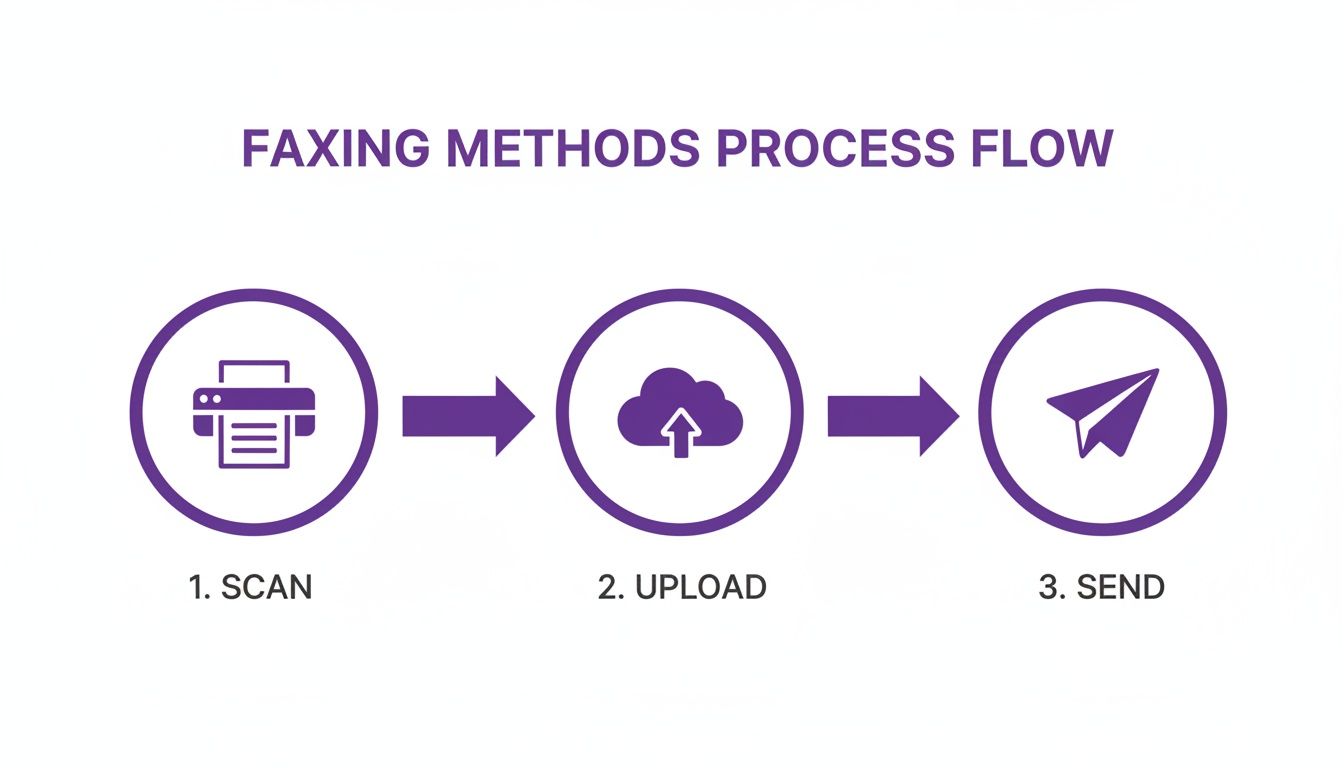
Before hitting send, you get a chance to review everything. Once confirmed, you move to payment, handled by trusted processors. After that, you just click "Send Fax." The platform takes it from there, converting your PDF and managing the transmission. No more listening for a busy signal. Within moments, a confirmation email with a full transmission report will land in your inbox, giving you proof of delivery. For those who live in their inbox, it’s also worth checking out how to send a fax via email, which uses a similar digital-first approach.
Confirming Delivery and Troubleshooting
After you've scanned your document and hit send, the job isn't quite over. The last, and arguably most important, step is making sure your fax actually arrived. This is what turns a hopeful send into a verified, documented action, giving you the peace of mind that your critical information is in the right hands.
Ready to send your scanned documents with total confidence and trackable delivery? Try FaxZen today and see how modern, reliable faxing works.

Modern online fax services offer something old-school machines rarely could: a detailed delivery confirmation report. This isn't just a simple "sent" notification; it's your official proof of transmission, usually sent straight to your email. It includes a success or failure status, a precise timestamp, total pages sent, and the recipient's fax number. For anyone sending legally binding documents, this report is non-negotiable as it creates a critical audit trail. Discover more insights about the U.S. faxing market.
Sometimes, things don’t connect on the first try. Knowing what common error messages mean is the first step to fixing them. The good news is that most professional services are built to handle these hiccups with automatic retry features, which dramatically increase the chance of success without you having to do anything at all. For a deeper dive into how this all works, check out our guide on how to send an online fax.
Your Questions Answered: Faxing Scanned Documents
Moving from a clunky physical fax machine to a digital setup can bring up a few questions. Getting the details right makes the whole process smoother, more secure, and far more professional. We’ve tackled the most common questions people have when they start to fax from a scanner.
Hands down, the best and most universally accepted format is PDF (Portable Document Format). While some services might let you upload image files like JPG, I always recommend sticking with PDF. When you're scanning your document, just look for the "Save as PDF" option. It’s the simplest way to ensure your fax looks professional. If you have multiple pages, always scan them into a single PDF to guarantee the recipient gets everything in the right order.
Your smartphone is also a surprisingly powerful scanner. Apps like Adobe Scan or Microsoft Office Lens can create crisp, fax-ready documents in seconds. They automatically find the page edges, correct perspective, and stitch multiple photos into one PDF, meaning you can send a fax from literally anywhere.
Security is paramount. Reputable online fax services use 256-bit SSL encryption, the same level your bank uses. This shields your document from upload to delivery. A key feature to look for is a service that automatically deletes your files from their servers after a short period, like 24 hours. And one of the biggest perks? No dedicated phone line is needed. The entire process happens over the internet, completely cutting the cord and eliminating the need for a physical fax machine.
Frequently Asked Questions
Q: Can I send multiple scanned documents in a single fax?
A: Yes, but the best practice is to combine them into a single PDF file before you upload. Most online services are designed to handle one file per transmission, and combining them ensures they arrive in the correct order as one cohesive package.
Q: Do I need to keep my computer on after I send the fax?
A: Nope. Once you hit "send," the online service's servers take over the entire job. You can close your browser or shut down your computer right away, and the fax will still be processed and delivered.
Q: What happens if the recipient's fax line is busy?
A: Professional online fax services are built for this. They have intelligent retry systems that will automatically try sending the fax again at set intervals if the line is busy. You'll get notified once it finally goes through successfully.
Q: Can I schedule a scanned fax to be sent at a later time?
A: Absolutely. Many services offer a scheduling feature. This is incredibly useful for sending documents to different time zones or ensuring a fax arrives first thing on a business day.
Q: Is my signature on a scanned document legally binding when faxed?
A: In most places, including the United States, signatures sent via electronic transmission like fax are considered legally binding for the vast majority of agreements. Scanning and faxing a signed document is a long-accepted practice in business and legal fields.
FaxZen offers a secure, straightforward way to send your scanned documents online in minutes, with no account required. Send your first fax now.


