
How to Send an eFax Without a Fax Machine
Table of Contents
Sending an eFax is much simpler than you might think—it's very similar to sending an email. Forget about dealing with paper, ink, and the noisy hum of an old-fashioned machine. With an online fax service, you simply upload your document, enter the recipient's fax number, and click send. The service handles all the technical details, converting your digital file into a format that a traditional fax machine can receive and print.
Ready To Fax?
Start sending faxes online in seconds with FaxZen - No account required
Send Fax Now 🚀Ready to move beyond clunky hardware? Send your first eFax in minutes with FaxZen.
The Modern Way to Fax Without a Machine
The days of paper jams, busy signals, and expensive toner cartridges are officially behind us. Sending an eFax transitions the entire process to the digital realm, completely transforming how we approach faxing. Instead of printing a document only to feed it into a machine, you can upload a file like a PDF or an image directly from your computer, tablet, or smartphone. This modern approach offers unparalleled convenience and efficiency for both personal and professional use.
Think of an online fax service as a digital translator. It takes your file, converts it into a standard fax signal, and transmits it over telephone lines to the recipient's fax machine. You get all the security and legal standing of traditional faxing without any of the hardware-related headaches. This makes it an ideal solution for professionals in fields like law, finance, and real estate, who often need to transmit secure, time-sensitive documents quickly and reliably.
The shift to digital faxing is not just about convenience; it's about adapting to the realities of the modern workplace. The online fax market is projected to reach an impressive $5.1 billion by 2031, largely driven by the rise of remote and hybrid work models. With a significant portion of teams distributed globally, the ability to send a signed contract or a critical form without being tied to a physical office is no longer a luxury—it's a necessity. You can dig into more insights on the online fax service market here. This growth highlights the clear benefits of web-based faxing. You can send documents from virtually anywhere, at any time, using a device you already own. Getting familiar with cloud fax solutions is the first step toward streamlining how you handle essential paperwork.
A Quick Walkthrough of the Online Faxing Process
Sending your first online fax might seem unusual if you're accustomed to traditional machines, but the process is incredibly straightforward. The best analogy is sending an email with an attachment. All you need is your document ready in a digital format. Modern services are highly flexible and support most common file types, including PDFs, Word documents (DOCX), and even images like JPEGs or PNGs that you've taken with your phone.
One of the most common hurdles for new users is correctly formatting the recipient's fax number. It’s a small detail, but unlike a phone call, a minor error will cause the transmission to fail. The golden rule is to always include the country code and area code, even for local faxes. For any number in the United States, for instance, you should enter it as +1 (Area Code) (Number). Quality services like FaxZen simplify this by providing a country dropdown menu, which automatically applies the correct prefix for you. This same logic applies to international faxing. Sending a document to London is just as simple, as long as you select the United Kingdom from the country list to apply the +44 code before entering the local number.
After entering the number and uploading your document, the next step is to add professional touches. A good online fax service allows you to create a cover page directly within the interface. This provides the recipient with crucial context.
Callout: A well-crafted cover page isn't just a formality; it's a professional handshake. It ensures your document gets to the right person and immediately explains what it is and why it's important, preventing it from getting lost in a pile of papers.
Your cover page should clearly state who the fax is from, who it's for, and a concise subject line. You can also include a short message for additional context. If you want to integrate this process even more seamlessly into your daily routine, it's worth learning how to fax from email. Once all the details are filled out, you simply press "send." The service takes care of the rest, from conversion to delivery.
Preparing Your Documents for Flawless Transmission
Ensuring your fax arrives looking crisp and professional begins long before you hit the send button. The quality of your original document directly determines how it appears on the receiving end, so a small amount of preparation can make a significant difference. If you start with a blurry scan or a document with fine print, the receiving fax machine cannot magically improve its clarity. It's essential to start with a high-quality digital file. For scanned documents, technologies like Optical Character Recognition (OCR) can help ensure that every letter and number is perfectly legible, which is critical for official paperwork.
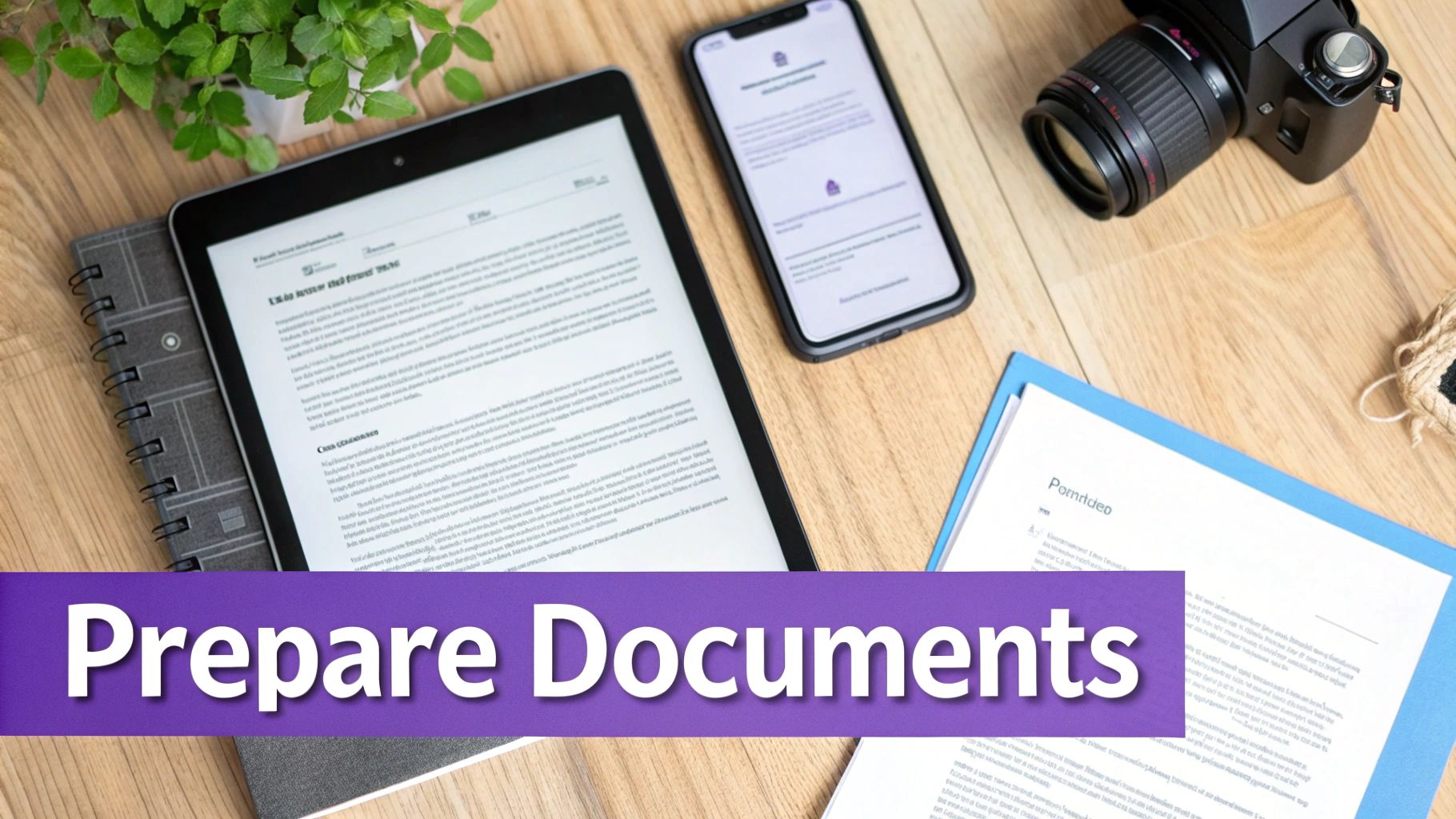
When it comes to eFaxing, your choice of file format matters more than you might think. While many services accept a variety of formats like DOCX, PNG, or JPG, the undisputed champion for faxing is the PDF (Portable Document Format). PDFs are the industry standard because they preserve all your formatting. This means that regardless of the device or software the recipient uses, your document will appear exactly as you intended—with no unexpected line breaks, font substitutions, or shifted margins. Using a PDF is the single best way to maintain your document's layout and ensure what you send is precisely what they receive.
A fax cover page serves as your document's first impression. It's a critical tool that ensures your fax reaches the right person and provides immediate context. In a busy office with a shared fax machine, it prevents your important documents from getting lost. A professional cover page should always include your contact information, the recipient's name and department, a clear subject line, and a brief note if needed. Services like FaxZen simplify this by offering customizable templates. You can fill in the details in seconds and even add a company logo for a branded touch. For inspiration, you can find a helpful fax cover sheet template in PDF format to see what a polished one looks like.
Unlocking Advanced Features for Professional Faxing
Once you've sent your first eFax, you'll see how simple the basic process is. However, the true power of online faxing is revealed through the professional-grade tools that modern services provide. These features are designed to save time, enhance professionalism, and manage the complexities of faxing behind the scenes.
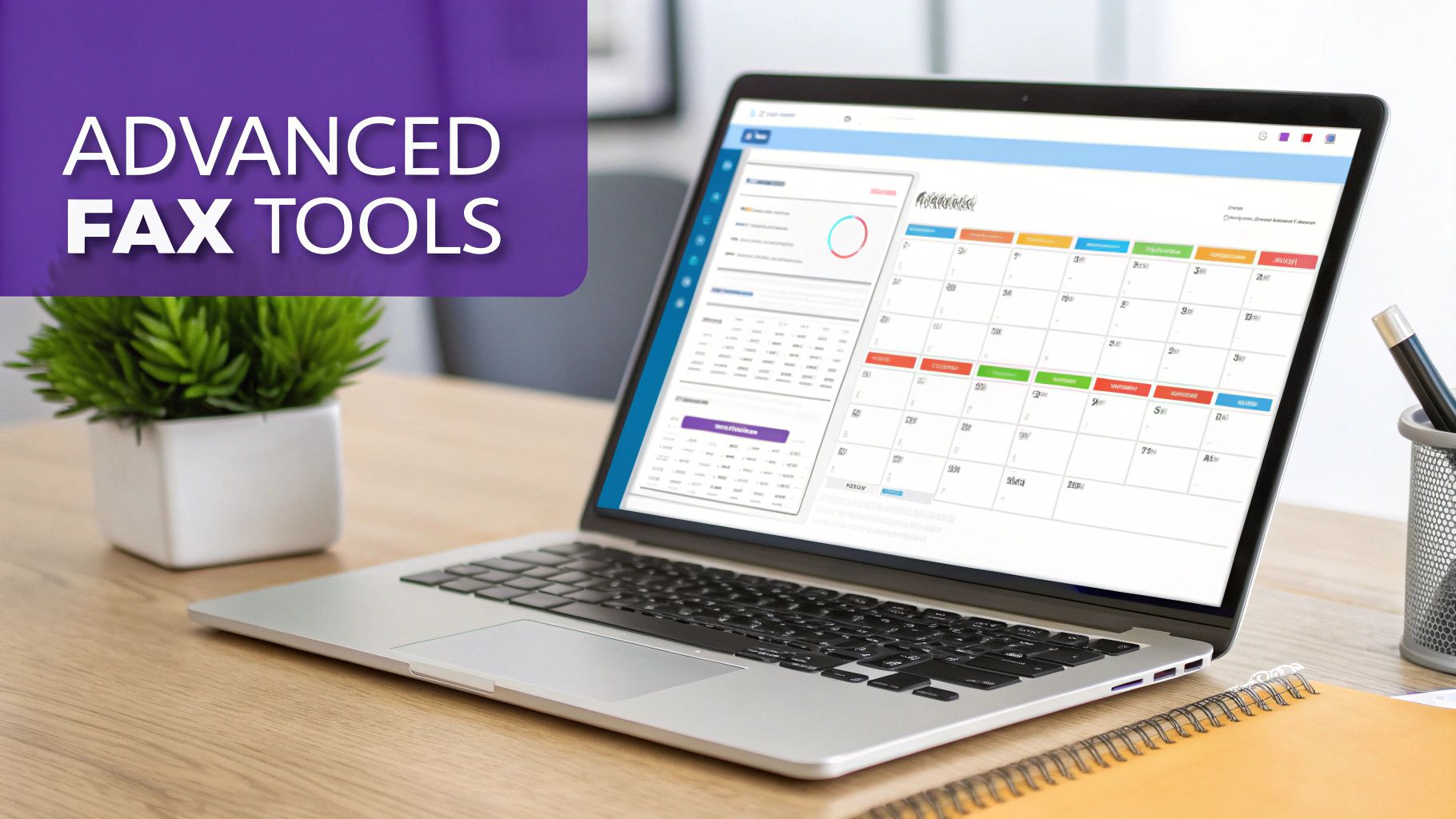
One of the most valuable features, especially for international business, is smart scheduling. This allows you to control the exact moment your fax arrives. For example, a lawyer in New York can schedule a critical contract to arrive at a partner's office in Tokyo at 9 AM JST, coinciding with the start of their business day. This thoughtful detail ensures the document receives immediate attention. Another powerful feature is intelligent retry logic. If a recipient's line is busy, the service doesn't just fail; it automatically re-sends the fax at smart intervals until it finds an open line, dramatically increasing the success rate without any manual effort from you.
Online faxing has grown tremendously, moving beyond the clunky hardware that once defined it. The global cloud fax market is on a significant growth trajectory, reflecting its adoption by everyone from small businesses to large enterprises. You can discover more insights about the cloud fax market here. This growth has led to flexible payment models. For a detailed breakdown, check out our online fax services comparison guide.
Payment Model Comparison
| Feature | Pay-Per-Fax (Single Use) | Credit Packages (Account Holders) |
|---|---|---|
| Best For | One-time or very infrequent faxing needs. | Regular or bulk faxing requirements. |
| Cost Structure | A simple, flat fee for each fax you send. | Lower cost-per-fax when you buy credits in bulk. |
| Account Required | No account is needed to send. | An optional account is required to store credits. |
| Advanced Features | Core sending features are included. | Unlocks a full dashboard with fax history and more. |
If you only send a fax occasionally, the pay-per-fax model is convenient and commitment-free. However, if you fax more regularly, purchasing non-expiring credits through an account offers significant savings and access to a full history of your transmissions.
Confirming Delivery and Ensuring Your Data Is Secure
Sending a fax is just the first step. The true value lies in knowing your document arrived safely and that your sensitive information was protected throughout the process. This final stage is all about confirmation and security, the two pillars that make online faxing a trustworthy business tool. Unlike traditional mail, eFax services provide a clear, digital paper trail, allowing you to track your transmission's status from "pending" to "delivered" in real-time.
Immediately after your fax is successfully delivered, a detailed confirmation email arrives in your inbox. This email serves as your official, auditable proof of delivery. It typically includes a clear success or failure status, a thumbnail of the first page, the exact time of transmission, and the original document attached as a PDF. This creates a permanent, searchable record, which is invaluable for legal or financial documents. You can see how seamless this is when you get started with sending a fax.
Security is paramount when handling sensitive documents. The best online fax services use robust 256-bit SSL encryption to protect your data from the moment you upload it until it is delivered. This is the same level of security used by online banks, creating a secure tunnel that shields your information from unauthorized access. This digital security offers a significant advantage over old fax machines, where confidential papers could be left exposed in an open tray. An often-overlooked feature that enhances privacy is automatic document deletion. Reputable services automatically purge your files from their servers, usually within 24 hours of successful transmission. This proactive measure minimizes your digital footprint and ensures your private data remains private. For more information, explore the benefits of our fax service.
Frequently Asked Questions
Do I need special hardware or a phone line?
No, you do not. Online fax services are entirely internet-based. All you need is a device with an internet connection, such as a computer, smartphone, or tablet, and your document in a digital format (like a PDF or JPG). The service handles the conversion and transmission over phone lines for you.
How do I format an international fax number?
The key is to always start with the country code, followed by the area code and the local fax number. For example, a fax to the United Kingdom would start with the country code '+44'. Quality services provide a dropdown menu of countries to automatically apply the correct code, eliminating guesswork.
What happens if the recipient's line is busy?
A major advantage of eFax services is their intelligent retry system. If the recipient's line is busy, the service will not simply fail. Instead, it will automatically attempt to resend your fax at strategic intervals until it successfully goes through, notifying you upon completion.
Can I send a fax from my mobile phone?
Yes. Modern online fax services are designed to be mobile-friendly and can be accessed through any web browser on your smartphone. This allows you to upload a file from your phone's storage or a cloud service and send a fax from anywhere, providing ultimate flexibility. You can learn more about this in our guide on where you can go to fax documents.
What file types can I send?
Most online fax services support a wide range of common file types. This typically includes PDF, Microsoft Word documents (DOC, DOCX), Excel spreadsheets (XLS, XLSX), and image files like JPG, PNG, and TIFF. For best results and to ensure formatting is preserved, PDF is the recommended format.


