
Your Guide to Using a Fax Cover Sheet Template PDF
Table of Contents
In a world of instant messaging and email, you might think a fax cover sheet is a bit of a throwback. But for industries like law, healthcare, and real estate, faxing is still the gold standard for secure, verifiable communication. A professional fax cover sheet template PDF isn't just a formality—it’s the handshake that introduces your critical documents.
Ready To Fax?
Start sending faxes online in seconds with FaxZen - No account required
Send Fax Now 🚀Ready to send a professional fax right now? Give FaxZen a try to securely send faxes online in minutes.
Why a Fax Cover Sheet Still Matters
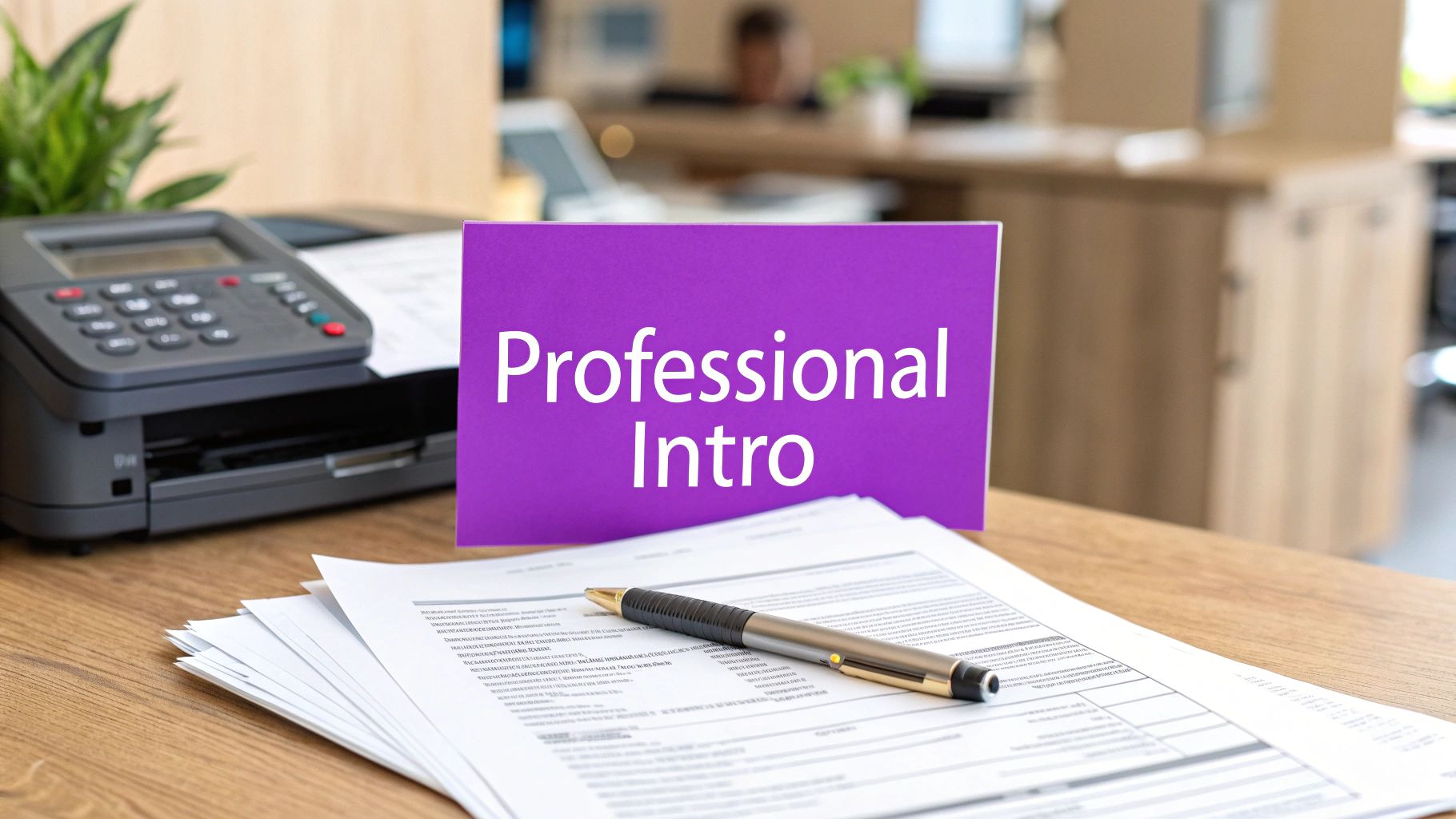
Think of a fax cover sheet as the guide for your document's journey. It ensures your paperwork lands on the right desk, gives the recipient immediate context, and adds a crucial layer of professionalism. Without one, that important contract or patient form could easily get lost in a shared office inbox, unread or mishandled. This single introductory page provides a clear, at-a-glance summary, which is a lifesaver in busy offices where things can get lost in the shuffle. A polished cover sheet instantly makes your correspondence look more official and shows you’re detail-oriented. For businesses, this is a perfect chance to reinforce brand identity by adding a company logo and contact details, similar to using professional letterheads.
Expert Insight
A cover sheet isn’t just about information; it’s about presentation. It transforms a simple transmission into a professional, branded piece of communication that commands attention and respect from the moment it arrives.
One of the cover sheet's most important jobs is to cut down on human error. By clearly stating who it's for, who it's from, and the page count, you drastically reduce the odds of misdelivery or missing pages. For instance, just noting "Page 1 of 5" lets the recipient know immediately if the transmission was incomplete. It also acts as your first line of defense for sensitive information. A confidentiality notice on the cover sheet legally instructs anyone who receives the fax by mistake to destroy it and notify you. This simple step is critical for protecting private data and is a core part of any solid fax machine security plan.
Anatomy of a Professional Fax Cover Sheet Template
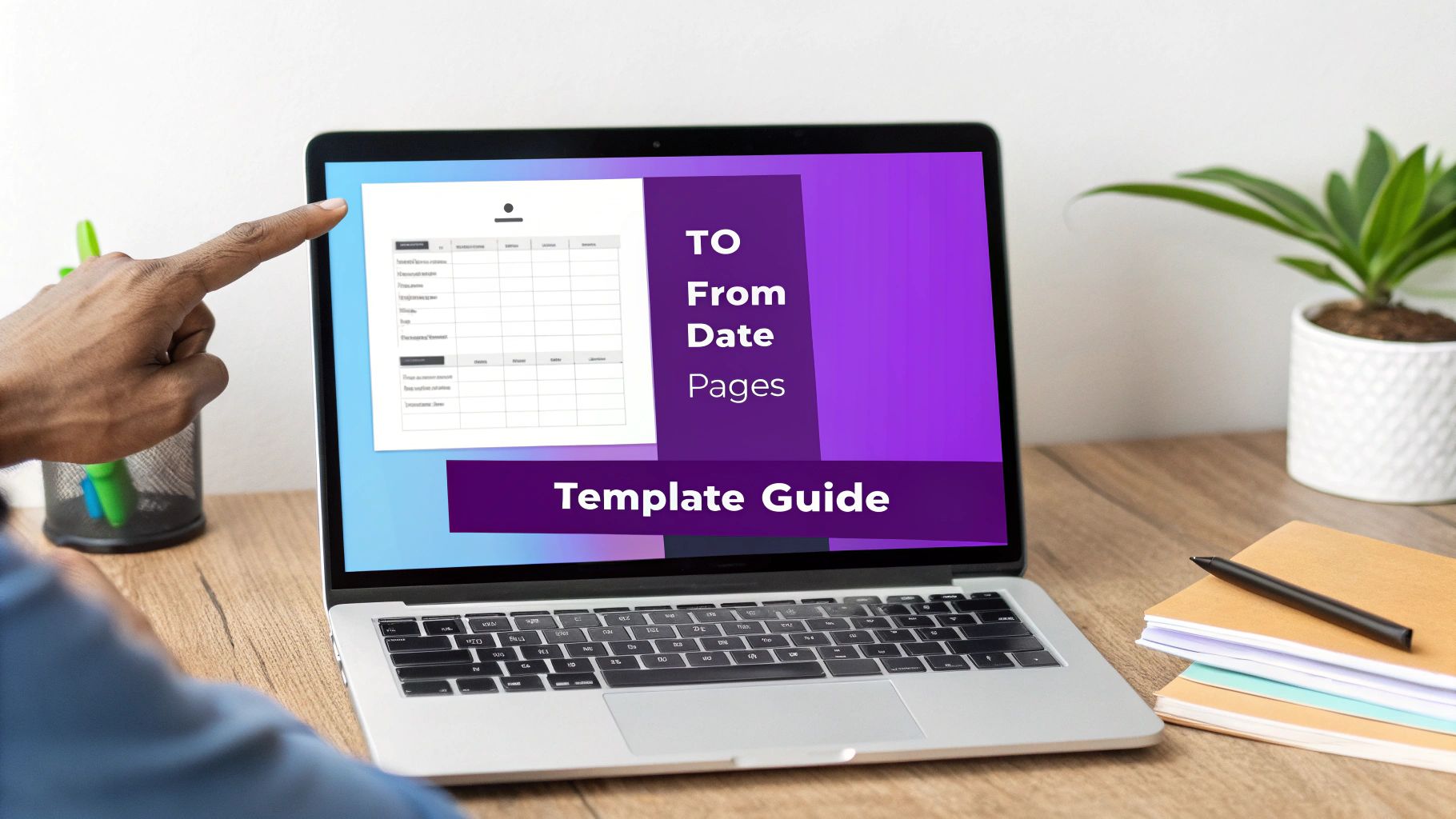
A fax cover sheet template PDF is your blueprint for a successful fax. Every line on the page has a purpose, from routing the document to the right desk to giving the recipient quick context. Filling them out correctly prevents confusion and helps your fax get the attention it deserves. These templates aren't new; they have a long history of making communication more efficient and have been a staple of professional faxing since the 1980s. Getting the details right is crucial for clear communication. A template is only as good as the information you put into it, so understanding each field is key to making sure your fax not only arrives but gets handled properly.
| Field Name | Purpose | Example Information |
|---|---|---|
| To | Specifies the intended recipient's name and company. | John Doe, ABC Corporation |
| From | Identifies the sender's name and company. | Jane Smith, XYZ Solutions |
| Fax Number | Provides the recipient's complete fax number, including area code. | 1-800-555-1234 |
| Date | Records the date the fax was sent for tracking purposes. | October 26, 2023 |
| Pages | States the total number of pages, including the cover sheet. | 5 (including this cover) |
| Re: (Regarding) | Briefly describes the subject of the fax. | Invoice #INV-7890 / Signed Contract |
| Comments | Offers space for a brief message or special instructions. | Please review and sign page 3. |
The whole point of a template is to make the process foolproof. While the fields seem simple, small errors can lead to big delays. One of the most common mistakes is miscounting the total number of pages. Always remember to include the cover sheet itself in the final page count. If you're sending a 4-page document plus the cover, the "Pages" field must read "5 (including this cover)." This tiny detail confirms to the recipient that they've received the complete transmission. If you want to see more designs, feel free to explore our full collection of printable fax cover sheet options.
How to Customize and Use Your Template
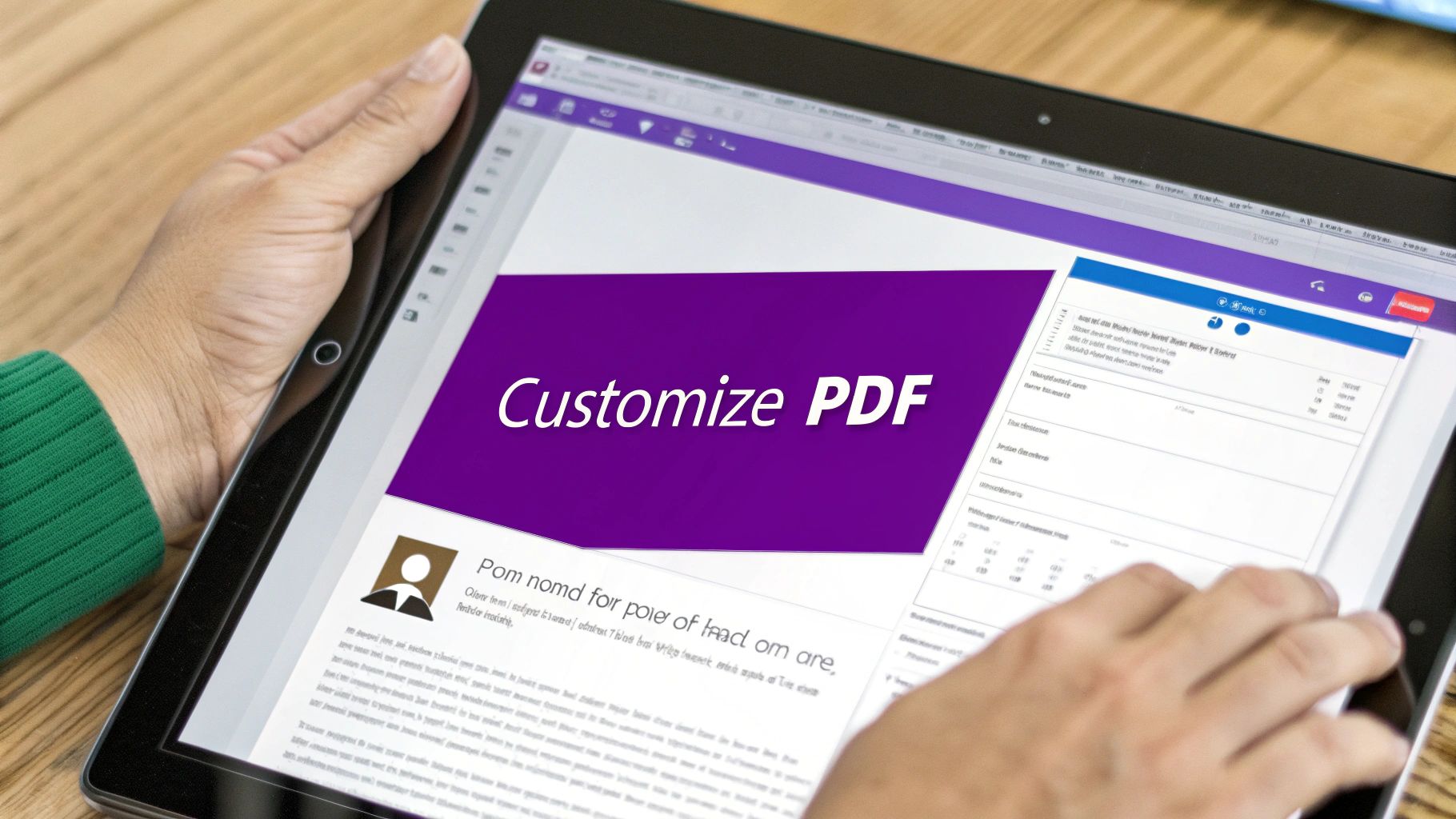
Once you've downloaded your fax cover sheet template PDF, you can transform it into a professional document that represents your brand. Customizing a PDF is simpler than it looks using common tools like Adobe Acrobat, Preview on a Mac, or free online PDF editors. Your logo is your brand's handshake, so adding it to your cover sheet is a small move that pays off in professionalism. Always use a high-resolution image file, like a PNG with a transparent background, and place it in the header for a clean look. Remember that faxes send in black and white, so a simple logo design works best.
A well-customized fax cover sheet does more than just share information; it builds trust. A branded document feels more official and credible, showing your recipients that you are serious and detail-oriented. Many official faxes also require a signature on the cover sheet to authorize the transmission. Adding a digital signature directly to the PDF before you send it is both efficient and secure. Most PDF editors have a built-in "Sign" feature that lets you create and save your signature for reuse, saving you from the old print-sign-scan routine. By taking a few minutes to add these personal touches, you’ll create a master template that streamlines your workflow and elevates your professional image. For more tips on what to write, our guide on crafting the perfect fax cover letter can help.
Best Practices for Sending Your Fax
A sharp-looking fax cover sheet template PDF is the first thing your recipient sees, but a few simple habits ensure your document gets the attention it deserves. Think of the subject line ("Re:") as the headline for your fax; it needs to be direct and clear. A vague subject like "Contract" is weak, whereas "Signed Client Agreement - Project Phoenix - Due EOD" is strong and informative. The comments section is your space for context or urgent instructions, such as "Please sign page 4 and return by 3 PM." This guidance helps prioritize your document on a busy receiving end.
Before you hit send, always double-check the recipient’s fax number. A single wrong digit is the number one cause of failed faxes and can send sensitive documents to the wrong person. If your document contains private information, a confidentiality notice is non-negotiable. You can add this standard text to your comments section:
Confidentiality Notice: The information in this fax is intended only for the use of the individual or entity named above. This fax may contain confidential or legally privileged information. If you are not the intended recipient, you are hereby notified that any dissemination, distribution, or copying of this fax is strictly prohibited. If you have received this fax in error, please notify the sender immediately and destroy the document.
Modern online services make following these practices easy. For instance, when you send a fax online, you get delivery confirmations and a secure transmission log. For even greater efficiency, exploring document workflow automation can optimize your entire process.
Frequently Asked Questions (FAQ)
Here are answers to some common questions about using a fax cover sheet template PDF.
Is a fax cover sheet always necessary?
While not strictly required for every transmission, it is a strong professional habit. For documents containing sensitive information (legal, financial, medical), a cover sheet is standard practice. It ensures your document is routed correctly and establishes a professional tone.
Can I use a digital signature on a PDF cover sheet?
Yes, and it's highly recommended. Digital signatures are widely accepted and allow you to authorize documents efficiently without printing, signing, and scanning. This keeps your entire workflow digital and creates a cleaner final document.
How do I combine my cover sheet with my document?
Most computers have built-in tools for this. On a Mac, you can use the Preview app to drag and drop pages between PDFs. On Windows, the "Print to PDF" function can combine multiple files. There are also many free online tools that can merge PDF files securely.
What should I do if my fax fails to send?
First, double-check the recipient's fax number for typos. If the number is correct, the receiving machine might be busy or out of paper. Online services like FaxZen automatically retry sending a few times, which often solves the problem without any extra effort on your part.
Why is faxing still used today?
Faxing remains a critical tool in industries like healthcare, law, and finance because it provides a secure and verifiable method of document transmission. Unlike email, a fax transmission creates a direct point-to-point connection, and online faxing services add layers of encryption to protect sensitive data.


