Can You Fax Using a Cell Phone? A Quick Guide to Secure Mobile Faxes
Table of Contents
Yes, you can absolutely fax from your cell phone, and it is likely far easier than you imagine. Modern technology enables you to send secure faxes directly from the device in your pocket, eliminating the need for a cumbersome machine and an additional phone line. This guide will walk you through precisely how this process works, turning a once-tedious task into a simple, two-minute job.
Ready To Fax?
Start sending faxes online in seconds with FaxZen - No account required
Send Fax Now 🚀Ready to send a fax from your phone in under two minutes? Try our secure, no-account-needed service at FaxZen.
The Modern Way to Fax from Your Phone
Forget the screeching modem sounds and frustrating paper jams of the past. Faxing from a cell phone today is a straightforward digital process. Instead of connecting to a physical phone line, you use an online fax service or a mobile application that functions as a digital bridge. This technology converts your documents into the appropriate format for a traditional fax machine and transmits them securely over the internet.
This transition to digital has made faxing more accessible than ever before. It is a significant factor in why the global fax services market reached $3.18 billion in 2022 and is projected to approach $6 billion by 2028. You can explore more about the surprising endurance of fax technology on cacm.acm.org. Mobile faxing offers a blend of traditional reliability and modern convenience.
The appeal of mobile faxing stems from several key advantages that align with contemporary work and life. The convenience of sending a document from any location with an internet connection is a major benefit. Whether you are a remote worker submitting a signed contract or a parent sending school forms, your phone is the only tool you need. Security is another critical advantage. Reputable online fax services employ strong encryption to protect your documents during transit, providing a level of security that public fax machines or unencrypted emails cannot match. It is also cost-effective, as it eliminates expenses associated with purchasing and maintaining a fax machine, such as paper, ink, and a dedicated phone line. For individuals who fax infrequently, a pay as you go online fax service is a much more economical option.
Editor's Note: Mobile faxing transforms a multi-step chore into a quick, two-minute task. It combines the reliability of traditional faxing with the convenience and security of modern digital tools, making it an ideal solution for both personal and professional use.

Understanding Your Mobile Faxing Options
When you need to send a fax from your phone, several excellent options are available. This is not a one-size-fits-all scenario; rather, it is like having a specialized toolkit where you select the appropriate tool for the job. You can opt for a dedicated mobile app, use a web-based service for a quick, one-off transmission, or even utilize an email-to-fax system that integrates with your existing tools. For instance, a freelance designer sending invoices monthly would likely appreciate the convenience of a dedicated app. Conversely, someone needing to send a single, time-sensitive contract will find the speed of a web-based service more practical.
A common choice is a dedicated mobile app designed to turn your smartphone into a full-featured fax machine. After downloading from your device’s app store and setting up an account, you can use your phone's camera to scan documents, access files from cloud storage, and track all sent and received faxes in one location. This is ideal for regular users who value a seamless, all-in-one experience. Many services, like the Snapmobile service, offer their own apps to make mobile faxing highly efficient.
For those who fax only occasionally, a web-based service is an excellent alternative. Services such as FaxZen operate directly from your phone's web browser, requiring no downloads or installation. You simply visit the site, upload your document, enter the fax number, and send. The primary benefit here is convenience and the absence of commitment, allowing you to send a one-off fax without being tied to a subscription. For those curious about integrating faxing into their existing communication workflows, email-to-fax technology is another clever method. You compose an email, attach the file, and send it to a special address provided by the fax service, which then converts and transmits it as a standard fax.
| Method | How It Works | Best For | Key Advantage |
|---|---|---|---|
| Mobile Apps | Download an app, create an account, and manage faxes on your device. | Frequent users, business professionals. | All-in-one convenience and phone integration. |
| Web Services | Visit a website, upload a file, and send directly from your browser. | Occasional users, one-time sends. | No installation or subscription required. |
| Email-to-Fax | Send an email with an attachment to a special fax service address. | Integrating faxing into business workflows. | Seamless use with your existing email client. |
How to Send a Fax from Your Phone
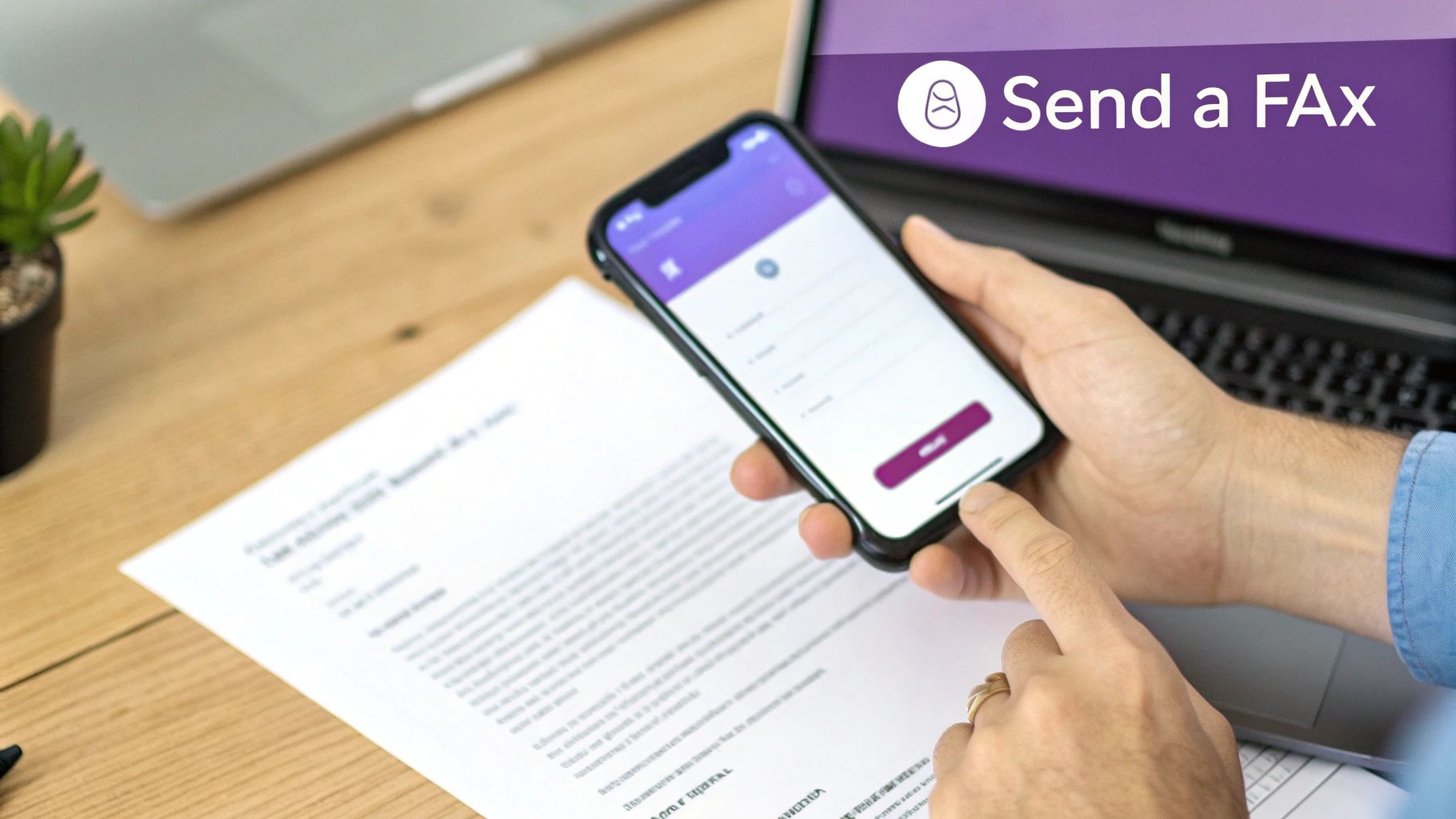
Let's walk through the easiest method for sending a fax from your phone: using an online fax service. Imagine you have just signed a lease agreement, but the property manager requires it via fax for their records. Instead of searching for a print shop with a public fax machine, you can complete the entire process from your phone's browser in about two minutes.
First, you need to get your document into a digital format. If you have a physical paper, use your phone's camera. Place the document on a flat, well-lit surface and take a clear picture. Modern smartphone cameras often produce sharper images than old desktop scanners. If your document is already a digital file, such as a PDF or Word document, you can access it directly from your email, cloud storage, or your phone's local files.
Once the document is on your phone, open your mobile browser and navigate to an online fax service like FaxZen.com. You will see an option to upload your file. Select the photo you took or the file from your storage. After uploading, enter the recipient's fax number. Most services allow you to add a cover sheet with a note, which is useful for identifying yourself and the purpose of the fax. Confirm the details, complete the secure payment, and click send. The service handles the technical conversion and transmission, and you will receive an email confirmation upon successful delivery. This knowledge is valuable, especially as business faxing is still relevant on Business.com. For a more detailed guide, see our post on how to fax from your phone.
Why Mobile Faxing Is a Secure and Reliable Choice
It is natural to be concerned about the security of sending sensitive documents from your phone. However, when you fax from your cell phone using a modern online fax service, you are leveraging technology designed with security as a primary focus. The connection is protected by robust encryption, typically 256-bit SSL, which is the same standard used by banks to secure financial data. This encryption scrambles your data from the moment it leaves your phone until it reaches the fax service, creating a secure tunnel for your information. This is a significant improvement over unencrypted email or public Wi-Fi networks. Understanding the broader implications for phone data security and privacy highlights the value of these safeguards.
Reliability is equally important. Old fax machines often left you uncertain about successful transmission. Online fax services eliminate this guesswork with features that provide peace of mind. You receive real-time delivery confirmations, typically via email, creating a clear, auditable trail. Furthermore, the best platforms include intelligent retry logic. If the recipient's line is busy, the service automatically attempts to resend the document at intervals, preventing your files from being lost in transmission limbo. This automated process saves you from manual redialing and ensures a higher success rate. For those in regulated fields, knowing the specifics of secure online faxing is crucial.
Pro Tip: Always double-check the fax number before sending. A simple typo is the most common reason for a failed transmission. Verifying the number ensures your important document reaches its intended recipient without delay.
Choosing the Right Mobile Fax Service
Now that you know how to fax from your phone, the next step is selecting the right service. The best choice depends on your specific faxing habits. The first step is to assess how frequently you will be sending documents. If you only send a few faxes per year, a pay-per-fax model is the most practical and cost-effective option. You pay only for what you send, with no recurring subscription fees.
However, if you send faxes regularly for work, such as contracts, invoices, or medical records, a subscription plan will likely offer better value. These plans typically include a set number of pages for a flat monthly fee, significantly reducing the cost per page for frequent users. Beyond price, consider the user experience. A clunky interface or unreliable delivery receipts can turn a simple task into a frustrating one. The ideal service should be intuitive, provide clear confirmations, and ensure reliable delivery. For a deeper look at top options, explore our guide to the best secure online fax services. Whether you need to know how to fax from an iPhone or an Android, a quality service makes the process seamless.
Frequently Asked Questions
1. Do I need to install an app to fax from my phone? No, it is not necessary. While dedicated mobile apps are available, you can easily use a web-based online fax service like FaxZen directly from your phone’s browser. This is a great option for occasional users who want to avoid installing another app.
2. Can I receive faxes on my cell phone? Yes, but receiving faxes typically requires a subscription service that provides you with a dedicated virtual fax number. When a fax is sent to that number, the service converts it into a PDF and delivers it to your email or an app inbox.
3. Is it expensive to fax from a smartphone? It is almost always cheaper than using a traditional fax machine, as you avoid the costs of hardware, paper, ink, and a dedicated phone line. Pay-per-fax services are affordable for one-off needs, while subscription plans offer lower per-page costs for higher volumes.
4. What file types can I fax from my phone? Most online fax services accept a wide range of common document types, including PDF, DOCX, JPG, and PNG. You can upload files from your phone's storage, cloud services like Google Drive or Dropbox, or use your camera to scan a physical document.
5. How do I know if my fax was delivered successfully? Reputable online fax services provide a delivery confirmation receipt, usually via email. This serves as proof of successful transmission and typically includes a timestamp and a copy of the sent document for your records.
Ready to see how easy modern faxing can be? With FaxZen, you can send your documents securely from any device in just a few clicks.