
How to Fax From Your Phone: A Complete Guide
Table of Contents
Yes, you can absolutely fax from your phone. Think of it as turning your smartphone into a pocket-sized, powerful fax machine. Specialized apps and online fax services let you snap a picture of a document with your phone's camera or upload a file, then send it securely to any traditional fax number in the world. This modern approach bypasses the need for clunky hardware, dedicated phone lines, and last-minute trips to the print shop, making it a game-changer for both personal and professional use.
Ready To Fax?
Start sending faxes online in seconds with FaxZen - No account required
Send Fax Now 🚀Ready to see how easy it is? Visit FaxZen to get started!
Why Faxing From Your Phone Is a Game Changer
Let's be honest, faxing can feel like a technology from a different era. Yet, for a surprising number of industries like healthcare, law, and real estate, it remains the gold standard for sending secure documents. The good news? That noisy machine and dedicated phone line are officially relics of the past. Learning how to fax from your phone is less about reviving old tech and more about upgrading it for how we live and work today. Modern online fax services make it possible to send and receive legally binding documents from literally anywhere you have an internet connection. It's not just about convenience; it’s a smarter, more secure, and cost-effective way to handle essential paperwork.
The enduring relevance of fax technology is clear when you look at the numbers. The global market for fax services is projected to grow, driven by sectors that can't compromise on security. You can read more about modern business faxing trends to see how businesses are ditching hardware for apps that turn a phone's camera into a secure scanner. This isn't about nostalgia; it's about a real need for secure, verifiable document delivery that email, with its vulnerabilities, can't always match. The real evolution is the migration of faxing to the cloud, making it more accessible and integrated into our digital workflows.
Making the switch to mobile faxing brings immediate, practical benefits that go beyond just clearing desk space. It’s about adapting a trusted communication method to the realities of modern work. For instance, you can send a signed contract from a client's office, a medical form from your couch, or a legal document while waiting for a flight—your office is right in your pocket. You also save significantly on costs for paper, ink, toner, and machine repairs. More importantly, reputable digital fax services encrypt your documents, eliminating the risk of sensitive paperwork being left on a shared office machine.
How to Send a Fax from Your Phone: A Step-by-Step Guide
Moving from the idea of faxing from your phone to actually doing it is surprisingly straightforward. Forget everything you know about old, clunky machines; this process is more like sending a well-organized email.
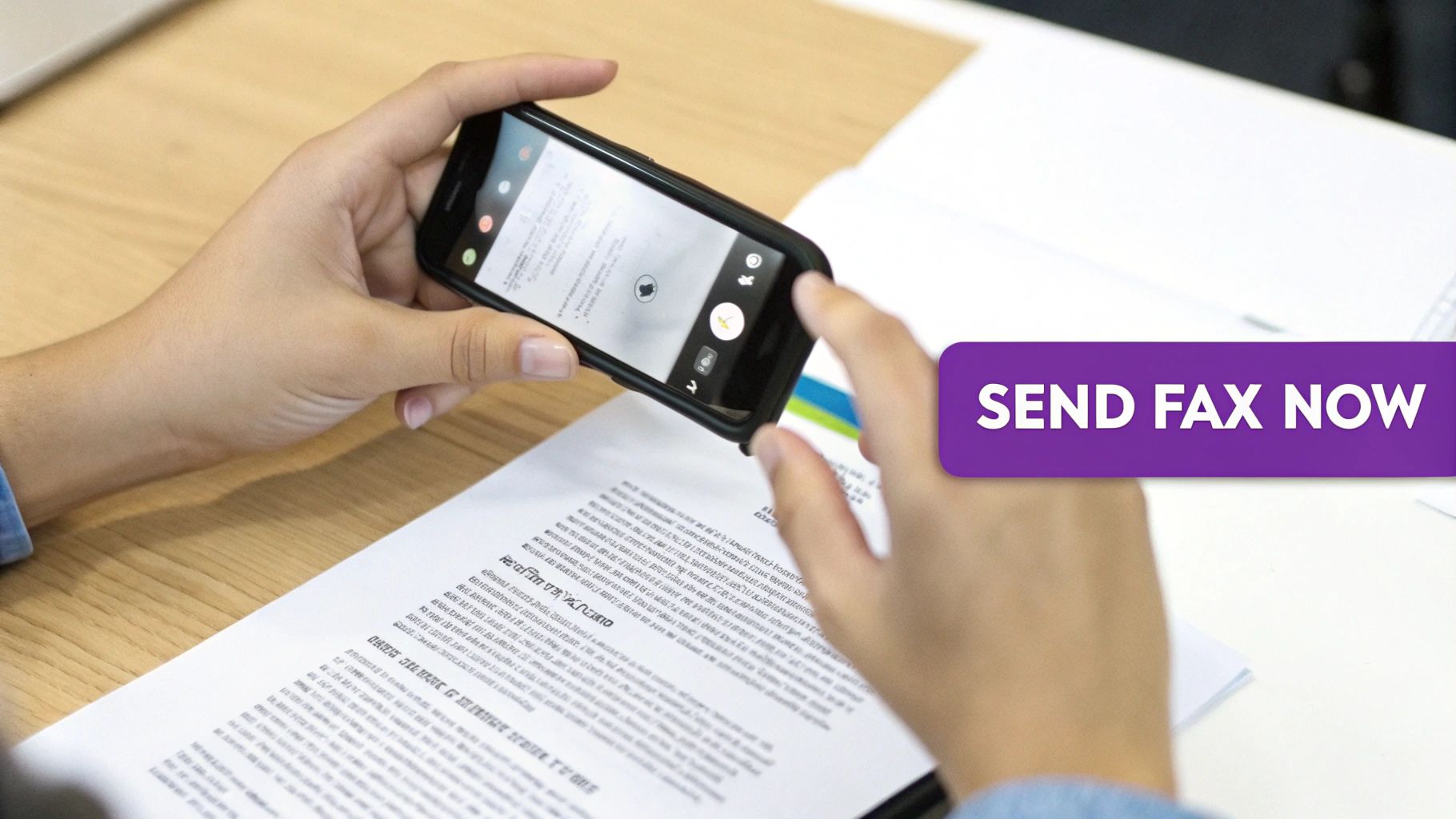
First, you need to get your document into a digital format. If you have a physical paper, your phone's camera becomes a powerful scanner. Modern fax apps have built-in scanning tools that detect the document's edges, correct for perspective, and enhance the text to create a crisp, professional-looking file. For the best results, place your document on a flat, well-lit surface. If your document is already a digital file, like a PDF or Word document, you can simply upload it from your phone’s storage, cloud services like Google Drive, or your email attachments.
Next, you'll address the fax by entering the recipient's fax number. It's crucial to double-check this number, including the country and area codes for international faxes, to ensure successful delivery. This is also the stage where you can add a professional fax cover sheet. Most online services provide a simple template where you can fill in your details, the recipient's information, and a brief message.
Finally, after previewing your document and cover sheet, you simply hit "Send." The online fax service takes over, converting your digital file into a format that fax machines can understand and dialing the number. A few minutes later, you’ll receive a confirmation email or notification. This report serves as your proof of delivery, detailing the time, date, and status of the transmission—a reliable digital receipt that beats the flimsy confirmation slips from old machines. For those curious about the nuances of iPhone faxing, we've covered that in our complete guide to faxing from an iPhone.
Choosing the Right Mobile Faxing Method
When you decide to fax from your phone, you have two primary options: dedicated mobile apps or comprehensive web-based online fax services. Each serves a different need.
Dedicated mobile fax apps are designed for speed and simplicity, perfect for the occasional user who needs to send a single document quickly. They typically operate on a pay-as-you-go model, where you buy credits or pay per page. The process is simple: scan your document with the app, enter the fax number, and send. However, these apps are often limited to sending only and may lack advanced features like scheduling or receiving capabilities.
Web-based online fax services like FaxZen offer a more robust, business-ready solution. These platforms provide you with a dedicated virtual fax number, allowing you to both send and receive faxes. Faxes sent to your number are converted to PDFs and delivered to your email inbox, turning your phone into a complete two-way communication tool. These services are packed with professional features, making them ideal for anyone who faxes regularly.
CALLOUT: It's not just about sending versus receiving. It's about having a central, organized hub for all your faxing. Online services give you an auditable trail for business communications, which is something a simple app just can't do.
To help you decide, here is a comparison of the different methods.
| Feature | Dedicated Fax Apps | Online Fax Services |
|---|---|---|
| Best For | Infrequent, one-off faxes | Regular personal or business use |
| Receiving Faxes | No | Yes, with a dedicated number |
| Cost Model | Pay-per-fax or credits | Subscription or pay-as-you-go |
| Key Features | Basic sending, camera scanning | Scheduling, contact management, delivery reports |
Ultimately, your choice depends on your needs. For a one-time fax, a simple app is cost-effective. But for a complete, professional solution with two-way capabilities, a full-featured online fax service is the superior investment.
The Real-World Benefits of Mobile Faxing
Switching from a traditional fax machine to your phone is more than just a convenience—it's a smart strategic move that saves money, enhances security, and boosts efficiency.
The most immediate benefit is cost savings. A physical fax setup involves expenses for the machine, a dedicated phone line, paper, ink, toner, and maintenance. Online services eliminate these costs, replacing them with a flexible pay-as-you-go or low-cost subscription model. You stop paying for hardware and only pay for what you actually use. This shift from fixed overhead to variable costs is a significant financial advantage, especially for small businesses.
Security is another major advantage. Traditional fax machines often leave sensitive documents exposed in an output tray. Mobile faxing closes this gap. Reputable services use strong encryption to protect your data in transit. Faxes are delivered directly to your secure, private inbox, ensuring only the intended recipient sees them. This creates a more confidential communication channel with a clear digital audit trail.
Finally, the flexibility is unmatched. Modern work happens everywhere, not just at a desk. With mobile faxing, you can send a signed contract from a client’s office or forward important paperwork while traveling. This agility allows you to operate at the speed of business, closing deals and completing tasks faster. You can explore the 10 benefits of online fax services for business to learn more.
Frequently Asked Questions
Is faxing from a phone legally binding?
Absolutely. Faxes sent from your phone via a reputable online fax service are just as legally binding as those from a traditional machine. The detailed delivery confirmation report you receive serves as your proof of transmission, creating a valid audit trail.
Do I need a special phone line to fax from my mobile?
No, you do not. Online fax services use your phone’s internet connection (Wi-Fi or cellular data) to send and receive faxes. This eliminates the need and cost associated with a dedicated landline.
Can I also receive faxes on my phone?
Yes. Most online fax services provide you with a dedicated virtual fax number. When someone sends a fax to that number, it is converted into a PDF file and delivered directly to your email inbox or the service's mobile app.
What happens if the recipient's fax machine is busy?
This is a key advantage of online faxing. Instead of getting a busy signal and having to redial, the service will automatically and repeatedly attempt to send the fax at regular intervals until the line is clear.
How does international faxing work from a phone?
It's just as simple as sending a local fax. You just need to enter the full recipient number, including the country code. Quality services like FaxZen support faxing to countries all over the world and provide clear pricing before you send.
Related Articles
- How to Send a Fax from a Computer in 5 Easy Steps
- Can I Fax from My iPhone? Your Complete Guide
- How to Get a Fax Number in a Digital Age
- 10 Benefits of Online Fax Services for Your Business
- Fax Cover Sheet Guide: What to Include and Examples


