How to Send a Fax Online One Time Instantly
Table of Contents
Let's be honest, in a world of instant messaging and email, getting asked to send a fax can feel like a request from a bygone era. The good news? You absolutely do not need a clunky machine or a monthly subscription to send a fax online one time. A pay-per-fax service is the modern, secure way to get it done without any long-term commitment.
Ready To Fax?
Start sending faxes online in seconds with FaxZen - No account required
Send Fax Now 🚀Ready to send your document in the next few minutes? Get started right away at FaxZen.com without even creating an account.
Why a One-Time Online Fax Is the Smart Choice
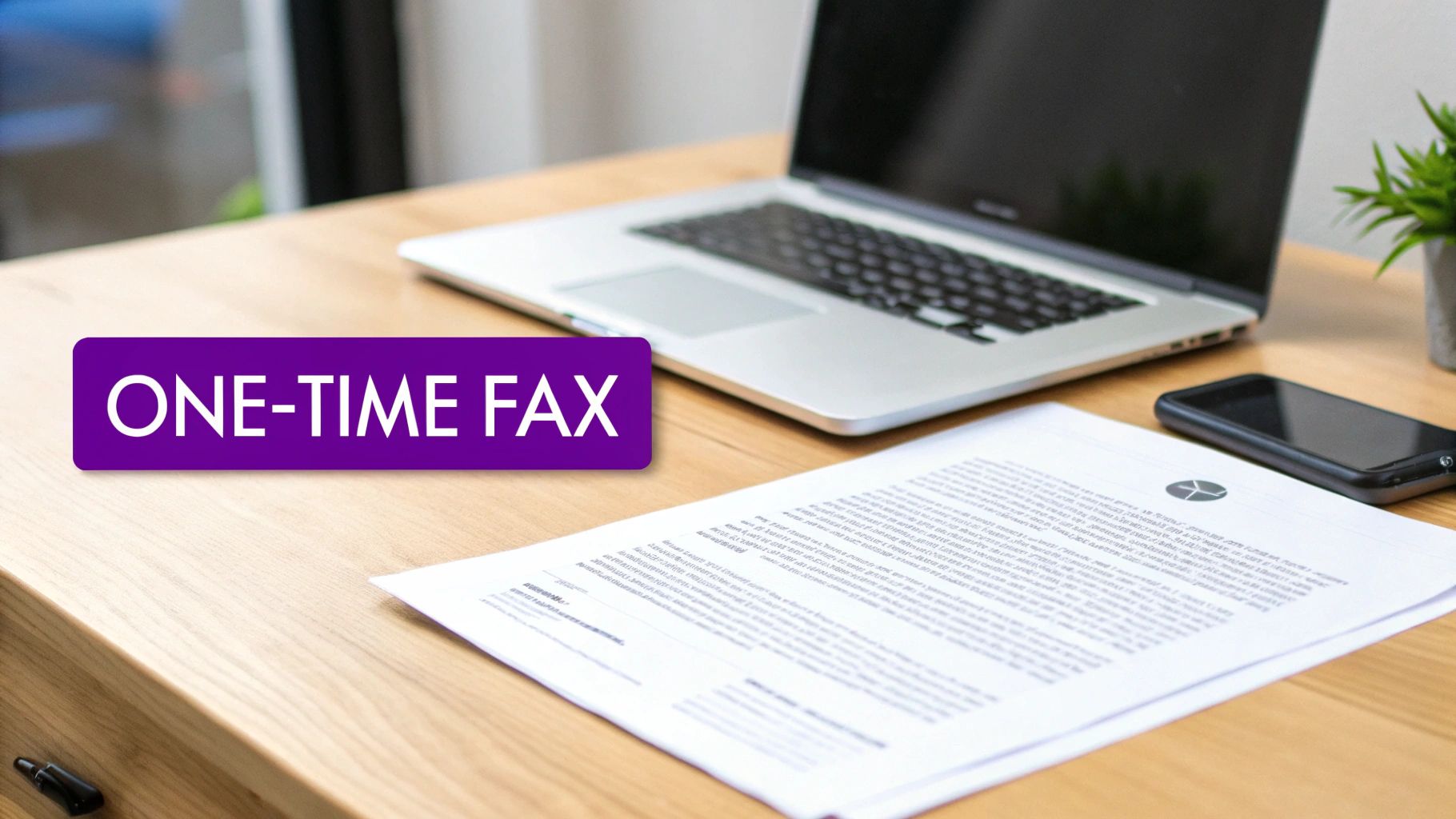
For certain critical documents—think legal contracts, medical forms, or government paperwork—faxing remains a gold standard for secure transmission. The real challenge today isn't the technology itself, but the access. Hunting down a public fax machine at a library or office supply store is a major inconvenience. It involves extra time, travel, and often hidden costs for printing. More importantly, those public machines present a significant privacy risk, leaving your sensitive information exposed for anyone to see.
An online service built for a single use completely sidesteps these problems. It's designed for those specific moments when you just need to send one important document securely, with no strings attached. This approach gives you the proven reliability of traditional faxing combined with the dead-simple convenience of sending an email. It’s not just easier—it’s also far more secure and cost-effective than old-school alternatives. If you want to dig deeper into this model, you can learn more about the benefits of a pay-per-use online fax service.
Preparing Your Document for Flawless Transmission
Before you hit "send" on that one-time fax, a little preparation goes a long way. Getting this right is the difference between your recipient seeing a crisp, professional document and an unreadable mess. Most online fax services are compatible with common file types like PDFs, DOCX files, and even JPG images. If your document is already on your computer, you're halfway there.
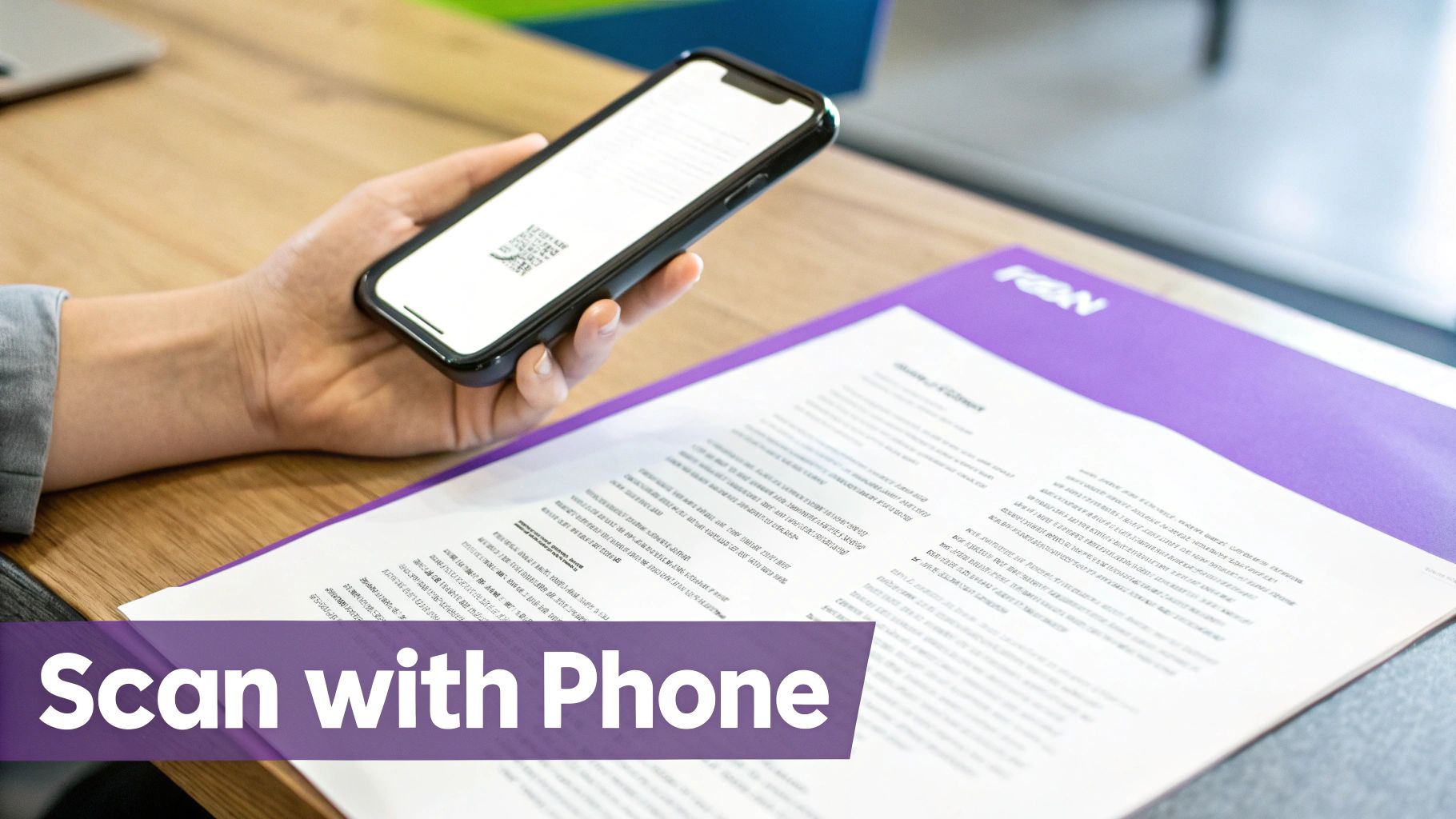
If you have a physical document, you don't need a bulky scanner anymore—your smartphone is your best friend. Simply open your phone’s camera app in a well-lit room and snap a clear picture. Most modern phones even have a "scan document" feature built-in, which automatically straightens the page and boosts the contrast. This is a game-changer for creating clean, easy-to-read PDFs right from your device. A blurry photo or a shadow across the page can ruin the transmission, so take a moment to get a good shot. Also, keep an eye on the file size. While services can handle large files, an uncompressed image will just slow everything down.
For an extra touch of professionalism, adding a cover sheet is a smart move. If you don't have one handy, you can grab a great fax cover page template here. The goal is simple: a clean, reasonably sized file for a smooth and successful fax.
How to Send Your First Online Fax Without an Account
This is where the process becomes refreshingly simple. When you just need to send a fax online one time, the last thing you want is to sign up for a new account you'll never use again. Services like FaxZen are built for exactly this scenario: speed and convenience, no strings attached. The entire process is designed to be intuitive, turning a once-tedious task into just a few clicks. It's a massive improvement over hunting down a physical location and figuring out their clunky machine.
First, you'll upload your prepared document directly from your computer or phone. This is usually a simple drag-and-drop or a file selection button. Next, just enter the recipient's fax number. Always double-check the number and remember to include the country code if you're sending it internationally. Most services also let you add a simple cover page, which is a great way to provide context and your contact details. Finally, you’ll complete the payment through a secure processor. That’s it. In just a couple of minutes, your fax is on its way, and you can get back to your day. This approach completely bypasses the commitment of a subscription and the hassle of searching for where to go to fax documents.
Pro Tip: When choosing a one-time fax service, look for transparent pricing. The best services have a clear, flat fee per fax, so you know exactly what you're paying without any surprise charges or hidden fees.
One-Time Fax vs. Subscription Service: A Quick Comparison
Deciding between a one-time service and a subscription really comes down to how often you expect to send faxes. For most people who only need to fax a document once in a blue moon, the pay-per-fax model is a clear winner.
Here’s a quick breakdown to help you choose:
| Feature | One-Time Fax Service (Pay-Per-Fax) | Monthly Subscription Service |
|---|---|---|
| Best For | Infrequent, one-off faxes | Regular, high-volume faxing |
| Commitment | None. Pay only for what you send. | Ongoing monthly or annual fee |
| Account Required | No account needed | Yes, requires sign-up and setup |
| Cost Structure | Simple, flat fee per fax | Tiered pricing based on page volume |
| Receiving Faxes | Not typically supported | Usually includes a dedicated fax number |
Ultimately, if you're sending documents more than a few times a month, a subscription might offer better value. But for that single, urgent document, the simplicity of a one-time service is unbeatable.
Tracking Your Fax and Understanding Confirmations
Hitting 'send' is just the first step. True peace of mind comes from knowing your document actually landed where it was supposed to. When you send a fax online one time, modern services take all the guesswork out of the delivery process. Almost immediately after you submit your fax, you'll get an email confirming it's in the network and on its way.
The real magic is the final delivery confirmation that follows. This receipt is your official proof of transmission, detailing the exact delivery time, date, and page count—critical for legal or medical records. This automated system is also smart enough to handle common hiccups like busy signals by retrying several times. If the fax still can't get through after multiple attempts, you're notified immediately. You’re never left wondering about the status of your important documents.
Why Sending Faxes Online Just Makes Sense Now
Online faxing isn't some obscure tech anymore; it's quickly becoming the go-to for anyone who needs to send sensitive documents securely. The big shift to remote work and digital-first business has put a spotlight on the risks of unencrypted email for important information, accelerating the move to secure, cloud-based faxing. This isn't just a hunch; the numbers back it up. The online fax market is projected to hit a massive USD 7.22 billion by 2035, a huge indicator of a fundamental change in how we think about secure document transmission.
Think about it from a practical standpoint. If you're a lawyer, real estate agent, or healthcare professional, you can't just hope your document arrived—you need proof. Services that let you send a fax online one time deliver that enterprise-grade security and a verifiable delivery receipt without the commitment of a subscription. It’s the perfect fit for how we work today: reliable, on-demand, and secure.
Frequently Asked Questions
Even with a simple process, a few questions often come up. Here are answers to the most common queries about sending a one-off fax.
Is it secure to send sensitive documents this way? Absolutely. Any reputable pay-per-fax service uses strong encryption (like 256-bit SSL) to shield your documents while they're in transit. Think of it like online banking—it’s the same level of security and a massive step up from leaving a sensitive document sitting on the tray of a public fax machine.
What file types can I send? You have plenty of flexibility. Most online services handle the files you use every day, including PDF, DOC, DOCX, JPG, and PNG. For the best results, saving your document as a PDF before uploading is recommended, as it locks in the layout and ensures the recipient sees exactly what you do.
Can I send a fax internationally? Yes, and it's just as straightforward as sending one domestically. Top services like FaxZen are set up to handle faxes to countries all over the world. The only extra step is to add the correct country code before the recipient's fax number; the service handles all the complex international routing.
Do I need any special software to send a fax? Nope, and that’s the real beauty of it. The entire process happens right in your web browser. You can send a fax from your laptop, tablet, or smartphone without downloading a single app or installing any software. For a deeper look into the convenience of the process, you can find a comprehensive guide to send a fax online.
How do I know my fax was delivered? You will receive email notifications. The first confirms your fax has been queued for sending, and the second is a final delivery confirmation. This final receipt serves as your proof of transmission, detailing the date, time, and number of pages sent.
Related Articles
- Find a Local Fax Service Near You
- How to Sign a Faxed Document Online
- Sending a Fax From Your iPhone
- Can You Send a Fax From Your Computer?
Ready to send your document securely in just a few clicks? Try FaxZen today for a fast, reliable, and account-free experience. Send Your Fax Now