
Your Free Fax Cover Page Template PDF and Pro Tips
Table of Contents
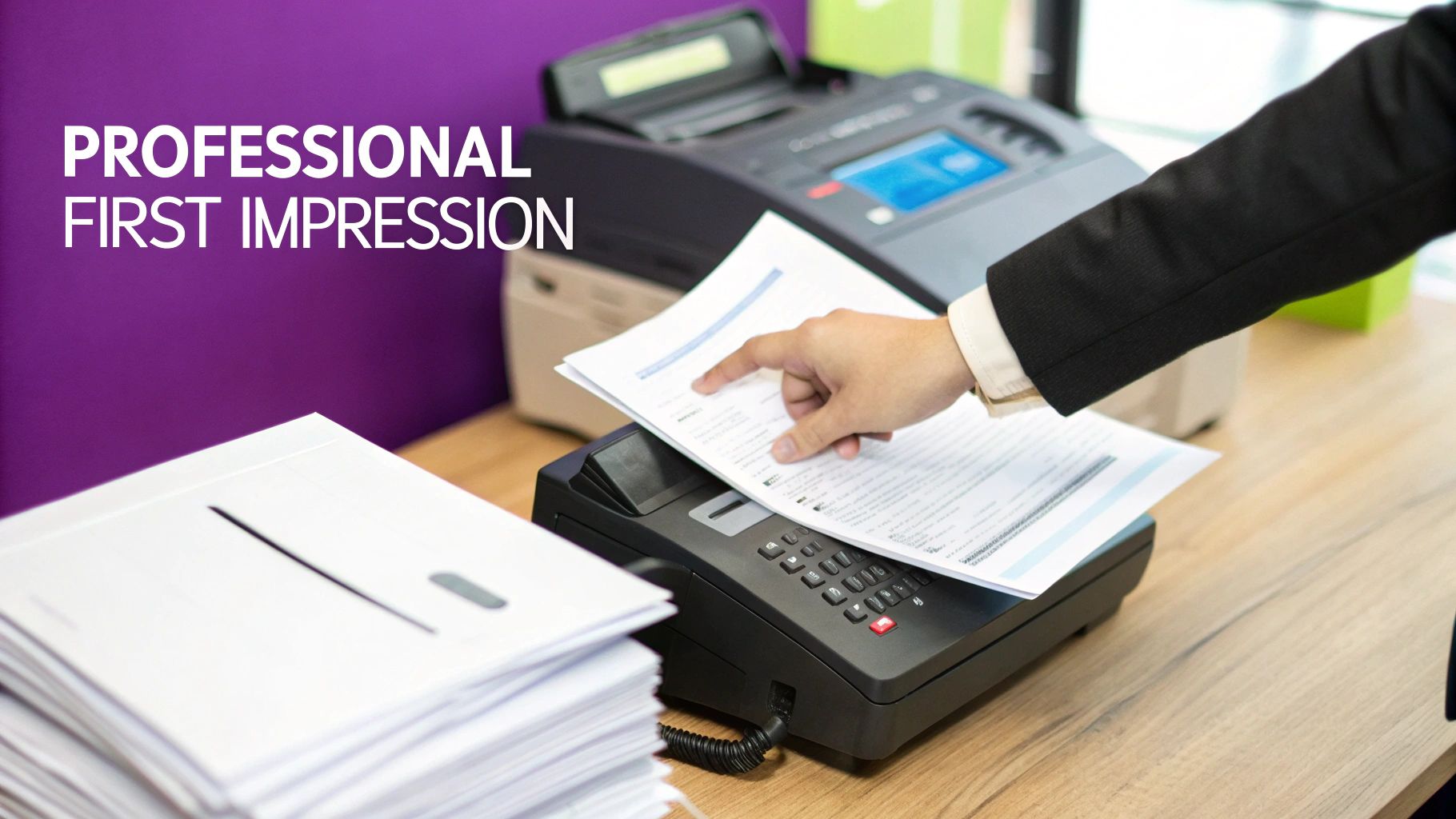
A professional fax cover page template pdf is way more than just an extra sheet of paper; it’s the first impression your document makes. Think of it as a clear, concise introduction that ensures your critical information lands in the right hands—and fast. In a busy office with a shared machine, a good cover page prevents your fax from getting lost in the shuffle. It's the simple step that adds a professional touch and ensures secure delivery.
Ready To Fax?
Start sending faxes online in seconds with FaxZen - No account required
Send Fax Now 🚀Ready to streamline your faxing process and create professional documents in minutes? Discover how FaxZen makes sending secure, branded faxes simple and efficient.
Why a Professional Fax Cover Page Still Matters
In a world filled with instant messages and email, you might wonder if a fax cover page is still relevant. Absolutely. This simple document remains a cornerstone of professional communication for a few key reasons. Think of it as the professional handshake before your recipient even reads the main document. It immediately sets a formal, credible tone, showing that you take your correspondence seriously. A well-designed cover page gives all the essential context at a glance. It tells the recipient who sent the fax, who it’s for, and what it’s about, letting them prioritize it correctly. This clarity is a game-changer in fast-paced environments like legal offices, financial institutions, and real estate agencies where documents are often time-sensitive and require immediate attention.
Beyond just looking professional, a cover sheet serves a vital organizational purpose. Including the total page count helps the recipient confirm they've received the entire transmission, eliminating any misunderstandings about missing pages. For sensitive materials, a confidentiality notice on the cover page is a must. It acts as a formal disclaimer, reinforcing the private nature of the contents and showing you've done your due diligence to protect the information. And in offices where a single fax machine serves an entire department? The cover page is indispensable. It acts as a routing slip, ensuring the documents get to the right person without being read by others. While the debate of fax vs. email for business communications continues, the cover sheet gives faxing a distinct advantage in secure, organized delivery.
The Anatomy of an Effective Fax Cover Sheet
A great fax cover page does more than just list names and numbers. Think of it as the roadmap for your document, making sure it lands in the right hands quickly and gets the attention it deserves. From sender details to a clear subject line, every single piece of information plays a role in a professional, secure transmission. The basics start with the "To" and "From" section. This is the most fundamental part of any cover sheet, but getting it right is crucial. For the sender, that means your full name, company, direct phone number, and fax number. For the recipient, specificity is your best friend. Include their full name, title, department, and direct fax number. Sending a fax to a large company addressed only to the company name is a recipe for delay. Clear addressing helps your document bypass the general inbox and land directly on the intended desk.
The next part of your fax cover page template pdf gives the recipient all the context they need about the fax itself. The date of transmission is essential for good record-keeping. Just as important is the total page count, which should always include the cover sheet. So, if you have a 5-page document plus the cover sheet, your total is 6 pages. Your subject line is another key player. Keep it short, but make it descriptive. Something like "Urgent: Signed Contract for Project Phoenix" is way more effective than just "Contract." Many pros also find it helpful to understand the difference between a fax cover letter and a cover sheet to really sharpen their communication.
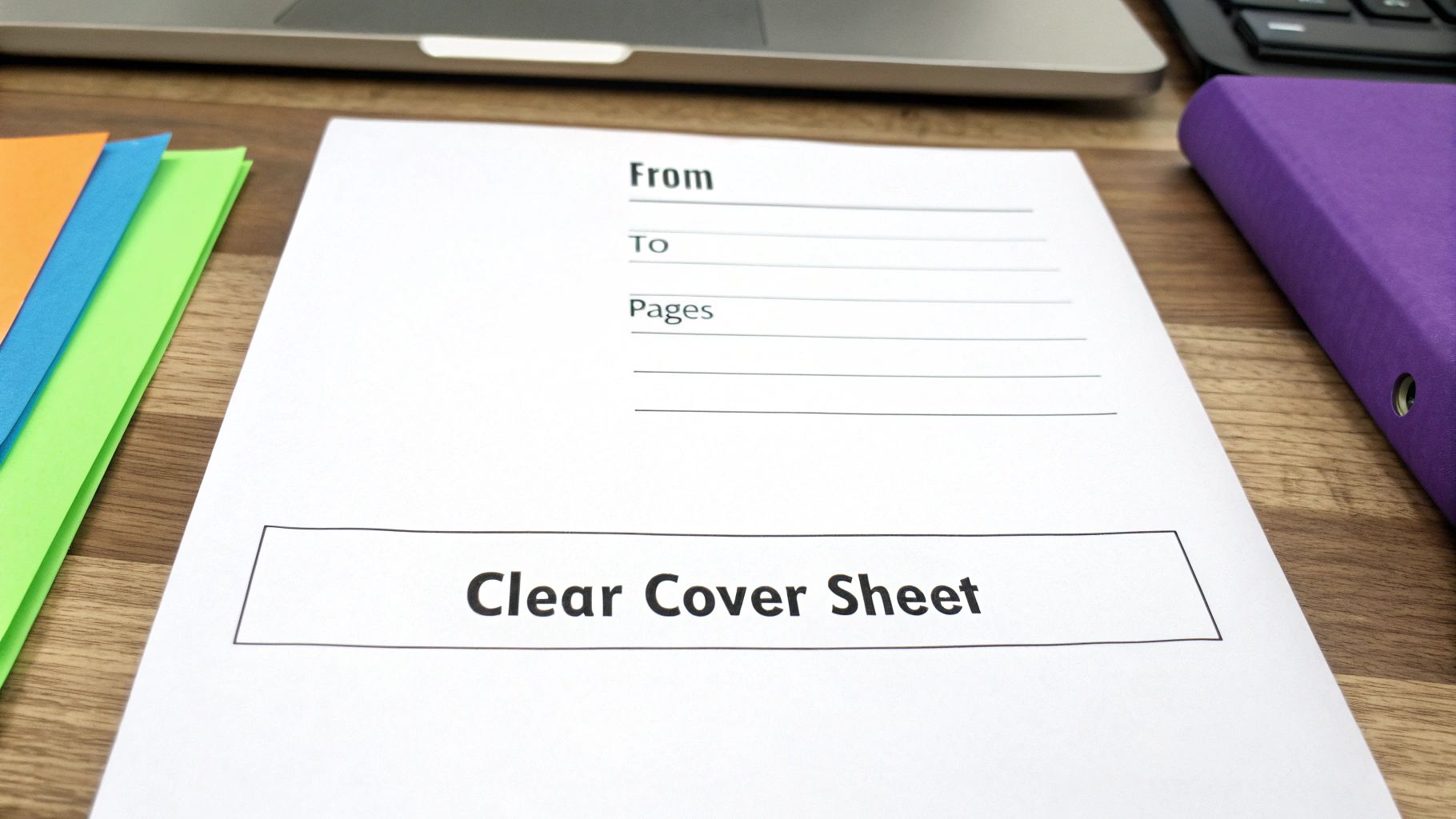
To make sure your faxes always look professional and contain all the necessary info, building your template around standard fields is the way to go. This table breaks down the most important components and why they matter.
| Component | Purpose | Example |
|---|---|---|
| Sender Information | Identifies who sent the fax for easy reference and reply. | John Doe, ABC Corp, (555) 123-4567 |
| Recipient Information | Ensures the fax is routed to the correct person and department. | Jane Smith, Legal Dept, (555) 987-6543 |
| Date | Provides a timestamp for when the document was sent. | October 26, 2023 |
| Total Pages | Confirms the entire document was received (includes cover sheet). | 11 |
| Subject Line | Gives a quick overview of the fax's content and urgency. | Confidential: Q3 Financial Report |
| Confidentiality Notice | A legal disclaimer for sensitive or private information. | Standard legal disclaimer text |
If you're faxing anything with sensitive information—like contracts or financial records—a confidentiality notice is non-negotiable. This is a pre-written legal disclaimer that usually sits at the bottom of the page. It's there to inform anyone who might receive the fax by mistake that the information is privileged and tells them what to do next, like destroying the document and calling you. Finally, a "Comments" or "Notes" section is a great place to add a brief, personalized message or give specific instructions ("Please sign and return by 5 PM"). It adds a human touch and provides helpful context.
How to Create and Customize Your PDF Template
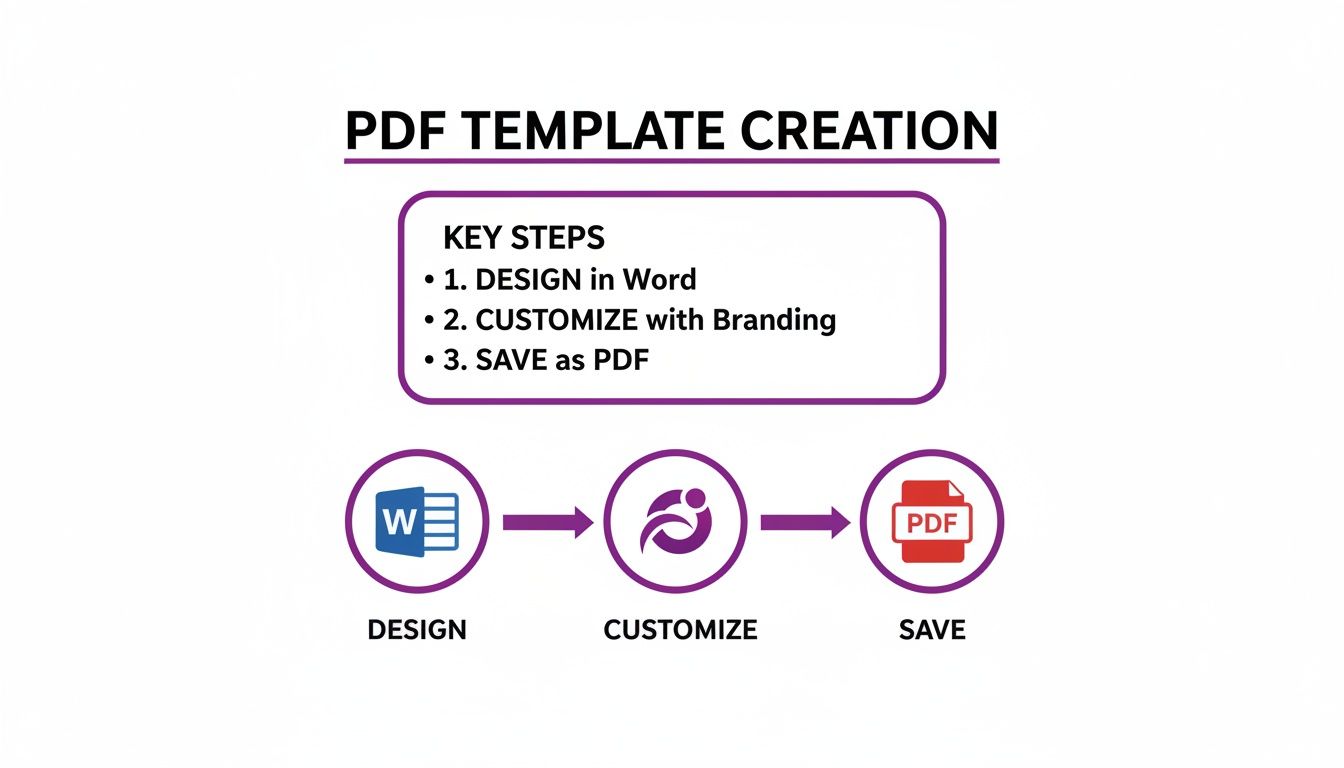
Crafting your own professional fax cover page template pdf is easier than it sounds. You don’t need fancy design software; tools like Microsoft Word or Google Docs are more than capable. By starting with a blank document, you can build a clean, branded template that saves time and ensures every fax you send looks sharp and consistent. First, design a clean, functional layout. Using a simple table is the easiest way to create a structured grid for all the essential info, keeping everything perfectly aligned and simple to read. A basic two-column table is usually all it takes to get that professional look. Next, pop your company logo into the header. A well-placed logo is a quick win for brand identity and makes your fax instantly recognizable.
Callout: The real game-changer with a custom template is its reusability. Once you nail down your master design, you just use it again and again, only updating the specific details for each fax. That consistency is what builds a professional image.
To make your template truly efficient, you'll want to create fillable fields. In Microsoft Word, you can do this by inserting "plain text content controls," which lets your team click and type directly into the right spots without messing up the layout. Once your design is locked in, the final and most crucial step is to save it as a PDF. A PDF preserves all your formatting, guaranteeing that your cover page looks exactly the way you designed it, no matter what device the recipient is using. In both Word and Google Docs, you can export or save the document directly as a PDF. This gives you a universal file that’s easy to upload to an online fax service like FaxZen or print out for a traditional machine. You can even create different versions, like a printable fax cover sheet for when you need a physical copy. For more advanced features, you might look into some of the leading online form builders.
Best Practices for Sending Faxes Securely
You’ve put in the work to create a professional fax cover page template pdf, and it looks great. But your job isn’t done just yet. How you actually send the fax is just as critical as how it looks. One wrong move can compromise sensitive information or lead to a delivery failure. Before you hit send, a few quick checks can save you from a world of trouble. I always tell people to start with the absolute basics: double-check the recipient's fax number. It sounds obvious, but you’d be surprised how often a single wrong digit sends confidential documents floating off to a complete stranger. Another small but crucial habit is to confirm the total page count on your cover sheet matches what you're sending.
Let's be honest, traditional fax machines have had their day. Modern online fax services offer a level of security and reliability that old hardware just can't compete with. A traditional fax machine spits out your document onto a shared tray, where anyone walking by can see it. Online faxing, on the other hand, sends your files directly to the recipient's secure portal or email inbox. Services like FaxZen use end-to-end encryption to shield your data as it travels, creating a secure tunnel from your device straight to the recipient. This is the same type of security your bank uses. You just don't get that kind of peace of mind from a physical machine. It's also worth being aware of the often-overlooked printer security threats that can compromise an entire network.
One of the biggest headaches with old-school faxing was the uncertainty. Did it go through? Online faxing solves this completely by providing a clear, digital audit trail. The second your fax is delivered, you get an email confirmation that acts as a digital receipt, including the exact transmission time and delivery status. This kind of digital record-keeping is a game-changer for business. You can track every fax you've sent and stay organized without ever touching a piece of paper. If you ever need to find a place to send a document, our guide on where you can send a fax can help.
Frequently Asked Questions
Is a fax cover sheet legally required? While it's not a strict legal requirement for every single document, using a cover sheet is a huge best practice, especially in professional fields like law and finance. For documents with sensitive information, a cover sheet with a clear confidentiality notice is considered essential to show due diligence in protecting data.
Can I handwrite a fax cover sheet? You can, but for business communications, it's strongly advised against. A typed, standardized template projects a more professional image, guarantees everything is legible, and cuts down on the risk of errors from hard-to-read handwriting.
Do I need a cover sheet when using an online fax service? Yes, it’s still a great idea. Even though the fax might land in an email inbox or a secure portal, the cover sheet gives the recipient immediate context. With just a glance, they know who it's from, what it's about, and how to prioritize it in their digital workflow.
How do I count the pages correctly? The rule is simple: the cover sheet is always counted as page one. So, if your main document is four pages long, you’d add the cover sheet and write "5" in the "Total Pages" field. This small detail prevents confusion and confirms the recipient received the complete transmission.
What is the most important information to include on a fax cover page? The most critical elements are the sender's contact information (name, company, fax number), the recipient's information (name, company, fax number), the date, the total number of pages (including the cover sheet), and a clear subject line.
Related Articles
- A Guide to Sending Faxes from Your Computer: Learn how to use online services to streamline your workflow.
- Fax vs. Email for Business Communications: Which is the right choice for security and reliability?
- The Ultimate Guide to Creating a Printable Fax Cover Sheet: Step-by-step instructions for a perfect physical copy.


