Secure Cloud Fax: Protecting Documents in 2026
Table of Contents
- Why Secure Cloud Fax Still Matters in 2026
- How a Document Moves Through a Secure Cloud Fax Service
- What Automatic Deletion Covers and What It Leaves Behind
- Features That Quietly Change Your Security Exposure
- Failure Points Encryption Cannot Fix
- Choose Controls That Match the Document
- Frequently Asked Questions About Secure Cloud Fax
- Related Reading on Secure Faxing
A 2019 HealthIT.gov analysis of the U.S. National Electronic Health Records Survey found 35% of office-based physicians used only fax, mail, or electronic fax to share patient health information externally. Secure cloud fax protects files while they leave, wait in processing, and clear after delivery.
Ready To Fax?
Start sending faxes online in seconds with FaxZen - No account required
Send Fax Now 🚀Need a signed page sent today? Send a fax now straight from your browser.
Why Secure Cloud Fax Still Matters in 2026
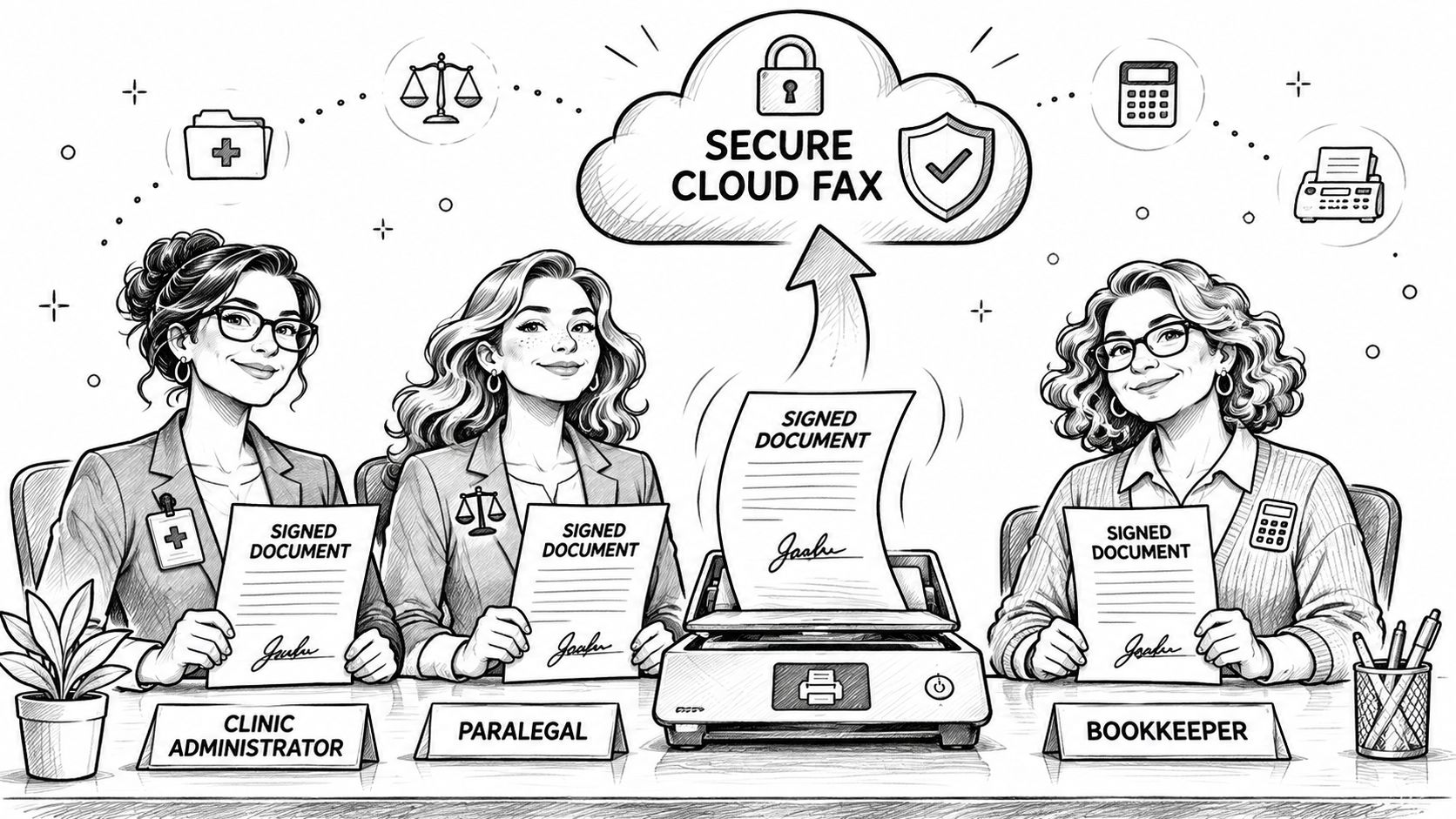
Say a clinic administrator, paralegal, or bookkeeper has one signed release to transmit. Many receiving offices still answer a phone line because external platforms don't connect, which keeps how fax security compares to email operationally relevant. Organizations maintaining a privacy notice for legal clients from Morgan & Morgan Attorneys at Law P.C. have to protect every external handoff.
A lock on the front door is useless if the back door stays open. Protection must follow your file from upload through deletion.
How a Document Moves Through a Secure Cloud Fax Service
Every browser fax crosses five stages: upload, temporary storage, gateway transmission, delivery logging, and scheduled deletion. In 2019, NIST Special Publication 800-52 Revision 2 defined Transport Layer Security (TLS) for internet transfers. Because NIST public-cloud guidance separates data in transit, at rest, and in use, HTTPS covers only stage one.
See how cloud transmission steps work before putting the questions below to a provider.
| Stage | Control that covers it | What to ask the provider |
|---|---|---|
| Upload from your browser | HTTPS (TLS) connection | Confirm the TLS version and end-to-end HTTPS upload |
| Temporary processing storage | Encryption at rest | Ask how long files sit and who can open them |
| Conversion and transmission | Isolated gateway with scoped access | Confirm documents reach only the named recipient |
| Delivery record | Access-controlled audit log | Ask whether failed attempts appear beside successes |
| Deletion | Scheduled primary purge | Ask whether backups, logs, and subprocessors clear |
Use that third column as your written script before faxing contracts or tax forms. Answering all five rows proves far more than a padlock icon.
What Automatic Deletion Covers and What It Leaves Behind
A 24-hour deletion claim typically clears only primary storage, while copies can remain in emailed confirmations, metadata, or backups. NIST cloud storage guidance states that retention rules apply to encrypted backups, and its 2025 sanitization guidance flags cryptographic erasure for virtual storage. Likewise, FTC security guidance advises keeping sensitive data only while a business reason exists, then disposing of it irreversibly.
| Copy location | What typically holds it | What to request in writing |
|---|---|---|
| Primary storage | Uploaded file until purge | Deletion window in hours or days |
| Delivery confirmation email | Original document or status only | Whether the document is attached |
| Delivery and status metadata | Recipient number, timestamps, attempts | Retention period for metadata |
| Backups and logs | Encrypted copies outliving purge | Overwrite period and key handling |
Three questions to get in writing: What is the primary deletion window, what is the backup overwrite period, and do confirmation emails attach the original file?
Legal holds, tax records, or insurance disputes may still require your own archive. Pair short server retention with practical document retention policies so your confirmation copy stays intentional.
Features That Quietly Change Your Security Exposure
Convenience settings reshape risk right alongside document encryption, so inspect defaults before queueing sensitive pages.
| Feature | Security question it raises | What to confirm |
|---|---|---|
| Branded cover page | Reference notes stay visible at receiving machines | Keep client and case details inside the file |
| Scheduled sending | Files wait in storage until send time | Schedule close to sending and check timezone |
| Automatic retries | Retries can blur delivery records | Cap attempts and log every failure separately |
| Delivery confirmation | Attached copies outlive server deletion | Confirm whether emails send status or files |
Ask about each setting, because defaults usually favor delivery over discretion. A confirmation listing the recipient number and timestamp protects you better than an email saying only "sent."
Failure Points Encryption Cannot Fix
No cipher protects pages sitting on a shared mailroom tray, so call ahead and ask who collects incoming faxes. Transposed digits cause misdelivery fast, so verify a fax number against the recipient's letterhead and confirm the country code before paying. Encryption isn't a legal shield either, whether you're reviewing how your tax data stays protected from Omni Tax Help or following the FCC fax advertising policy, which requires consent for fax ads and honoring opt-outs within 30 days.
Fix these gaps procedurally: verify the recipient, check delivery status, and save your own copy of disputable filings.
Choose Controls That Match the Document
Match controls to risk. One-off forms need encrypted transfer and live tracking; contracts, filings, and tax returns need encrypted storage, attempt logs, and timestamped confirmation; long-term records need your own export. Clinics can also review regulated medical fax standards.
| Document | Controls it needs | Proof to keep |
|---|---|---|
| One-off form | Encrypted transit and tracked status | Delivery record with number and timestamp |
| Contract, court filing or tax return | Encrypted storage, attempt logs, timestamped confirmation | Your own exported copy |
| Records needed months later | All above plus written retention schedule | Exported copy kept outside the vendor |
At FaxZen, we meet that bar pay-per-fax from $8 with no account required, using 256-bit SSL encryption in transmission and storage, 24-hour automatic deletion, and a record of over 50,000 faxes sent. Track every step live, save your proof, and start a fax on FaxZen.
Frequently Asked Questions About Secure Cloud Fax
Is cloud fax safer than a fax machine? Usually yes, since files stay encrypted in transit and attempts are logged, though shared receiving trays remain outside your control.
Does 256-bit SSL alone make a fax secure? No. SSL protects only browser uploads, not storage, logs, or deletion.
How long should a provider keep documents? Only while delivery and support require, often 24 hours, plus a written backup overwrite window.
Is sending from a phone as safe as a desk? Yes, when the upload page uses HTTPS and your device stays locked.
Related Reading on Secure Faxing
- Windows desktop users: Follow our guide to faxing from a PC to upload documents from a browser without installing software.
- macOS senders: Use our Mac faxing guide when exporting signed contracts from Pages or PDF viewers.
- Mobile workflows: Walk through the iPhone faxing guide to send documents cleanly from your phone.
FaxZen lets you send PDFs and images without a machine, subscription, or account, backed by 256-bit SSL encryption, live delivery tracking, and 24-hour server deletion. Verify your recipient number, upload your file in seconds, and visit FaxZen to transmit your next document safely.