
How to Fax from a Mac Without a Fax Machine
Table of Contents
Ever found yourself needing to send a fax from your Mac, only to realize you haven't seen an actual fax machine in years? You're not alone. The good news is you don't need clunky, outdated hardware anymore. Modern online fax services can turn your Mac into a powerful and secure faxing tool using just your internet connection.
Ready To Fax?
Start sending faxes online in seconds with FaxZen - No account required
Send Fax Now 🚀Ready to send a fax right now? Visit FaxZen.com to upload your document and send it in minutes.
Why You Still Need to Fax from Your Mac
In a lot of professional fields, faxing is still a trusted and sometimes required method for sending important documents. Industries like law, finance, and real estate depend on it for transmitting signed contracts, sensitive client records, and official government forms. The reason it’s stuck around is pretty simple: security and legal standing. A fax transmission creates a verifiable point-to-point connection, which is often preferred over email for its directness and lower risk of being intercepted.
Imagine you're a freelance designer who just signed a non-disclosure agreement (NDA) for a new project. Instead of printing it, finding a local print shop with a fax machine, and paying their fees, you can just send it directly from your MacBook in seconds. Or maybe you're a homeowner refinancing your mortgage, and the lender needs signed copies of your financial statements immediately. An online fax service lets you handle this right from your home office, ensuring the documents arrive securely and without any delay. The core benefit here is bridging an old-school communication method with your modern Apple ecosystem. It completely eliminates the need for physical hardware, saving you time, money, and a trip to the office supply store.
This guide will show you exactly how to fax from a Mac by breaking down the simplest methods available. Forget about phone lines and paper jams. You can use web-based platforms that make sending a fax as easy as sending an email. These services provide everything you need—a cover page, international sending options, and a confirmation receipt for your records. The whole process is designed to feel native to your digital workflow, fitting right into how you already use your Mac. If you're new to this, learning more about what a fax number is and how it works can make the transition even smoother. You get the security of traditional faxing with the convenience you'd expect.
Sending a Fax from Your Mac with An Online Service
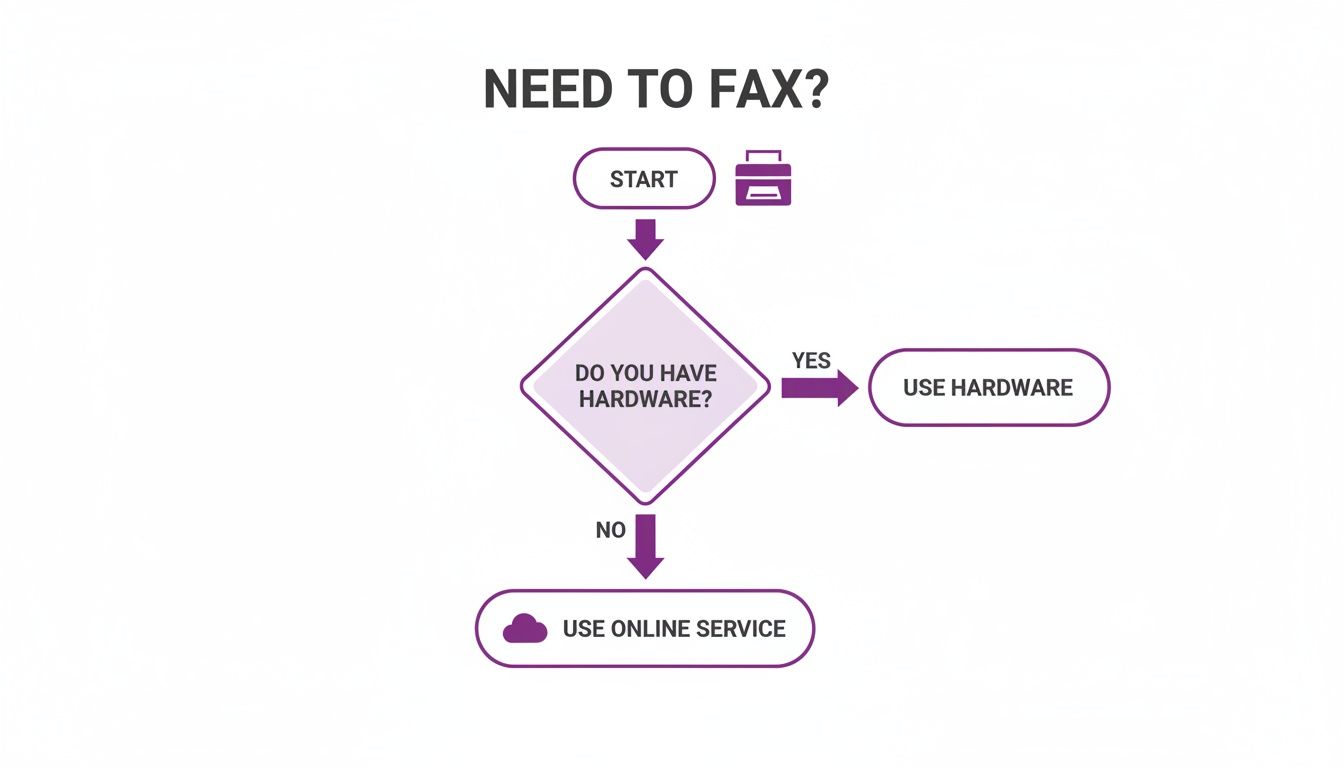
Using an online fax service is, by far, the simplest way to get a fax sent from your Mac. Think about it: you’re a small business owner who needs to send an urgent purchase order. Instead of digging out an old fax machine or driving to a print shop, you just open Safari. With a service like FaxZen.com, there's no software to download and no complicated setup. The whole process is web-based, designed to feel as intuitive as sending an email. You just navigate to the website, where you’re met with a clean interface. From there, you can drag and drop your document—like a PDF or an image file—right from your desktop.
The sheer convenience of this method is its biggest draw. You enter the recipient’s fax number, add a professional cover page if you need one, and hit send. That’s it. Modern services even support international numbers, making global communication just as straightforward. For many Mac users, faxing is just an occasional task. You might need to send a signed contract once a month or submit tax forms once a year. This is where a pay-per-fax model really shines. Instead of getting locked into a monthly subscription for a service you barely use, you only pay for the faxes you actually send. This approach eliminates recurring costs and is perfect for freelancers, small businesses, or anyone who just wants to send a fax online for a one-time need. The entire transaction is handled securely online, and you get an email confirmation with the delivery status and a copy of the sent document, creating a clear digital paper trail for your records.
Alternative Ways to Fax From Your Mac
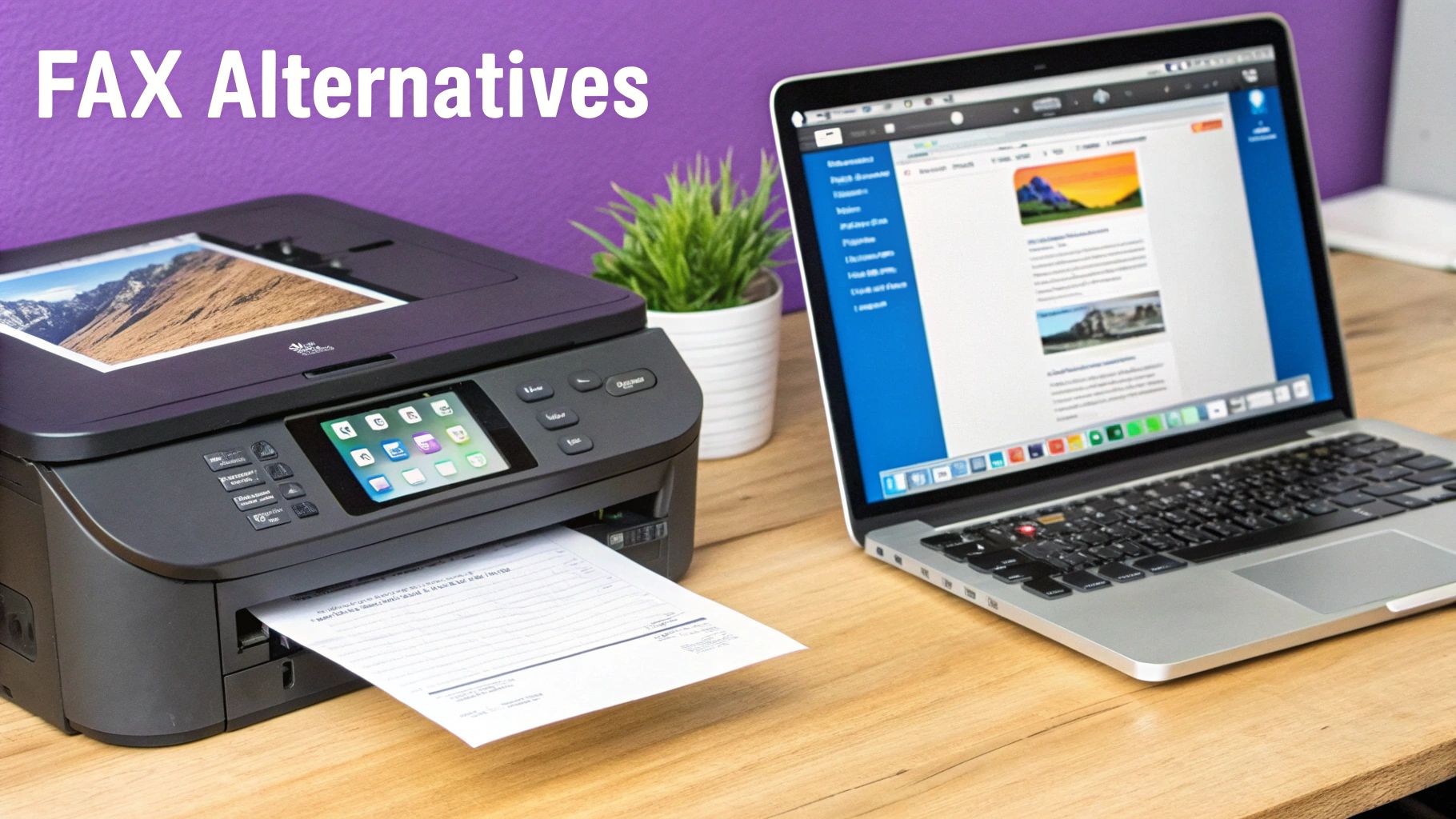
While a slick online service is often the path of least resistance for faxing from a Mac, it's definitely not the only game in town. Depending on what hardware you already have and how often you're sending faxes, a couple of other methods might actually be a better fit for your workflow. One alternative is using an all-in-one printer. If your home or office already has an all-in-one printer with a built-in fax function, you're halfway there. This method bridges the gap between old-school hardware and your Mac, but it comes with one major string attached: you need a physical phone line plugged directly into the printer. To make it work, you'll first need to install the right macOS drivers for your specific printer model. Once that's set up, you just open your document, hit 'Print,' and in the dialog box, you'll choose your fax machine as the output.
Another powerful option is using an email-to-fax service. This is designed for people who need to send and receive faxes regularly and prefer to live inside their email client. The concept is brilliantly simple: the service translates a standard email into a fax transmission. You just compose a new email, attach your document (PDF is always best), and send it to a special address like [email protected]. The service takes care of the rest, beaming your document over to the recipient's fax machine. If you want to dive deeper, we have a complete guide on how to fax from email. Just know that these services usually run on a monthly subscription, which makes them a better fit for consistent, higher-volume faxing.
Pro Tip: For most individual Mac users and small businesses, the flexibility and low barrier to entry of an online service offer major advantages. If you want a more detailed walkthrough, our guide on how to send a fax online breaks down every step.
Keeping Your Faxes Secure and Private
Let's talk about security. It’s one of the main reasons faxing has stuck around for so long. A traditional fax machine created a direct, point-to-point connection over a phone line, which was pretty secure for its time. The real weak spot? The physical machine itself. We've all seen sensitive documents sitting out in the open on a shared office machine, for anyone to grab. This is where modern online fax services completely change the game for Mac users. When you send a document from your computer, the entire transmission is wrapped in 256-bit SSL encryption. That’s the same security standard your bank uses. It protects your file from the moment it leaves your Mac until it lands safely on the service's servers.
One of the biggest privacy wins with a good online service is automatic data deletion. Reputable providers permanently delete your files after a short window, usually 24 hours. This simple feature drastically cuts down on long-term risk. Plus, instead of a flimsy paper confirmation that can get lost, you receive a secure, digital confirmation right in your email. This gives you a verifiable audit trail without creating another physical copy to worry about. For an extra layer of protection, especially on public Wi-Fi, using one of the best VPNs for Mac is a smart move. For a deeper dive into how this all works within regulated industries, our guide on online faxing and compliance is a great resource.
Troubleshooting Common Faxing Issues
Even with the slickest online service, faxing can sometimes hit a snag. Most of the issues you might run into when faxing from your Mac are surprisingly easy to sort out. Seeing that "failed to send" notification is probably the most common headache. More often than not, this is just the digital equivalent of a busy signal. The recipient's machine might be tied up, or there could be a simple typo in the fax number you entered. Most quality online fax services have a smart retry feature baked right in that attempts to resend your fax automatically. If it still fails after a few attempts, your very first step should be to meticulously double-check the fax number, including the country and area codes.
Another common issue is a blurry or illegible received fax. This problem almost always comes down to the quality of the file you sent. To guarantee a crisp, clear result, you have to start with a high-quality document. A clean, well-formatted PDF is the absolute gold standard for faxing. Steer clear of low-resolution JPEGs, screenshots, or photos of documents if you can help it. Lastly, if you don't receive a confirmation email, check your spam or junk folder first. If it's not hiding in there, carefully review the email address you typed in when you sent the fax. A tiny typo is a super common reason for a missing confirmation. You can see more troubleshooting tips in action below.
Frequently Asked Questions About Mac Faxing
Here are quick answers to some of the most common questions we hear about faxing from a Mac.
| Question | Answer |
|---|---|
| Can I fax from my Mac without a phone line? | Absolutely. Online fax services use your internet connection to send and receive faxes, completely removing the need for a physical phone line. |
| Do I need to install any software on my Mac? | No. The best online fax platforms are web-based, meaning you can access everything you need directly through a browser like Safari or Chrome. |
| How do I know if my fax was delivered successfully? | You’ll receive real-time status updates and a final confirmation email once the fax is delivered, which serves as your proof of transmission. |
| Is it expensive to send a fax from a Mac? | It doesn't have to be. Pay-per-use models are incredibly cost-effective for occasional faxing, which is much cheaper than maintaining a fax machine or paying for a subscription. |
| What file formats can I fax from my Mac? | Most online services accept common formats like PDF, DOCX, JPG, and PNG. For the best quality and reliability, a high-resolution PDF is always recommended. |
Related Articles
If you found this guide helpful, you might want to dive into some of our other posts. We've put together a few more resources to help you get the most out of digital faxing and document management.
- How to Fax from Email: A Complete Guide
- The Ultimate Guide to Digital Document Security
- Choosing the Right Online Fax Service for Your Needs
- Why Pay-Per-Fax is the Smart Choice for Small Businesses
- What Is a Fax Cover Sheet and Do I Need One?
Ready to see how easy it is to fax from your Mac? With FaxZen, you can send your document securely in just a couple of clicks. Visit https://faxzen.com to get started.


