How to Fax Documents Online The Easy Way
Table of Contents
In a world overflowing with emails and instant messages, you might think faxing went out with dial-up modems. Not quite. For critical documents—think legal contracts, government forms, or sensitive business agreements—faxing is still a secret weapon for secure, verifiable delivery. It provides a rock-solid transmission method that many industries still swear by.
Ready To Fax?
Start sending faxes online in seconds with FaxZen - No account required
Send Fax Now 🚀Ready to send your first fax without a clunky machine? Let's dive into how FaxZen makes it surprisingly simple and secure.
Why Online Faxing Still Matters Today
The staying power of faxing isn't about nostalgia; it’s about practicality and security. Unlike an email that can be intercepted, misdirected, or buried in a spam folder, a fax creates a direct, point-to-point connection. This leaves a clear, undeniable record of transmission, which is exactly why it remains a trusted method in legal, financial, and government circles. The good news is that modern services have totally reinvented the process, ditching the need for dedicated phone lines and bulky hardware.
The real game-changer has been the move to online platforms. Now, you can fax documents online directly from your computer or phone, turning any digital file into a securely transmitted fax in seconds. This shift has not only made faxing more accessible but also way more affordable and efficient. No more wrestling with paper jams, busy signals, or pricey toner cartridges. This convenience has fueled some serious growth. The online fax service market was valued at around USD 3.16 billion and is on track to hit USD 7.22 billion by 2035. North America is leading the charge with a 38% market share, largely because industries depend on its reliability. You can see more insights about the online fax market here.
Making the switch to an online service brings a bunch of immediate perks that go well beyond just ditching old hardware. The best services use strong encryption to shield your data from prying eyes during transmission. Pay-per-fax models mean you can forget about the overhead costs of buying and maintaining a physical machine. Plus, you get the flexibility to send a fax from the coffee shop, your home office, or a hotel room—anywhere you have an internet connection. Most importantly, you get digital confirmation receipts that serve as concrete proof your document was successfully sent and received. Understanding the many benefits of online fax services for businesses really clarifies why this technology is not just surviving but thriving.
Pro Tip: By digitizing the fax process, you get a modern tool that blends the proven reliability of traditional faxing with the flexibility of today's technology.
Preparing Your Documents for Flawless Transmission
Before you even think about hitting "send," taking a few minutes to prep your files can mean the difference between a successful fax and a frustrating failure. This isn't about jumping through technical hoops; it's about setting your communication up for success right from the start. A little prep work ensures your documents land on the other end looking crisp, professional, and exactly how you intended.
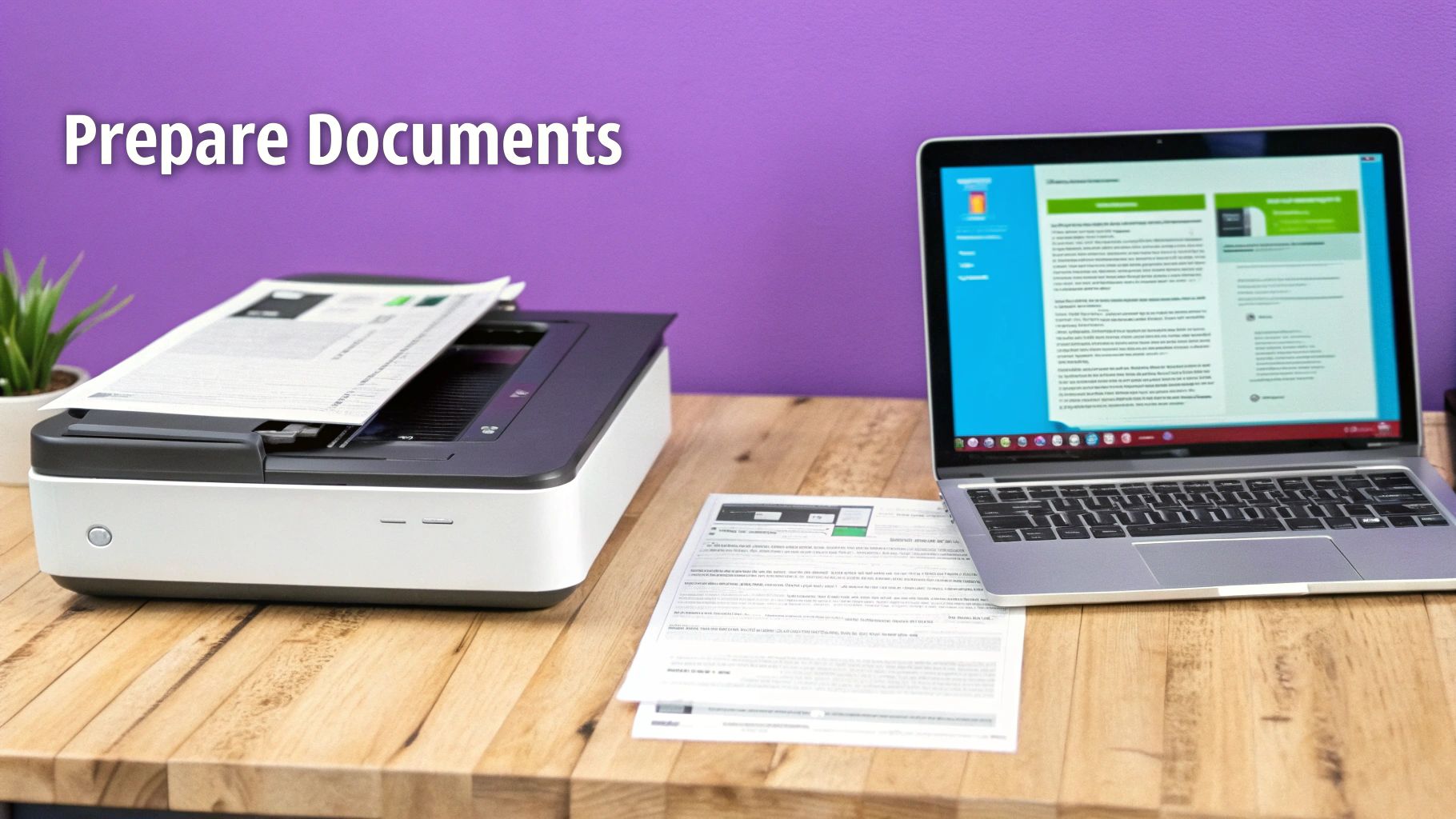
The file format you choose has a direct impact on how your document looks to the recipient. While many online fax services are flexible, PDF is the undisputed champion for online faxing. Why? It's a universal format that locks in your document's layout, fonts, and images. What you see on your screen is precisely what the person on the other end gets. For official documents like contracts or applications, that consistency is non-negotiable. If your files aren't already PDFs, there are plenty of great guides on converting various document types to PDF to ensure a perfect transmission.
A fax that can't be read is just wasted time and money. To avoid this common pitfall, always start with a high-quality source file. If you're scanning a physical document, set your scanner's resolution to at least 300 DPI (dots per inch). This is the sweet spot for capturing sharp text and clear images without creating a massive file. Before you upload anything, do a quick visual check. Zoom in on the document and look for blurry text or smudges, especially for documents with fine print or handwritten signatures. Finally, don't forget the cover sheet! It’s essential for providing context. Our guide on a fax cover sheet template in PDF has some great examples to get you started.
Choosing the Right Online Faxing Model
Not all faxing needs are created equal, and the service you pick should reflect your reality. The world of online faxing isn't a one-size-fits-all deal; it's split into a couple of key models, each built for a different kind of user. Getting this choice right from the start is the key to avoiding headaches and overspending on features you'll never touch. The two main paths you can take are pay-per-fax and subscription-based plans. Your decision really boils down to how often you see yourself sending documents.
The pay-per-fax model is exactly what it sounds like: you only pay for the faxes you actually send. This is the perfect setup for individuals and small businesses who only fax once in a blue moon. Think sending a signed contract once a quarter, submitting tax forms once a year, or forwarding medical records on an as-needed basis. There are no monthly fees or long-term commitments. This no-strings-attached approach is ideal for freelancers or anyone who just needs to send a fax right now without signing up for a service they might not use again for months. For a deeper look at this model, check out our article on the advantages of a pay-per-use online fax service.
On the other side of the fence, you have subscription plans. These are built for businesses with a steady, consistent need to fax. If your team sends out dozens of invoices or purchase orders every single month, a subscription can bring predictability to your budget and might be more cost-effective in the long run. These plans usually come with a recurring monthly or annual fee that gets you a specific number of pages. While this makes budgeting easy, you have to keep an eye on those page limits—exceeding them can lead to expensive overage charges. The upside is that subscriptions often include extras like a dedicated fax number for receiving faxes, which is a must-have for many companies.
| Feature | Pay-Per-Fax Model (e.g., FaxZen) | Subscription Model |
|---|---|---|
| Best For | Occasional users, freelancers, small businesses with infrequent needs | Businesses with consistent, high-volume faxing requirements |
| Cost Structure | Pay only for what you send; no monthly fees. | Monthly or annual fee for a set number of pages; overage charges apply. |
| Commitment | No long-term commitment. Use as needed. | Often requires a monthly or annual subscription. |
| Key Benefit | Cost-effective for low volume, maximum flexibility. | Predictable costs for high-volume users, often includes a dedicated number. |
The Modern Way to Send a Fax Online
Let's be honest, the old way of faxing was a nightmare. Paper jams, busy signals, and that awful screeching sound—it’s a process nobody misses. Sending a fax online, however, is a completely different world. It’s designed to be intuitive, turning a clunky chore into a task you can knock out in just a few minutes from your computer or phone.
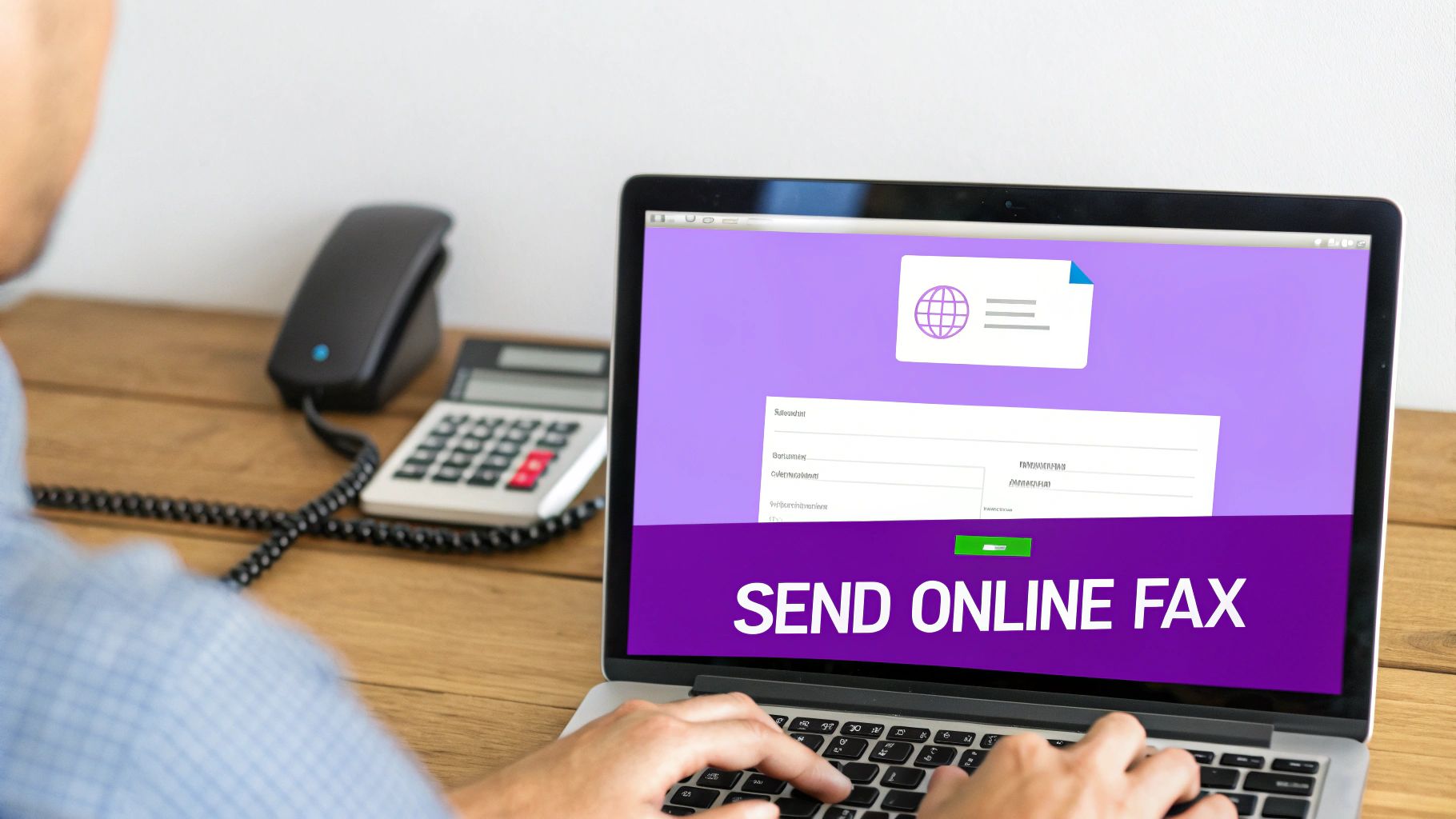
The whole process starts with getting your document ready to go. With a clean interface, you just drag and drop a file or pick one from your computer's storage. After that, it’s just a matter of telling the service where to send it. Punching in the fax number correctly is critical. For international faxes, you have to add the country code first, but online platforms like FaxZen make it foolproof, usually with a dropdown menu of countries to ensure the format is perfect. Adding a cover page is also a breeze, as the service will automatically generate one for you.
Online faxing really flexes its muscles with advanced features that old hardware could only dream of. You can schedule a fax to send at a specific date and time, which is perfect for hitting business hours in another time zone. If the recipient's line is busy, the service won't just give up. It will automatically keep trying to send the fax at smart intervals until it goes through. Some services even let you fire off a fax directly from your email. If you live in your inbox, you can learn how to fax from email and integrate it right into your workflow.
Confirming Delivery and Troubleshooting Common Issues
Hitting "send" on a fax is just the first step. Real peace of mind comes when you know for sure it's been delivered. Thankfully, online faxing has completely replaced the old-school uncertainty of traditional machines with clear, definitive proof that your document arrived. This is a huge deal when you fax documents online, especially for anything time-sensitive or legally important.
Instead of just crossing your fingers, you get immediate feedback. Any decent platform will give you real-time status updates right on your dashboard and, more importantly, send a detailed confirmation email the second your fax is successfully transmitted. This digital receipt is your verifiable proof—it usually includes a copy of what you sent, the exact transmission time, and the recipient's number. It's a rock-solid audit trail that a simple email just can't match.
Even though online faxing is incredibly reliable, failures can happen. The good news? The problem is almost always on the receiving end. The number one culprit is a classic busy signal. Another common issue is that the machine on the other end is turned off or out of paper. This is where a modern online fax service really earns its keep. Instead of giving up after one failed attempt, a platform like FaxZen uses intelligent retry. If it gets a busy signal, the system will automatically try resending the fax at strategic intervals. This automated process handles the most common delivery snags without you having to lift a finger, making the experience far more reliable. You can learn more about how to securely fax your documents while taking advantage of these features.
Essential Security Practices for Online Faxing
When the documents you’re sending are sensitive, security isn't just a nice-to-have feature—it's everything. Honestly, protecting your information is one of the most critical parts of learning how to fax documents online. The right service acts like a digital armored truck, safeguarding your files from the moment you hit "send" until they land safely on the other side.
This intense focus on security is a huge reason the online fax market is projected to skyrocket to USD 5,167.52 million by 2035. Security concerns now influence a staggering 81% of vendor decisions. You can find out more about trends in the online fax service market to see the full picture. Your first line of defense is always going to be encryption. Don't settle for anything less than a provider that uses robust protocols like 256-bit SSL encryption. This technology essentially scrambles your document into unreadable code while it travels across the internet. To really get a handle on this crucial security layer, check out our guide that explains what end-to-end encryption is and why it's so important.
Encryption protects your document while it's in transit, but what happens once it arrives? This is where a provider’s data privacy policy becomes absolutely critical. A trustworthy service will be completely transparent about how it handles your files after the fax is complete. For example, a service like FaxZen automatically purges all sent documents from its servers after a set period. This automatic deletion policy dramatically shrinks the window of opportunity for any potential data exposure. Before you commit to any service, take a few minutes to read its privacy policy to understand its data retention practices.
FAQ
Can I fax something from my phone?
Yes, you can. Modern online fax services like FaxZen are designed to work directly from your phone's web browser, so you don't need to download a separate app. You can upload a document from your phone's storage or a cloud service and send it on its way in minutes.
Do I need a fax number to send a fax?
No, you do not need your own fax number to send a document. A dedicated number is only necessary for receiving faxes. For sending, pay-per-use services allow you to simply upload your file, enter the recipient's number, and send it without any subscriptions.
How do I know if my fax was delivered?
Online fax services provide clear confirmation of delivery. Once your fax has been successfully transmitted, you will receive an email confirmation that acts as a digital receipt. This report typically includes the transmission time and a copy of the first page, giving you a verifiable record.
Is it possible to fax internationally?
Absolutely. Online fax platforms simplify international faxing. You just need to select the correct country code from a dropdown menu and then enter the rest of the fax number. The service handles all the complex dialing protocols for you.
What is the best file format for online faxing?
PDF is the recommended file format for online faxing. It preserves your document's formatting, fonts, and images, ensuring that what you send is exactly what the recipient sees. While other formats like DOCX and JPG are often supported, PDF provides the most reliable and consistent results.