A Guide to Healthcare Document Management Systems
Table of Contents
Walk into a typical clinic, and you'll see it: filing cabinets stuffed to the brim, staff hunting for a misplaced patient chart, and the ever-present risk of a critical document getting lost or damaged. A healthcare document management system (DMS) is the answer to this paper-based chaos. Think of it as a central command center for all your patient and administrative information—organized, secure, and instantly within reach.
Ready To Fax?
Start sending faxes online in seconds with FaxZen - No account required
Send Fax Now 🚀Streamline your secure document workflows today. Discover how FaxZen can simplify sending patient records, insurance claims, and more with our reliable, encrypted online fax service. Visit FaxZen.com to learn more.
Moving Beyond Paper in Modern Healthcare
Relying on paper records isn't just an organizational headache; it's a real barrier to efficient patient care. These old-school methods create bottlenecks, open the door for human error, and pull skilled clinical staff away from what they should be doing: focusing on patients. Every minute spent digging through a filing cabinet is a minute not spent on diagnosis, treatment, or talking with a patient. This is exactly why the move to digital is picking up speed. The global market for medical document management systems is on track to hit USD 1.51 billion by 2030, growing at a healthy clip of 13.79% each year. The numbers tell the story: manual systems can have error rates as high as 20-30%, while digital systems can boost a clinic's efficiency by up to 50% by slashing document retrieval times from days down to seconds. You can read the full research on the medical document management market to dig deeper into these trends.
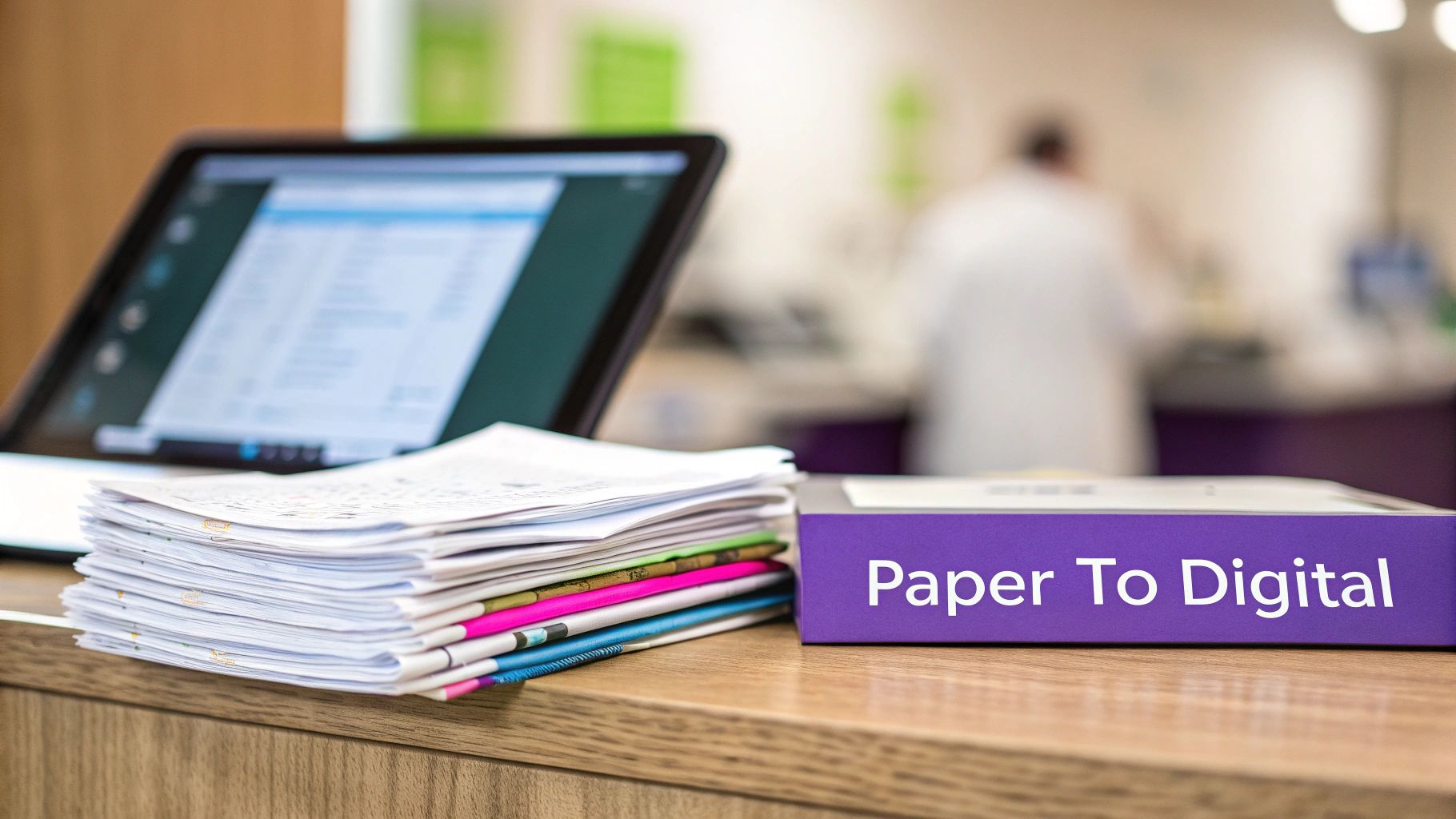
It's a mistake to think of a healthcare DMS as just a digital filing cabinet. It’s more like the central nervous system for your clinic's entire information ecosystem. It’s a strategic platform that makes sure every piece of data—from intake forms and lab results to insurance claims and billing records—is secure, organized, and available to the right people at a moment's notice. This system fundamentally changes how information moves through a practice. Instead of a slow, manual handoff from one person to the next, a DMS creates a dynamic hub where data is interconnected and workflows are automated. This all points back to the ultimate goal: delivering better, faster, and safer patient care. And when you integrate modern tools, like various cloud faxing solutions, you bridge the gap between today’s digital systems and the traditional communication methods that are still part of the healthcare world.
A well-implemented Document Management System transforms administrative burdens into strategic assets, allowing healthcare professionals to reclaim valuable time and refocus on patient outcomes.
Essential Features of a Healthcare DMS
What really separates a simple digital folder from a powerhouse healthcare document management system? It all comes down to a set of specialized features built for the intense demands of a clinical environment. These tools don't just store files; they create an intelligent, secure, and incredibly efficient world for all your practice's most important information. Think of the multi-level keycard system in a modern hospital. A surgeon can get into operating rooms and patient wards, but an admin staff member might only have access to the billing offices. Advanced security and access controls in a DMS do the exact same thing, but for your digital documents. This lets you set incredibly specific permissions, making sure only authorized people can see, edit, or share certain patient files. It's all about the "principle of least privilege," which is a cornerstone of protecting sensitive health data. You can learn more about how data is protected through end-to-end encryption in our detailed guide.
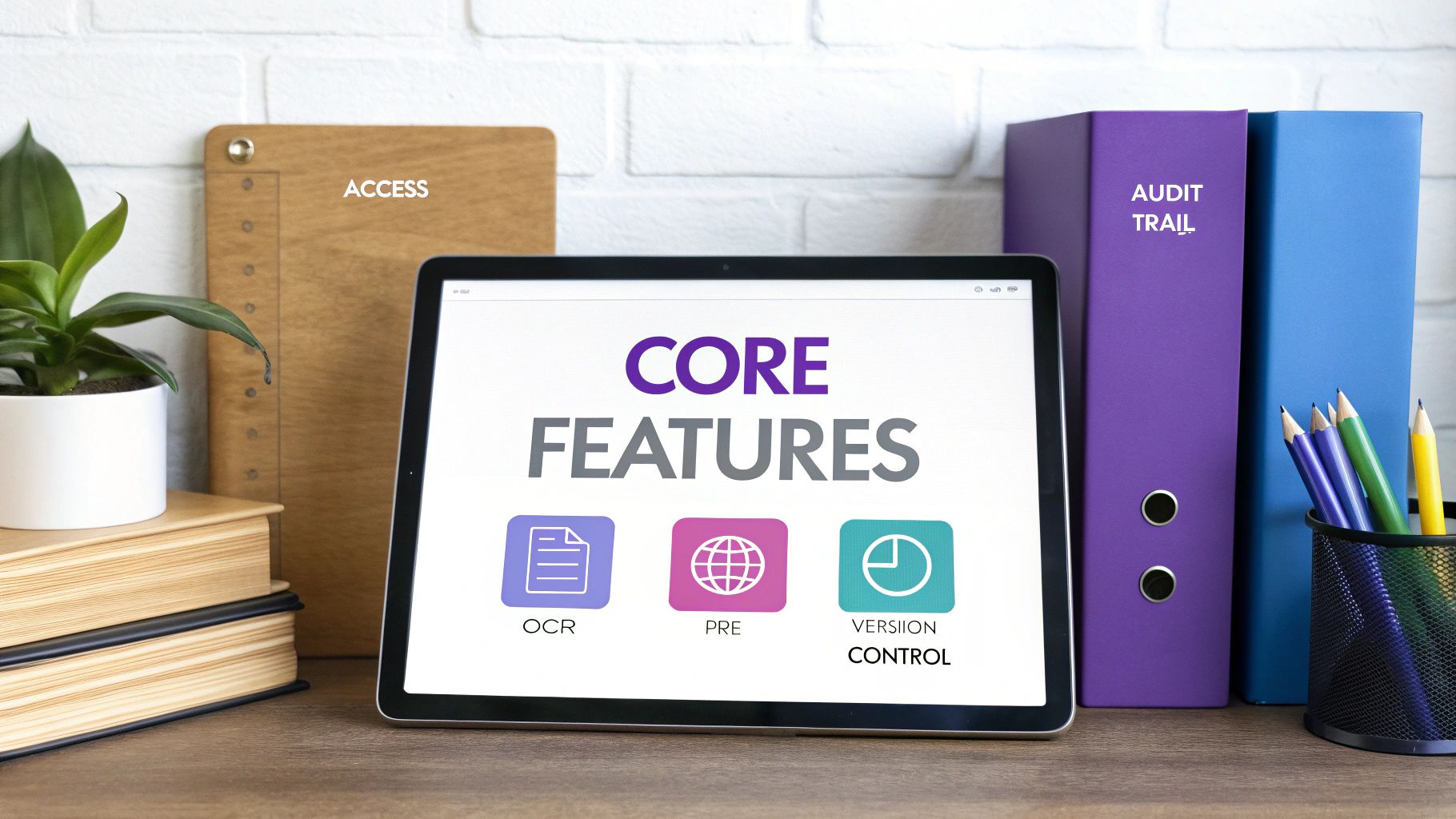
Imagine a digital logbook that meticulously records every single thing that happens to a document. That's exactly what an audit trail is. It tracks who looked at a file, what they did (viewed, edited, downloaded), and precisely when they did it. This is absolutely essential for accountability and regulatory compliance. If a question ever pops up about a patient's record, you have an unchangeable, time-stamped history of every single action. Not only does this build trust, but it also makes preparing for audits a whole lot less stressful. Optical Character Recognition (OCR) is another game-changer. It's like a smart digital assistant that "reads" scanned documents, images, and faxes, turning them into text you can actually search. A clinician can instantly search for a specific medication, diagnosis, or lab result across thousands of pages of a patient's history. This one feature dramatically cuts down on the time spent manually digging through files, leading to faster, better-informed clinical decisions.
| Feature | Core Function | Real-World Benefit |
|---|---|---|
| Security Controls | Assigns user-specific permissions to access, view, and edit documents. | Prevents unauthorized staff from viewing sensitive patient data. |
| Audit Trails | Creates a detailed log of every action taken on every document. | Provides a clear record for internal reviews and external audits. |
| OCR Technology | Makes the text within scanned documents and images fully searchable. | Allows staff to find critical information in seconds, not hours. |
Integrating Your DMS with Key Clinical Systems
A great healthcare document management system doesn't just sit on its own. It becomes the true command center for your practice's technology, weaving together all your separate pieces of software into one cohesive, functional unit. The absolute most important connection is with your Electronic Health Record (EHR) system—the real heart of your day-to-day clinical work. When your DMS and EHR are talking to each other properly, you get a complete, 360-degree view of the patient. A doctor can pull up a patient's chart in the EHR and see everything in one place: lab results, signed consent forms, reports from specialists, and even incoming faxes. No more toggling between different programs, which is not only a waste of time but also a recipe for dangerous information gaps. A solid playbook on EMR system integration is essential when bringing a new DMS on board.
While the EHR connection is non-negotiable, the real magic happens when the DMS also hooks into your other software, like practice management and billing systems. This forges a powerful link between what’s happening in the exam room and the work being done at the front desk. Imagine a patient checks in and signs a consent form on a tablet. The DMS can instantly file it and ping the billing system to let it know the required paperwork is done. This kind of automation drastically cuts down on claim denials due to missing documents and speeds up the entire revenue cycle. It means your admin staff can stop chasing paper and start focusing on more important work. Finally, a secure online fax service acts as the indispensable bridge connecting your slick internal digital world to external partners—labs, pharmacies, and other clinics—that still depend on fax. For a deeper dive, we have an article on secure electronic fax that is HIPAA compliant.
A Practical Guide to Implementation and Data Migration
Successfully launching a new healthcare document management system is less about flipping a switch and more about smart, careful planning. A well-designed rollout plan is what separates a smooth transition from a chaotic one. It’s the key to getting your team on board, avoiding common pitfalls, and making sure your investment pays off without disrupting patient care. A phased implementation is a much safer bet than a "big bang" launch. Start with a single department—like billing or administration—where you can work out the kinks in a low-risk environment. This pilot program gives you a chance to see how the system performs in the real world, gather feedback, and create a small group of expert users who can champion the system as you roll it out more widely.

Moving your old records into the new system is one of the trickiest parts of the project. This data migration requires a detailed plan that maps out what gets moved, where it goes, and when. This is also the perfect time for a digital spring cleaning to archive old files and standardize naming conventions. Thorough, role-based staff training is also non-negotiable. Show your clinical staff how they can pull up a complete patient history in seconds, or demonstrate to the front desk how automated workflows eliminate the tedious task of processing a medical records request form. When you connect the technology directly to their daily pain points, you don’t just get adoption—you get enthusiasm. To learn more about keeping data safe during these processes, see our guide on securely sharing healthcare documents.
Related Articles
- How to Ensure Your Online Faxing is Secure and Compliant
- A Complete Guide to Secure Document Sharing in Healthcare
- Simplifying the Medical Records Request Process
- Understanding End-to-End Encryption for Data Protection
Frequently Asked Questions
How Does a DMS Directly Improve Patient Care? It gives clinicians instant access to a patient's complete medical history. Instead of chasing down physical files, a doctor can immediately pull up lab results, specialist notes, and imaging reports. This 360-degree view leads to faster, more accurate diagnoses, cuts down on errors caused by missing info, and makes coordinating care between different departments a whole lot easier.
Are Document Management Systems Affordable for Small Clinics? Yes, absolutely. Modern cloud-based DMS solutions are built to be scalable, making them a great fit for smaller practices. You don't need to buy expensive on-site servers or hire dedicated IT staff. For a small clinic, a DMS can drastically cut down on administrative busywork, reclaim office space once filled with filing cabinets, and deliver a level of data security that's tough to match with paper.
What Is the Biggest Challenge of DMS Implementation? Honestly, the biggest hurdle is usually cultural, not technical. Getting your staff to let go of old paper-based habits and embrace a new system is key. People are often resistant to change. The best way to overcome this is through clear communication about how the DMS will make their specific jobs easier, backed by great training and visible support from leadership. Kicking things off with a smaller pilot program can also create internal champions who help get everyone else on board.
How Does Online Faxing Fit into a DMS Strategy? Online faxing is the essential bridge that connects a modern DMS to the rest of the healthcare world. So many organizations—from local pharmacies to big insurance companies—still rely on fax for secure communication. An integrated online fax service lets a clinic send and receive faxes without ever touching a piece of paper. Incoming faxes are routed directly into the DMS, creating a completely digital and auditable trail.