A Practical Guide to Secure Document Sharing
Table of Contents
Sharing sensitive patient information electronically requires a combination of specific tech safeguards and clear protocols to ensure private data stays private and trackable. From the moment you hit 'send' until it's safely in the recipient's hands, every step must be secure.
Ready To Fax?
Start sending faxes online in seconds with FaxZen - No account required
Send Fax Now 🚀For a simple and secure way to manage your sensitive documents, discover how FaxZen can help.
Why Secure Document Sharing Is Non-Negotiable
Handling someone’s health information is a massive responsibility. In our hyper-connected world, having a reliable method for secure document sharing isn't just a "nice-to-have"—it's a core business requirement for everyone from clinics and insurers to the law firms they partner with.
The entire concept orbits around protecting something called Protected Health Information (PHI). This isn't just dry industry jargon; it represents the most private details of a person's life—their diagnoses, treatment plans, billing records, and anything else that can identify them. A good way to think of any document containing PHI is like a sealed, certified letter. It demands careful handling, strict tracking, and proof of delivery every single time.
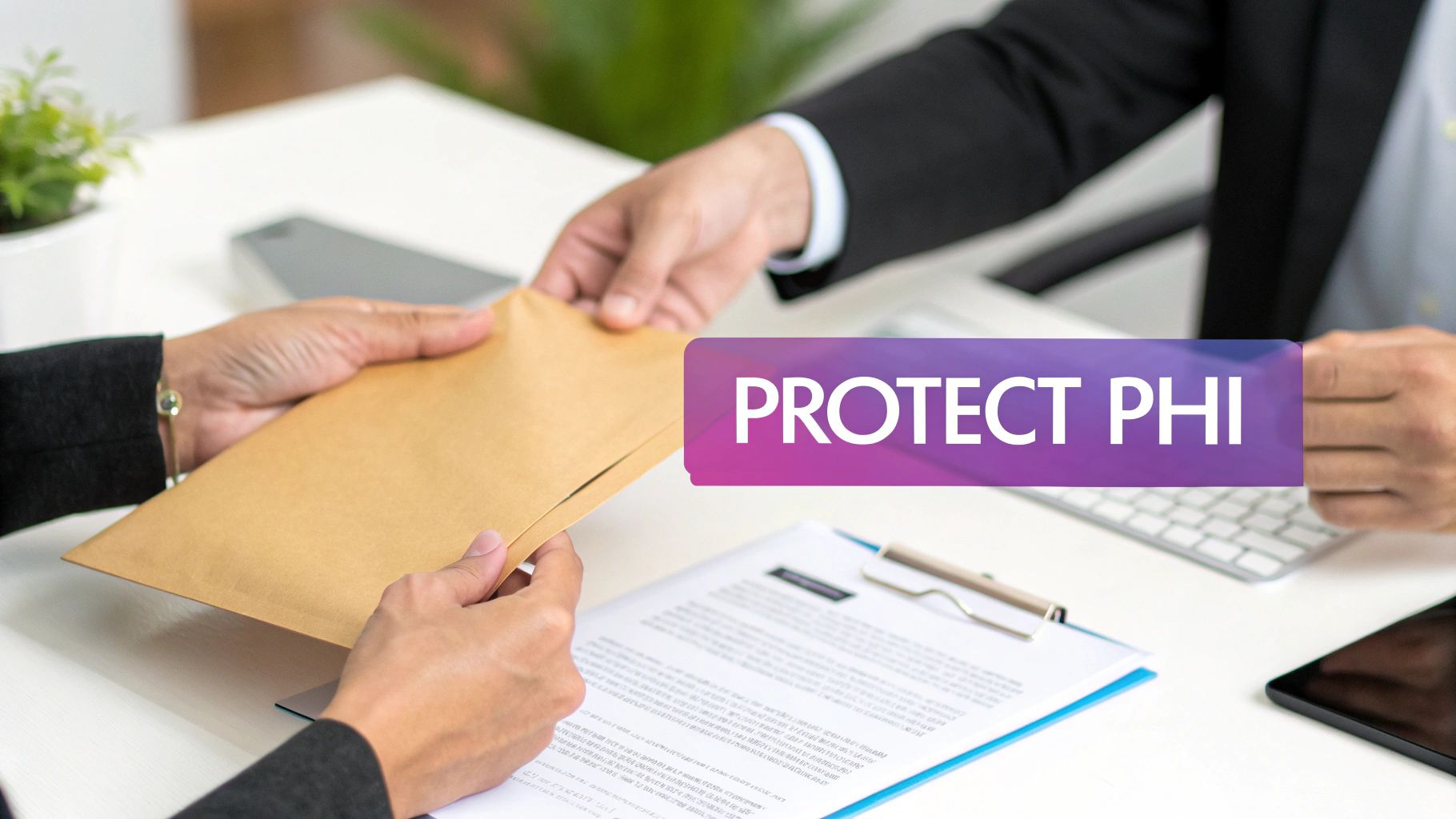
The risks here are huge. One tiny misstep—like using your standard email to send a patient file or a consumer-grade file-sharing app—can blow the doors wide open on sensitive data. This isn't just an IT headache; it's a critical business risk that can shatter patient trust and bring on crushing financial penalties. Every organization has to lock down its protocols, not just for internal messages but for all external communications involving PHI. This ensures that every file transfer, whether it's a lab result going to a specialist or a medical record shared with a legal partner, is fully protected and accounted for.
Ultimately, the goal is to build a secure channel where information flows efficiently without ever compromising privacy. That means moving beyond tools built for convenience and embracing platforms designed from the ground up for sensitive data. For example, while traditional fax machines have been a healthcare staple for decades, any modern digital solution has to replicate—and improve upon—their built-in security. Understanding the fundamentals of fax machine security provides great context for what to look for in today's online alternatives.
Adopting a secure mindset means treating every document containing PHI with the highest level of care. It's about building a foundation of trust that assures patients and partners their most sensitive information is always in safe hands.
Understanding Your Legal Obligations for PHI
Getting a handle on secure document sharing means looking beyond just the technology; you have to know your legal duties inside and out. At the core of it all are two critical roles defined by law: Covered Entities and Business Associates. Nailing down this distinction is the first real step toward building a secure framework for managing patient information.
A Covered Entity is usually the healthcare provider who creates or collects the health information in the first place—think hospitals, clinics, or insurance plans. A Business Associate is any partner or vendor who handles that information on their behalf. This could be anyone from an IT provider or billing company to an online fax service comparison. It's in this relationship that the rules for secure document sharing really take shape. The duty to protect patient data doesn't just stop at the clinic's door; it follows the data wherever it goes, extending to every single partner involved.
To make this shared responsibility official, a legally binding contract called a Business Associate Agreement (BAA) is non-negotiable. This isn't just a piece of paper to file away; it's a foundational pillar of your entire security strategy. The BAA spells out exactly how the Business Associate will safeguard patient information, what to do if there's a security incident, and how they'll stay compliant. If you share any sensitive information before having a signed BAA in place, both you and your vendor are out of compliance. This agreement is what holds your partners to the same high standards of privacy and security that you are.
Another core legal concept you have to live by is the Minimum Necessary principle. The rule itself is simple but incredibly powerful: you should only access, use, or share the absolute smallest amount of information needed to get a specific job done. For example, if your billing department only needs a patient's name and a procedure code, they have no business seeing the patient's entire medical history. This principle is absolutely vital for secure document sharing. It means setting up your systems and training your staff to be deliberate and selective with every piece of data they send. Applying this rule consistently is a key part of limiting unnecessary data exposure and maintaining a strong security posture.
The Minimum Necessary rule forces a crucial question before every file transfer: "Is every piece of data in this document essential for the recipient's job?" This simple check helps prevent accidental oversharing and reduces the potential impact of a data breach.
To keep your operations on the right side of the law, you need to be clear on your specific duties. These responsibilities create a full security framework that goes far beyond just sending a file. Your legal obligations demand that you keep meticulous records. This means maintaining comprehensive audit logs that track exactly who accessed what information, what they did with it, and when. These logs are your proof of compliance and are indispensable during a security audit or investigation. For organizations looking for a solution with this built-in, exploring HIPAA-compliant eFax options can be a smart move.
| Responsibility Area | Core Requirement | Why It Matters |
|---|---|---|
| Vendor Agreements | Execute a BAA with all third-party vendors handling PHI. | Legally obligates vendors to protect data and establishes clear liability. |
| Data Access | Limit data access to only what is needed for a specific job function. | Upholds the "Minimum Necessary" principle and reduces internal risk. |
| Record Keeping | Maintain detailed audit logs of all data access and transmissions. | Provides a clear, unchangeable record for security audits and investigations. |
| Data Retention | Adhere to a strict policy for how long documents and logs are stored. | Ensures records are available for the legally required period, typically six years. |
Retention policies are just as critical. You need a clear, documented policy stating how long you'll store shared documents and their associated records. And while our focus here is on digital sharing, remember that PHI exists on physical hardware, too. For a deeper dive, it's worth reading up on HIPAA requirements for IT equipment disposal. By understanding and implementing these legal requirements, you create a resilient and trustworthy system for managing sensitive health information.
The Core Technology That Keeps Your Data Safe
Let's shift from the legal side of things to the tech that actually makes it all work. When you're looking at a secure document sharing solution, you need to understand the nuts and bolts that keep the data safe. These aren't just buzzwords on a feature list; they are the digital locks, alarms, and security guards protecting your most sensitive information. Think of it like an armored car. The right technology secures the contents from the moment it leaves your hands until it's safely delivered.
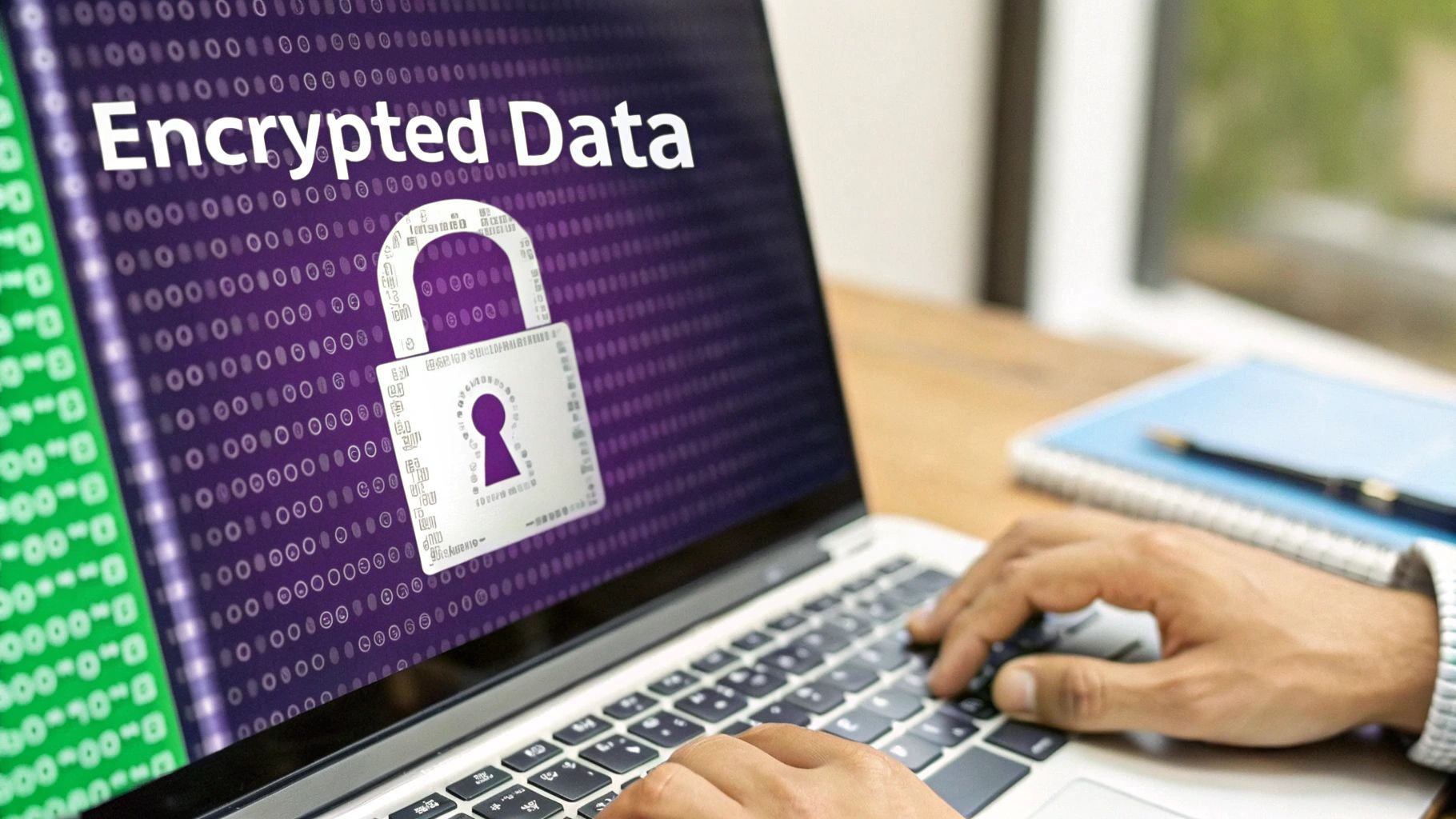
At the very heart of all modern data security is encryption. It's the process of scrambling your document into a secret code that only the intended recipient can read. But for this to be truly effective, it has to happen in two distinct phases of a document's journey. Encryption "in transit" is what protects your file while it's actively zipping across the internet—from your computer to the server, and then on to the recipient. This stops someone from "listening in" on the connection. Encryption "at rest" secures your file while it's sitting on a server or a hard drive. If someone were to physically break into a data center and steal the hardware, this layer of protection ensures all they'd get is unreadable data.
Any service that claims to offer secure document sharing must provide both. Top-tier platforms use advanced standards like 256-bit SSL encryption—the same heavy-duty security trusted by banks—to lock down data from start to finish. Beyond just protecting the file itself, a secure system has to prove who did what, and when they did it. This is where comprehensive audit trails come into play. An audit trail is essentially an unchangeable digital logbook that records every single action taken on a document. It tracks every access, every view, every download, and every transmission attempt. This creates a detailed history that's absolutely critical for accountability.
A robust audit trail transforms a simple file transfer into a fully documented, trackable event. It provides the crucial "who, what, and when" that is indispensable for security and accountability.
The final pillar of technical security is access control. This is the digital bouncer at the door, making sure only authorized people can see, send, or manage sensitive information. Modern systems don't just rely on a single password; they use several layers to enforce security. These controls are the practical application of the "Minimum Necessary" principle, ensuring that users can only touch the specific data they have explicit permission to access. To see how these ideas work in practice, you can dive deeper into the essentials of online faxing security in our detailed guide.
A Practical Checklist for Vetting Vendors
Choosing a third-party vendor for secure document sharing is one of the most critical decisions your practice will make. This isn't just about software; it's about trust. The right partner directly impacts your security, your compliance, and your ability to protect patient information. A great vendor is a true partner, offering solid technology backed by a deep, genuine commitment to keeping data safe.
This process is more than just ticking boxes on a feature list. It's a serious evaluation to ensure they meet your specific needs. Asking the right questions and having a clear vetting process can be the difference between a secure, long-term partnership and a massive compliance headache. Before you even glance at a product demo, your first question should be about the Business Associate Agreement (BAA). A vendor’s willingness to sign a BAA is completely non-negotiable. If they hesitate, can't produce one, or seem unsure what it is, that's your cue to end the conversation right there. The BAA is the legal bedrock of your relationship. A core part of this is mastering third-party risk management.
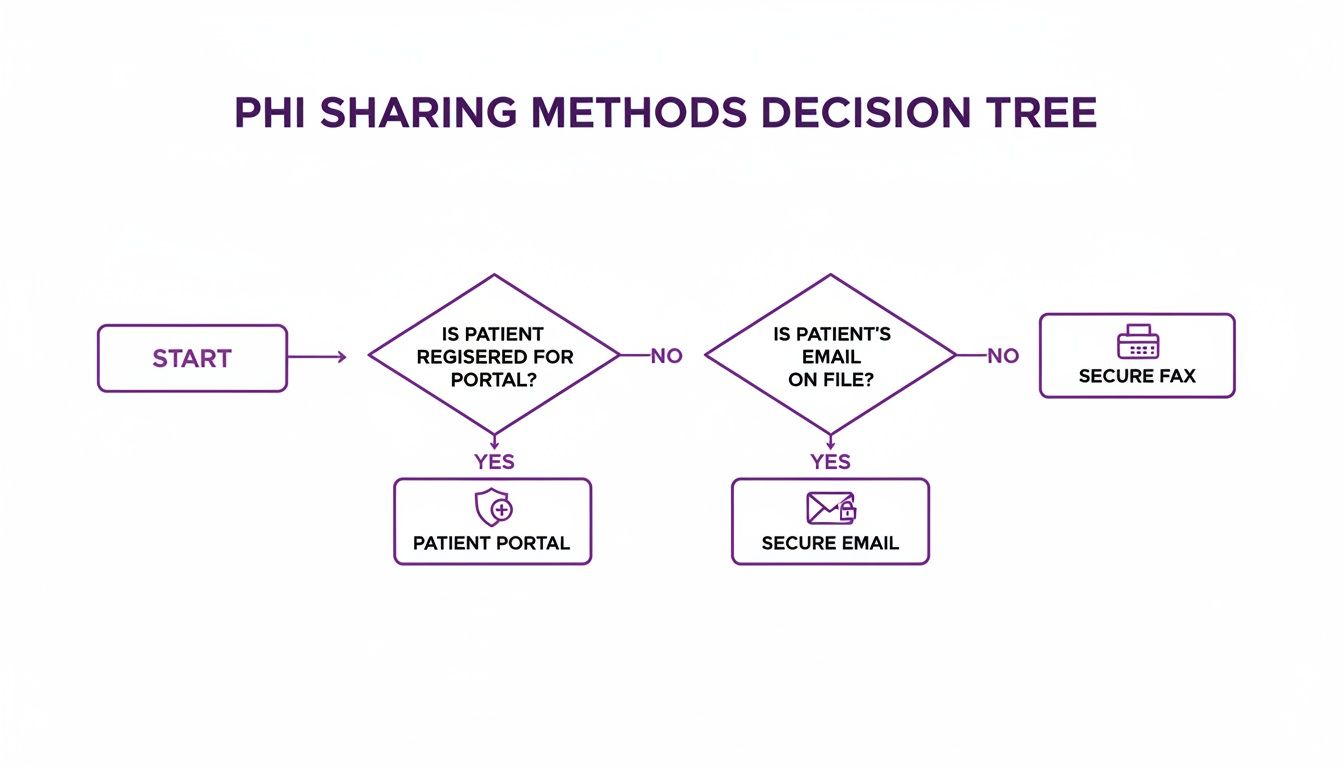
Once you've confirmed they'll sign a BAA, it's time to get into the nuts and bolts of their technology. Your evaluation needs to focus on the core security features that actively protect data day-in and day-out. Get direct and ask pointed questions about their security infrastructure. Do they use at least 256-bit SSL encryption for data "in transit" and "at rest"? Can they provide detailed, unchangeable audit logs? How do they enforce role-based access? A vendor who is confident in their security will have clear, immediate answers.
Finally, don't just take their word for it. Look for external validation of their security claims. Third-party certifications are like an independent stamp of approval, showing the vendor has put their security practices under a microscope and passed. For example, looking at an online fax service comparison can quickly show you how different providers stack up on these essential security commitments. You should also ask about their data retention and destruction policies. A secure vendor will have clear protocols for how long they store data and, more importantly, how they permanently and securely delete it afterward.
Key certifications like SOC 2 Type II or ISO 27001 are strong indicators of a mature and well-managed security program. They prove a vendor's commitment to maintaining high standards for security, availability, and confidentiality.
FAQ: Secure Document Sharing
What is the difference between encryption ‘in transit’ and ‘at rest’? Encryption ‘in transit’ protects your data while it's actively moving over a network, like when you upload a file. Encryption ‘at rest’ secures the data while it is stored on a server, making it unreadable to anyone who might gain unauthorized access to the hardware. A truly secure system must provide both.
Why are audit trails so important for secure document sharing? Audit trails provide a detailed, unchangeable log of all activity related to a document, including who accessed it, when they accessed it, and what they did. This creates accountability, helps in security investigations, and provides the necessary proof of responsible data handling.
How do access controls work? Access controls are security measures that restrict system access to authorized users. They typically involve unique user IDs and passwords, role-based permissions that limit what a user can do, and automatic logoffs that prevent unauthorized access from unattended workstations.
Can I use regular email for sharing sensitive documents? No. Standard email lacks the necessary security controls, such as end-to-end encryption, and does not provide the audit trails needed for sensitive data. More importantly, consumer email providers will not sign a Business Associate Agreement (BAA), which is a legal requirement for any partner handling PHI.
What is a Business Associate Agreement (BAA)? A BAA is a legal contract between a healthcare provider and a third-party vendor (a Business Associate). It requires the vendor to maintain the same high level of security and privacy for patient data as the provider. It is a non-negotiable component of any secure vendor relationship in healthcare. Learn more about our commitment to HIPAA compliant eFax.
Related Articles
- Choosing the Right Method for Sharing Documents
- Understanding Your Legal Obligations for PHI
- A Practical Checklist for Vetting Vendors
Give every document you send the security it deserves. For a fast, reliable, and secure solution built for your sensitive files, trust FaxZen. Get started today!