
Faxing Without A Phone Line: The Complete How-To Guide
Table of Contents
Yes, you absolutely can send and receive faxes without a phone line. The secret is using an online fax service, which modernizes the entire process. This approach uses your internet connection to send documents from your computer or smartphone directly to any traditional fax machine. You get to skip the dedicated analog lines, bulky hardware, and endless supplies like toner and paper, making it a more efficient and cost-effective solution for modern communication.
Ready To Fax?
Start sending faxes online in seconds with FaxZen - No account required
Send Fax Now 🚀Ready to send a fax without a phone line in just a few minutes? See how simple modern faxing is with FaxZen.
Why Modern Faxing Has Ditched The Phone Line
Staring at a fax machine can feel like a throwback. The whirring, the beeping, and that mandatory phone line just don't fit into today's digital workflow. And yet, faxing is still a critical tool for legal, medical, and financial communications because of its security and legal weight. The real shift isn't away from faxing itself, but from the clunky, expensive infrastructure that used to power it. Businesses and individuals are embracing faxing without a phone line because it aligns with how we work now—flexibly, remotely, and efficiently. The old method chained you to a physical location and came with a ton of hidden costs.
The most obvious win is saving money. A dedicated business phone line just for a fax machine can easily cost $40-$60 per month. That's a recurring expense for a single-function device. This doesn't even touch the extra costs for paper, toner, and machine maintenance, which pile up surprisingly fast. But the move to online faxing is about more than just trimming the budget; it's about getting rid of operational headaches. Traditional faxing is a slow, manual chore: print the document, walk to the machine, dial, wait for that screeching confirmation, and then file the physical copy. Busy signals and paper jams add to the frustration. This shift mirrors a larger trend in communication, where many are turning to alternatives like free calling apps for travelers to avoid outdated and costly infrastructure.
How Online Fax Services Work
So, how does a PDF on your computer magically appear as a printed document on a fax machine miles away? Think of an online fax service as a digital translator. It takes your modern file and converts it into the old-school analog language that traditional fax machines understand. It's a secure and reliable bridge between your device and their machine, cutting out all the physical hardware in between. At its core, an online fax service is all about that seamless conversion. Your file—whether it’s a PDF, a Word doc, or even a JPG from your phone—is first rendered into a specific black-and-white image format that every fax machine can read. The service then dials the recipient’s fax number and transmits that file over traditional phone lines.
This flowchart breaks down the difference between the clunky old way and the simple new way of faxing.
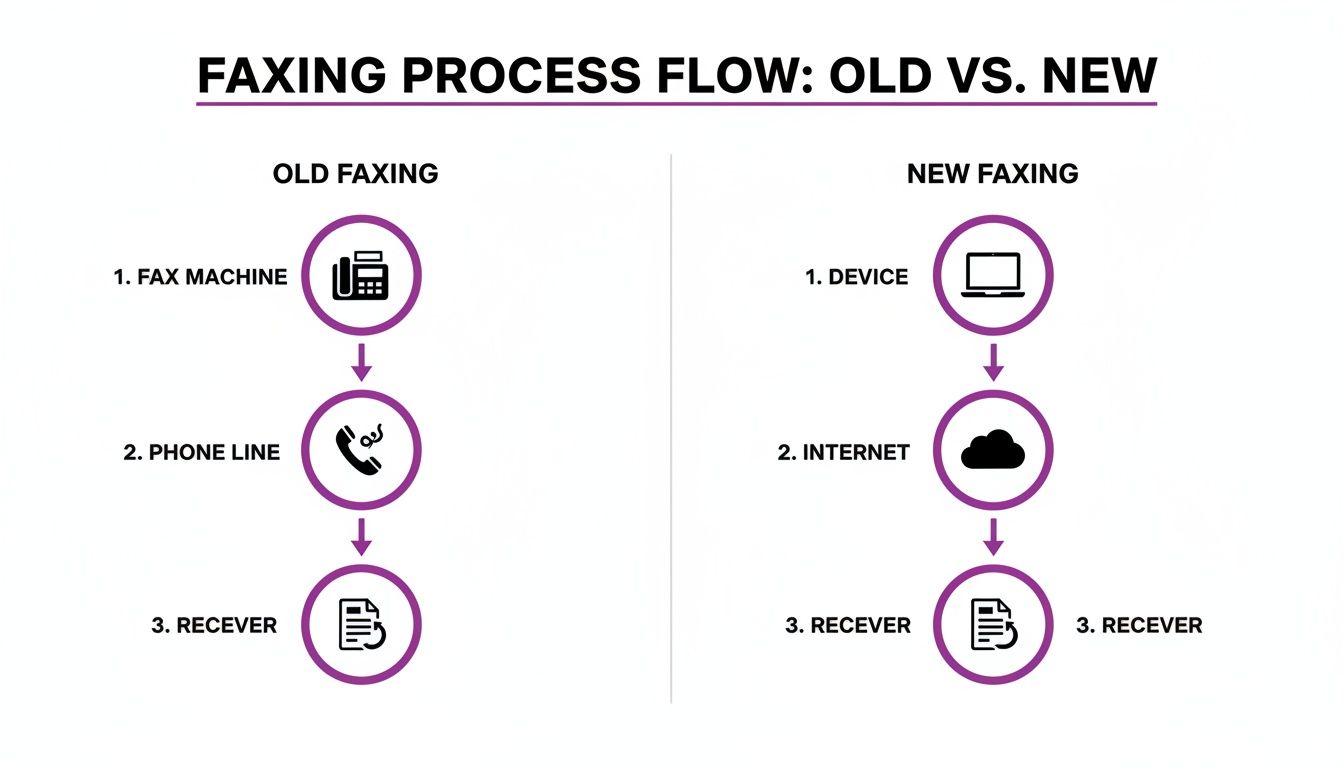
As you can see, the new method gets rid of the dedicated machine and phone line, swapping them for the computer and internet connection you already use every day. This isn't just an alternative; for many, it's a necessary evolution that brings huge advantages. You can explore the many benefits of online fax services to see how they solve the biggest pain points of traditional faxing. Reputable services use strong encryption for all transmissions, making it a much safer bet for sensitive information than email. For a full walkthrough, check out our guide on how to send a fax online.
Choosing The Right Online Fax Solution
Not all services for faxing without a phone line are built the same. The best one for you really boils down to what you need it for. Are you just sending a one-off, urgent document for jury duty? Or does your small business send out dozens of invoices every single month? Figuring out your own usage patterns is the first, most important step. Once you know that, picking the right service becomes a whole lot clearer. The first big decision you'll face is the payment model. For most individuals and freelancers, a pay-per-fax model makes sense. If you only need to send something a few times a year, why get locked into a recurring monthly fee? This approach gives you total flexibility.
On the flip side, if your business relies on regular faxing, a monthly subscription will almost certainly be more cost-effective. These plans usually give you a certain number of pages for a flat fee, which can dramatically lower your cost per page. For a deeper dive into how different services stack up, this online fax service comparison breaks down the features and pricing models of popular options. Beyond price, key features like international coverage and security are critical. You'll want to look for services that offer robust encryption to protect your documents while they're in transit.
Callout: The main takeaway is to match the service's features and pricing to your specific needs. This ensures you get a smooth, secure, and affordable faxing experience every time without paying for things you don't use.
To make this a bit more tangible, here’s a table showing how online faxing stacks up against the old way of doing things.
| Feature | Online Fax Service (e.g., FaxZen) | Traditional Fax Machine |
|---|---|---|
| Initial Cost | $0 (web-based) | $100 - $500 for the machine |
| Monthly Cost | $0 - $25 (depending on plan) | $25 - $40 for a dedicated phone line |
| Convenience | Send from anywhere (PC, phone) | Must be physically at the machine |
| Security | Strong encryption protocols | Varies, depends on physical security |
| Confirmation | Instant email/dashboard notifications | Printed confirmation sheets |
The difference is pretty stark. Online services have stripped away all the hardware headaches and recurring costs, making the whole process much more efficient.
Faxing On The Go With Mobile And Email
The real magic of modern faxing is its mobility. Gone are the days of being chained to a clunky office machine. Today, you can send a signed contract from a coffee shop, a client’s office, or even the passenger seat of your car. This is the core benefit of faxing without a phone line—it slips right into the fast-paced, on-the-move workflows that define how we work now. One of the slickest ways to fax from anywhere is email-to-fax. This lets you send a fax using the email account you already live in, without ever needing to log into a separate website. You just compose a new email, attach your document, and send it to a special address like [email protected].
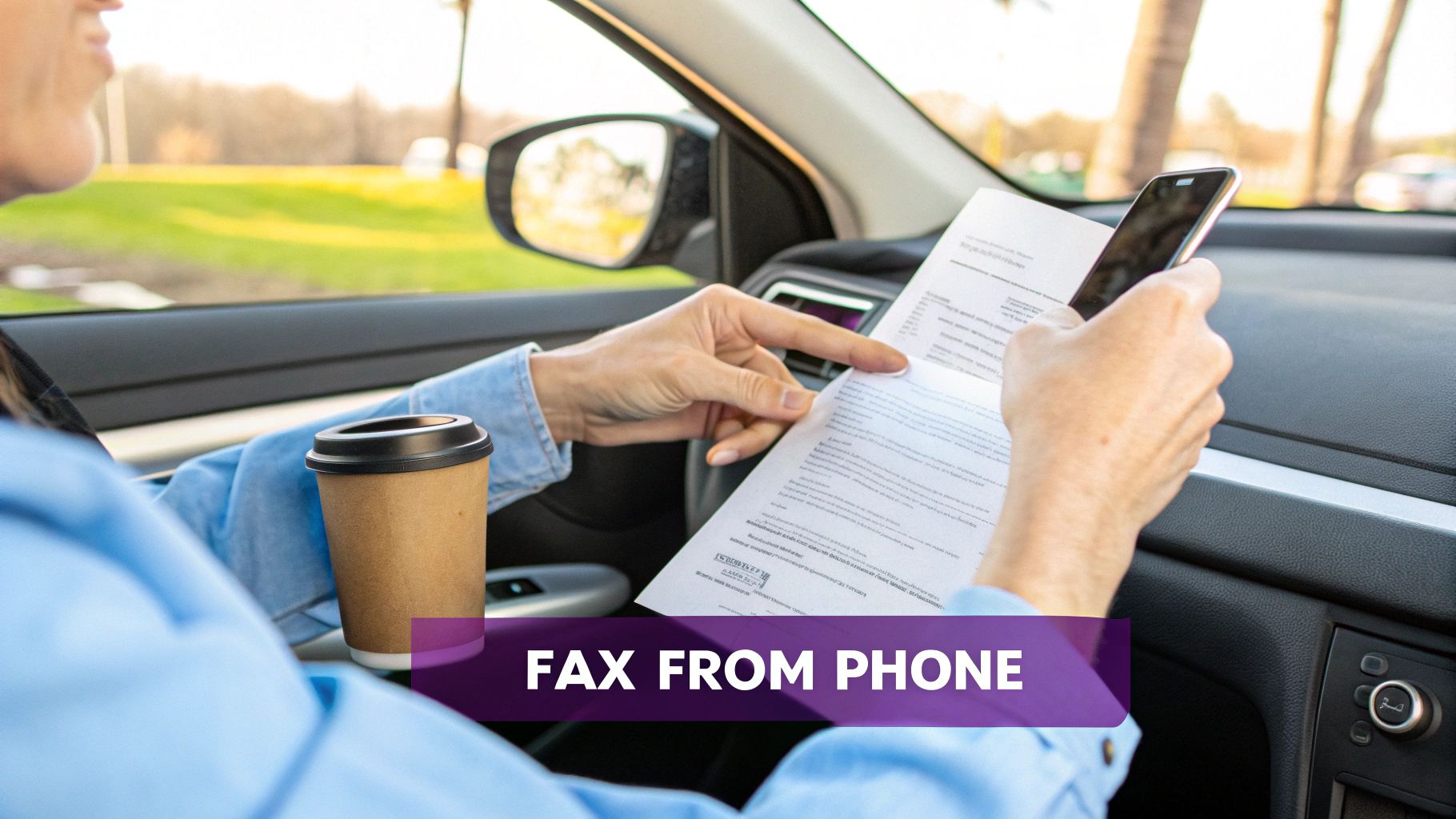
For even more convenience, a dedicated mobile faxing app effectively turns your smartphone into a full-blown fax machine. These apps do more than just send files; they use your phone's camera as a high-quality document scanner, which is a total game-changer. An agent can scan a signed purchase order, digitally sign it in the app, and send it in minutes. You can check out a detailed guide on how to fax from your phone to see just how easy it is. This convenience is fueling the growth of the online fax market, which is projected to grow significantly in the coming years as professionals flock to these tools for their speed and flexibility.
Best Practices For Secure And Successful Faxes
Sending your fax is one thing, but making sure it actually arrives—securely and successfully—is another. Taking a few moments to get things right before you hit send can save you from common headaches. Before you upload that file, give your document a quick once-over. A poor-quality original will always result in a poor-quality fax on the other end. Start by making sure your document is a clean, high-contrast scan. Any smudges, faint text, or shadows can become unreadable. It's also smart to save your file in a universally accepted format like PDF to ensure consistency.
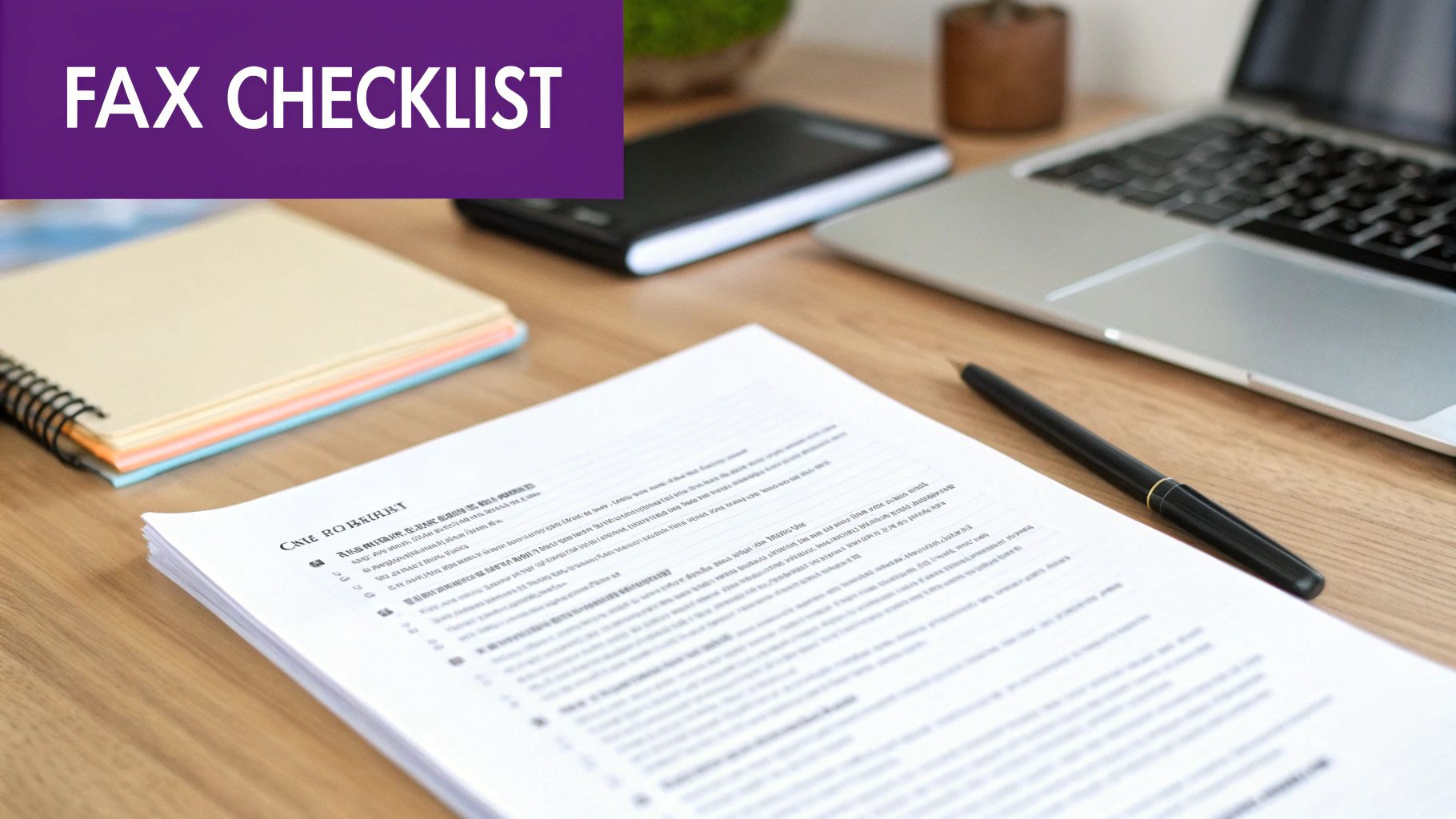
This might sound like a no-brainer, but you'd be surprised how often a simple typo derails a fax. Double-check the recipient's fax number before sending. A single wrong digit is all it takes for your sensitive document to land on the wrong machine. Including a well-crafted cover page is another critical step. It acts as a routing slip to ensure your fax gets to the right person, especially in a large office. A solid cover page should clearly state the intended recipient's name, your contact information, and the total number of pages being sent. Following these simple steps will help ensure your communication is both professional and successful.
Frequently Asked Questions
Is faxing without a phone line legally binding?
Yes, absolutely. Faxes sent through a quality online service are just as legally binding as those from an old-school machine. The key is the transmission confirmation report, which acts as your proof of delivery. Services like FaxZen email you a detailed confirmation with a timestamp and a copy of the sent document, creating a solid audit trail.
What file types can I send as a fax?
You can send almost any common document type. Online fax services are built to handle the files you already use, like PDF, DOCX, DOC, JPG, and PNG. This means you can fax contracts, invoices, or even a picture of a signed paper directly from your device without ever touching a printer.
Do I need to install any special software?
Nope, no software is required. The best online fax platforms are completely web-based. You just open your internet browser on your computer, tablet, or smartphone and you’re ready to go. This gives you the freedom to send a fax from anywhere you have an internet connection.
What happens if the recipient's fax line is busy?
This is one of the best parts about online services. Instead of you having to manually redial, a smart platform will automatically retry sending your document. If a line is busy, the system will try again at set intervals to maximize the chance of success. You’ll get a final notification once it’s delivered.
Can I send faxes internationally?
Yes, most online fax services support international faxing. The process is the same as sending a domestic fax—you just need to enter the correct country code along with the recipient's fax number. Pricing for international faxes can vary, so it's a good idea to check the rates with your chosen service provider before sending.


