
How to Fax Without a Phone Line: Your Ultimate Guide
Table of Contents
Yes, you absolutely can send a fax without a phone line. Online fax services are the key. They take your digital files, convert them, and send them over the internet to any traditional fax machine. The whole process bypasses the need for a landline entirely, making it possible to send documents from your computer, smartphone, or email.
Ready To Fax?
Start sending faxes online in seconds with FaxZen - No account required
Send Fax Now 🚀Ready to see just how easy it is? Give FaxZen a try and send a fax in the next few minutes. It's modern faxing, simplified.
Why You Don't Need a Phone Line to Fax Anymore
Even though faxing might feel like a relic from another time, it’s still surprisingly critical in many fields. Industries like law, real estate, and government agencies rely on it daily for its reliability and the legal standing of its transmission receipts. But here's the good news: the days of needing a noisy, clunky machine tethered to a dedicated phone line are long gone. The modern solution is online faxing, which bridges the gap between your digital world and old-school fax machines. Instead of printing a document and punching in a number, you can send and receive faxes right from your computer or phone. It’s the perfect blend of traditional fax security and modern convenience.
This shift away from landlines is a fundamental change in how we handle official documents. Online faxing has grown significantly, fueled by businesses realizing they could ditch expensive landlines for services that integrate right into their existing workflows. This new way of faxing brings some serious advantages to the table, such as significant cost savings by eliminating the need for a dedicated phone line, paper, ink, and machine maintenance. It offers ultimate convenience, allowing you to send a fax online from anywhere with an internet connection. Digital faxes are also transmitted using encryption, which is far more secure than leaving sensitive documents sitting on a communal machine.
How Online Fax Services Work
If you need to send a fax without a phone line, an online fax service is your most direct route. Think of it less like old-school faxing and more like sending a secure email. The process happens right from your computer or phone, completely sidestepping the need for any clunky hardware. Let's say you're a freelancer and a client needs a signed contract back immediately. Instead of searching for a physical fax machine, you can log into a web portal and get it done in minutes.
The workflow is incredibly straightforward. First, you head to the service's website and upload your document. Most platforms, including FaxZen, handle common file types like PDF, JPG, or Word documents without any need for conversion. Once your file is uploaded, you just type the recipient's fax number into a simple form. You don't have to listen for dial tones or worry about busy signals; the service takes care of all the technical heavy lifting. The platform translates your digital file into a format a traditional fax machine can read and delivers it securely. One of the biggest wins is the immediate feedback. Instead of standing by a machine waiting for a flimsy confirmation sheet, you get a clean email notification the second your fax is successfully delivered.
Choosing the Right Method to Fax Without a Phone Line
Not all methods for faxing without a phone line are created equal. You have pay-as-you-go services, monthly subscriptions, and the old-school public fax machine at a local print shop. Figuring out the differences is the key to finding the most efficient and budget-friendly option for your needs.
Pro Tip: For most users, an online service offers the best balance of cost, security, and convenience. Physical locations should only be a last resort for emergencies when you don't have access to a computer or smartphone.
The first decision you'll likely face is whether to pay for a one-time fax or commit to a monthly plan. Pay-as-you-go services are built for people who fax infrequently. If you only need to send a single signed contract once or twice a year, this is the perfect solution. On the other hand, a subscription-based platform from one of the best online faxing service providers makes more sense for regular, consistent faxing. If you're running a small business sending dozens of documents every week, a monthly plan will be cheaper in the long run and often includes a dedicated virtual what is a fax number for receiving faxes.
To make your decision simpler, let's put these approaches side-by-side.
| Method | Best For | Cost Structure | Key Advantage | Key Disadvantage |
|---|---|---|---|---|
| Pay-As-You-Go | One-off or rare faxes | Per fax or per page | No commitment | Higher per-page cost |
| Subscription | Regular, high-volume use | Monthly/annual fee | Lower cost per page | Unused pages may expire |
| Public Fax Service | Emergencies without tech | High per-page fee | No account needed | Inconvenient and less secure |
Ultimately, your choice boils down to how often you fax and what your budget looks like.
Sending Faxes Directly from Your Email
Believe it or not, your email inbox is already a powerful tool for sending a fax without a phone line. Many online fax services offer a feature called "email-to-fax," which perfectly merges the convenience of email with the official nature of faxing. It’s one of the simplest ways to send documents without touching any extra hardware.
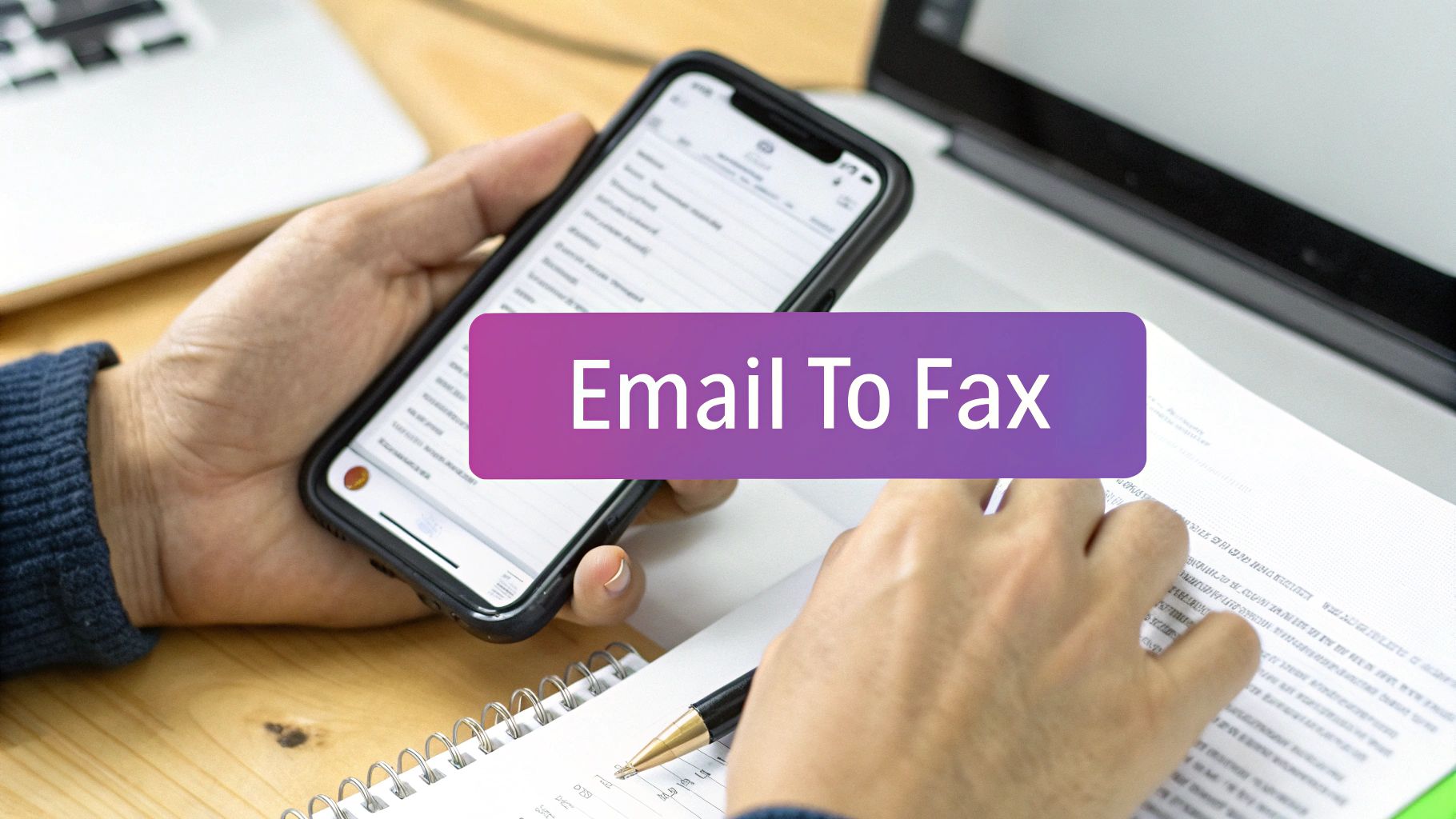
The process feels incredibly intuitive. You compose a new email, attach the document you need to fax, and send it to a special email address provided by the service. This address is usually a combination of the recipient's fax number and the service's domain, looking something like [email protected]. Once you hit "Send," the service converts your email and its attachment into a standard fax format and dials it through to the recipient's machine. One of the slickest parts of this feature is how it handles cover pages. The email's subject line becomes the cover page subject, and the body of the email fills in the "notes" section. It saves time and ensures your fax arrives looking professional. You can learn more in our guide on how to fax from email.
Frequently Asked Questions (FAQ)
Is faxing without a phone line secure?
Absolutely. Reputable online fax services use strong encryption (like 256-bit SSL) to protect your documents in transit. In many ways, it's more secure than a traditional fax, where sensitive papers can be left sitting in the output tray for anyone to see.
Can I receive faxes without a phone line?
Yes. When you sign up for a subscription-based online fax service, you get a virtual fax number. Anyone can send a fax to that number from a standard machine, and the document will arrive in your email inbox or the service's dashboard as a PDF.
Do I need any special software to send a fax online?
Nope. The best online fax services are web-based, meaning you can access them from any internet browser. Many also offer an email-to-fax feature, so all you really need is an active email account.
Is an online fax legally binding?
Yes, faxes sent via online services are generally considered just as legally binding as those from a traditional machine. They provide a verifiable transmission record, complete with timestamps and delivery confirmations, which serves as proof of sending and receipt.
How much does it cost to fax without a phone line?
It varies. Some services offer pay-as-you-go plans, which are perfect for sending a one-off document. Others have monthly or annual subscriptions that give you a certain number of pages for a flat fee, which is a better deal for businesses that fax regularly.


