
How to Use a Fax Machine Without a Phone Line in Modern Offices
Table of Contents
- Why Phone Lines Are No Longer Necessary
- Exploring Your Options for Internet Faxing
- How Online Fax Services Work
- Comparing Phone-Line-Free Faxing Methods
- Is It Secure to Fax Without a Phone Line?
- Frequently Asked Questions (FAQ)
- Can I use my existing fax number with an online service?
- Do I need special software to send a fax online?
- How do I receive faxes without a physical machine?
- Related Articles
Yes, you absolutely can fax without a phone line. The days of that screeching dial-up tone and paying for a dedicated landline just for a fax machine are long gone. Modern technology has completely changed the game, turning faxing into a flexible, digital process that uses the internet connection you already have. This evolution means businesses and individuals can maintain the security and legal standing of faxed documents while embracing the efficiency of the digital age.
Ready To Fax?
Start sending faxes online in seconds with FaxZen - No account required
Send Fax Now 🚀Ready to ditch the phone line and simplify your workflow? Discover how FaxZen makes online faxing effortless. Try FaxZen now!
Why Phone Lines Are No Longer Necessary
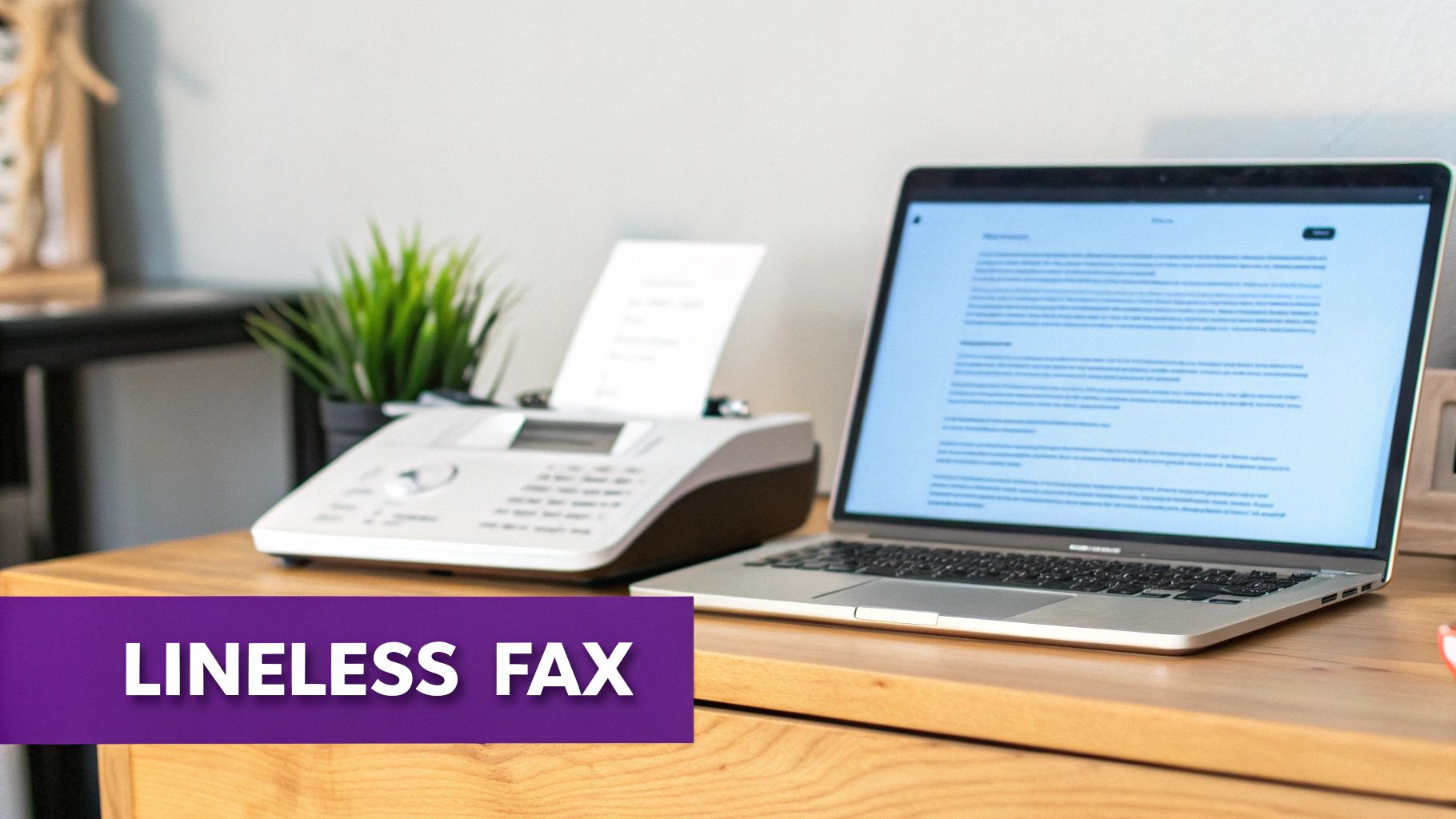
The magic behind this shift is internet faxing. Think of it like swapping out your fax machine's old steam engine for a modern electric motor—it does the exact same job, but it's faster, cheaper, and you can use it from anywhere. Instead of sending an analog signal over a copper phone wire, internet faxing converts your documents into digital data that travels securely over the web. This method bypasses the need for traditional telecommunication infrastructure, relying instead on the same networks that power your email and web browsing.
This technological leap is a huge deal for industries like law, real estate, and government. These fields still count on faxing because it is a secure and legally recognized method of document transmission. By moving to an online model, they get to keep all those benefits while finally cutting the cord on that old-school phone line. You can even learn how to fax a document from your computer and get rid of the clunky hardware altogether, saving both space and maintenance costs.
Key Takeaway: Going lineless is a strategic business move. You save real money by eliminating a recurring monthly phone bill, and you gain the freedom to send and receive important documents from any device that can get online, whether you're in the office or working remotely.
Exploring Your Options for Internet Faxing
So, you need to send a fax but don't have a phone line. Good news: you have several modern ways to get it done, each fitting different needs and technical setups. The most straightforward path is an online fax service, which functions like a digital mailroom for your faxes. You simply use a web browser or a dedicated app, and the service handles all the technical heavy lifting behind the scenes. It's the cleanest, simplest software approach for individuals and businesses alike.
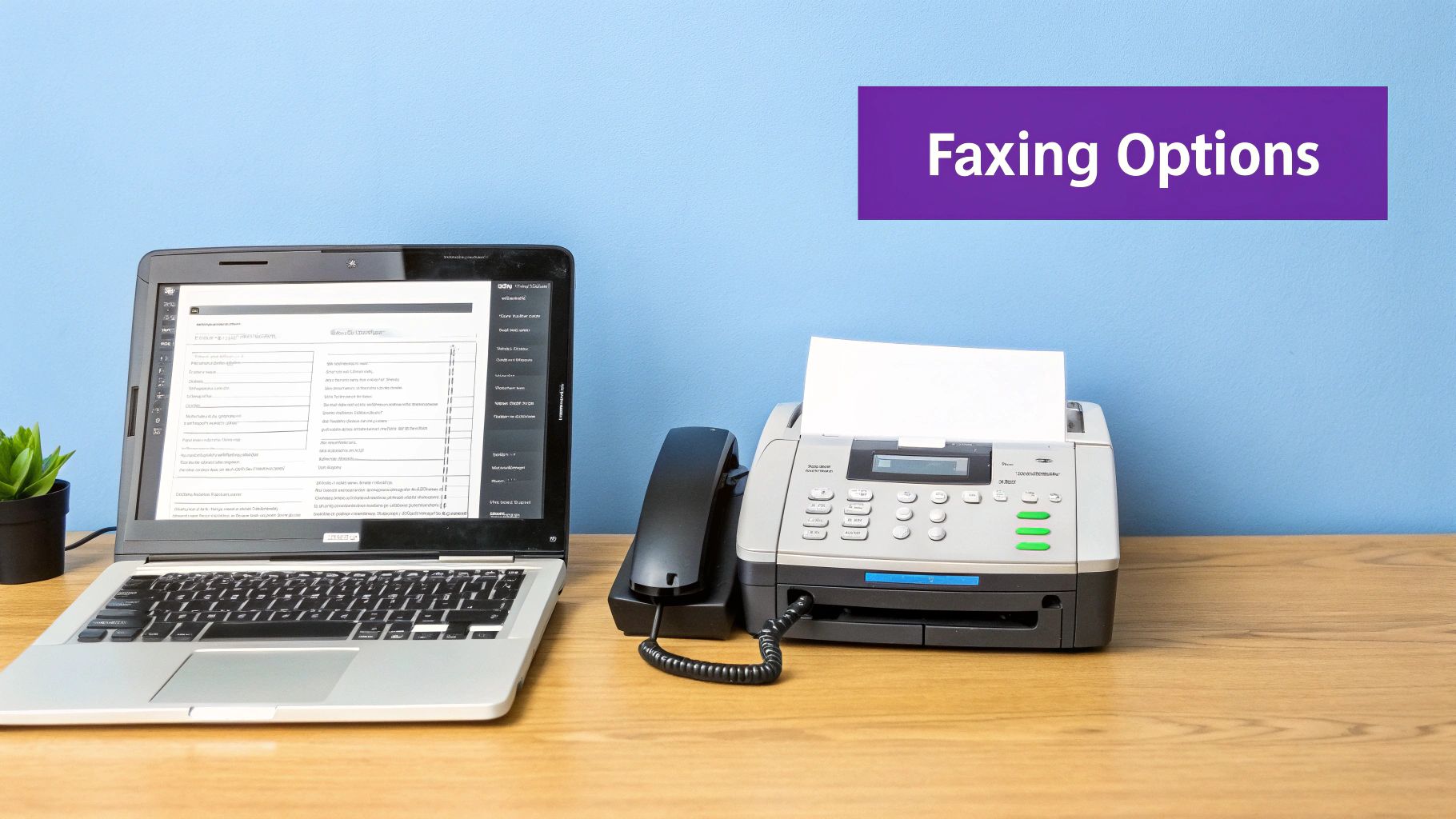
But what if you're attached to your physical fax machine? For those who want to keep their trusty hardware in the game, a VoIP (Voice over Internet Protocol) system paired with an Analog Telephone Adapter (ATA) can bridge the old and new. Think of the ATA as a special translator that converts your fax machine's analog signals into digital packets that your internet connection can understand and transmit. This can be a viable, albeit more complex, solution for integrating legacy equipment.
Finally, many modern Multifunction Printers (MFPs)—those all-in-one machines that print, scan, and copy—come with internet faxing built right in, letting you bypass the phone line entirely. While the fax machine’s heyday was in the 1980s, the internet didn't make it obsolete—it just forced it to evolve. Today, online faxing dominates the scene, commanding a 55% market share in North America by offering powerful cloud faxing solutions without the hardware headaches. For more on this topic, you can read about the digital evolution of faxing on novatech.net.
How Online Fax Services Work
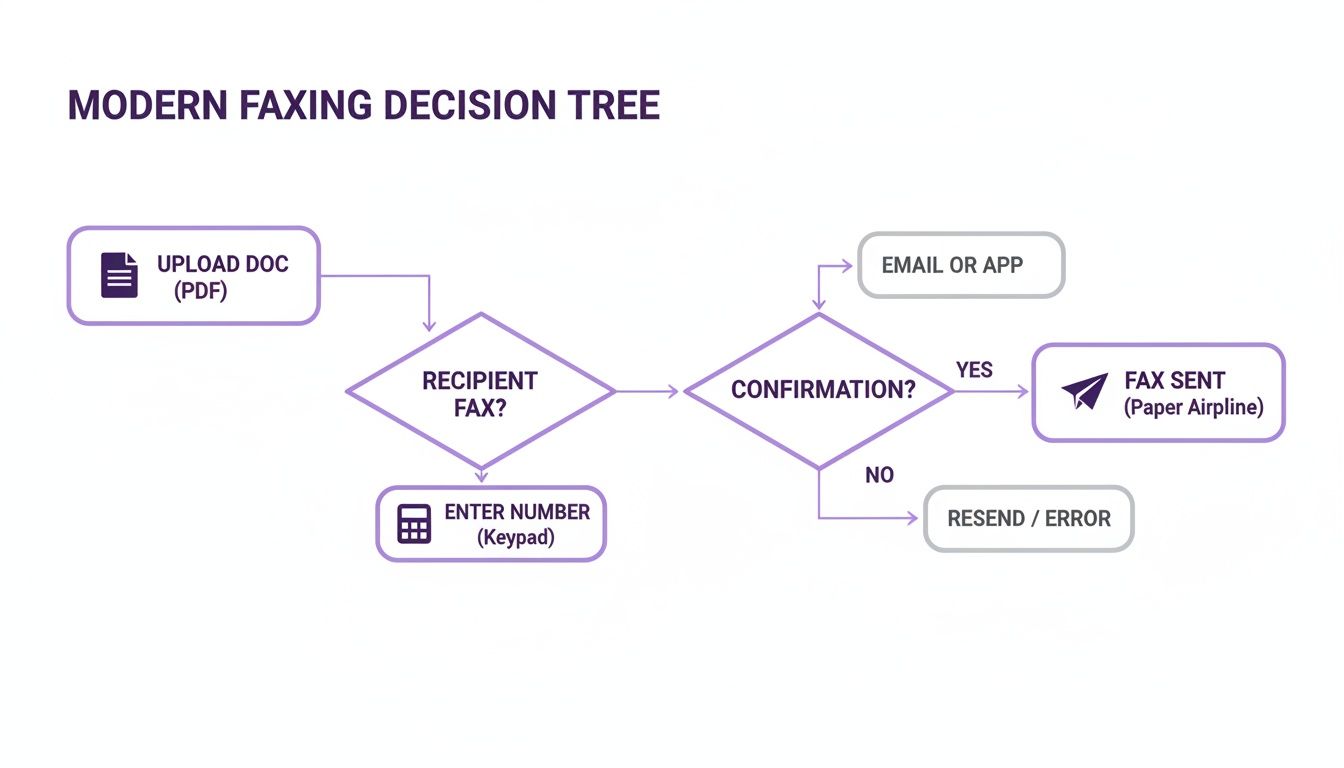
Online fax services are the modern answer to using a fax machine without a phone line. They completely transform the clunky, hardware-heavy process into a simple digital task you can do from anywhere. Think about sending an urgent contract. The old way involved printing it out, walking over to a machine, feeding the pages, and slowly dialing a number. With a service like FaxZen, you just use your computer or phone. You can upload the document, type in the recipient’s fax number, and click send. It's that easy and efficient.
So, what’s happening behind the scenes? The service acts as a digital translator and courier. It takes your digital file—a PDF, Word document, or even an image—and converts it into the standard fax signal that traditional machines on the other end can understand. It then dials the recipient's machine over the internet and manages the entire transmission securely. This process comes with powerful perks like automatic delivery confirmations and secure digital storage of your sent and received faxes. It's a world away from managing dedicated phone lines, which used to cost businesses a hefty $20-50 monthly per line. The shift to online faxing has been massive, and you can get a sense of this evolution by checking out the history of faxing on Wikipedia. This digital approach also opens the door to slick integrations, like using fax to email to get incoming faxes delivered straight to your inbox.
Comparing Phone-Line-Free Faxing Methods
Let's break down these different ways to fax without a phone line. Seeing them side-by-side helps clarify which approach makes the most sense for your specific needs. Each option has its own characteristics when it comes to cost, setup complexity, and the flexibility to send a fax from your couch versus being tied to a desk.
Comparison of Faxing Methods Without a Phone Line
To give you a clearer picture, we've put together a quick comparison table. This lays out the pros and cons of online fax services, VoIP setups, and internet-enabled multifunction printers.
| Feature | Online Fax Service (e.g., FaxZen) | VoIP with ATA Adapter | Internet-Enabled Multifunction Printer |
|---|---|---|---|
| Cost | Low (Pay-per-fax or small subscription) | Moderate (Adapter cost + VoIP service) | High (Printer cost + potential service fees) |
| Ease of Use | Very Easy (Web interface, no hardware) | Complex (Requires technical setup) | Moderate (Varies by model and service) |
| Hardware Required | None (Uses computer or mobile device) | Fax machine, ATA adapter, router | Specific printer model required |
| Mobility | High (Send/receive from anywhere) | Low (Tied to physical fax machine location) | Low (Tied to printer location) |
| Reliability & Security | High (Encrypted, with delivery tracking) | Variable (Prone to data loss, less secure) | Variable (Depends on printer and network security) |
For most people, the modern process is beautifully simple: you upload your document, type in the fax number, and hit send. It's really that straightforward.
Is It Secure to Fax Without a Phone Line?
It’s a fair question. Many of us associate the dedicated phone line with a secure, direct connection. Is sending a fax over the internet really as safe? The surprising answer is that it's often much safer. A traditional analog phone line is completely unencrypted. Anyone with the right tools and access could theoretically tap into that line and intercept your sensitive information. It's like sending a postcard—the information is out there for the taking.
Modern internet fax services, on the other hand, are built from the ground up with security in mind. When you send a document with a service like FaxZen, it doesn’t just fly across the internet unprotected. Instead, it’s wrapped in 256-bit SSL encryption. Think of it as placing your document inside a digital armored truck for its journey. To dig deeper into how this powerful protection works, check out our guide on what is end-to-end encryption.
This level of security is why it's so important to choose a provider that takes this seriously. When you're comparing options, always look for providers who showcase their robust digital security measures. Your privacy depends on it.
Frequently Asked Questions (FAQ)
Can I use my existing fax number with an online service?
Yes, absolutely. Most professional online fax services offer a process called "number porting." This allows you to transfer your existing fax number from your old provider to the new online service. It's similar to moving your mobile phone number to a new carrier. This feature is crucial for businesses that want to maintain continuity without having to update their contact information on business cards, websites, and client records.
Do I need special software to send a fax online?
No, you typically don't need to install any special software. The best online fax services, like FaxZen, are web-based. This means you can send and receive faxes directly from your internet browser on any computer or mobile device. You simply log in to your account, upload your document, enter the recipient's fax number, and click send. It's designed to be as simple as sending an email.
How do I receive faxes without a physical machine?
When someone sends a document to your online fax number, the service receives it digitally in the cloud. It then converts the incoming fax into a PDF file and delivers it directly to your email inbox. This means you can view, download, and store your faxes just like any other email attachment, from anywhere you have an internet connection. Your fax number is active 24/7, so you never have to worry about missing an important document.
Related Articles
- How to Fax a Document From My Computer
- What Is End-to-End Encryption and Why It Matters for Faxing
- Fax to Email: The Definitive Guide
Ready to see how easy modern faxing can be? Give FaxZen a try and send your first secure fax online in minutes. Send Your First Fax Now!


