
Can You Fax From a Cell Phone? A Modern Guide to Mobile Faxing
Table of Contents
In today's digital world, the idea of faxing might seem outdated, but it remains a crucial method for transmitting legally binding and sensitive documents in many industries. So, the big question is, can you fax from a cell phone? The answer is a resounding yes. Modern technology allows you to send and receive faxes directly from your smartphone, transforming it into a powerful, portable fax machine without the need for bulky hardware or a dedicated phone line. This is all made possible by online fax services that convert your digital files into a format that traditional fax machines can understand and print.
Ready To Fax?
Start sending faxes online in seconds with FaxZen - No account required
Send Fax Now 🚀Ready to send a fax from your phone in the next two minutes? Visit FaxZen for a simple and secure solution that works right from your browser.
Why Mobile Faxing Works and How It Got Here

Faxing from a cell phone perfectly blends the established legal and business necessity of fax with the convenience of a device that's always in your pocket. At its core, mobile faxing uses the internet to create a bridge between your phone and an old-school analog fax machine. When you send a document from an app or a website like FaxZen, the service acts as a digital translator. Your file, whether a PDF or a photo of a signed contract, is uploaded to a secure server. The service then uses a technology called Fax over IP (FoIP) to dial the recipient's fax number and transmit the data in a format the receiving machine can print. This process eliminates the need for a physical machine, paper, or ink, as all the heavy lifting is handled in the cloud. We have a whole guide on how you can fax from an iPhone here.
The move to mobile faxing is part of a larger trend in business communication. The global fax services market, built on these digital solutions, was valued at $3.3 billion and is expected to climb to $4.47 billion by 2030. This growth is fueled by over 6.8 billion smartphone subscriptions worldwide, effectively turning every cell phone into a potential fax machine. The services that first emerged in the early 2000s, enabling faxes via email, paved the way for the intuitive mobile apps and web-based platforms we use today.
A Real-World Scenario: Imagine needing to send an urgent, signed rental agreement while traveling. Instead of hunting for a business center, you can simply take a picture of the document with your phone in a coffee shop and send it off in under a minute. It’s this level of on-the-go convenience that makes mobile faxing a game-changer.
Choosing the Right Method for Mobile Faxing
When you need to fax something from your phone, you have a few different paths you can take. The best one depends on your specific needs—how often you fax, your budget, and the features you require. For frequent users, a dedicated mobile app from an online fax provider is often the best choice. These apps turn your smartphone into a full-service fax machine with a permanent fax number, perfect for professionals like real estate agents who handle time-sensitive contracts daily. They come packed with features like contact integration, cloud storage access, and push notifications.
For those who fax only occasionally, a mobile-friendly website is a more practical option. Services like FaxZen allow you to open your phone's browser, upload a document, enter the fax number, and send it without creating an account or committing to a monthly subscription. This pay-as-you-go model is ideal for one-off tasks, like sending a signed form to a government agency. You get the same security and reliability as a subscription service with the flexibility of single-use access. For anyone who only sends faxes once in a while, knowing how to send a fax online for a one-time need is invaluable.
Another powerful method is email-to-fax, which is excellent for remote teams or individuals who operate heavily from their email inbox. It works by sending an email to a specially formatted address, such as [faxnumber]@faxservice.com. The service automatically converts the email body into a cover page and any attachments into the main fax document. This seamlessly integrates faxing into your existing workflow without requiring new software. To understand all your options, it's a good idea to explore various methods for sending documents securely.
| Method | How It Works | Best For | Typical Cost |
|---|---|---|---|
| Dedicated App | You download a provider's app for a complete mobile experience. | Frequent users who need a dedicated fax number. | Monthly subscription |
| Mobile Website | You use a service's site in your phone's browser to send a fax. | Infrequent, one-off faxes without a subscription. | Pay-per-fax |
| Email-to-Fax | You send an email to a special address that converts it into a fax. | Teams integrating faxing into their email workflow. | Included with most subscriptions |
Ultimately, the right choice aligns with your faxing habits. Whether you need a full-featured app for daily business or a simple website for that one-time document, there's a mobile faxing solution that will fit your needs perfectly. If you want to dig deeper, you might find our guide on the best online faxing service helpful.
Sending Your First Fax From Your Phone
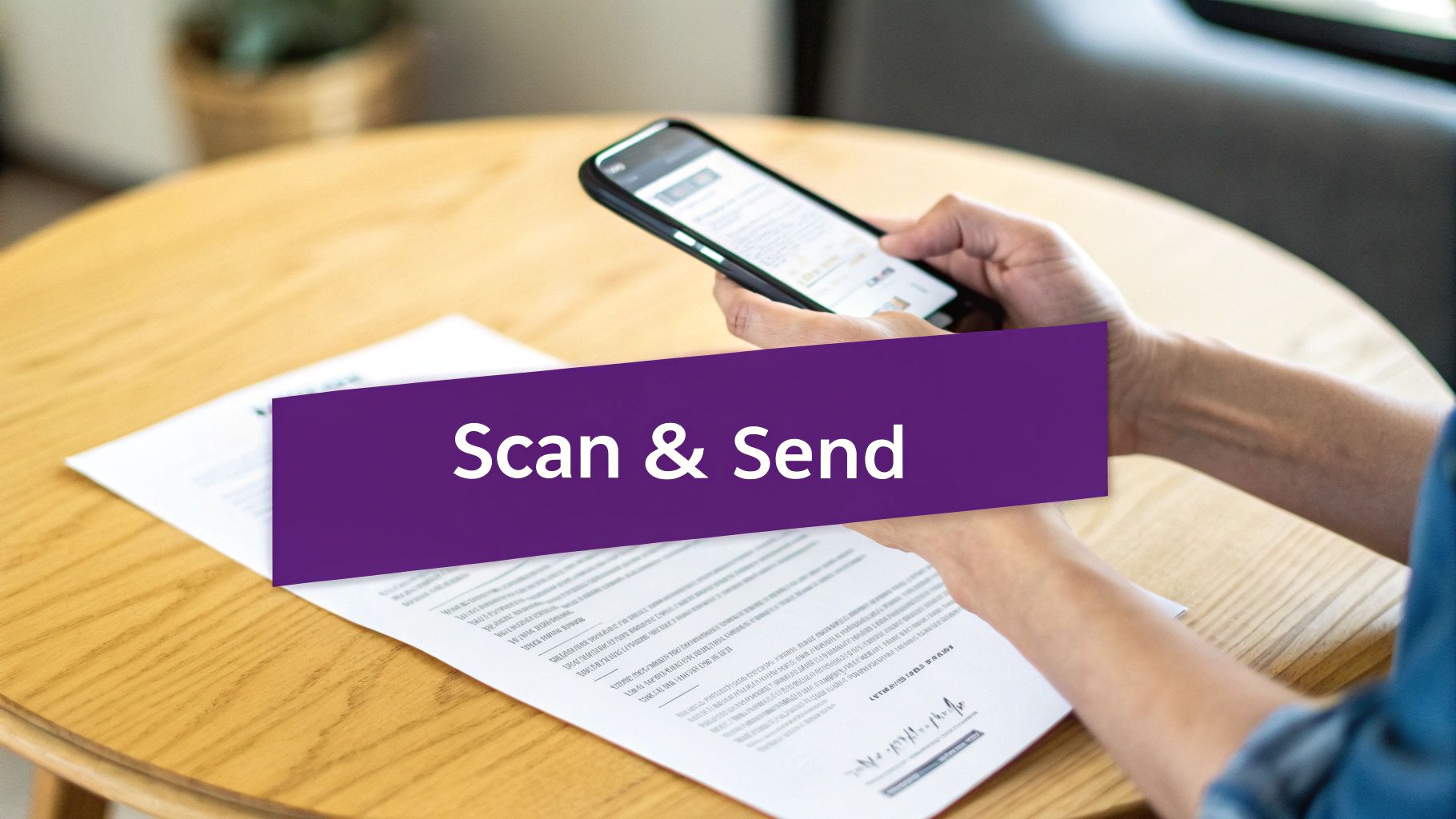
Sending a fax from your phone is a quick and straightforward process that can be completed in minutes. The first step is to create a digital copy of your document. Your smartphone’s camera is a powerful scanner that fits in your pocket. For a clean, professional-looking scan, place your document on a flat, dark surface to create contrast and ensure the text is sharp. Good lighting is essential; natural light from a window is ideal. Hold your phone directly above the paper to avoid skewed angles and shadows. Many online fax services, and even your phone’s built-in Notes app, have a document scanning feature that automatically crops, corrects perspective, and enhances contrast, resulting in a crisp PDF ready for sending.
Once your document is scanned, the next step is to upload it to an online fax service like FaxZen. The platform will guide you to attach your file from your phone’s photo library or files. After uploading, you will fill out a digital cover sheet with the recipient’s name, company, and fax number. Double-checking the fax number is crucial, as a single wrong digit will cause the transmission to fail. Be sure to include the country and area code for international faxes. Adding your name and contact information allows the recipient to know who sent the document and how to respond. While a cover sheet may seem optional, it adds a layer of professionalism and ensures your document reaches the right person in a busy office.
After filling in the details, you can hit "send." A major advantage of online faxing is the ability to track your fax's journey in real-time. You will receive email notifications at each stage: when the fax is queued, when it is sending, and, most importantly, when it has been successfully delivered. This digital paper trail provides a definitive confirmation receipt, giving you a perfect record of the communication. This completely removes the guesswork associated with traditional fax machines, making faxing from your phone a genuinely reliable and efficient way to communicate.
Why Mobile Faxing Is Still Essential Today

In an era of instant messaging and email, you might wonder why faxing remains relevant. The answer lies in its long-standing reputation for security and legal acceptance, especially in industries like law, healthcare, and finance. The direct, point-to-point nature of faxing offers a level of security that standard email cannot guarantee, reducing risks of interception and server breaches. Mobile faxing brings this trusted security to the convenience of your smartphone, allowing professionals like real estate agents to securely transmit legally binding documents from anywhere.
Unlike email, which hops between multiple servers, a traditional fax creates a direct, temporary connection over a phone line. When you fax from your phone using an online service, this security model is enhanced with digital encryption, creating a secure tunnel for your documents. This is a critical reason why faxing is still a preferred method for transmitting sensitive information. Furthermore, faxed signatures are widely considered legally binding in many jurisdictions, a status not always granted to email attachments. This is crucial for contracts, legal filings, and official paperwork where proof of delivery is essential. For more context, you can learn about other digital methods in this guide on How to Use Electronic Signatures.
Faxing has a proven track record of reliability. While old analog faxes could have failure rates as high as 20%, today’s Fax over IP (FoIP) systems, the technology behind mobile faxing, are much more dependable, with failure rates typically between just 5-8%. This reliability, combined with bypassing email spam filters, ensures your important documents arrive as intended.
| Feature | Mobile Fax (FoIP) | |
|---|---|---|
| Transmission Path | Bounces between multiple servers | Direct, point-to-point connection |
| Interception Risk | Higher risk at multiple points | Lower risk; direct encrypted tunnel |
| Spam Filters | Can block or delay important messages | Bypasses spam filters entirely |
| Legal Standing | Varies; may not be legally binding | Widely accepted as legally binding |
| Delivery Proof | Read receipts can be ignored or faked | Provides a verifiable transmission report |
Choosing to fax from your cell phone is not a step backward; it's a smart decision to use a communication channel that offers robust security, legal validity, and proven reliability—all from the device you carry everywhere.
Frequently Asked Questions (FAQ)
What is a fax number and do I need one? A fax number is a phone number dedicated to a fax machine or online service. You need the recipient's fax number to send a document. If you want to receive faxes, you will need your own virtual fax number, which online services provide. Our guide explains in detail what a fax number is.
Can someone fax me back on my cell phone? Yes. With an online fax service, you get a virtual fax number. When someone sends a fax to that number, the service converts it into a digital file (like a PDF) and delivers it to your email or a dedicated app on your phone, allowing you to receive faxes anywhere.
Why not just use a scanner app and email? While scanner apps are great for creating digital copies, emailing them lacks the security and legal weight of a fax. For sensitive documents in legal, financial, or medical fields, faxing is the more secure and legally recognized method of transmission.
What happens if the recipient's machine is always busy? If multiple automatic retries fail due to a busy signal, it's best to contact the recipient directly. You can confirm their fax number is correct and ask if there’s a better time to send or if their machine is experiencing issues.
Does the file type of my document matter? Yes, it can. Most online fax services are optimized for common file types like PDF, JPG, and PNG. Using these formats ensures the best compatibility and quality for the recipient.
Related Articles
- The Security of Fax Machines
- How to Get a Fax Number
- Is Online Faxing Secure?
- How to Receive a Fax on Your Phone
- The Best Online Fax Services for Small Businesses


