
How to Send One Fax Online Instantly and Securely
Table of Contents
meta_title: "How to Send One Fax Online: A Quick & Secure Guide | FaxZen" meta_description: "Need to send one fax online without a machine? Learn how to securely send a single fax in minutes with our easy pay-per-fax guide. No subscription needed." author: "FaxZen Staff" reading_time: "5 minutes"
Ready To Fax?
Start sending faxes online in seconds with FaxZen - No account required
Send Fax Now 🚀It might feel like a technology from a bygone era, but faxing is still a surprisingly critical tool for sending secure documents. If you’ve ever needed to fire off a signed contract, a tax form, or a sensitive personal record and realized you don't have a fax machine, you're definitely not alone. The good news is you can send one fax online using a simple pay-per-fax service. No need to buy any clunky hardware or get locked into a monthly plan you'll barely use.
Ready to send a fax in the next few minutes? Head over to FaxZen.com to upload your document and send it securely right now.
Even in our world of instant messaging and cloud everything, faxing holds a unique—and necessary—place. Many organizations in the legal, healthcare, and government sectors still depend on it for transmitting sensitive documents. Why? Because a fax provides a direct, point-to-point connection that's often seen as more secure than email. This is exactly why knowing how to send a single fax online is such a useful skill to have. This guide tackles that very problem, showing you how to get it done without the hassle and expense of old-school hardware. Modern pay-per-fax services have made the process straightforward, affordable, and open to anyone with an internet connection.
The ability to send a one-off fax isn't just a niche convenience; it's part of a surprisingly robust market. The entire fax services market is estimated at USD 3.31 billion and is projected to hit USD 4.48 billion by 2030, which shows just how relevant it remains. You can discover more insights about the fax services market and its steady growth. And if you want to get into the nitty-gritty, our article explaining what is a fax number is a great place to start.
Getting Your Document Ready for a Perfect Send

Before you hit send on that fax, taking a minute to prep your document can make all the difference between a successful transmission and a failed one. Think of it like proofreading an important email—a few quick checks now will ensure everything arrives looking crisp and professional on the other end. When it comes to file formats, PDF is king. It locks in your formatting, ensuring that what you see on your screen is exactly what the recipient's fax machine will print out. This avoids any weird font substitutions or messed-up line breaks that can sometimes happen with Word documents or other formats.
Another simple trick is to convert your document to black and white. This isn't just about saving ink for the person receiving it; it actually makes the text sharper and can even help the fax transmit a little faster, leading to a cleaner final product. Finally, don't forget the cover sheet. It's not just a formality—it tells the recipient who the fax is for, who it's from, and how many pages to expect. It’s a small touch that adds a layer of professionalism and helps your document get to the right person without getting lost in the shuffle. If you need a good starting point, you can grab a handy fax cover page template PDF right here.
Pro Tip: Ensure your document is high-contrast. Faded text or images can become unreadable during the faxing process. A clear, crisp document will always transmit best.
The Pay-Per-Fax Workflow: From Your File to Their Machine
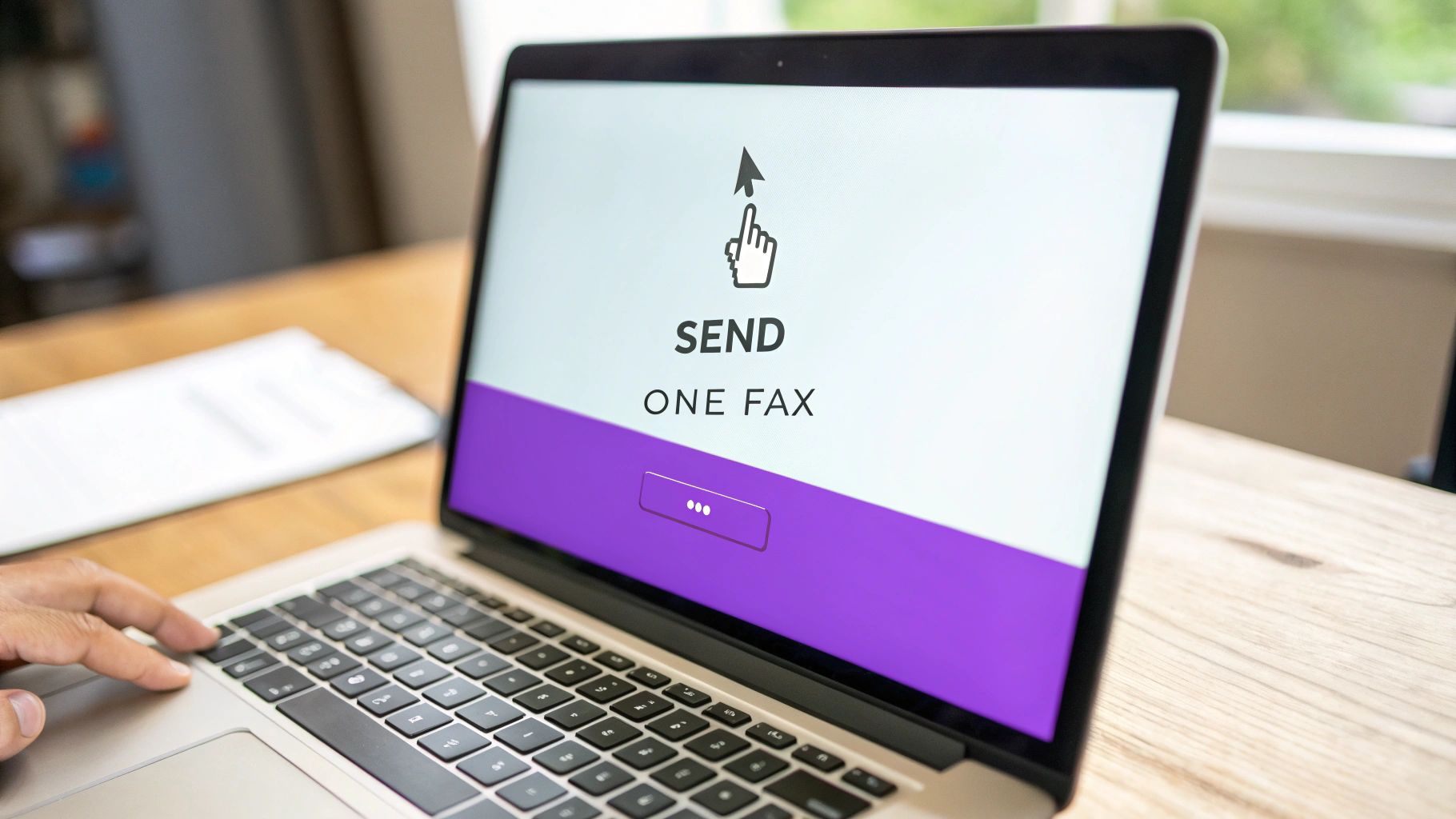
So, you're ready to send one fax online. Great. Forget the clunky hardware and confusing phone line connections of the past. Services like FaxZen have boiled the entire process down to a few straightforward actions, letting you get your document on its way without any technical headaches. It all starts with uploading your prepared file. Once that's done, you'll enter the recipient's details. Getting the fax number right is obviously critical, but it's especially important for international sends. Don't forget to include the country code, or it's just not going to work.
From there, a well-crafted cover page really adds a touch of professionalism and helps ensure your fax lands on the right desk. Be sure to include your contact info, a clear subject line, and maybe a short note to give the recipient some context. It’s a small detail that makes a big difference. After you've entered all the information and reviewed it for accuracy, you can proceed to payment and send your fax. The entire workflow is designed to be completed in just a few minutes, from start to finish. If you want a complete walkthrough of the entire process from A to Z, our full guide on how to send a fax online breaks it all down.
Confirmation and Troubleshooting
Hitting "send" on your fax isn't the final step. The real peace of mind comes from knowing your document actually arrived. With an online service, you get real-time status updates right away, followed by a detailed email confirmation once the fax transmission is complete. That final email is your proof of delivery. But what happens when things don't go perfectly? A busy signal, a disconnected line, or even a wrong number can throw a wrench in the works. The good news is that modern platforms are built for these exact scenarios.
If a recipient's line is busy, for example, the system will automatically retry sending your fax several times over a period. You don't have to lift a finger; it just keeps trying until it gets through, saving you a ton of frustration. This kind of smart error handling is a huge advantage. For a deeper dive into specific sending scenarios and solutions, check out our complete guide on how to send online fax and what to expect from the process.
| Status | Meaning | Next Step |
|---|---|---|
| Queued | Your fax is in line and will be processed shortly. | No action needed. Just wait a few moments. |
| Sending | The system is actively dialing and attempting to connect to the recipient's fax machine. | No action needed. The process is underway. |
| Delivered | Success! Your fax was fully transmitted and received by the recipient's machine. | Check your email for the final confirmation receipt. |
| Failed - Busy | The recipient's fax line was busy. The system will automatically retry. | No action needed. The service will handle retries. |
| Failed - No Answer | The recipient's machine didn't pick up. This could mean it's off or disconnected. | Verify the fax number. You may need to try again later. |
| Failed - Invalid Number | The number you entered is incorrect or not a valid fax line. | Double-check the fax number and resend. |
Keeping Your Sensitive Information Secure
Let's be honest, security is often the main reason people still choose fax over email. Online fax services understand this and take that responsibility seriously. When you send one fax online, your documents aren't just floating around the internet unprotected. They're shielded during transmission using technologies like 256-bit SSL encryption, which essentially creates a secure, private tunnel for your data. Think about it this way: it’s far more secure than leaving a sensitive document sitting on a public fax machine for anyone to see.
Reputable services also have smart data policies. For example, they'll often delete your faxes from their servers after a set period. This isn't a bug; it's a feature designed to protect your long-term privacy. For an extra layer of defense, you can often enable Multi-Factor Authentication (MFA) on your account, making it much harder for anyone else to gain access. These services also partner with trusted payment processors like Stripe, ensuring your financial information is just as locked down as your documents.
Frequently Asked Questions
Do I need to sign up for a monthly plan to send one fax?
No, you do not. With a pay-per-fax service like FaxZen, you can send one fax online and be done with it. There’s absolutely no need to create an account or get locked into a subscription you'll barely use. It's designed for exactly this situation: when you just need to send something now. While you can create an account to buy credits for future faxes (which can save you some money), it's totally optional.
How do I know my fax actually went through?
This is a huge improvement over traditional faxing. You're not left guessing or listening for that final beep. Modern online fax services give you a real-time status update right in your browser. More importantly, you'll get a final confirmation email the moment the fax is successfully delivered. Think of that email as your digital proof of delivery.
Can I send a fax to another country?
Absolutely. Any reputable online fax platform will handle international faxing without a problem. The key is formatting the number correctly. You just have to enter the right country code first, followed by the complete fax number. The service takes care of all the complex international routing on the back end.
What happens if the recipient's fax line is busy?
Here’s one of the best parts about using an online service. If the receiving machine is busy, you don't have to do a thing. The system is smart enough to automatically retry sending your fax several times over a period. It handles all the redialing for you, which saves a ton of frustration.
Related Articles
- How Does Online Faxing Work?
- A Guide to Sending a Fax From a Computer
- What's the Best Way to Fax from a Cell Phone?


