How to Fax from Computer Free: A Practical Guide
Table of Contents
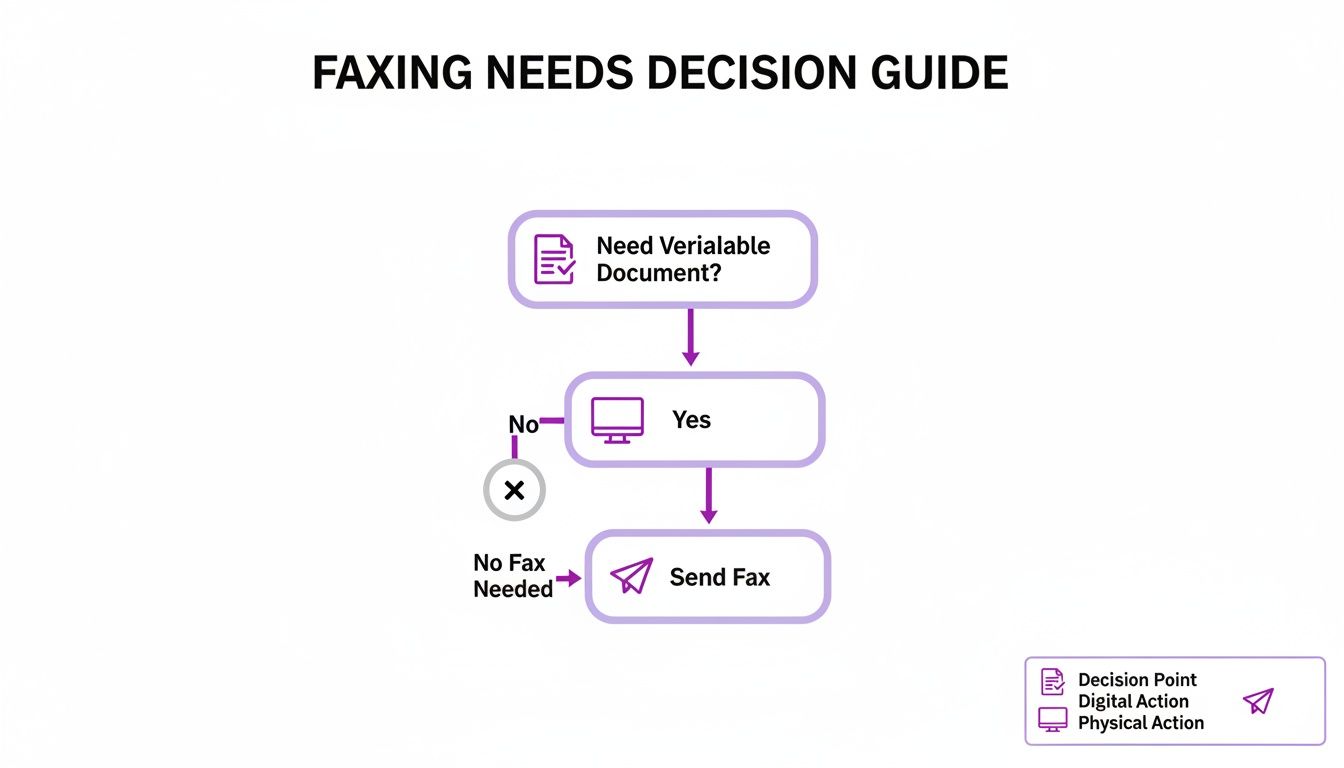
It might feel like a technology from a bygone era, but faxing is still a non-negotiable tool for professionals in legal, medical, and real estate fields. Why? They often need a verifiable, legally-sound way to transmit documents. The good news is you don't need a bulky, dust-collecting machine to do it. Sending a fax from your computer for free is not just possible—it's surprisingly simple.
Ready To Fax?
Start sending faxes online in seconds with FaxZen - No account required
Send Fax Now 🚀Ready to skip the hassle and send a reliable, professional fax right now? Visit FaxZen.com to get started.
Why Computer Faxing is More Relevant Than Ever
This guide will walk you through the exact methods people use every day for tasks like submitting tax forms or sending signed contracts. We'll show you how digital faxing blends old-school reliability with the convenience you expect in 2024. You can get it done in minutes.
The massive shift towards remote work and digital-first operations has made knowing how to fax from computer free an essential skill. Instead of being chained to office hardware, professionals can now manage critical documents from anywhere. This change is powered by the growth of cloud fax solutions, which deliver the security and efficiency you need without the physical limitations of a traditional machine. It's an approach that saves time, cuts down on paper waste, and maintains the legal standing of a faxed document—all while fitting into modern business practices. Let’s dive into how you can put this tech to work for you.
Comparing Free Fax Methods at a Glance
When you need to send a fax from your computer without spending a dime, you have two primary options: using a completely free web-based service or starting a free trial with a premium service. Each path offers distinct advantages and disadvantages, and the best choice depends on your specific needs. The free web services are ideal for a single, non-sensitive document, while a free trial provides professional features for short-term, multi-document needs.
Let's break down the key differences to help you decide which method is right for you.
| Feature | Web-Based Free Services | Premium Service Free Trials |
|---|---|---|
| Best For | Quick, one-off faxes (e.g., 1-5 pages) | Short-term projects, sending multiple faxes |
| Cover Page | Usually includes service branding | Professional, clean, and customizable |
| Page Limit | Very limited (often < 10 pages total) | Much higher (often 100-300 pages per trial) |
| Security | Standard encryption, good for general use | Enhanced security for sensitive documents |
| Setup Time | Seconds - just upload and send | A few minutes to create an account |
| Cost | $0 (with limitations) | $0 (but requires cancellation before trial ends) |
| Support | Limited to basic FAQ/email | Full access to customer support |
| Receiving Faxes | Not typically included | Usually includes a temporary fax number |
For a single document, a straightforward web-based service is often the fastest way to get it done. You just upload your file, pop in the recipient's number, and hit send. It's perfect for that one-time task where you aren't too concerned about a branded cover page. On the other hand, if you're facing a short-term project—maybe you need to send out a dozen applications or a multi-page contract—a free trial is your best bet. You get access to all the professional features, like higher page limits and clean cover sheets, without the immediate cost. We dig deeper into this approach in our guide to sending a one-time fax online.
Ready to send a reliable, professional fax right now without the hassle? Visit FaxZen.com to get it done in seconds.
Sending Your First Fax from Your Computer
Sending your first fax directly from your computer is a straightforward process. The first step is to prepare your document. It is highly recommended to save your file as a PDF. This format locks in all the formatting, ensuring that the document appears on the recipient's end exactly as it does on your screen. Preserving the integrity of your document is crucial, especially for official or legal papers.
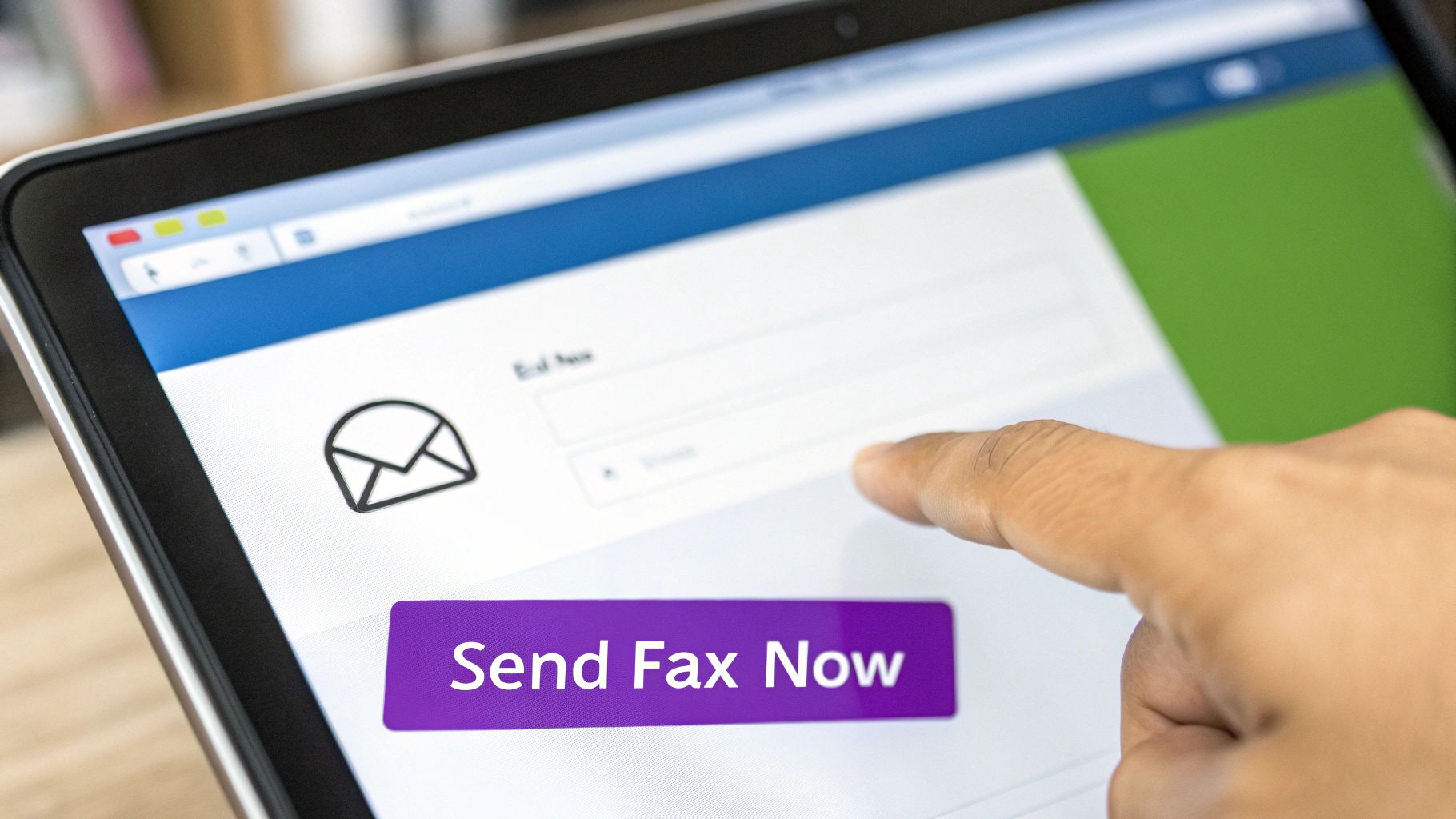
Once your file is ready, you can navigate to a free online fax service using your web browser. You will find several standard fields to fill out. You'll need to enter the recipient's fax number, being careful to include the correct country and area codes if you are sending the fax internationally or long-distance. Next, you will upload your prepared document. Most services also provide an area to type a short message for a cover page, which adds a professional touch. Before clicking the "send" button, it's wise to double-check all the information, especially the fax number and the attached document. When sending sensitive information, it's good practice to be familiar with secure data transfer methods to keep your data safe.
After the fax is sent, the service will typically email you a confirmation. It is important to keep this email, as it serves as your proof of transmission. This confirmation usually includes the date, time, and the delivery status of your fax, acting as the digital equivalent of the confirmation slip from a traditional fax machine. For a more detailed walkthrough, you can explore our guide on how to fax documents online.
Know the Limits of Free Fax Services
The allure of the word "free" is strong, but when it comes to faxing from your computer, it's important to understand the associated trade-offs. The reality is that free services come with significant limitations. One of the primary concerns is privacy. Some free services may not offer the robust encryption required for transmitting sensitive documents. If you are sending anything containing personal, financial, or medical information, a free service might not provide the secure channel you need.
Editor's Note: When using free services, always assume your data is less secure. Avoid sending documents like bank statements, legal contracts, or personal identification through a platform that doesn't explicitly guarantee strong, end-to-end encryption. Your privacy is worth more than the convenience of a free tool.
Beyond security, there are practical challenges. Many free options impose strict daily page limits, which can be a major hurdle if you need to send a multi-page contract or a detailed report. Furthermore, most of these services will place their own advertisements on your cover sheet, which can appear highly unprofessional. Imagine sending a critical legal notice with a "Fax for Free!" banner plastered across the top—it instantly undermines your credibility and the seriousness of the document.
This is precisely why the cloud fax market is expanding rapidly, with projections to reach $1.5 billion by 2033. Paid services build their reputation on the very security and professionalism that free ones often lack. They provide superior encryption, which not only protects your data but also helps minimize frustrating transmission errors. Read more about the future of cloud fax services. Understanding these boundaries helps you decide when a free service is sufficient for a quick, non-sensitive task, and when you require a more reliable FaxZero alternative to safeguard your information and professional image.
When You Should Upgrade to a Paid Service
There comes a point where the limitations of a free service start to outweigh the benefits. If you find yourself sending faxes more than just occasionally, upgrading to a paid service is a practical and often necessary step. The need to upgrade becomes clear when you encounter certain roadblocks. For example, if you handle sensitive client information that requires top-tier security, or if you need a professional appearance without a third-party logo on your cover page, a paid service is essential. Similarly, if you need the ability to receive faxes, which requires a dedicated fax number, a paid plan is your only viable option as free services rarely offer this feature.
The market for online faxing is projected to swell to $5.47B by 2027, a trend driven by businesses and professionals who require features like 98% delivery rates and robust security protocols. For some organizations, making this transition can boost productivity by a staggering 75%. (Source) For small business owners, freelancers, and other professionals, the small monthly fee is an investment in reliability and professionalism. If you're ready to make the switch, our guide to the best online faxing service can help you find the perfect fit.
Frequently Asked Questions
Is it really possible to send a fax from a computer for free?
Yes, it is entirely possible. The most common methods are using a web-based service that allows you to send a few pages for free or utilizing a free trial period offered by a premium provider. These options are ideal for one-time situations where you need to send a document quickly without a physical machine.
How secure are free online fax services?
The security level of free fax services can vary significantly. While many use basic encryption, which is generally acceptable for non-sensitive documents, they often lack the advanced security protocols of paid services. For any documents containing personal, financial, or confidential information, it is highly recommended to use a trusted, professional service that guarantees strong encryption to protect your data.
Do I need to install any special software?
In most cases, no software installation is required. The majority of free online faxing methods are browser-based. You simply visit the service's website, upload your document, enter the recipient's fax number, and click send. This convenience makes the process quick and accessible from any computer with an internet connection.
Can I receive faxes with a free service?
Typically, the answer is no. Free online fax services are designed for one-way sending only. To receive faxes, you need a dedicated virtual fax number, which is a standard feature included in paid subscription plans offered by professional online fax providers.
What file formats can I use to send a fax online?
Most online fax services support a wide range of common file formats, including PDF, DOC, DOCX, JPG, and PNG. However, PDF is almost universally recommended because it preserves the document's formatting, ensuring that the recipient sees exactly what you intended. Always check the specific service's supported file types before uploading.
Related Articles
- Cloud Fax Solutions: The Future of Document Transmission
- A Guide to Sending a One-Time Fax Online
- The Best Online Faxing Service for Your Business
For a reliable and secure way to send your important documents, FaxZen offers a professional-grade solution without the monthly commitment. Get started in seconds and ensure your faxes arrive safely.