
How Can I Fax Something From My Computer: A Modern Guide
Table of Contents
The fastest and simplest way to send a fax right from your computer is with an online fax service. You just upload a document like a PDF, type in the recipient's fax number, and hit send—all from a website. No extra hardware, no phone line, no fuss.
Ready To Fax?
Start sending faxes online in seconds with FaxZen - No account required
Send Fax Now 🚀Ready to send a fax in less than 60 seconds? Send Your First Fax Now and see how easy it is.
Sending Faxes in a Digital World
Let's be honest, staring at a document that needs to be faxed can feel like a throwback to a different decade. Yet, the need for secure, verifiable document transmission is as important as ever, especially in fields like law, healthcare, and real estate. The good news? That bulky, dust-collecting fax machine is officially obsolete. Figuring out how to fax from your computer isn't just possible—it's faster, more secure, and way more convenient. This guide will walk you through how modern online services have completely changed the game, turning what used to be a chore into a simple task you can knock out in minutes.
The evolution of faxing is a perfect example of the bigger tech trend: moving from physical hardware to cloud-based services. Just as we swapped desktop software for Google Docs and QuickBooks Online, faxing has made the same leap. This shift brings some serious advantages for everyone. Think about the old way: print the document, walk over to the fax machine, punch in the number, and then stand there hoping the connection doesn't drop. Now, compare that to today's workflow: open a website, drag and drop your file, and click send. The efficiency gains are huge, especially as more professionals look for smart remote work productivity tips.
Callout: The real genius of online faxing is how it bridges the old and the new. It lets you use a legacy communication method that some industries still demand, but within a modern, digital workflow.
You might wonder why we're still talking about faxing when email and Slack exist. The answer comes down to security and legal standing. In certain industries, fax is still the required method for official business. Learning how to fax from a computer is a valuable skill, not about reviving old tech but adapting a trusted method for today's digital world. Modern cloud fax solutions give you the best of both worlds—the reliability of faxing with the convenience you expect from the internet.
Using an Online Fax Service
If you're wondering how to fax something from your computer, an online fax service is the simplest and most modern answer. The whole process is incredibly straightforward. You just head over to a service like FaxZen, upload your document—PDFs usually work best for keeping your formatting perfect—punch in the recipient's fax number, and add a quick cover page. You pay securely online, and just like that, your document is on its way. The real beauty of a web-based fax service is its sheer simplicity. There's zero software to install and no complicated hardware to configure. The entire experience is designed to feel as natural as sending an email, but with the legal weight and security that faxing provides.
Beyond just being convenient, online fax services pack in features that old-school fax machines could only dream of. One of the biggest game-changers is the detailed confirmation process. You're not just left wondering if your fax went through; you receive an email receipt that serves as a verifiable record of successful transmission. This digital paper trail is invaluable. For professionals in fields like law or real estate, this proof of delivery is often a strict requirement. Plus, if a transmission fails because the line is busy, the best services will automatically keep trying to send it for you.
This shift to online faxing isn't just a small trend; it's a massive market movement, as detailed in reports about the growth of cloud faxing. This is why pay-per-use models have become so popular. Instead of locking into a monthly subscription you might not use, services like FaxZen let you pay for exactly what you need, when you need it. It’s the perfect setup for occasional users and small businesses. Some services even let you send faxes directly from your email, adding another layer of convenience.
Comparing Your Computer Faxing Options
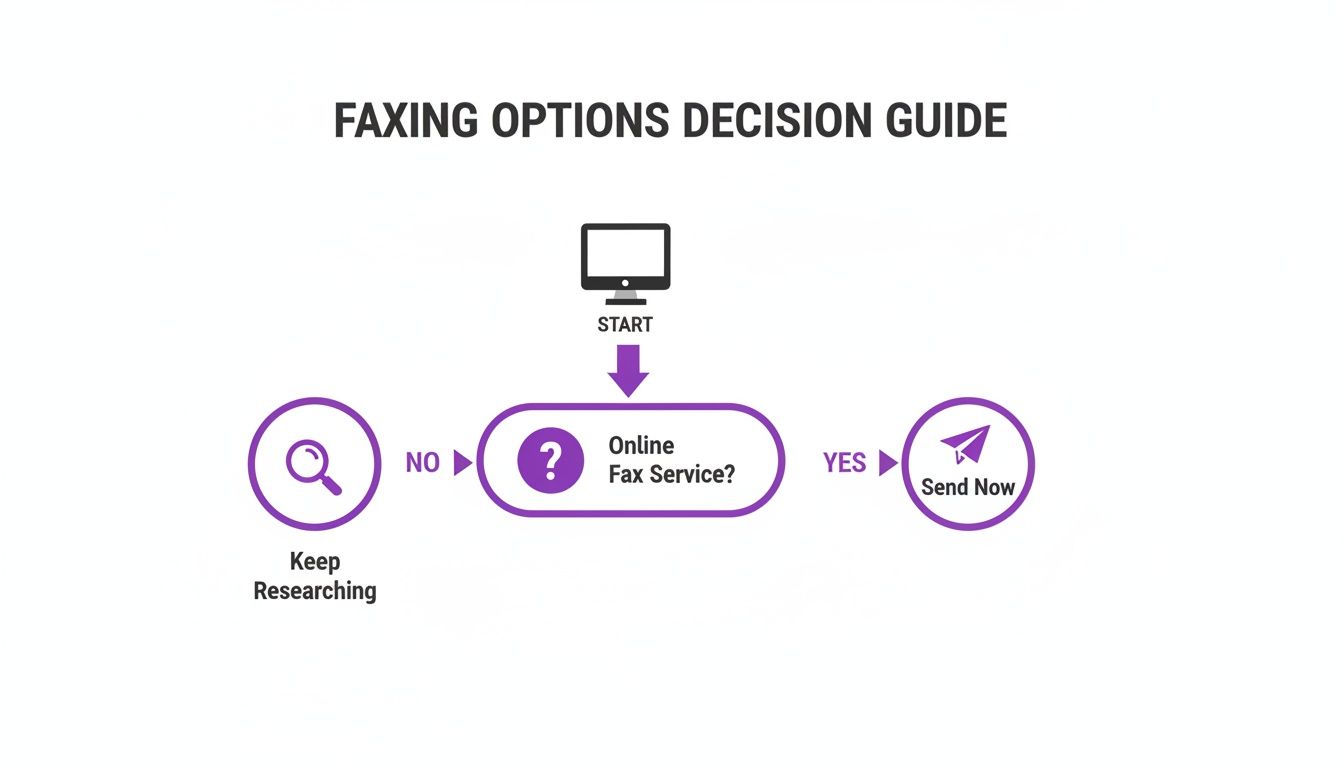
So you need to fax something from your computer. You've got a few ways to tackle it, and picking the right one really boils down to your specific situation. Web-based services are, hands down, the easiest and most accessible way to fax today. Services like FaxZen let you do everything right from your web browser without hardware, phone lines, or long-term commitments. This method is a lifesaver for individuals or small businesses that only fax now and then. Ready to skip the deep dive and just get it done? FaxZen lets you send a fax from your computer in under 60 seconds, no account needed.
Another path is using a fax modem, a physical piece of hardware that links your computer to an analog phone line. But let's be realistic: this approach chains you to a physical location with a landline and can be a technical headache to set up. A third option is email-to-fax, which is fantastic for people who fax regularly and live in their email client. However, it usually requires a monthly subscription plan.
| Method | Best For | Cost | Ease of Use |
|---|---|---|---|
| Online Fax Service | Occasional users needing flexibility. | Pay-per-fax or subscription. | Very Easy |
| Email-to-Fax | Regular users in their email client. | Monthly subscription. | Easy |
| Fax Modem | Users needing a direct, non-internet connection. | Modem + phone line fee. | Difficult |
For the vast majority of people, an online, web-based service offers the perfect blend of simplicity, affordability, and powerful features. For a more detailed breakdown, you can check out our detailed online fax services comparison.
Best Practices for Sending Digital Faxes
Sending a fax from your computer is ridiculously easy, but making sure it lands on the right desk looking sharp takes a little finesse. Paying attention to a few key details is the difference between a successful transmission and a garbled mess. Ready to send a professional-looking fax in seconds? Explore FaxZen's features on our homepage and see how easy it can be.
The quality of the fax your recipient sees is completely dependent on the quality of your source file. For that reason, you should always start with a clean, high-contrast digital document. A PDF is your best bet, as it locks in all your formatting. Think like the old-school fax machine on the other end: it only sees in black and white, so high contrast is your best friend. Stick to pure black text on a clean white background.
A fax cover page isn't just a formality; it's the GPS for your document. It’s the first thing your recipient sees and is critical for making sure your fax lands on the right desk. Even with perfect preparation, a few simple mistakes can derail your transmission. One of the most frequent errors is trying to send a file that's just too large. Another classic mistake is incorrect number formatting. It's also vital to understand the nuances of secure document handling, which you can learn more about by reading up on security in online faxing.
Why Faxing From a Computer Still Matters
Even with instant messaging and email, faxing persists for solid reasons, especially for documents that need to be secure and legally sound. That's why knowing how to send a fax from your computer is a practical, modern skill. Discover the secure, simple way to send documents with FaxZen. Unlike an email that can get lost in a spam folder, a fax transmission creates a verifiable, point-to-point record of delivery. This is a huge deal for legal notices, financial agreements, and healthcare records.
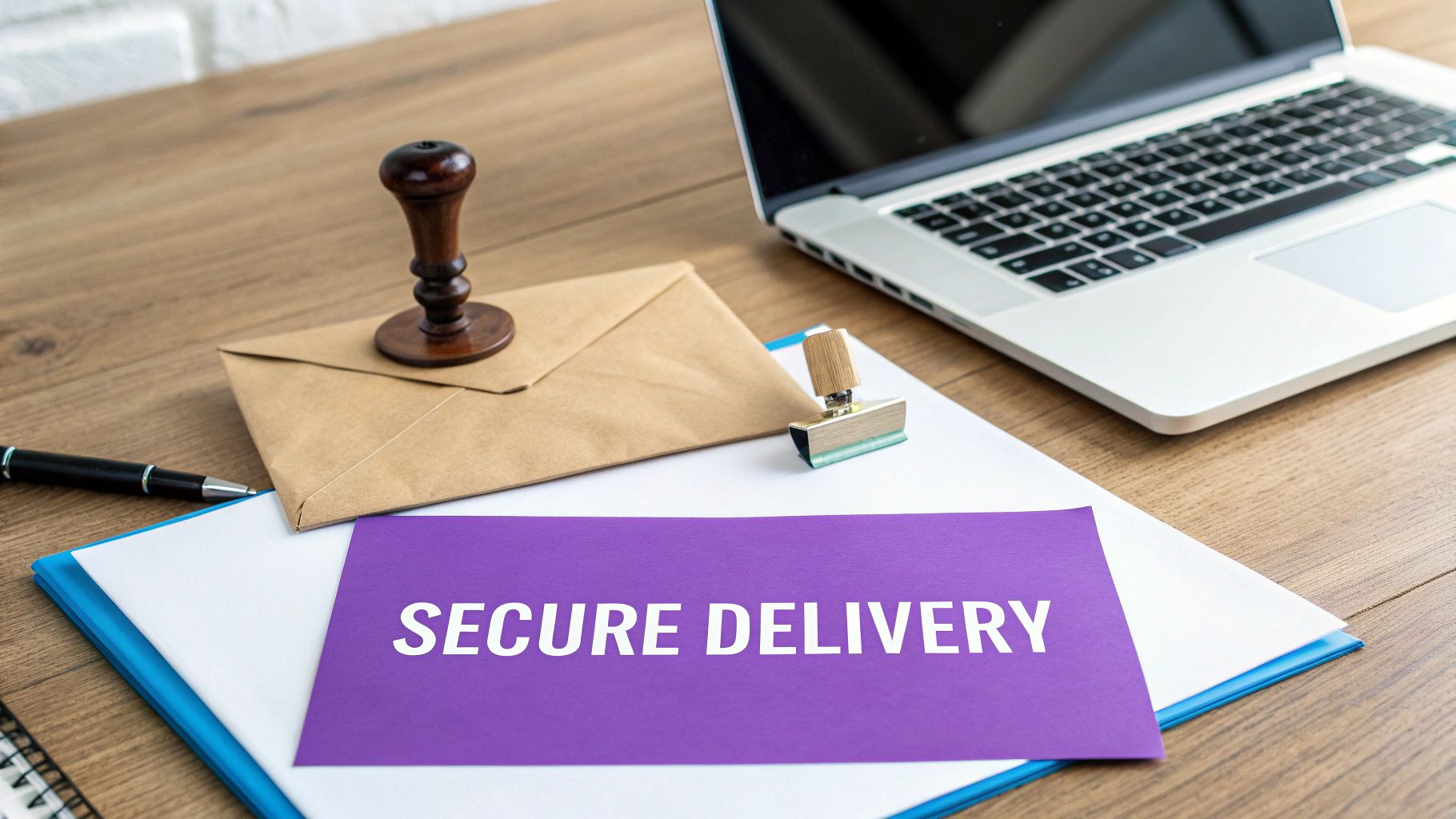
One of the biggest wins for faxing from a computer is a major security upgrade. Modern online fax services use robust encryption, like 256-bit SSL, to lock down your documents during transmission. This level of protection often outmatches standard email. The business case is also a no-brainer. Online platforms can slash operational costs compared to traditional fax lines. Making the switch eliminates physical waste, frees up office space, and creates a more flexible workflow. You can explore the many advantages of online fax services for businesses to see the full picture.
Frequently Asked Questions
Can I receive faxes on my computer?
Yes. Many online fax providers offer subscription plans that give you a dedicated fax number. When someone sends a fax to that number, the service converts it into a PDF and delivers it to your email inbox, turning your computer into a hub for both sending and receiving.
What is the best file format for sending a fax?
PDF is the best format. It locks in your document's formatting, fonts, and images, ensuring what you see is what the recipient gets. While most services accept image files like JPG or PNG, a clean PDF is always the top choice for professional-looking results.
How do I know if my fax was delivered successfully?
Online services provide real-time delivery confirmations. As soon as your fax is successfully delivered, you’ll get a confirmation email that serves as an auditable proof of delivery with the date, time, and page count. If it fails, you'll get an alert with the reason.
Do I need to install any software?
No. Modern online fax services are completely web-based, meaning the whole process happens in your internet browser. This works on any computer—Windows, Mac, or Linux—without any clunky software to install or update. For another software-free method, check out our guide on how to fax from email.
Is online faxing legally binding?
Yes, faxes sent from a computer using an online service are just as legally binding as those sent from a traditional machine. The verifiable transmission receipt provides concrete proof of delivery that holds up in legal and professional settings.
Related Articles
- How to Send a Fax from a Mac Computer
- Sending Faxes from Google Docs: A Step-by-Step Guide
- Fax vs. Email: Which is More Secure for Your Business?


