
Free Printable Fax Cover Sheet No Download Instantly
Table of Contents
Let’s be honest: when you need a fax cover sheet, you usually need it right now. The last thing you want is to get bogged down searching for a decent template, only to find risky downloads, clunky files, or formats your computer can't even open. It’s a frustrating waste of time. This guide is here to show you a much better, faster way to get a professional and free printable fax cover sheet no download required, so you can send your documents quickly and securely.
Ready To Fax?
Start sending faxes online in seconds with FaxZen - No account required
Send Fax Now 🚀Need to send a secure, professional fax in the next five minutes? Visit FaxZen.com to send your fax instantly, complete with a perfect cover sheet.
Why a No Download Solution Is Essential
Browser-based tools have completely changed the game, giving you a free printable fax cover sheet with no download required. The convenience is undeniable: you simply fill in the necessary fields online and can instantly print a clean, professional document. There's no software to install, no files to manage, and no risk of cluttering your computer. This streamlined approach lets you focus on your message, not on wrestling with technology. While it might seem old-school, faxing is far from obsolete. The global fax services market hit a value of USD 3.31 billion in 2024 and is projected to keep growing, demonstrating its vital role in business, legal, and healthcare communications. Knowing where you can send a fax safely and easily is more important than ever.
Why a Browser-Based Approach Is Smarter and Safer
Let's be honest, we've all been tempted to download a "free template" from a random website. But when it comes to a fax cover sheet, sticking to your browser is about more than just convenience—it's about security. Every time you download a file from an unverified source, you're rolling the dice. You could be inviting malware or viruses onto your computer. Beyond that, you run into annoying compatibility problems. That template might require a specific version of Word you don't have, or it could be a corrupted file that won't open at all. Suddenly, your "quick" task becomes a frustrating waste of time.
Using a browser-based tool sidesteps all these issues. Think about it: a lawyer on a tight deadline or a remote employee on a company-locked laptop can't afford to mess around with risky downloads. A browser-based option is the only practical choice. This approach keeps your information safe and ensures your documents look professional every single time. And just like finding a secure way to handle a fax cover sheet, staying in your browser is also the smart move when you're looking for the best free PDF converter software online. Keeping your sensitive documents within a trusted platform is a key part of modern digital document management.
Crafting a Professional Cover Sheet Online
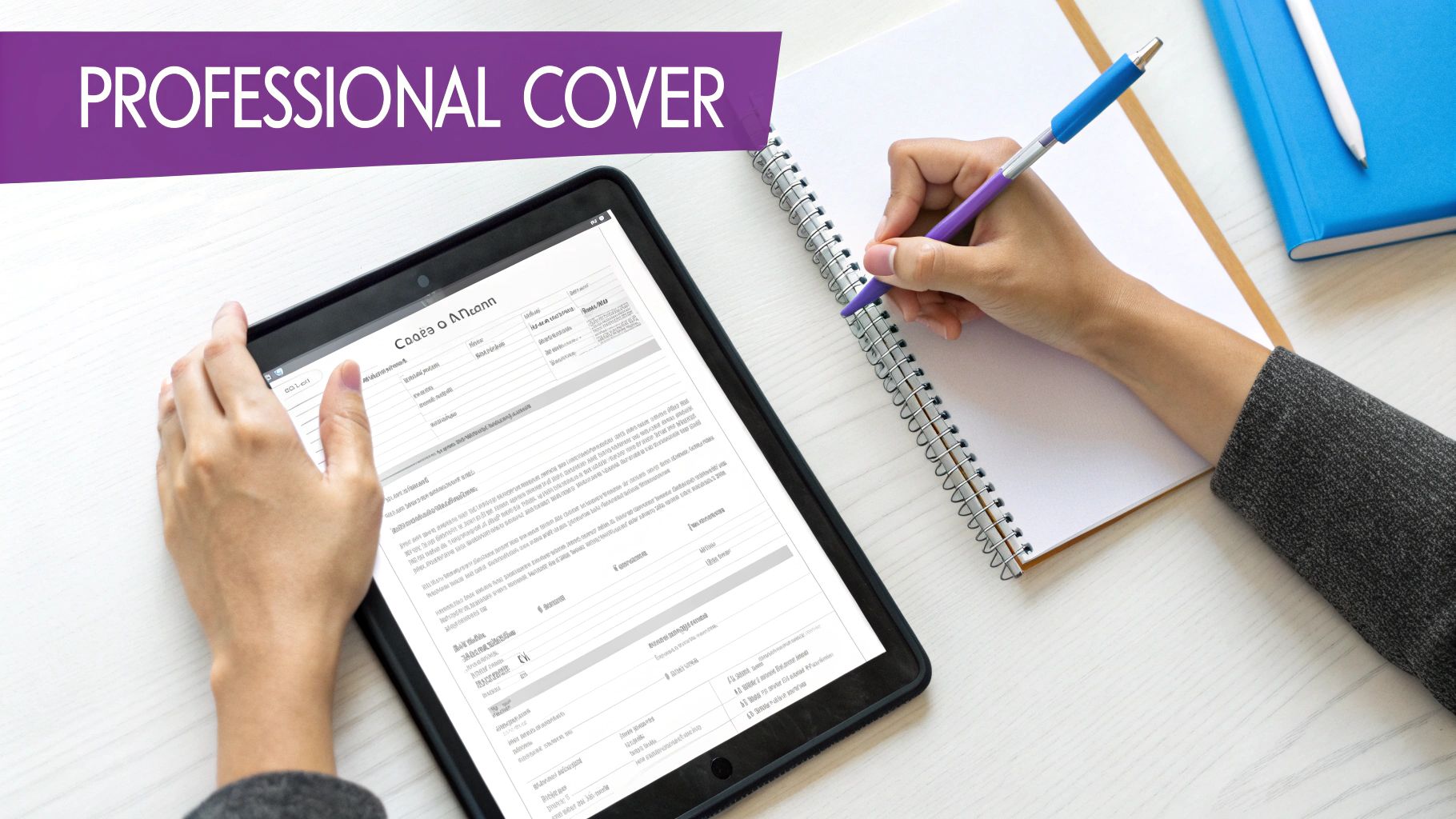
A great fax cover sheet does more than just get your document from point A to point B. Think of it as the handshake before the conversation—it sets a professional tone, provides critical context, and ensures the right person handles your documents on the other end. Getting this right is surprisingly important. A well-crafted cover sheet should include several key pieces of information to ensure clarity and professionalism.
| Information Category | Essential Details |
|---|---|
| Sender Information | Your name, company name, phone number, and fax number. |
| Recipient Information | Recipient's name, company, and fax number. |
| Document Details | Date, subject line, and total number of pages (including the cover sheet). |
| Message/Notes | A brief, optional message clarifying the fax's purpose. |
This small detail can make a huge difference, especially in professional settings where faxing is still a mission-critical tool. You might think it's an outdated technology, but consider this: even in a tech-forward country like Germany, a stunning 82% of companies with over 20 employees were still using fax in 2023. They rely on it for its ability to create a verifiable paper trail, something that email can't always guarantee. Your goal shouldn't be to just fill in a few blanks. You want to create a clear, effective communication tool that looks polished and professional. If you want to dive deeper into what separates a basic cover page from an effective one, check out our guide on the fax cover letter.
Streamline Your Workflow with an Integrated Solution
While grabbing a quick printable cover sheet is handy, real efficiency comes when it’s built right into your faxing process. Think about it: the old way was a chore. Create the cover page, print it, attach it to your documents, scan everything, and then send the fax. Modern online fax services collapse all those steps into one fluid action. You can generate a cover page, attach your files, and send it all off from a single platform in just a couple of minutes. It completely changes the game.
Pro Tip: Integrating your faxing with an online service not only saves time but also creates an automatic digital record of everything you send, improving organization and traceability.
This integrated approach is a lifesaver for today's flexible work setups. By 2023, more than 60% of employees worldwide were working in remote or hybrid roles, which naturally created a huge demand for tools that don't chain you to an office printer or fax machine. This method isn’t just about convenience, either. You get powerful features like automatic delivery confirmations, turning a simple send-off into a smart, auditable part of your business process. If you want to dig deeper into making your office more efficient, it's worth exploring the broader topic of document workflow automation. And to see this all-in-one approach in action, check out our guide on how fax-to-email services pull it all together.
Common Mistakes to Avoid When Faxing Online
Using a free printable fax cover sheet seems foolproof, but a few small slip-ups can cause big headaches. Think of it like a pre-flight check before your document takes off—getting the details right ensures it lands safely and professionally. A few tiny mistakes can undermine the whole thing or even cause the fax to fail completely. One of the easiest things to forget is the total page count. It’s a small detail, but it’s huge for the recipient. It tells them instantly if they've received everything you sent or if a page got lost in transmission.
Another classic misstep is a vague subject line. Something like "Fax" is useless. Be specific. "Invoice #4152 - Urgent" or "Signed Contract for Smith Project" adds clarity and tells the recipient exactly what they're looking at. And the biggest one? The one that causes more failed faxes than anything else? Forgetting to double-check the fax number. It's so simple, but one wrong digit sends your sensitive documents into the void. Always, always check it twice. Avoiding these common errors is part of good fax etiquette.
Frequently Asked Questions
Why should I use a 'no download' fax cover sheet? A 'no download' option is safer and more convenient. You avoid the risk of downloading malware or viruses from untrusted websites. It also eliminates compatibility issues with software and saves space on your computer, allowing you to create and print a cover sheet directly from your browser.
What information is essential on a fax cover sheet? Every cover sheet should include your (the sender's) name and fax number, the recipient's name and fax number, the date, and the total number of pages being sent (including the cover sheet itself). A clear subject line is also highly recommended.
Can I create a professional-looking cover sheet without downloading software? Absolutely. Online fax services like FaxZen provide clean, professional, and customizable cover sheet templates as part of their sending process. You can fill in the details online, and it will be sent as the first page of your fax, ensuring a polished look every time.
Is using an online cover sheet generator secure? When you use a reputable online fax service, yes. These platforms use encryption to protect your data during transmission. This is much more secure than downloading a random template file from an unknown source, which could compromise your device's security.
Does using a fax cover sheet use up one of my pages? Yes, the cover sheet counts as the first page of your transmission. This is why it's crucial to include it in the total page count you list on the cover sheet itself, so the recipient knows the entire document has been received.
Related Articles
- How To Send a Fax From Your Computer
- The Best Online Fax Services for Secure Document Transmission
- Understanding Fax Confirmation Pages: What You Need to Know


