10 Free Mobile Fax App for Android Picks
Table of Contents
Need to fax a signed form from your Android phone right now, but don't want to buy a machine, install something sketchy, or get trapped in a subscription for a task you might not repeat this month. That's the problem with any free mobile fax app for Android. “Free” can mean one daily page, a one-time trial, ad-earned credits, or a tiny monthly allowance. If you want a practical fallback when those limits get in the way, FaxZen's homepage is worth keeping open in another tab. I'll keep this roundup focused on what the free path looks like across 10 Android options, plus where scanning, multi-page jobs, international sends, privacy, and paid fallback choices start to matter.
Ready To Fax?
Start sending faxes online in seconds with FaxZen - No account required
Send Fax Now 🚀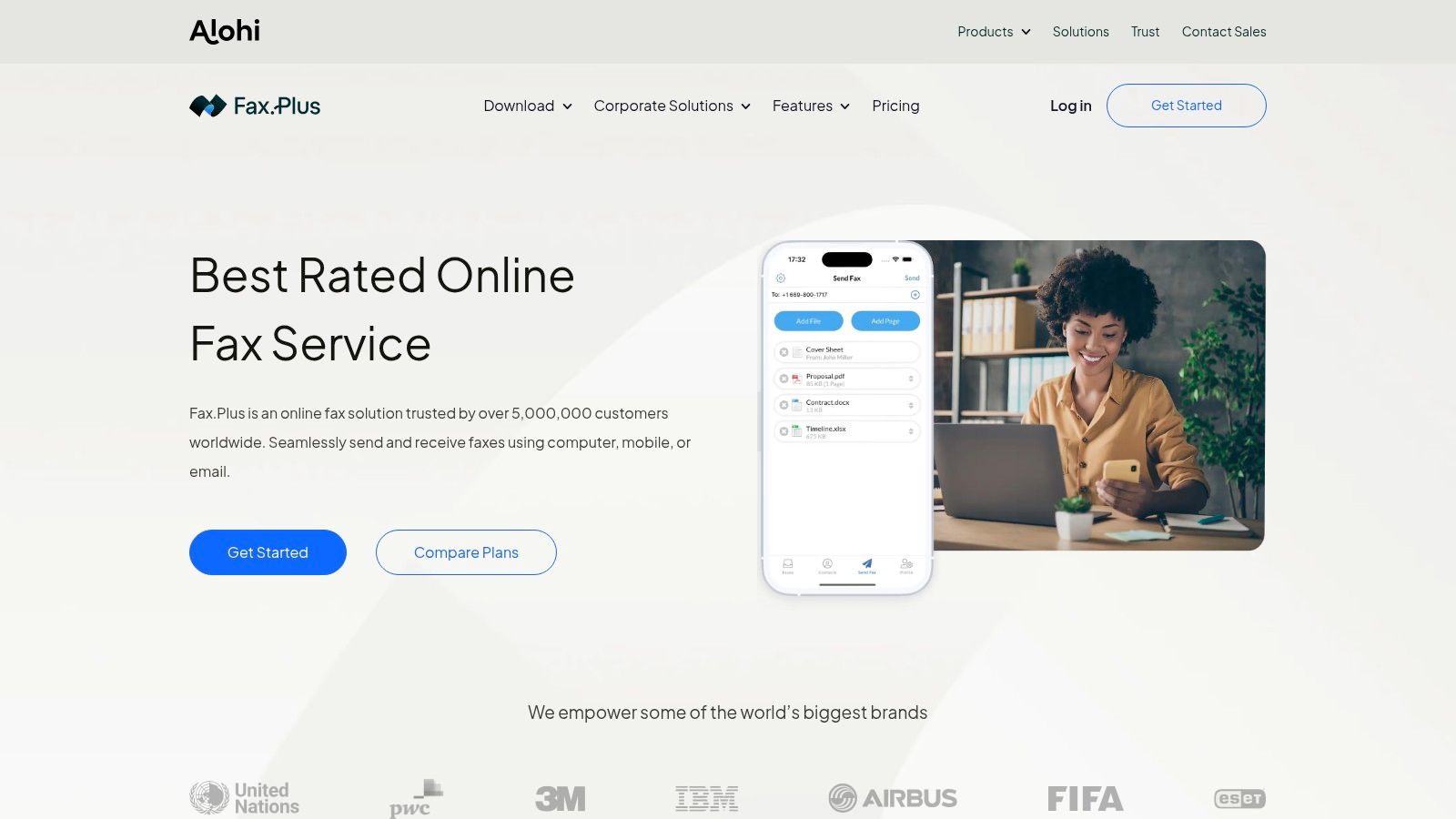
FAX.PLUS
FAX.PLUS fits the Android user who needs to send a clean-looking document once or twice, then may not fax again for weeks. Its free offer is real, but narrow. You get a small one-time sending allowance, so this works better for an urgent burst than for ongoing free use.
That distinction matters. A one-time free tier is fine for a job like sending a signed lease page, insurance form, or bank authorization from your phone. It is a poor fit for anyone who expects a recurring monthly allowance or wants to keep a free fax app installed as a long-term backup.
Where It Works Best
FAX.PLUS handles the Android basics well. You can scan inside the app, clean up the image, add a signature, attach a cover page, and check delivery status after sending. That makes it practical for forms where readability matters and you do not want to fight with a weak camera scan or a confusing upload flow.
The trade-off is simple.
Free pages disappear quickly, and receiving faxes sits on the paid side. If your document runs several pages, includes supporting paperwork, or might need to go to an international number, treat the free tier as a trial run and expect a paid fallback. Privacy-conscious users should also note the account-based setup. That is less convenient than no-account options, but usually gives you better document history and status tracking.
Practical rule: Use FAX.PLUS for a short, polished send from Android. Skip it if you need recurring free pages, inbound faxing, or a no-sign-up option.
FreeFax by PC-FAX.com
FreeFax by PC-FAX.com earns its place for one specific Android job: sending a simple page without creating an account first. That matters when you are outside an office, working from your phone, and need to fax a signed form before a filing window closes.
The free part is clearer than many Android fax apps. Instead of a one-time trial that disappears after first use, FreeFax gives you a limited recurring free send option suited to very short faxes. In practice, that makes it more useful for a single consent form, signature page, or ID copy than for a packet with attachments.
Best Use Case
Use it for low-friction sending.
On Android, the appeal is speed. Load a PDF or image, enter the fax number, and send without the usual sign-up step. That no-account approach is a real advantage if privacy matters to you or if you do not want another app holding documents you will never send again.
The limit is just as clear. Multi-page faxes run into the cap quickly, and this is not the app I would choose for international sending or anything that may need retries, confirmations, and a paid backup path. For a one-page domestic fax, though, the restrictions line up well with the task.
Practical rule: Keep FreeFax on your shortlist for one-page, no-account sends from Android. Skip it for longer documents, repeated monthly use, or any fax job where you need more room to recover if the first attempt fails.
PamFax
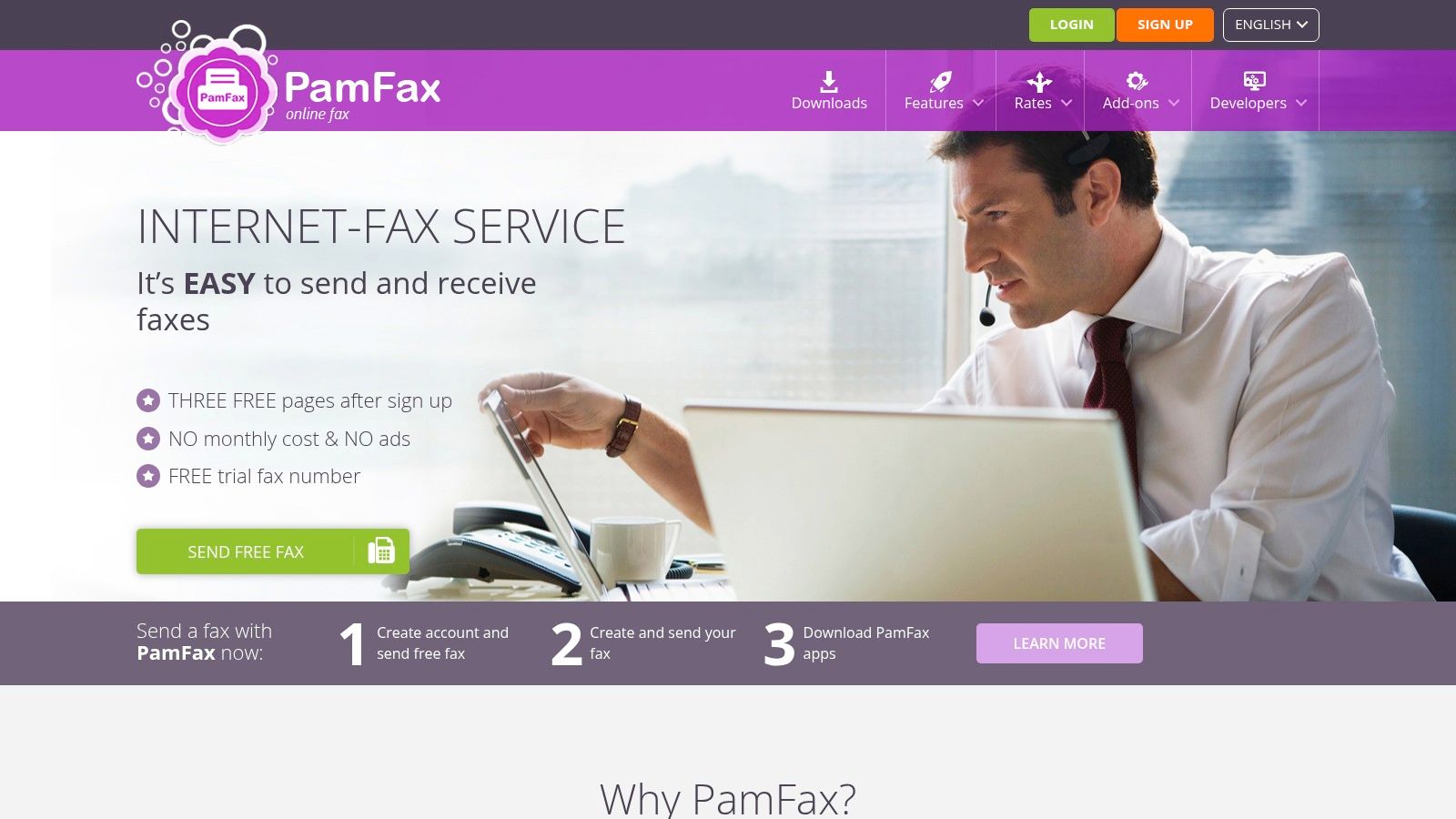
PamFax feels like an older pay-as-you-go tool that still makes sense for people who dislike subscriptions more than they dislike dated design. The free part is a trial allowance, not an ongoing free lane, so it's best approached as a test before spending.
What helps PamFax is clarity. If you're comfortable with credits and occasional sending, the service is straightforward. It also works better than many mobile-only apps for users who sometimes start on Android and finish on desktop.
Practical Trade-Off
PamFax is fine when you want a small trial, then a non-subscription path after that. It's less appealing if you care a lot about modern mobile UX or need a free option that repeats monthly.
For occasional contract packets, multi-page sends are manageable. For a single urgent fax, faster no-account tools are usually simpler.
Easy Fax
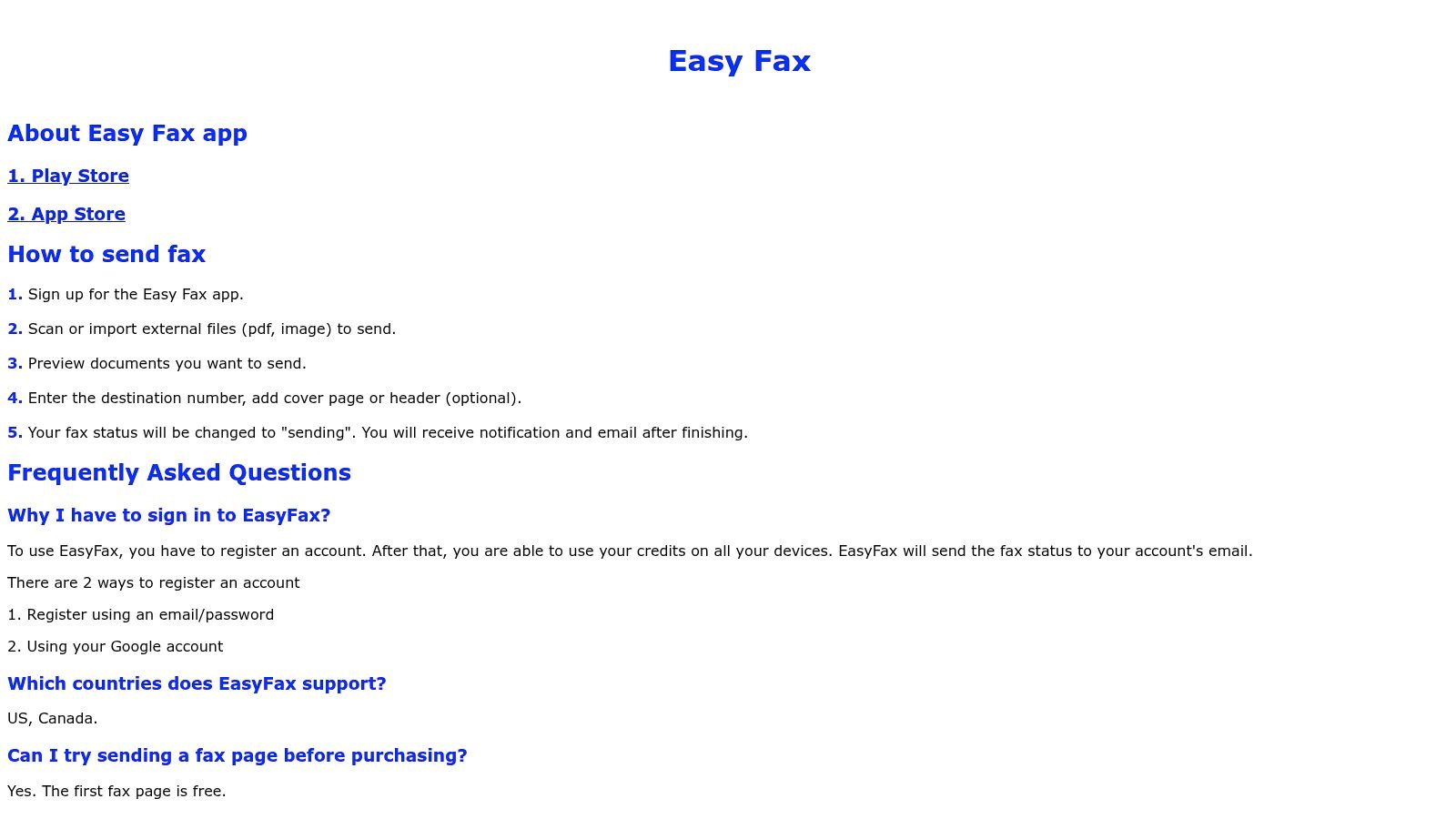
Easy Fax is what I'd call an ad-supported compromise. If you hate subscriptions and don't mind watching rewarded ads or doing check-ins, it creates a legitimate path to free sending on Android.
That model works only for very light use. If you need a fax sent now, ad earning feels slow. If you know you'll need to send something later this week, building credits ahead of time can be workable.
What Free Really Means
Easy Fax is a better fit for low-pressure situations than urgent ones. You can import documents from cloud storage, send images or PDFs, and avoid paying upfront. That's appealing for students, freelancers, or anyone faxing only once in a while.
The downside isn't hidden. You're trading time and attention for fax credits.
Snapfax
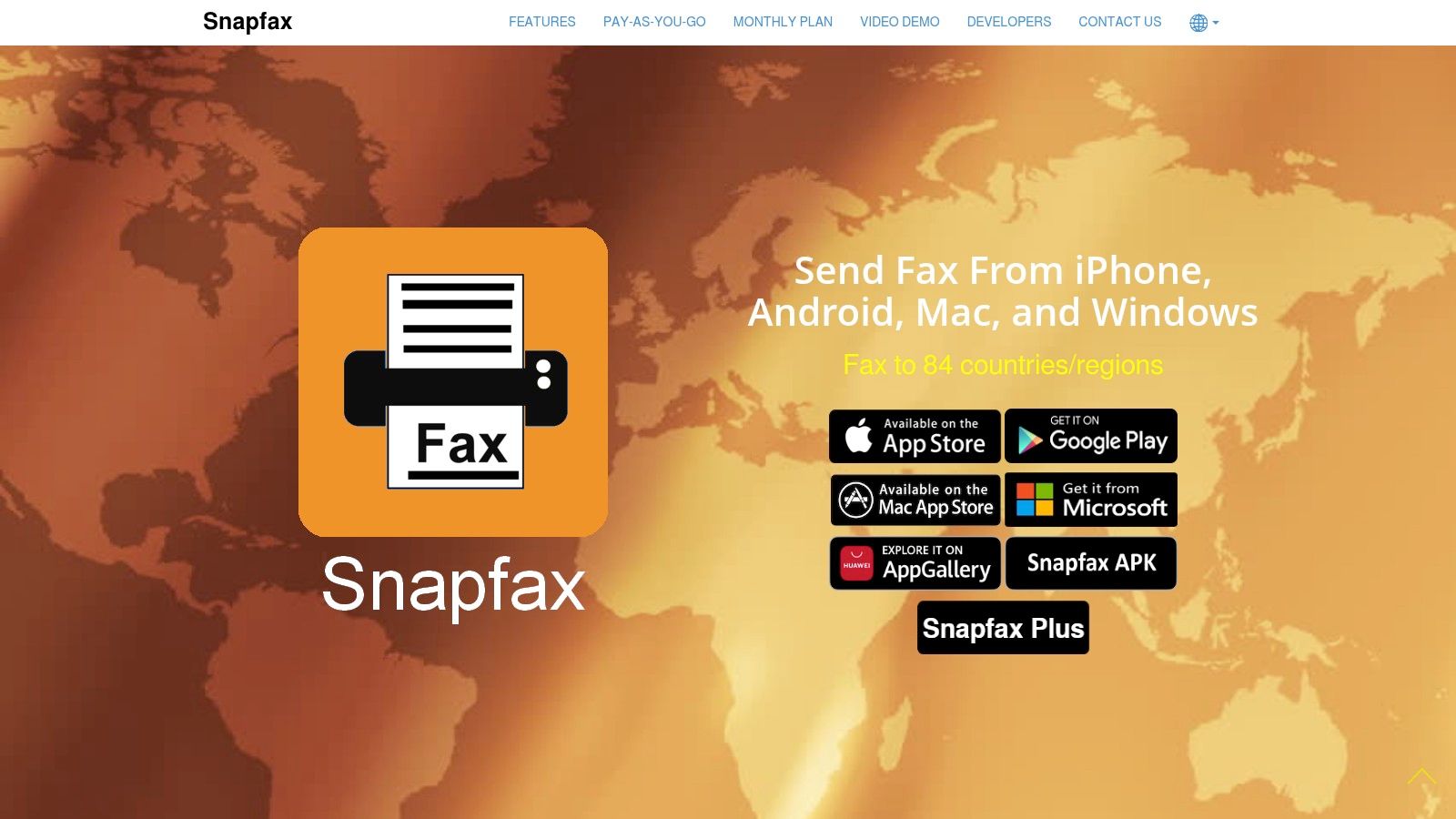
Snapfax is a test-before-you-buy app. The free credit is minimal, but enough to see whether the workflow suits you. That matters if you care more about transparent pay-as-you-go billing than finding a recurring free allowance.
For cross-device users, Snapfax has one advantage. You're not locked into Android if you later need to send from a laptop.
The trade-off is that “free” here barely covers anything substantial. It's a sampler, not a solution.
HP Smart
HP Smart fits a specific Android use case. You need to send a signed form, already use HP Smart to scan documents, and do not want another fax app asking for a new account, contacts access, or a subscription choice before you even test the scanner.
That is the advantage here. HP bundles scanning, page cleanup, and fax sending inside one app, so a short one-off fax can be handled in the same place you already manage PDFs.
The catch is the same one that comes up often in this roundup. “Free” is limited and can behave more like a trial than a standing allowance. That makes HP Smart more useful for occasional senders than for anyone who needs a predictable monthly page count, regular international faxing, or a backup option when free credits run out.
Privacy-conscious users may still like the setup because it can reduce app sprawl. Practicality depends on your habits. If your fax jobs are usually a few pages scanned from paper on Android, HP Smart is convenient. If you fax often, need clearer rules on page limits, or want a long-term free structure, its limits show up quickly.
It works best as a familiar scanner app with fax added, not as a primary free fax plan.
FaxTerra
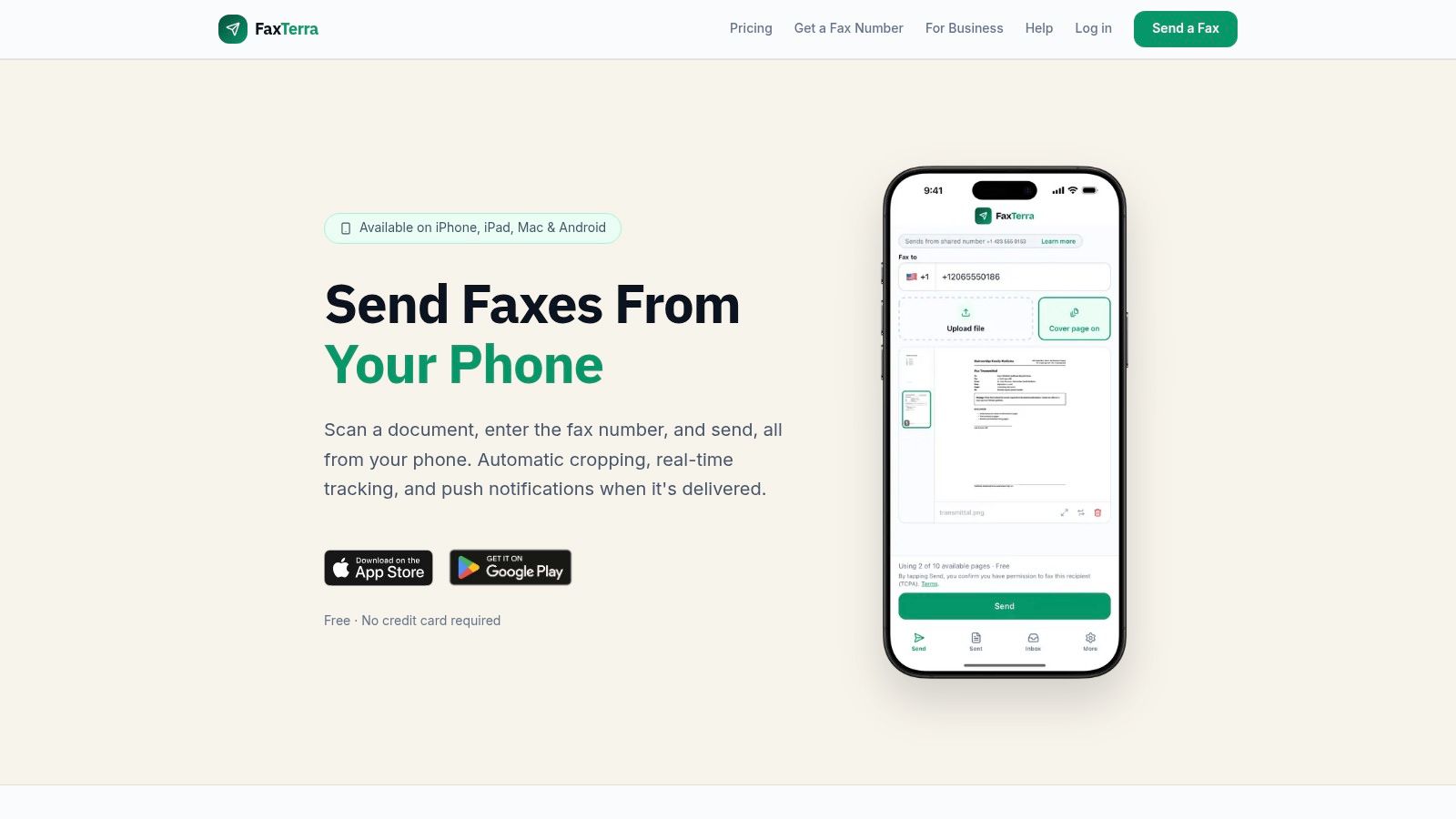
FaxTerra is closer to what is meant when searching for a free mobile fax app for Android. It offers a recurring allowance instead of a one-time starter credit, which makes it more practical for light monthly use.
The fit is narrow but solid. If your faxes are mostly in the U.S. or Canada and you send only a few pages each month, this is the kind of limit structure that can work.
A recurring allowance beats a larger one-time giveaway if your faxing habit is small and steady.
Its weak spot is international sending. Once destinations widen, free utility tends to disappear fast.
FreeFax Send Faxes Smarter
FreeFax Android app listing uses an ad-and-check-in credit model. On Android, that matters because "free" here does not mean a starter bundle or a monthly allowance. It means you earn sending capacity over time, which suits occasional one or two page faxes better than anything urgent.
This setup works for a specific job. You have a form to send, it is not time-sensitive, and you are willing to watch a few ads or return to the app to build credit. If you fax signed packets, longer records, or anything with a same-day deadline, this model gets frustrating fast.
The practical trade-off is predictability. Recurring free-page apps are easier to plan around. Credit-earned apps can still be cheaper for very light use, but only if you accept the slower path to sending.
As noted earlier, free trial language and renewable credit systems are not the same thing. Check that distinction before uploading a document, especially if you need multiple pages, international delivery, or a paid fallback on short notice.
Faxify
Faxify fits a narrow Android use case. You send short faxes from time to time, want a small recurring free allowance instead of a one-off trial, and may finish the job in a browser after scanning on your phone.
That setup is practical for routine admin work. A signed form, a one-page request, a short confirmation letter. It is less convincing for medical records, legal packets, or anything multi-page, because small monthly limits disappear quickly and push you into a paid fallback.
The appeal is predictability. You know the free use is tied to an allowance model, not ad watching or promo credits. If your process starts with a phone camera, this walkthrough on faxing from your phone with Android and browser-based tools is a useful companion.
I would still vet this one carefully before sending sensitive documents. Public detail on retention, permissions, and account controls is lighter than with larger fax apps, so privacy-minded users should check those basics first.
Turbo Fax
Turbo Fax on Google Play is strongest when the hard part is the scan, not the fax. If your original document is creased, shadowed, or photographed in bad lighting, a scanner-first tool can save a rejected send.
That's value here. Better capture often matters more than fancy account features, especially for forms with signatures, stamps, or small print.
The downside is that free sending isn't a dependable recurring feature. It's better viewed as a pay-as-you-go scanner-to-fax tool with occasional promos.
Top 10 Free Android Mobile Fax Apps, Feature Comparison
| Service | ✨ Key features | ★ Quality | 💰 Pricing / value | 👥 Best for | 🏆 Standout |
|---|---|---|---|---|---|
| FAX.PLUS (Alohi) | Free 10 pages, scanner, e‑signature, delivery tracking | ★★★★☆ | 💰 Free 10p; paid plans for inbound numbers | 👥 Mobile users who want polished scan→send | 🏆 Mobile scanner + e‑sign |
| FreeFax (PC‑FAX.com) | 1 free page/day, no account required, Android send | ★★★☆☆ | 💰 Free 1/day; low top‑ups | 👥 Quick single‑page senders | 🏆 True no‑account daily free send |
| PamFax | Android/desktop/web, 3‑page trial, pay‑as‑you‑go | ★★★★☆ | 💰 Small trial, transparent per‑page pricing | 👥 Credit‑preferred, non‑subscription users | 🏆 Clear per‑page billing |
| Easy Fax | First page free, earn credits via ads/check‑ins, cloud import | ★★☆☆☆ | 💰 Earn via ads; pay only when needed | 👥 Users who avoid upfront payments | 🏆 Free path via rewarded ads |
| Snapfax | 1 free credit on install, referrals, 80+ country sends | ★★★☆☆ | 💰 Free trial credit + referral rewards | 👥 Try‑before‑buy, multi‑platform users | 🏆 Simple transparent credit packs |
| HP Smart (Mobile Fax) | Integrated Mobile Fax, camera scanning, PDF tools | ★★★★☆ | 💰 Often allows limited free sends (trial terms) | 👥 HP device owners & one‑off faxes | 🏆 Brand reliability + scanner tools |
| FaxTerra | Up to 10 free pages/month (US/CA), auto edge detection | ★★★★☆ | 💰 10p/mo (US/CA); paid intl tiers | 👥 Light recurring US/Canada senders | 🏆 Recurring monthly free allotment |
| FreeFax – Send faxes smarter | Earn credits (ads, check‑ins), in‑app scanner | ★★☆☆☆ | 💰 Free via ads; optional IAPs for volume | 👥 Very occasional, ad‑tolerant users | 🏆 Multiple credit‑earning paths |
| Faxify | Small monthly free allowance (~5p/mo), cross‑platform | ★★★☆☆ | 💰 ~5p/mo free; upgrade for more | 👥 Predictable small monthly users | 🏆 Predictable recurring free pages |
| Turbo Fax (Piksoft) | TurboScan image cleanup, pay‑per‑fax, delivery tracking | ★★★★☆ | 💰 Pay‑as‑you‑go; promos occasionally | 👥 Users needing high‑quality scans | 🏆 Superior image cleanup |
Choose the Limit That Matches Your Fax
The strongest choice depends on the limit structure, not the marketing. FAX.PLUS works well if you want a polished workflow and can live with a one-time free allotment. FreeFax by PC-FAX.com is the practical no-registration pick for a single daily page. FaxTerra or Faxify make more sense when you need a small repeating U.S. or Canada allowance. Easy Fax and FreeFax Send Faxes Smarter suit people willing to earn credits. PamFax, Snapfax, and Turbo Fax fit pay-as-you-go users who care more about flexibility than permanent free access.
Android itself doesn't include built-in fax capability, so you need a third-party app or service to send from your phone. Reviews and app listings also show that unlimited free faxing doesn't really exist, and that's the question people should ask first: is the free allowance one-time, recurring, or ad-earned? One comparison in this category says users should verify whether the free offer is one-time or monthly before relying on it.
Before sending, keep the workflow simple. Scan or upload a clear PDF, check the page order, zoom in on signatures and small print, enter the full destination number including any required country code, add a cover page if the recipient expects one, confirm the destination is covered by the free allowance, send, then save the delivery confirmation or status evidence.
Privacy check: Review app permissions, notification previews, payment handling, and how long the service keeps uploaded files before you send documents you wouldn't want sitting in cloud storage.
A few edge cases trip people up. Large multi-page PDFs can exceed what a free plan handles comfortably. Low-light scans can make a fax technically sent but practically unreadable. International destinations often push you out of the free tier even when domestic pages are included. That's usually the point where a paid fallback is more practical than juggling credits, waiting for reset windows, or splitting one packet across apps.
If that happens, a browser-based service can be simpler than downloading another Android app. FaxZen supports pay-per-fax pricing starting at $8, or a 10-fax credit package for $15. It sends to 100+ countries, offers smart scheduling, retry logic, real-time tracking, email confirmations with the original attachment, 256-bit SSL encryption, automatic deletion after 24 hours, secure Stripe payments, optional accounts, non-expiring credits, 24/7 support, and has handled 50,000+ faxes sent.
FAQ
Can Android phones fax without an app
No native Android fax feature is built in. To fax from an Android phone, you need a third-party app or an online service.
What's the best free option for a single urgent page
FreeFax by PC-FAX.com is a strong fit when you want a no-account daily send. FAX.PLUS also works if you still have free pages left and want a smoother interface.
Are free Android fax apps good for multi-page documents
Sometimes, but page caps are the usual problem. For longer packets, free plans often become more frustrating than useful.
Which apps are better for recurring light use
FaxTerra and Faxify are better matches when you need a small allowance that repeats rather than a one-time starter credit.
Related Articles
- Android fax machine alternatives
- Best free fax app comparisons
- How to send a fax on Android
- Fax service free trial guide
- How to fax from your phone
The takeaway is simple. Pick the limit type that matches your actual fax job, not the app with the loudest “free” label.
If the free tier blocks you with page caps, destination limits, or expiring credits, FaxZen gives you a clean fallback from any Android browser. You can upload a PDF or image, enter the fax number, pay per fax, and keep proof of delivery without installing another app. Visit FaxZen when you need a fax sent now and don't want to gamble on a trial limit.