
How to Fax with Gmail: A Modern Guide for Easy Document Sending
Table of Contents
Yes, you absolutely can fax with Gmail. The secret is using an online fax service that acts as a translator, turning your regular email into a standard fax that any old-school machine can understand and print. It’s a simple concept that bridges the gap between modern email and traditional faxing. You don't need a clunky machine or a dedicated phone line anymore; instead, you get to stick with the familiar Gmail inbox you use every day, making the entire process seamless and efficient.
Ready To Fax?
Start sending faxes online in seconds with FaxZen - No account required
Send Fax Now 🚀Ready to skip the hardware hassle? See how FaxZen makes sending a secure fax from your email simple and quick at faxzen.com.
The Modern Advantage of Faxing from Your Inbox
Faxing might feel like a throwback, but for many industries—like law, finance, and real estate—it's still the gold standard for sending sensitive documents securely. The good news is that you can get all the benefits of faxing without ever leaving your Gmail account. The whole process hinges on a clever trick. An online fax service gives you a special email address format to use. Instead of sending to [email protected], you'll send it to an address like [email protected]. The service intercepts that email, converts your message and any attachments into a proper fax, and dials the number.
The convenience is undeniable. Gmail has been a dominant force in communication since its launch in 2004, and with roughly 1.8 billion users worldwide, it's a tool most of us have open all day anyway. Integrating faxing directly into that existing workflow is a no-brainer for boosting efficiency. This approach also cuts out the need for extra hardware, paper, and ink, which makes it a smarter choice for both your wallet and the environment. If you're looking to ditch physical machines entirely, our guide on how to fax without a fax machine has even more helpful insights. Using your email to send a fax isn't just a neat trick; it offers real advantages that align with how we work today, providing accessibility, better organization, and improved efficiency.
How to Choose the Right Online Fax Service
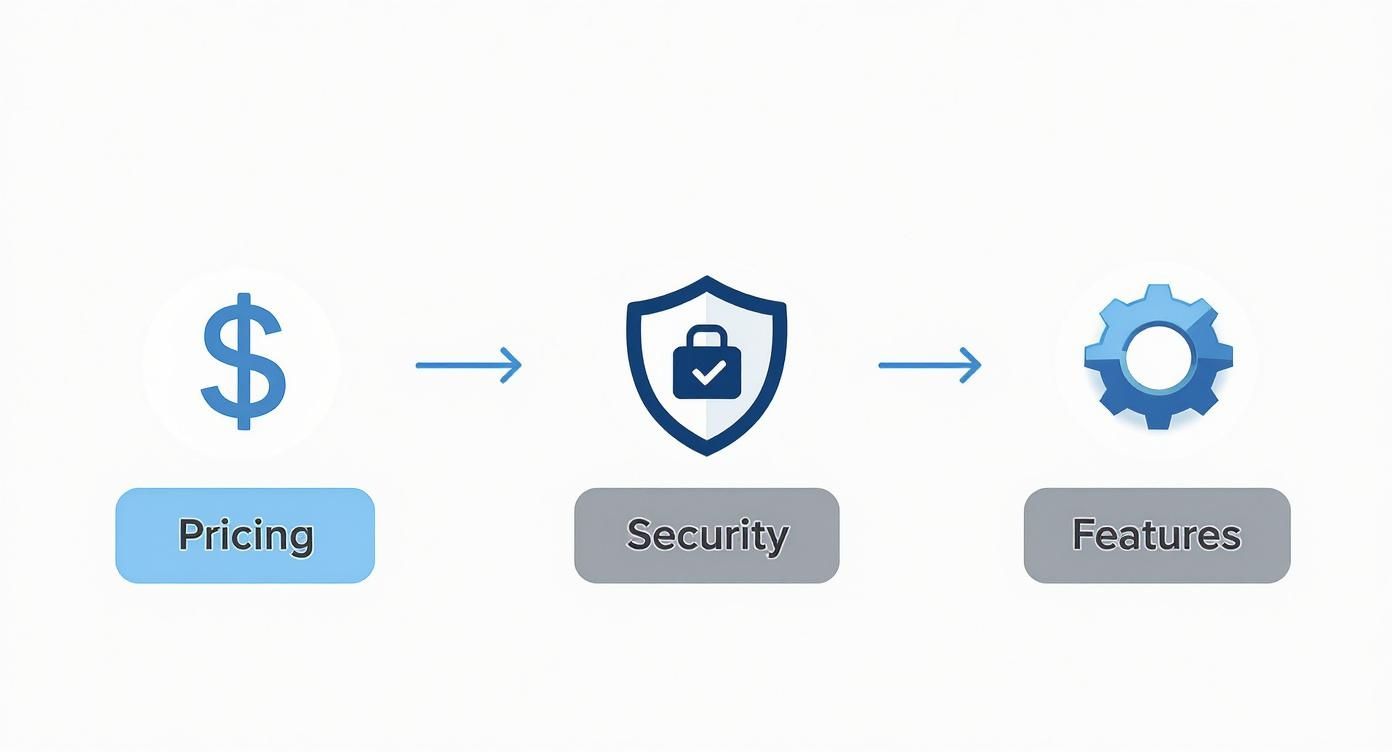
Before you can start sending faxes from Gmail, you need to pick an online fax service to act as the digital bridge. Think of these services as translators, converting your email into a format a traditional fax machine can understand. But not all translators are created equal—their features, pricing, and reliability can vary wildly. Finding the right one isn't about picking the cheapest option; it's about matching a service's strengths to your actual faxing habits. The first question to ask yourself is: how often will I be sending faxes? Are you just sending a handful of important documents once or twice a month, or are you managing a steady daily flow for your business? Your answer points you directly to the right pricing model.
Callout Box: A Quick Tip
When comparing services, always find out what a service considers a "page." Some will count your cover sheet against your monthly total, while others throw it in for free. It’s a small detail that can save you from a nasty surprise on your bill.
When you start comparing services, look past the shiny monthly fee. A low price might look tempting, but it could be hiding a ridiculously low page limit. Go over that limit, and you’ll get hit with expensive per-page overage fees that can completely blow your budget. Pay-as-you-go is perfect for occasional use, while a monthly subscription makes more sense for frequent faxing. For a deeper dive into how different providers stack up, our online fax service comparison breaks down the details. A little research now will save you a ton of headaches later.
| Pricing Model | Best For | Key Consideration |
|---|---|---|
| Pay-As-You-Go | Infrequent, one-off faxing (like tax forms or contracts). | Higher cost per page, but you have zero monthly commitment. |
| Low-Volume Subscription | Individuals or small businesses sending 50-150 pages/month. | Watch out for those overage fees if you have a busy month. |
| High-Volume Subscription | Businesses with consistent, heavy faxing needs. | The best value per page, but you're paying for it whether you use it all or not. |
Sending Your First Fax from Your Gmail Account
Alright, you've picked an online fax service. Now for the fun part: sending your first document. The whole process is designed to feel just like sending a normal email, which makes it incredibly easy to get the hang of. At its core, sending a fax with Gmail is all about using modern content delivery via emails to turn your inbox into a powerful communication tool. First thing's first: open up Gmail and hit that "Compose" button. This is where the magic happens.
Instead of typing a person's email address into the "To" field, you’ll enter the recipient's full fax number followed by a special domain name from your fax provider. It will look something like this: [email protected]. Remember to always include the '1' for any North American numbers. Now, think of the email's subject line and body as your cover page. Whatever you type here will show up as the first page of the fax. The subject line is perfect for a quick title like "Invoice #5821," and the body is where you can add a short note and your contact info. Next up, you need to attach your actual documents by clicking the paperclip icon in Gmail. For the smoothest experience, stick to common file types like PDF, Microsoft Word, or image files like JPG and PNG. Before you hit "Send," give everything one last look. Is the fax number correct? Did you attach the right file? Once you're sure, click send. For a deeper dive, check out our guide on how to send a fax via email.
Best Practices for Professional Gmail Faxing
Sending a fax from Gmail feels almost too simple, which is why a little extra care is so important when you're handling critical documents. Following a few best practices will make sure every fax with Gmail you send is professional, secure, and actually gets where it's going. The absolute number one reason faxes fail? A wrong number. Before you even think about composing that email, double-check the recipient's fax number. One wrong digit can send sensitive information to a total stranger or just cause the transmission to fail.
When you fax from email, the subject line and body of your message effectively become your cover sheet. This is the first thing your recipient sees, so make it count. Use a clear, direct subject line, and in the email body, lay out all the key details you'd find on a traditional cover page, including your contact information, the recipient's details, and the total page count. If you want a perfectly polished look, we've got a great guide and some handy templates in our article on creating a fax cover sheet PDF template. File prep is also crucial. While many services can handle different file types, PDF is always the safest bet as it locks in all your formatting. Before you attach the file, give it one last look for legibility and keep an eye on your file size, as most services have attachment limits. A little diligence here ensures your communication is clear and correct from start to finish. If you want a refresher on why fax numbers are still so important, check out our guide on what is a fax number.
FAQ: Your Top Questions About Gmail Faxing
Even when a process is this simple, you're bound to have questions. Here are answers to some of the most common queries about sending a fax with Gmail.
Can I send a fax internationally from Gmail?
Absolutely. Most modern online fax services handle international faxing. The process is identical to sending a domestic fax, but you must format the recipient's number correctly with the country code, like [email protected]. Always check your provider’s international rates first, as they can vary significantly.
What happens if my Gmail fax fails to send?
You won’t be left in the dark. If a fax fails, the service will immediately send a notification email to your Gmail account. This message usually explains the reason for the failure, such as a busy signal or an incorrect number. Most services will also attempt to resend the fax automatically a few times before marking it as failed.
How do I receive faxes in my Gmail?
Receiving faxes is even easier than sending them. When you sign up with an online fax provider like FaxZen, you get a dedicated fax number. Anyone can send a fax to that number from a traditional machine. Your service intercepts the transmission, converts it into a PDF, and emails it to you as an attachment, which appears in your inbox like any other message.
Are there limits on file sizes or types?
Yes, there are practical limits. For best results, stick to common file formats like PDF, Microsoft Word (.doc, .docx), and image files (.jpg, .png). Most services also have a cap on the total attachment size, typically between 20MB and 50MB. If your file is too large, you can compress it or split it into multiple faxes.
Can I schedule a fax to be sent later?
Yes, many online fax services offer scheduling features. This is incredibly useful for sending documents across different time zones or ensuring a fax arrives at a specific time. You can compose your email and attachments, then instruct the service to send it at a future date and time.
Related Articles to Read
- How to Fax Without a Fax Machine
- Online Fax Service Comparison: Finding the Best Fit
- What is a Fax Number and Why is it Still Relevant?
- Fax Cover Sheet PDF Template: Free Download and Guide
Ready to manage your documents the modern way? With FaxZen, you can send secure faxes, track their status in real-time, and get confirmations delivered straight to your inbox. Visit faxzen.com to send your first fax today.


