
How to Fax Without a Fax Machine in Minutes
Table of Contents
It might feel like fax machines belong in a museum, but faxing is still a non-negotiable part of business in fields like healthcare, law, and government. The good news? You can send a fax without a fax machine in just a few minutes, right from your computer or phone. This modern approach is more secure, far more convenient, and you definitely don't need a bulky piece of hardware to do it.
Ready To Fax?
Start sending faxes online in seconds with FaxZen - No account required
Send Fax Now 🚀Ready to send a secure fax right now, without the old-school hassle? With FaxZen, you can have your document on its way in a few clicks. Send a Secure Fax Now
Why Digital Faxing Is Still Essential Today
It’s surprising how often faxing still comes up, but its staying power really boils down to two things: unmatched security and legal weight. Email can be intercepted or manipulated, but a fax creates a direct, point-to-point connection. The whole process generates a transmission report that holds up in court as proof of delivery—a feature that's absolutely critical in many professions. Think about it: a law firm needs to send a time-sensitive contract with verifiable delivery. A medical clinic has to transmit patient records while staying compliant with strict HIPAA privacy rules. In these situations, you can't leave the integrity of your communication to chance. Digital faxing keeps these core benefits while ditching the actual machine.
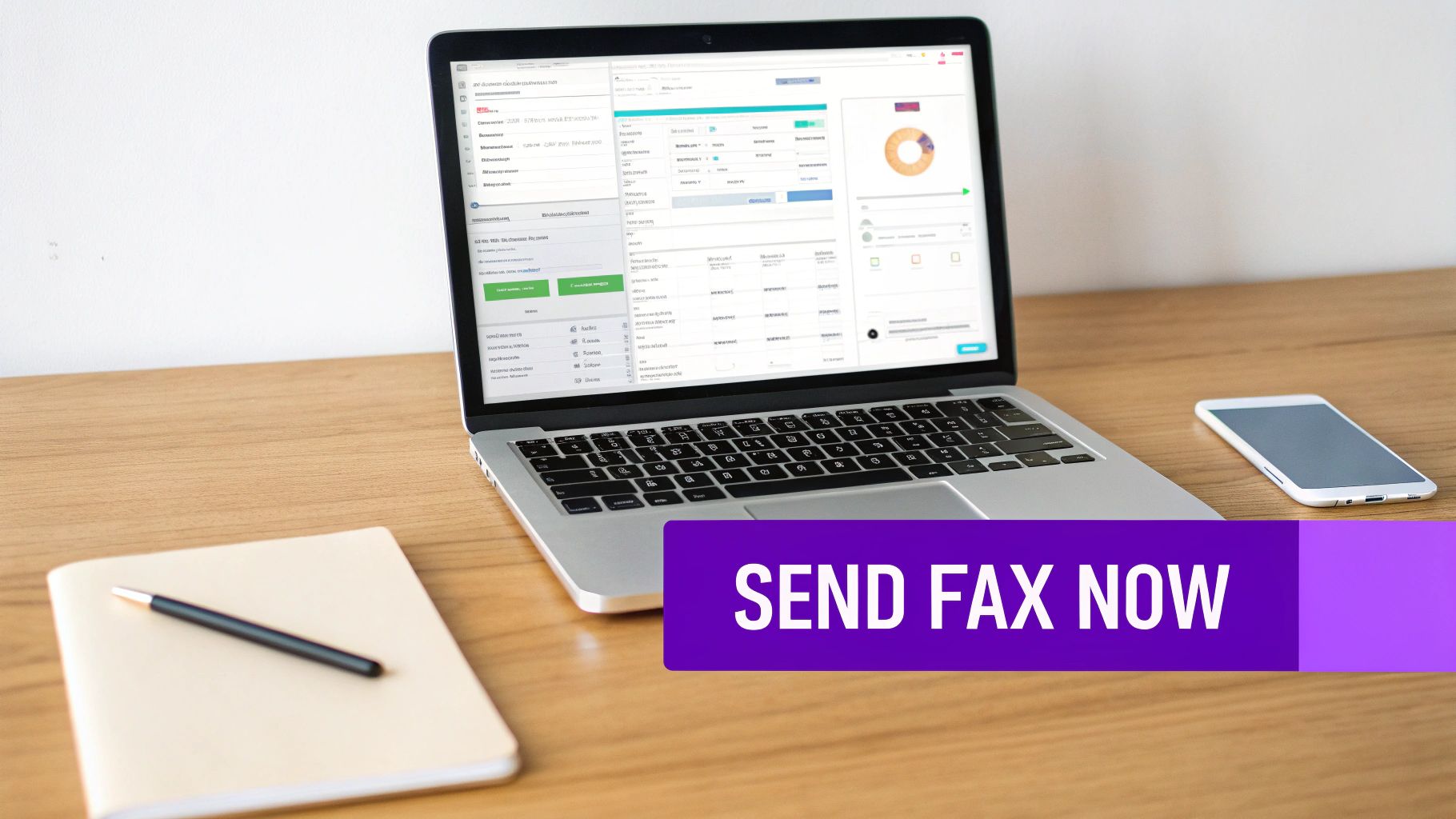
The fax isn't dead; it just moved to the cloud. Modern solutions for sending a fax without a fax machine have turned the old analog process into a secure, digital workflow. Instead of printing a document and feeding it into a machine, you just upload a file to a website or attach it to an email. This shift has made faxing more accessible, cost-effective, and efficient than ever. You can say goodbye to buying expensive machines, paying for dedicated phone lines, or stocking up on ink and paper. The market has quickly embraced these digital solutions. Recent analysis shows that about 17% of businesses still rely on faxing, and the digital fax market is set to grow as more companies move away from physical hardware. This proves that faxing still has a vital role in professional communication, especially when it’s powered by modern cloud technology. You can discover more insights about faxing's relevance on Modern Diplomacy.
Finding the Right Digital Faxing Method
So, you’ve decided to fax without a fax machine. Smart move. The next question is, which tool is right for the job? The options can feel a bit overwhelming at first, but they really boil down to three main approaches: online fax services, mobile apps, and email-to-fax platforms. The best choice for you depends entirely on what you need. A business sending dozens of legal contracts every week has completely different needs than a freelancer who just needs to send a single W-9 form once a year. Getting this right is the key to avoiding frustration and overspending.
For businesses and professionals who fax on a regular basis, a subscription-based online fax service is almost always the most practical and cost-effective route. These services give you a dedicated virtual fax number, letting you send and receive faxes right from a web portal. A monthly fee typically covers a set number of pages, which drives the cost per page way down for frequent users. These platforms are built for business workflows, packing in features like user management, detailed activity logs, and software integrations. Being able to efficiently manage a high volume of documents is a massive plus, and you can explore the key benefits of online fax services for your business to see just how much they can improve your operations.
If your needs are sporadic, a dedicated mobile app or a pay-per-fax service is the perfect fit. These tools are built for pure convenience and one-off tasks. You just download an app, use your phone’s camera to scan the document, type in the recipient's number, and send it off. This pay-as-you-go model is ideal for anyone who doesn't want to get locked into a monthly subscription. While the cost per page might be higher, you completely avoid recurring fees.
Comparison of Modern Faxing Methods
| Method | Best For | Typical Cost | Key Features | Security Level |
|---|---|---|---|---|
| Subscription Service | Businesses, frequent users | $10–$50 per month | Dedicated number, high volume, user management | High |
| Mobile App / Pay-Per-Fax | Individuals, infrequent users | $1–$5 per page | On-demand, camera scanning, no commitment | High |
| Email-to-Fax | Users who prefer email | Included with subscription | Seamless integration, easy to use, fast sending | High |
A Practical Walkthrough of Sending an Online Fax
Alright, let's move from theory to practice. How do you actually send a fax without a fax machine? With today's services, it's incredibly simple. First, get your document ready. Most services play nice with common formats like PDF, DOCX, JPG, and PNG. A clean, digitally created PDF or a high-quality scan will always give you the best results. Once your file is ready, head over to the online fax service's website. The interface is usually designed to feel a lot like sending an email, so there’s no steep learning curve.
Callout Box: Double-checking the recipient's information is the key to a successful send. The most important field is the fax number. If you're sending a fax internationally, don't forget the country code.
Next, you'll want to fill out the digital cover sheet. Think of this as your professional handshake; it gives the recipient all the context they need. Make sure to include the recipient's name, your name, a clear subject line, and any brief notes. With all the details filled in and your document attached, you're ready to hit send. One of the best perks of using an online service is tracking your fax in real-time. You’ll get email updates and can usually see the status right on the service’s dashboard. For a more detailed look, check out our complete 2025 guide on how to send a fax online.
After the fax transmission is finished, you’ll get a detailed transmission report sent to your email. This document is your official, legally binding proof of delivery and is crucial for your records. It will confirm the status, date, time, and number of pages sent.
Understanding Security in Digital Faxing
Security isn't just a feature of faxing; it's the core reason the technology has endured. When you fax without a fax machine, you're stepping into a digital environment where that same level of security is mandatory. The old risk of someone grabbing a sensitive document off a shared office machine is replaced by modern digital safeguards that protect your information from start to finish. Reputable online fax services create a secure tunnel for your documents using protocols like SSL (Secure Sockets Layer). This is the same encryption that protects your credit card information during online shopping.
Security doesn't stop once the fax is sent. Your documents also need protection while they are stored on the service's servers. This is called "at-rest" security, and the gold standard for this is AES-256 bit encryption. These security technologies are the foundation for meeting strict regulatory requirements. For example, healthcare has widely adopted digital faxing to meet the stringent demands of HIPAA. Secure transmission is non-negotiable when dealing with patient records, and modern fax services provide the necessary safeguards. For healthcare professionals, our HIPAA-compliant faxing guide provides more specific details.
Solving Common Digital Faxing Problems
Even with the best online tools, you’ll occasionally hit a snag when you fax without a fax machine. A "Transmission Failed" notification is probably the most common issue. The cause is usually simple: the recipient's machine might be turned off, out of paper, or there could be a typo in the fax number. Always double-check that you've entered the full number correctly, including country and area codes.
If you get a "Busy Signal" error, it means the recipient's line was tied up. Modern online fax services have solved this for you. Platforms like FaxZen have a built-in "intelligent retry" feature that will automatically try resending your fax at intervals, saving you the headache. If the person on the other end says the document is blurry, it's almost always a file quality issue. To keep your faxes sharp and clear, use high-resolution files (at least 300 DPI) and choose a clean, text-based PDF whenever possible. These issues are easily solved when you learn how to fax without a phone line using a modern digital service.
Your Digital Faxing Questions Answered
To wrap things up, let's address some of the most common questions people have when they decide to fax without a fax machine.
FAQ
1. Is it legal to send a fax without a fax machine?
Absolutely. Online faxing services that provide transmission confirmations are legally recognized and accepted by courts and government agencies. The digital receipt serves the exact same purpose as a traditional fax machine's confirmation page.
2. How do I know if my fax was delivered successfully?
Reputable online fax services email you detailed delivery confirmations. These reports usually show the date, time, transmission duration, and a clear "Success" or "Failed" status, giving you a solid record of the outcome.
3. Can I send a fax to an international number?
Yes, most online fax platforms handle international faxing. You'll just need to enter the country code, area code, and the local fax number—the same way you would when making an international phone call.
4. What types of files can I send as a digital fax?
You can typically upload common file types like PDF, DOCX, JPG, and PNG. The service automatically converts your file into a fax-compatible format before sending it on its way.
5. Is my information secure when I fax online?
Top-tier services use robust security like 256-bit SSL encryption to shield your documents during transmission. This level of security is often far better than what you'd get from an unsecured, shared office fax machine.
Related Articles
Fax vs. Email in Business Communications: What to Use and When
10 Key Benefits of Using Online Fax Services for Your Business
Article created using Outrank


