Best Way to Send Pictures: 7 Easy Methods

Table of Contents
You're choosing between a few phone snapshots, a photographer's original files, or image-based documents that need to reach a business. The best way to send pictures depends on resolution, total size, recipient access, urgency, privacy, and whether you need proof of delivery. There isn't one universal winner.
Ready To Fax?
Start sending faxes online in seconds with FaxZen - No account required
Send Fax Now 🚀Need to send a scan or picture to a fax number? Send image-based documents through FaxZen without a fax machine, using on-demand delivery and tracking.
For a quick gallery hand-off, you can also share gala photos instantly. The quality and privacy settings matter more than the app's popularity, especially because messaging services may recompress images, strip metadata, or make recipients create accounts.
1. FaxZen
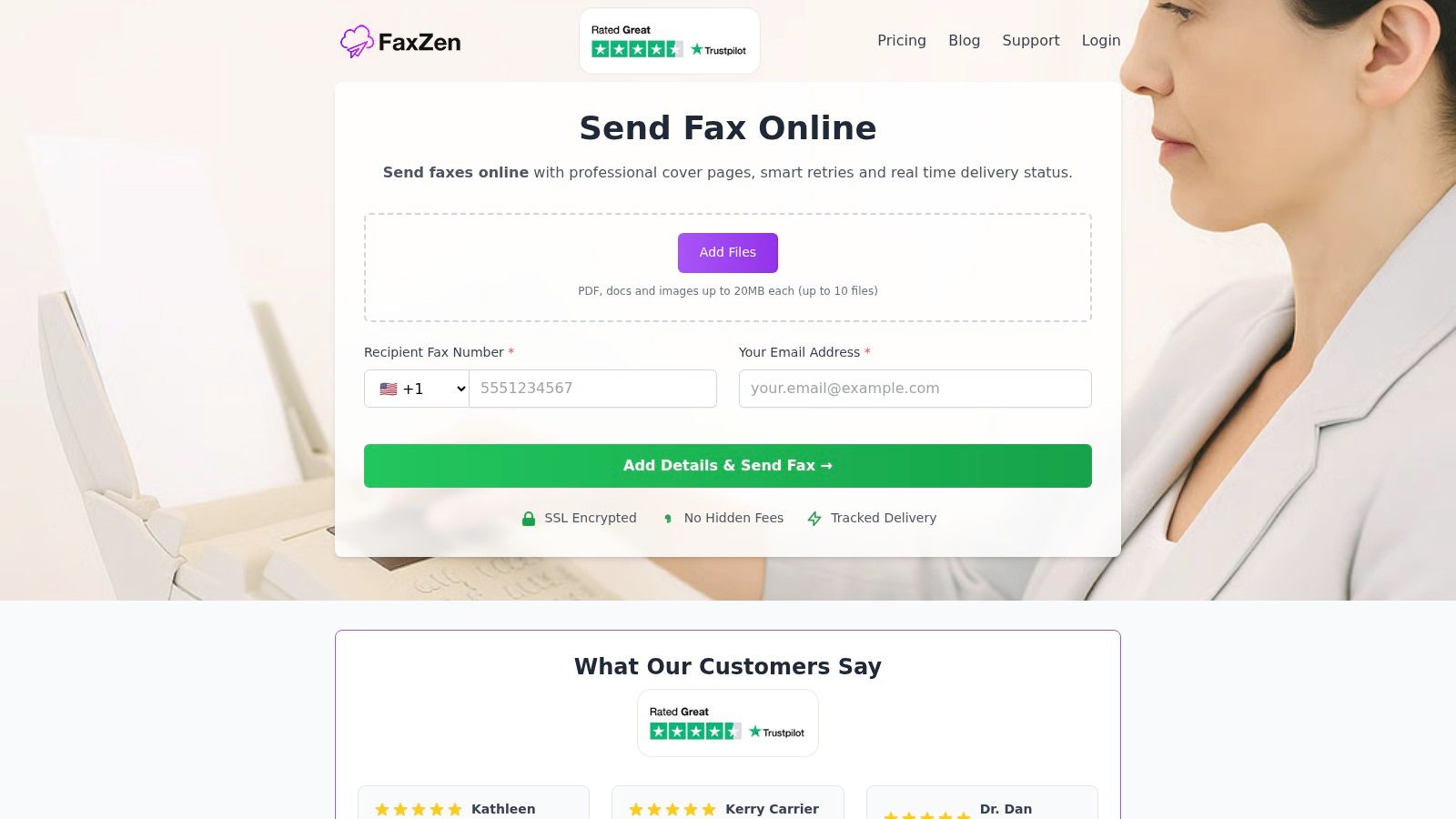
FaxZen is the right choice when the image itself is a document, and the recipient expects a fax number rather than a download link. Upload JPG, PNG, GIF, SVG, WebP, PDF, or another supported file, enter the destination number, add a professional cover page if needed, and send without a fax machine or recurring subscription.
The practical advantage is documentation. FaxZen provides real-time delivery tracking, email confirmations, and the original document attachment, giving you a clear record of what was transmitted. Smart scheduling detects the recipient's timezone, while its two-stage retry system attempts delivery during suitable local business hours.
Security features include 256-bit SSL encryption in transit, secure Stripe payments, and automatic document deletion after 24 hours. FaxZen supports delivery to 100+ countries, offers optional accounts for bulk credits and fax history, and provides 24/7 support. Review current rates before buying credits, since pricing can vary across site pages.
Best fit: tax forms, banking documents, contracts, filings, and scans that must reach a fax number with evidence of transmission.
For a deeper explanation of browser-based faxing, see how faxing in the cloud works.
2. Google Photos
Google Photos is usually the easiest answer for family albums, event pictures, and everyday phone sharing. Create a shared album, conversation, or browser link, and recipients can view it without installing the app or creating a Google account.
Choose original quality when resolution matters. That setting preserves the full file but uses Google storage, which is pooled across Google Photos, Drive, and Gmail. Family and partner sharing also make it useful for household libraries and collaborative albums.
Its main weakness is control. A public or broadly shared link can travel beyond the intended recipient, so check permissions before sending. Gmail also has a 25 MB attachment limit, and larger files become Google Drive links automatically, as explained in this guide to sending files too large to email.
3. Apple iCloud Photos
iCloud Photos is the natural choice for an iPhone and Mac household. It syncs originals across Apple devices and supports iCloud Links and Shared Albums that open in a browser for Android or Windows recipients.
Use an iCloud Link for a simple delivery, or a Shared Album when people need to contribute and comment. Current operating systems support full-resolution Shared Albums, although those originals use iCloud storage. Older systems may behave differently, so mixed-device groups should test the link before relying on it.
The service is convenient, but it's less neutral than Dropbox or Proton Drive. Recipients don't need Apple hardware to open a link, yet Apple users get the smoothest workflow. Learn what syncing means before changing devices with this explanation of file synchronization.
4. Dropbox
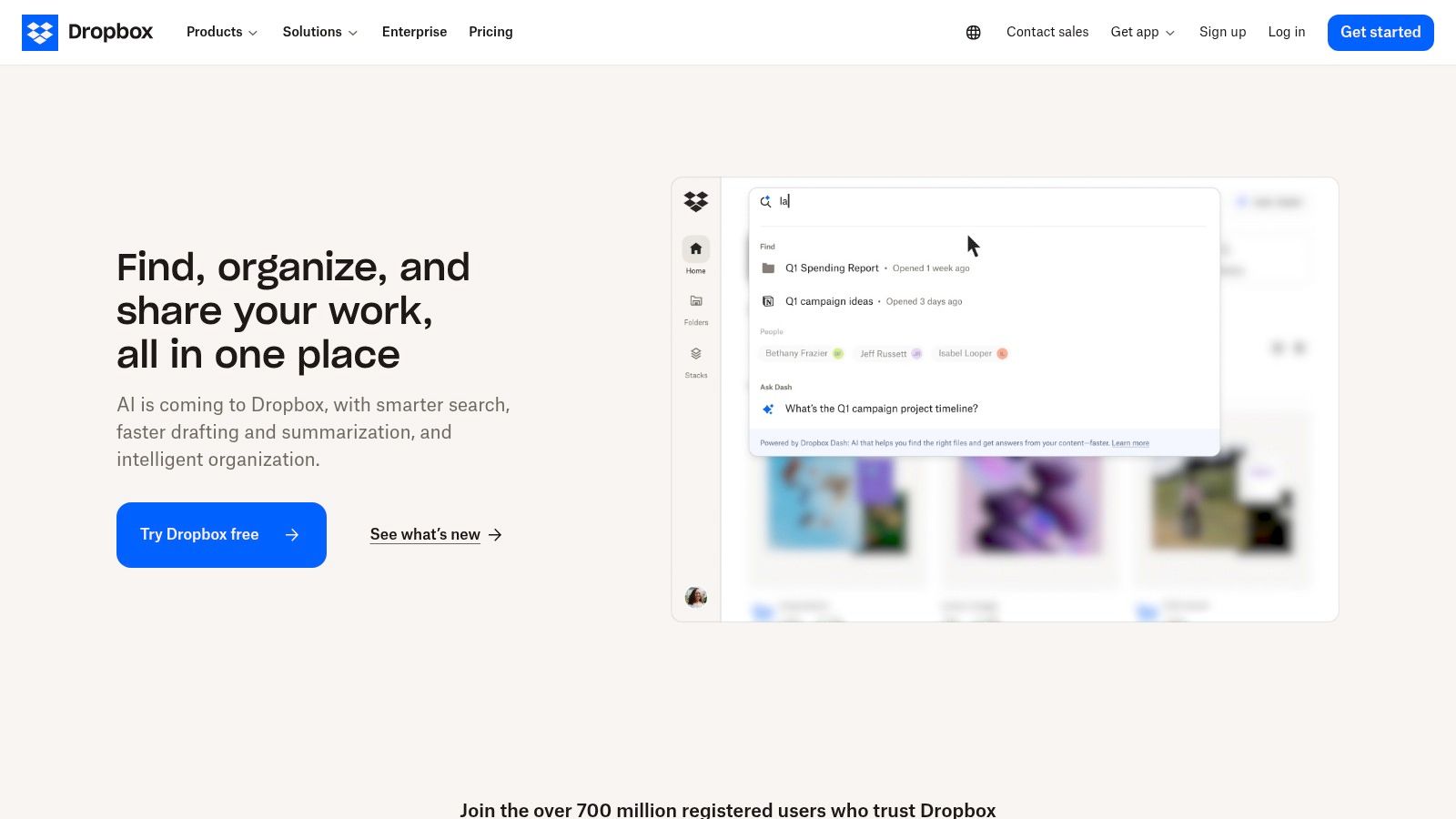
Dropbox works well when pictures are part of a business workflow rather than a personal gallery. Shared folders support collaboration, while Dropbox Transfer is better for a finalized, one-way delivery that recipients can download without an account.
Photographers benefit from previews for JPEG, PNG, HEIC, and many RAW formats. That lets a client review files before downloading them. Dropbox also gives teams a familiar folder structure, but its free Basic storage is limited to 2 GB, and transfer sizes and advanced link controls depend on the plan.
Use separate folders for drafts and final exports. Don't send a client an active working folder when a locked transfer is all they need. If regulated work is involved, review Dropbox's compliance considerations before choosing it.
5. WeTransfer
WeTransfer is built for a fast, one-way hand-off. Upload the files, create a link, and send it to the recipient. They can download without creating an account, which makes it useful when a client doesn't want another cloud service.
Paid plans add larger transfer sizes, passwords, expirations, and branding. The free option is more restrictive, and links expire, so it isn't a replacement for a permanent gallery or archive. Confirm that the recipient has downloaded the files before the link disappears.
WeTransfer is strongest when the question is, “How do I get this batch to someone today?” It's weaker when you need ongoing collaboration, detailed audit history, or long-term organization.
6. Signal
Signal is the privacy-first option for person-to-person sharing. Its end-to-end encrypted chats, disappearing messages, and view-once photos suit sensitive images that shouldn't remain in a normal conversation forever.
The compromise is delivery format. Normal media sends may compress pictures, so Signal isn't ideal for photographers delivering originals or businesses preserving evidentiary quality. Both sides also need the Signal app on mobile or desktop, since there isn't a browser-link workflow.
Use Signal when confidentiality matters more than full resolution. For context on the protection involved, read what end-to-end encryption means.
7. Proton Drive
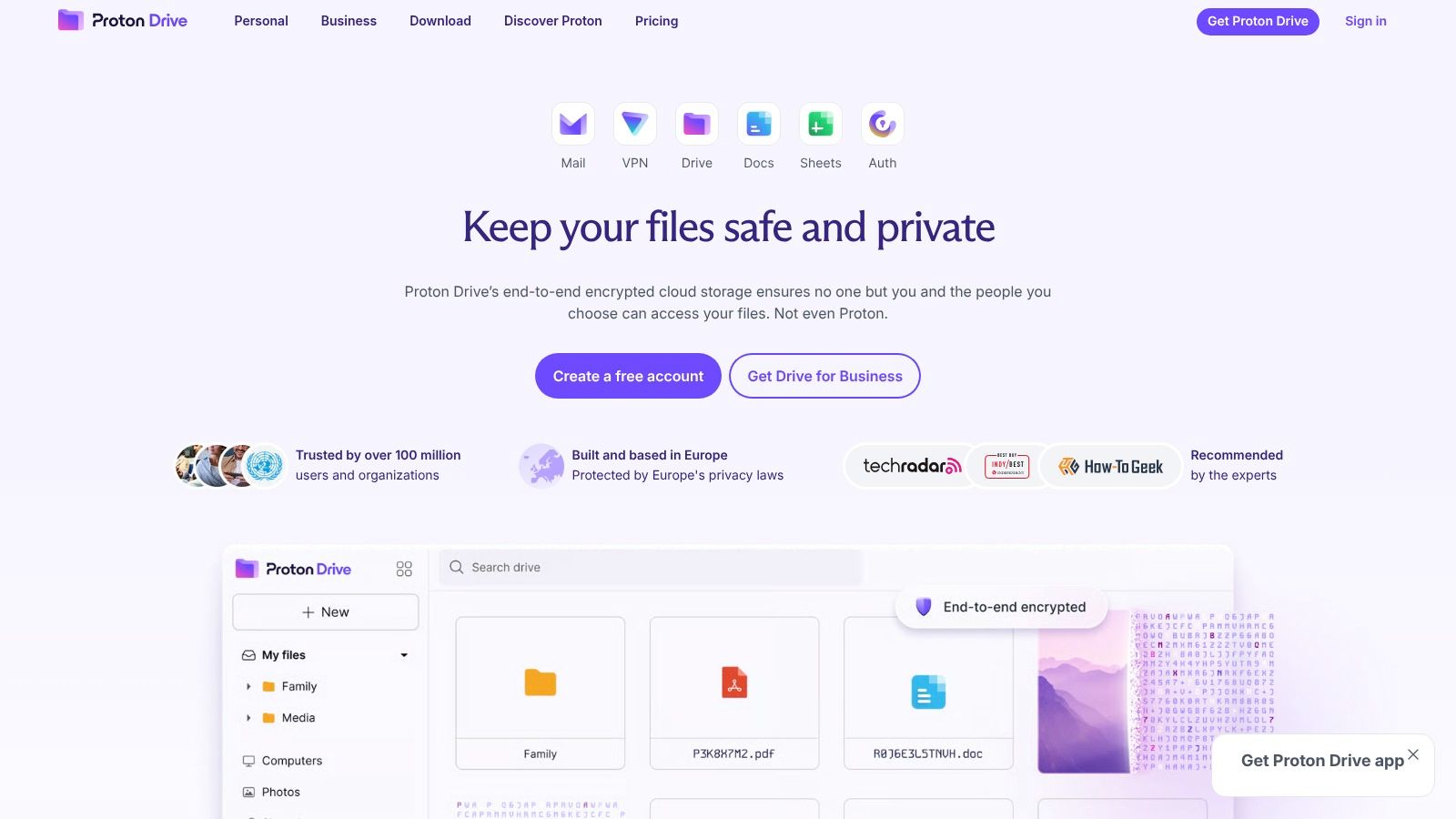
Proton Drive combines full-quality file delivery with privacy-focused sharing. Upload a folder, create a link, and add a password or expiration date. Recipients can open and download files in a browser without a Proton account.
End-to-end encryption means Proton can't read the stored files, which makes the service a strong fit for sensitive client work and original images. Its photo curation is less polished than Google Photos or iCloud Photos, and larger storage or advanced features may require a paid plan.
Choose Proton Drive when privacy and fidelity are both important. It's more deliberate than sending a picture in chat, but that extra control is the point.
Best Ways to Send Pictures, 7-Tool Comparison
| Service | Implementation complexity 🔄 | Resource requirements ⚡ | Expected outcomes 📊 | Ideal use cases 💡 | Key advantages ⭐ |
|---|---|---|---|---|---|
| FaxZen | 🔄 Low, web-based, no hardware; optional account for bulk | ⚡ Pay‑per‑fax or credits; minimal storage; no subscription | 📊 High delivery success; audit-ready receipts and retries | 💡 Occasional→moderate faxing for SMBs, legal, healthcare (verify regs) | ⭐ Pay‑per‑use; real‑time tracking; smart scheduling; strong TLS/security |
| Google Photos | 🔄 Very low, upload and share links or albums | ⚡ 15 GB free pooled; original quality uses Google storage | 📊 Broad accessibility and album scalability; originals consume quota | 💡 Personal backup, family libraries, casual sharing to many recipients | ⭐ Frictionless sharing; web links; scalable albums |
| Apple iCloud Photos / iCloud Link | 🔄 Low for Apple users; cross‑platform links available | ⚡ Uses iCloud storage; full‑res counts against quota | 📊 Seamless device sync and full‑resolution delivery within Apple ecosystem | 💡 iPhone/Mac users needing synced originals and simple sharing | ⭐ Native full‑res sync; easy Apple integration; Shared Albums |
| Dropbox (shared folders & Transfer) | 🔄 Low, familiar folder/link workflow; Transfer for one‑way sends | ⚡ Free 2 GB; paid plans increase storage and transfer caps | 📊 Predictable downloads, previews (RAW/HEIC); good for collaboration | 💡 Business recipients, photographers, creative teams needing file previews | ⭐ Reliable sharing; Transfer mode for finalized deliveries; RAW support |
| WeTransfer | 🔄 Very low, one‑off upload → link workflow | ⚡ Free limits are tight; paid raises per‑transfer size and features | 📊 Fast ad‑hoc deliveries; temporary links, not a gallery or collaboration tool | 💡 Quick one‑time large file handoffs to clients or non‑technical users | ⭐ Extremely low friction; recipients download without accounts |
| Signal | 🔄 Moderate, requires app accounts on sender & recipient | ⚡ Low bandwidth/storage; E2E encryption; media may be compressed | 📊 High confidentiality and ephemeral delivery; not ideal for originals | 💡 Sensitive person‑to‑person or group photo sharing requiring privacy | ⭐ End‑to‑end encryption; disappearing messages; view‑once media |
| Proton Drive | 🔄 Low–moderate, encrypted uploads and link sharing (account needed) | ⚡ End‑to‑end encrypted; paid plans for larger storage; improved speeds | 📊 High privacy and uncompressed delivery with passworded/expiring links | 💡 Privacy‑sensitive client work and sharing originals securely | ⭐ Strong metadata protection; E2EE links accessible via browser; password/expiry controls |
Make Quality and Privacy the Tie-Breakers
Choose Google Photos or iCloud Photos for albums and device ecosystems. Pick Dropbox for business collaboration and RAW or HEIC previews, WeTransfer for a quick one-way hand-off, Signal for private conversations, Proton Drive for encrypted full-quality links, and FaxZen when an image or scan must reach a fax number with delivery evidence.
Practical rule: Confirm the original-quality setting before sending. A fast delivery isn't useful if the recipient receives a resized image or missing metadata.
Verify the recipient, use password-protected or expiring links where available, avoid sensitive images in ordinary chats, and ask the recipient to confirm receipt or download. For documents, fax may be the better choice when the destination is a fax number and your team needs a transmission record.
Frequently asked questions
How can I preserve full resolution?
Use an original-file delivery option, such as Dropbox Transfer or Proton Drive, and confirm that the service hasn't recompressed the image. Google Photos and iCloud Photos can also preserve originals when their relevant quality settings are enabled.
What's best for a large batch?
Google Photos suits albums, Dropbox suits organized business folders, and WeTransfer suits a one-time hand-off. The right choice depends on whether recipients need collaboration or only a download.
Can I share with someone without an account?
Yes. Google Photos, iCloud Links, Dropbox shared links, WeTransfer, and Proton Drive can provide browser-based access. Signal requires the recipient to use the app.
When should I choose fax?
Choose fax when the recipient specifically provides a fax number or when you need documented transmission of an image-based document. FaxZen accepts image uploads and provides delivery tracking, making it more suitable than a casual photo-sharing app for that workflow.
For photography-specific privacy practices, review this privacy policy for photographers.
Send your image-based document through FaxZen when a fax number, secure upload, and delivery evidence matter. Visit FaxZen to upload a picture or PDF and send it without a fax machine.