
A Modern Guide to Faxing Through Email
Table of Contents
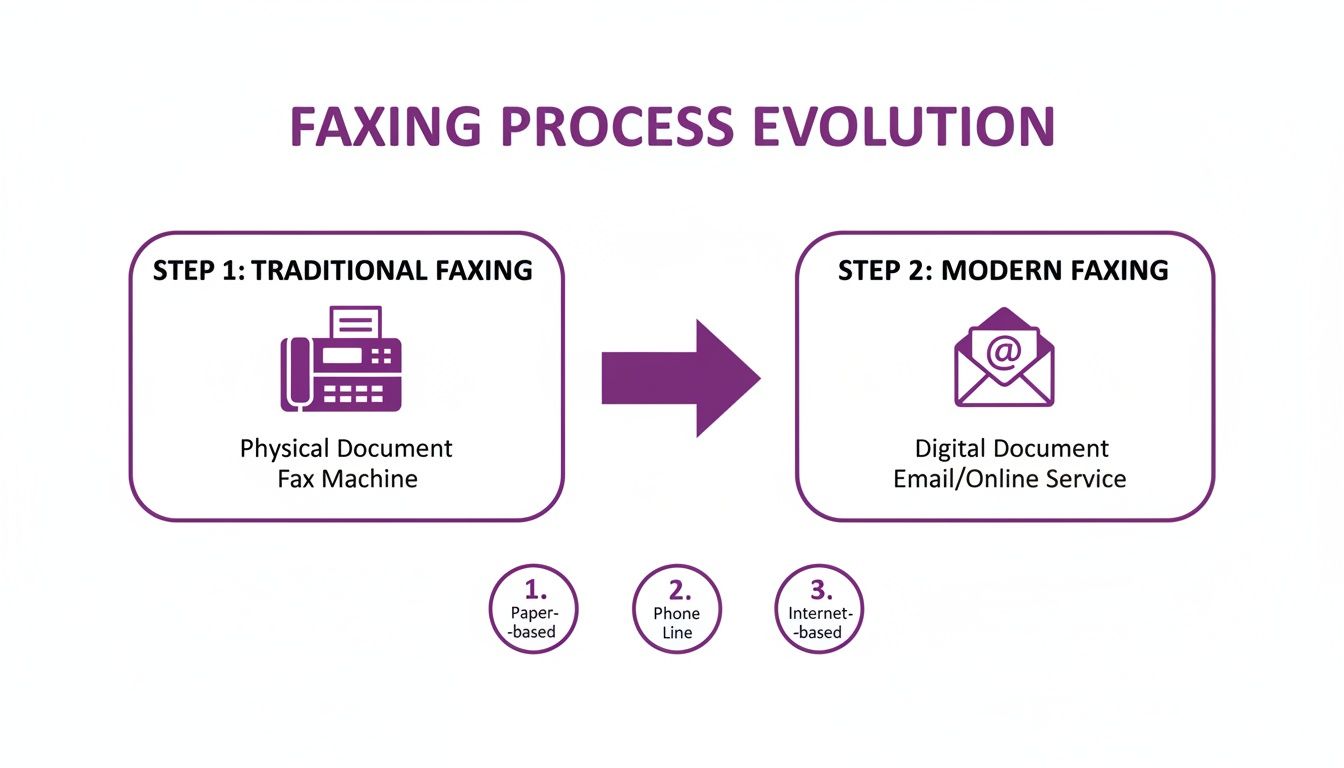
Think of faxing through email as a clever translator. It takes your digital files—like a PDF or a Word doc—and converts them into a traditional fax signal that any fax machine in the world can understand. This means you can send legally binding documents right from your computer or phone, without ever touching a physical machine, a dedicated phone line, or a single piece of paper.
Ready To Fax?
Start sending faxes online in seconds with FaxZen - No account required
Send Fax Now 🚀Ready to send a fax the modern way? Discover the simplicity and security of FaxZen for all your document needs.
Why Faxing Still Has a Place in the Digital Age
It’s a fair question: in an age of instant messaging and email, why are we still talking about faxing? The answer comes down to one crucial thing: document integrity. For industries like law, healthcare, and real estate, a standard email just doesn't cut it. They rely on faxing because it creates a direct, point-to-point connection that's much harder to intercept. This makes it an incredibly secure and verifiable way to send sensitive information, a key reason why it remains a trusted method for official correspondence.
This isn't just about old habits. Faxing provides a non-negotiable, established method for transmitting official documents. When a law firm files a motion with the court or a mortgage broker submits a loan application, they need an undisputed record that it was sent and received. The fax confirmation page serves as that legal receipt. But here's the thing: relying on this battle-tested technology doesn't mean you have to be chained to a clunky, outdated machine that jams every other Tuesday. This is where faxing through email comes in, bridging the gap between old-school security and modern convenience.
Email-to-fax services are more than just a convenience; they're a massive upgrade to your entire document management process. A service like FaxZen transforms your email inbox into a secure, powerful faxing hub, eliminating all the classic headaches of traditional faxing. Just think about the immediate benefits: no more dedicated phone line bills, no more spending on paper, toner, or expensive machine repairs. You can send a document directly from your computer the moment it's ready, from anywhere you have an internet connection—your home office, a coffee shop, or even on the go. This approach gives you the rock-solid reliability you need with the digital efficiency you expect. You can learn more about the strategic advantages of updating your process with cloud fax solutions.
How Sending a Fax From Your Email Actually Works
The whole idea of faxing through email might sound a bit like magic, but the technology behind it is surprisingly straightforward. Just think of an online fax service like FaxZen as a digital translator. It takes your everyday email, attachments and all, and converts it into the specific analog signal that old-school fax machines need to understand. This entire conversion happens seamlessly in the background. That means you can send a legally binding document from the same email client you use for everything else, whether that's Gmail, Outlook, or Apple Mail. You get to skip the cost and hassle of dedicated phone lines, paper jams, and toner cartridges, all while keeping the security and proof of delivery that makes faxing so essential in many industries.
Key Takeaway: At its core, sending a fax from your email is just about using a service to bridge two different technologies. Your digital message gets translated into an analog signal for the recipient's machine, making the process feel completely effortless on your end.
So, how does this translation actually work when you hit "send"? Every part of your email gets mapped to a specific piece of a traditional fax transmission. The "To" field is the clever part. The recipient's fax number becomes the first part of the email address, followed by the fax service's domain (for example, [email protected]). That unique address is the signal that tells our service exactly where to send the fax. If you're curious about the network technology that makes this possible, it's helpful to understand how SIP trunks work, as they are often the backbone for these kinds of services. The table below breaks down how each piece of your email gets a new job in the faxing process.
Email to Fax Command Structure
| Email Component | Corresponding Fax Element | Example Usage |
|---|---|---|
| To Field | Recipient's Fax Number | [email protected] |
| Subject Line | Cover Page Subject | Project Proof for Your Review - Contract #789 |
| Email Body | Cover Page Message | Hi Jane, please find the latest design proof attached. Kindly sign and return. Thanks! |
| Attachments (PDF, JPG) | Faxed Document Pages | DesignProof_v3.pdf |
As you can see, the structure is intuitive. You're essentially using your email fields to build the cover page and content of the fax without ever touching a fax machine. The key takeaway is that we've cut out all the physical steps. The entire process stays digital right up until the moment it prints out on the recipient's machine. For a more detailed breakdown, you can check out our guide on whether you can email a fax number. Once you hit "Send," the service takes over, automatically compiling the subject and body text into a professional cover page, converting the attached file into a fax-friendly format, and dialing the client's number.
Confirming Delivery and Ensuring Security
When you're sending a critical document, "I think it went through" just doesn't cut it. You need absolute proof of delivery and the confidence that your information was protected every step of the way. This is where faxing through email leaves old-school machines in the dust, offering a level of security and verification that analog technology could never provide. This isn't just a minor upgrade; it's a fundamental shift in how regulated industries handle their most important communications. For sectors where audit trails and proof of delivery are non-negotiable, this technology is becoming the new standard.
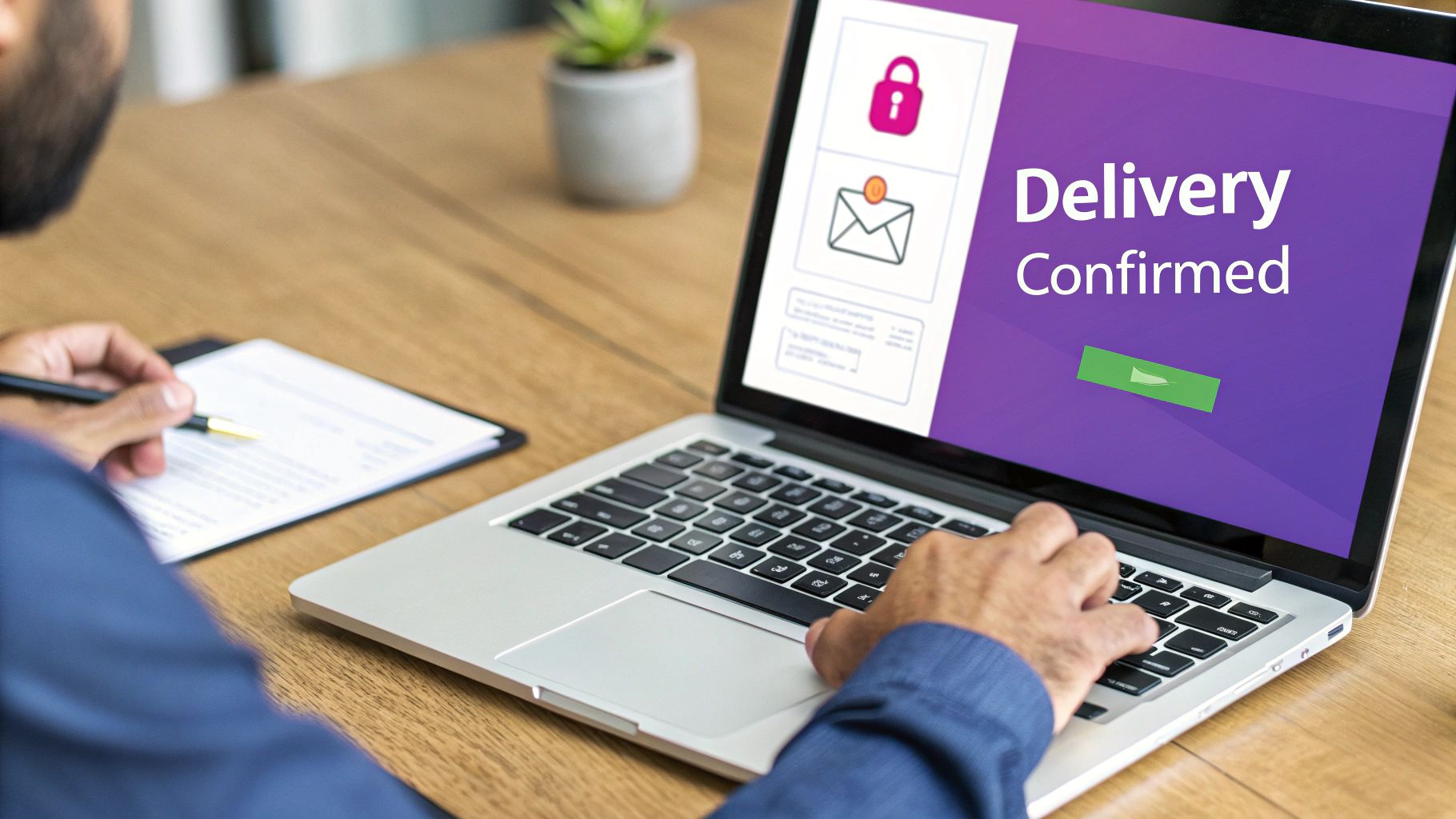
Remember those flimsy, often unreadable confirmation slips that physical fax machines used to spit out? Forget them. When you fax with a service like FaxZen, a detailed confirmation receipt lands directly in your email inbox. This isn't just a simple "sent" notification—it's a comprehensive, auditable record of the entire transmission. These digital receipts create an undeniable paper trail that serves as legal proof that your document was successfully delivered. If you want to dive deeper into what makes a service truly reliable, check out our guide on finding the best secure online fax service.
Beyond just confirming delivery, robust security is paramount. Modern fax services use 256-bit SSL encryption to shield your data in transit—the same standard trusted by online banks. When you're handling sensitive client information, these protocols are essential. In fact, strong cybersecurity for law firms and other professional services is a critical part of modern practice management. It's this combination of encrypted transmission and detailed confirmations that makes faxing through email a genuinely secure way to handle your most important communications.
Frequently Asked Questions About Faxing Through Email
Jumping into a new way of doing things always brings up a few questions. Here are some of the most common things people ask about faxing through email, with straight-up, no-fluff answers to help you get started with confidence.
Can I send a fax to an international number using email?
You absolutely can. Modern online fax services were built with global business in mind. The process is pretty much identical to sending a fax locally, but you have to get the number format right. You just need to string together the country code, area code, and the local number into one continuous string in your email’s 'To' field. For instance, sending a fax to a London number would look like this: [email protected]. That simple structure turns a cross-border transaction into an everyday task.
What file formats can I attach to an email to fax?
Most quality services are incredibly flexible and handle just about any common file type. While PDF is the gold standard—it perfectly locks in your document’s layout—you can usually attach Microsoft Word files (.doc, .docx), common image files (.jpg, .png, .tiff), Excel spreadsheets (.xls, .xlsx), and simple text files (.txt). The service does all the heavy lifting for you, automatically converting your file into the standard black-and-white format that fax machines understand. When the exact layout of your document is non-negotiable, always convert your file to a PDF before you attach it to prevent any weird formatting surprises.
How do I know if my email fax was successfully delivered?
This is one of the biggest upgrades from old fax machines. Instead of listening for a screech and a beep, you get a detailed confirmation email that acts as your digital, legally-binding receipt. This confirmation will show you the exact delivery time, the total number of pages sent, and the recipient's fax number. And if a fax fails to go through—maybe the line was busy or the number was wrong—you get a failure notification almost immediately. The email will explain what went wrong, letting you fix the issue and resend it without wasting time. You can learn more about how to schedule a fax to ensure your documents always land at the perfect moment.
Is it more expensive to fax through email than using a machine?
For the vast majority of people and businesses, the answer is a resounding no. Faxing through email is significantly cheaper. You immediately wipe out all the recurring costs of a dedicated phone line, machine repairs, paper stacks, and those shockingly expensive toner cartridges. Online fax services like FaxZen typically run on a low-cost subscription or a simple pay-as-you-go model. That means you're only paying for what you actually use, making it a smarter, budget-friendly choice whether you send a couple of faxes a year or dozens every week.
What is the best file type to use when faxing from email?
For the highest quality and most reliable delivery, always use a PDF. PDFs are designed to preserve the exact formatting of a document, ensuring that what you see on your screen is precisely what the recipient will see printed on their end. While other formats like Word documents or JPG images work, they can sometimes lead to unexpected formatting shifts during the conversion process. If you are sending from a specific client, you can read our guide on how to fax from Outlook. Sticking with PDFs is the simplest way to guarantee a professional, clean result every time.


