Dropbox Fax vs FaxZen: A Complete Comparison for Modern Faxing
Table of Contents
When navigating the world of digital document transmission, the choice between Dropbox Fax and FaxZen often comes down to your specific needs for frequency and cost. Dropbox Fax, built on a subscription model, is designed for businesses with a consistent, high volume of faxes. It offers predictable monthly costs, which can be beneficial for budgeting in a busy office environment. On the other hand, FaxZen provides a flexible, pay-per-use service, an ideal solution for freelancers, small businesses, or individuals who fax infrequently and want to avoid another recurring bill. The best choice depends entirely on whether you need a committed service for regular use or the freedom of on-demand faxing.
Ready To Fax?
Start sending faxes online in seconds with FaxZen - No account required
Send Fax Now 🚀Ready to send a fax without getting locked into a monthly plan? Try FaxZen today and see how simple online faxing can be.
Choosing the Right Online Fax Service
While email and instant messaging platforms handle much of our daily communication, traditional faxing remains a critical tool in many industries that require verifiable, legally-binding document transmission. The primary question isn't if you should use fax, but how to do so efficiently in a digital age. This guide offers a detailed Dropbox Fax vs FaxZen comparison to help you navigate the landscape of modern cloud faxing. We will explore the nuances of each service, examining everything from their distinct pricing philosophies to their security protocols.
Whether you are a freelancer sending a single contract or a small business managing sensitive client documents, understanding these differences is crucial. This article aims to provide the clarity needed to select the service that aligns with your workflow, budget, and security requirements. For a broader perspective on the market, our online fax services comparison offers additional insights.
Comparing Core Features and Functionality
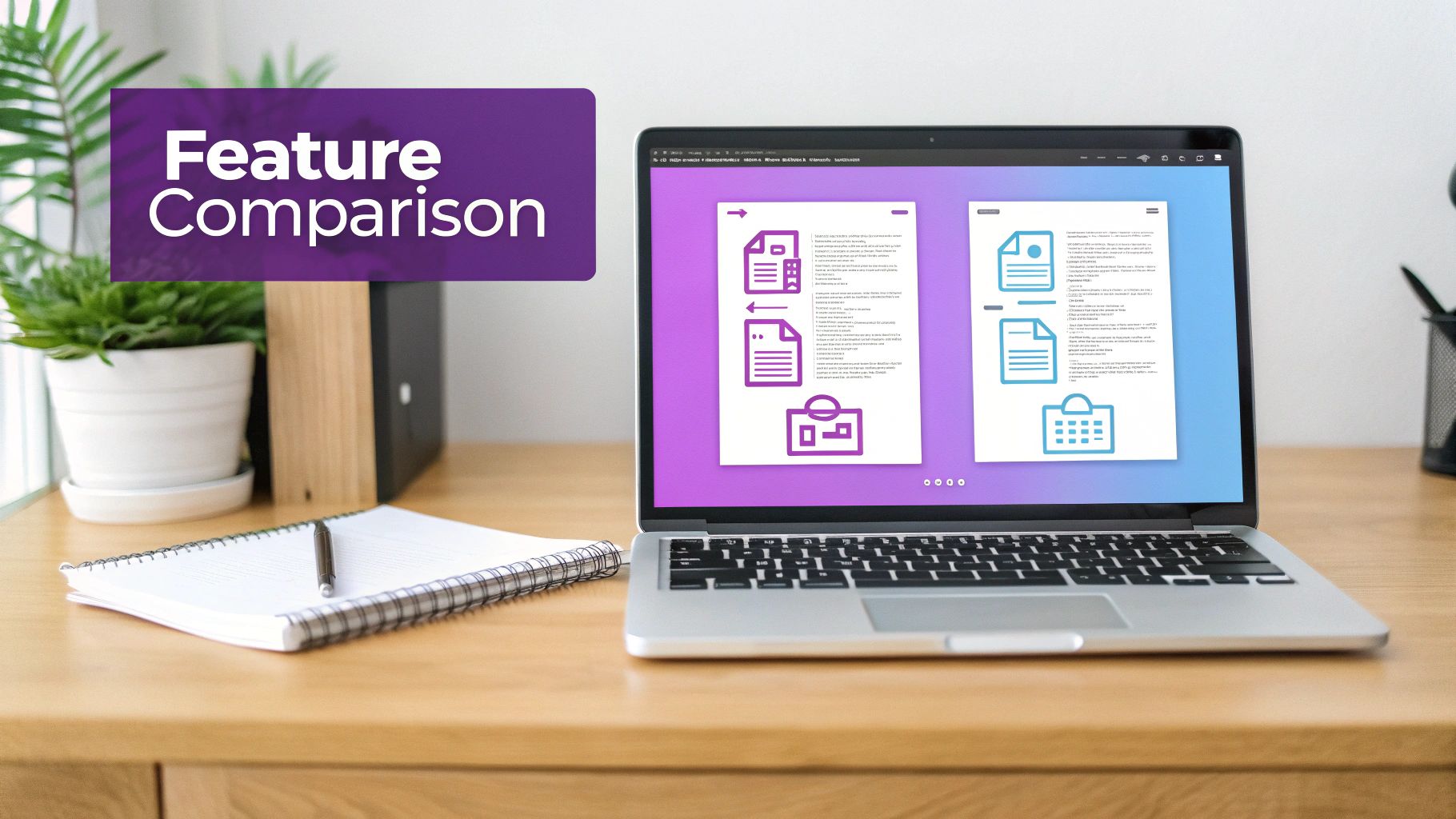
To make an informed decision, it's essential to look beyond a simple feature checklist and understand how each service performs in practice. This section delves into the practical differences between Dropbox Fax and FaxZen, focusing on the user experience from document upload to delivery confirmation. It's about how these platforms facilitate the core task of getting your document securely from point A to point B.
We will examine critical aspects such as supported file types, the intuitiveness of the sending process, and options for international faxing. These details often determine whether a tool seamlessly integrates into your workflow or becomes a hindrance. A similar in-depth analysis can be found in our Fax.Plus vs FaxZen guide, where we highlight how small functional differences can have a significant impact.
| Feature | Dropbox Fax | FaxZen |
|---|---|---|
| Sending Model | Subscription-based, requires account | Pay-per-use, no account needed |
| File Support | Extensive (DOCX, PDF, JPG, etc.) | Primarily PDF |
| International Faxing | Supported, rates vary by plan | Supported, clear per-page pricing |
| Security Encryption | 256-bit AES | 256-bit AES |
| Delivery Confirmation | Email notification & account status | Real-time email tracking |
| Cloud Integration | Deep (Dropbox, Google Drive, etc.) | Direct file upload only |
| Receiving Faxes | Yes, with paid plans | No, send-only service |
This at-a-glance comparison reveals a fundamental difference in philosophy. Dropbox Fax positions itself as an integrated document management solution, while FaxZen focuses on delivering a streamlined, secure, and straightforward outbound faxing experience.
Evaluating Pricing and Cost-Effectiveness
The most significant differentiator between Dropbox Fax and FaxZen is their approach to pricing. This single factor will likely be the deciding one for most users, as it directly reflects how you plan to use the service. Dropbox Fax employs a traditional subscription model, where you pay a fixed monthly fee for a predetermined number of pages. This structure is ideal for businesses with a predictable and high volume of faxing, as it simplifies budgeting and offers a lower per-page cost for heavy users.
However, this model can be inefficient for those with sporadic needs. Many individuals and small businesses only need to send a crucial document—like a signed contract, a medical form, or a legal filing—once in a while. With a subscription, you either pay for a service you barely use or face expensive overage charges if you exceed your monthly page limit. FaxZen’s pay-as-you-go model directly addresses this issue. There is no monthly commitment; you simply pay for the pages you send. This approach ensures you never waste money on unused capacity, making it a highly cost-effective solution for occasional faxing. Ultimately, finding the best cheap online fax service depends on aligning the payment structure with your actual usage patterns.
Pro Tip: Before committing to a subscription, track your faxing volume for a month. If it's inconsistent or low, a pay-as-you-go service like FaxZen is almost always more economical.
Analyzing Security and Delivery Reliability
When transmitting sensitive documents such as legal contracts, financial records, or personal information, security and reliable delivery are paramount. Dropbox Fax provides a standard level of security suitable for general business documents, utilizing robust encryption to protect data in transit. It is a reliable choice for less sensitive communications.
FaxZen, however, places an explicit emphasis on advanced security and verifiable delivery. It employs 256-bit SSL encryption for all transmissions and implements an automatic 24-hour data deletion policy. This policy significantly minimizes the exposure window for your confidential documents, adding a critical layer of protection. This commitment to security extends to delivery reliability. FaxZen provides real-time status updates, intelligent retry logic for busy signals, and detailed email confirmations that serve as an auditable trail of transmission. This gives users concrete proof that their fax was successfully delivered. For those prioritizing data protection, exploring the best secure online fax service is a worthwhile step.
Choosing the Best Service for Your Use Case
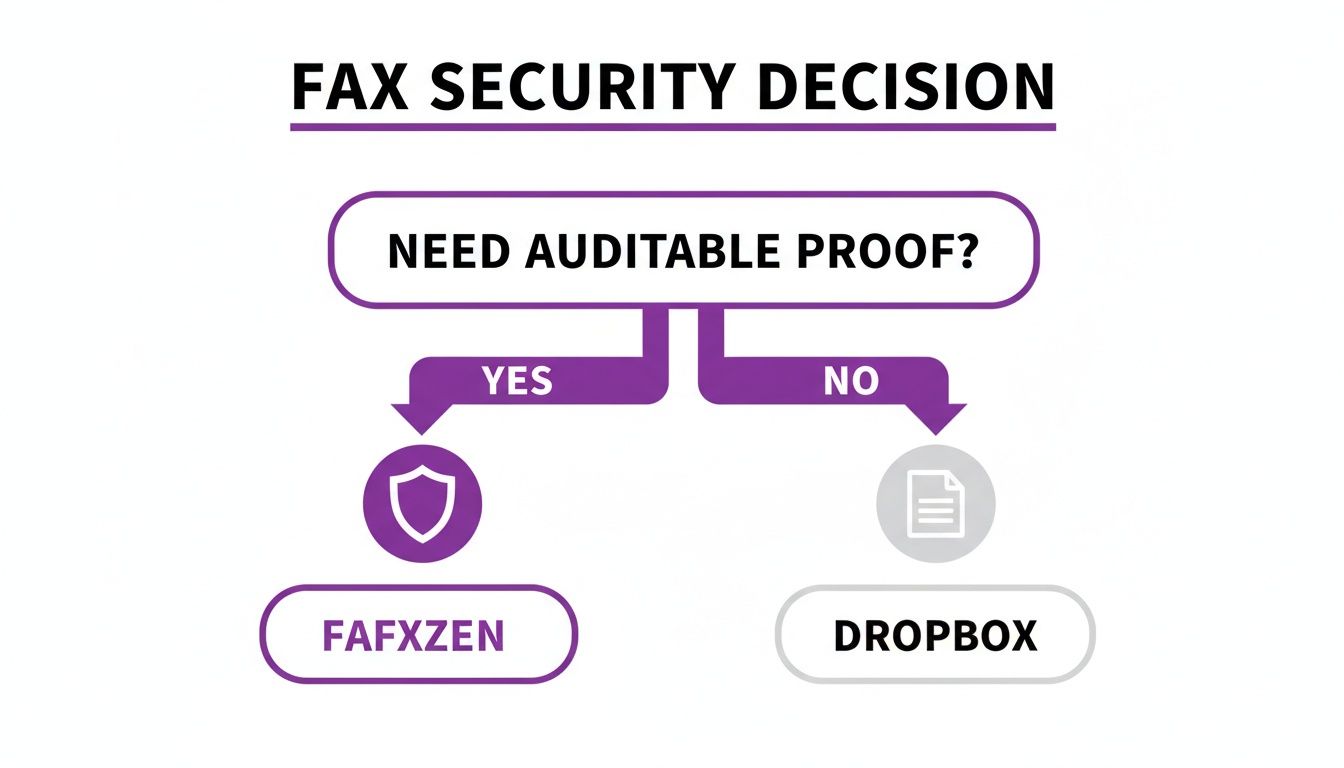
To make the right choice in the Dropbox Fax vs FaxZen debate, consider your specific scenario. A freelance consultant who sends a few contracts per quarter has vastly different needs from a busy law firm that handles daily court filings. The market for online fax services thrives because it caters to these diverse requirements. For professionals in fields like law, finance, or real estate who only send critical faxes occasionally, a subscription model can be inefficient, forcing them to pay for unused pages.
This is precisely where a pay-per-fax service like FaxZen demonstrates its value. It offers a direct, no-frills solution that provides significant cost savings for low-volume users. Instead of managing a recurring bill for a service that is rarely used, you only pay for what you need, when you need it. Understanding your own use case is the key to selecting the most appropriate and economical service.
FAQ: Dropbox Fax vs FaxZen
Can I receive faxes with FaxZen?
No, FaxZen is intentionally designed as a send-only platform. This focus allows for a simplified, highly secure, pay-per-use service without the need for a subscription or a dedicated fax number. If you require the ability to both send and receive faxes, a service like Dropbox Fax that includes a dedicated number with its plans would be a more suitable choice.
Is it difficult to switch from a service like Dropbox Fax to FaxZen?
Switching to FaxZen is incredibly simple because there is no complex account setup required for sending a fax. You can use the service on an as-needed basis by visiting the website, uploading your document, and sending it. There is no need to migrate data or formally cancel another service before you can use FaxZen for your outbound faxing needs.
Does FaxZen have a mobile app?
While there isn't a native application to download from an app store, the FaxZen website is fully mobile-responsive. This design ensures you can easily send a fax from your phone or tablet using any modern web browser. You get access to all features without needing to install or update another app on your device.
Which service is better for sending a one-time fax?
For sending a one-time or infrequent fax, FaxZen is the more logical and cost-effective option. Its pay-per-use model means you only pay for the specific fax you send, without any subscription fees or long-term commitments. Dropbox Fax's subscription model is better suited for users with regular, ongoing faxing needs.
How does e-signature integration compare?
Dropbox Fax has a significant advantage here, as it is fully integrated with HelloSign (also owned by Dropbox). This allows users to sign and fax documents within a single, streamlined workflow. FaxZen does not have a built-in e-signature feature. Users would need to sign documents using a separate tool before uploading them to FaxZen for transmission.
Related Articles
- eFax vs FaxZen: Which Online Fax Service is Right for You?
- How to Send a Fax From Your Computer (Windows & Mac)
- The Ultimate Guide to Online Fax Security