How to Receive a Fax Through Email The Ultimate Modern Guide
Table of Contents
Learning how to receive a fax through email is a game-changer for modern communication, streamlining an old process for today's digital world. It all starts by signing up with an online fax service. You choose a virtual fax number and link it directly to your email address. From that moment on, any fax sent to your number is automatically converted into a PDF file and delivered straight to your inbox. This simple shift eliminates the need for a physical machine, paper, and dedicated phone lines, making faxing as easy as checking your email.
Ready To Fax?
Start sending faxes online in seconds with FaxZen - No account required
Send Fax Now 🚀Ready to simplify your workflow? Discover a modern, secure, and efficient way to handle your faxes with FaxZen. Get started today at faxzen.com.
Why You Should Receive Faxes Through Email
The clunky fax machine, once a cornerstone of office communication, is now a relic of a bygone era. For decades, it was the primary method for transmitting important documents quickly, but its limitations are glaringly obvious in today's fast-paced, flexible work environment. It requires a dedicated phone line, a constant supply of paper and toner, and, most restrictively, it tethers you to a single physical location. If you aren't standing next to the machine, you simply can't receive your documents.
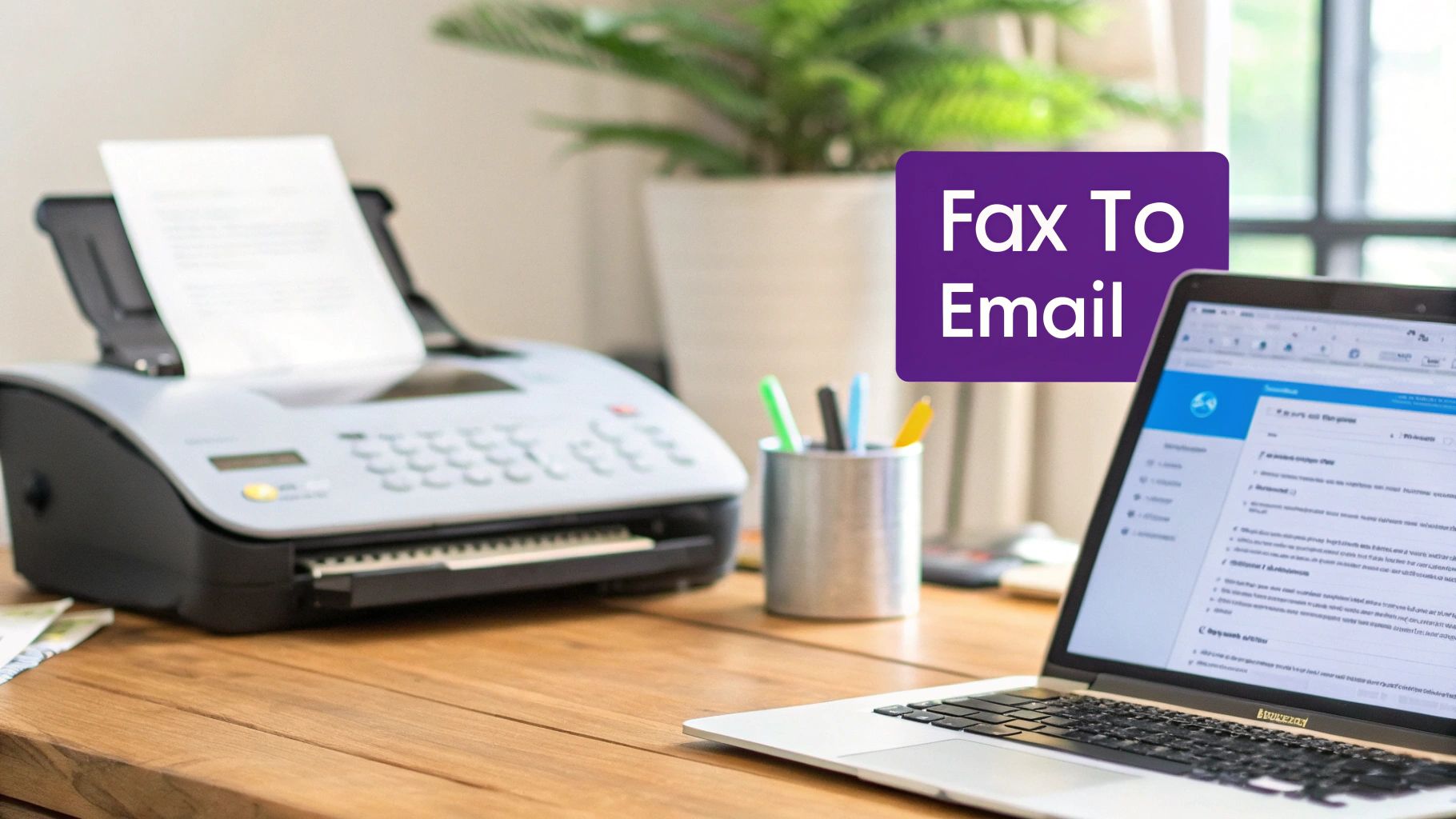
Modern business thrives on flexibility and efficiency, and this is precisely where fax-to-email services excel. Instead of grappling with paper jams, busy signals, or toner smudges, you receive a crystal-clear digital copy of your document as a PDF attachment. This isn't just a minor upgrade; it's a fundamental shift that aligns with contemporary work habits. With an online fax service, you can access your important documents from anywhere with an internet connection—your home office, a café, or even your smartphone while on the go. This level of accessibility is crucial for remote teams and professionals who are no longer tied to a traditional office.
The organizational benefits are equally compelling. Physical faxes can be easily lost, damaged, or seen by unauthorized individuals. When faxes arrive in your inbox, they become integrated into your digital workflow. You can instantly organize them in cloud storage like Google Drive or Dropbox, search for specific documents in seconds, and forward them to colleagues or clients with a simple click. This streamlined approach enhances productivity and security, making it a superior solution for handling everything from legal contracts to personal records. A quick look at cloud faxing solutions reveals just how much more efficient your processes can become.
How to Set Up Fax to Email
Getting started with an online fax service is remarkably straightforward and typically takes only a few minutes. The process begins with choosing a service that fits your needs and signing up for an account. The first crucial step is selecting your virtual fax number, which acts as the digital address for all your incoming documents. This number is the modern equivalent of a physical fax line, but with far more flexibility.
Important Note: A virtual fax number is the key to this entire process. It allows traditional fax machines to send documents to your digital inbox without any special hardware on your end. The service provider's technology handles the conversion from an analog signal to a digital file.
Most services offer a choice between a local number, which helps establish a regional presence, or a toll-free number (such as 800 or 888) to give your business a more professional, nationwide feel. If you already have a fax number that your clients use, you can almost always "port" it to the new service. This process transfers your existing number, ensuring a seamless transition without disrupting communication. To learn more about how this works, check out our guide on what is a fax number.
Once your number is selected, the next step is linking it to your email address. Within your service's account settings, you'll specify which email inbox should receive the incoming faxes. You can typically add multiple email addresses, making it easy to create a distribution list for a team or department. For instance, a single incoming fax could be sent to everyone in your accounting department simultaneously. The final configuration step involves setting your preferences, such as choosing the file format for your faxes—PDF is the universal standard—and adjusting your notification settings.
Comparing Your Options for Receiving Faxes
While online fax services are the most popular and accessible choice for most individuals and businesses, it's helpful to understand the other methods available. Each approach has distinct advantages and is suited to different needs, from small-scale personal use to large enterprise operations.
A common alternative for businesses with existing office infrastructure is a Multifunction Printer (MFP) with email forwarding capabilities. Many modern office printers can be configured to receive a fax and then automatically forward it as an email attachment to a designated address. This can be a practical solution if you already own a compatible device and have the technical know-how to configure the network settings. However, it still relies on a physical machine and a phone line, making it less flexible than a pure cloud-based solution.
For large organizations with high-volume faxing needs and stringent internal security policies, a dedicated on-premise fax server is the most robust option. This involves setting up specialized hardware and software on your company's network to manage all fax communications. While it offers maximum control and customization, it comes with significant costs for equipment, software licenses, and ongoing IT maintenance.
The table below provides a clear comparison of these three methods, helping you determine the best fit for your situation. For most users, the simplicity and cost-effectiveness of an online fax services comparison makes it the clear winner.
| Method | Best For | Setup Complexity | Hardware Required | Average Cost |
|---|---|---|---|---|
| Online Fax Service | Individuals, SMBs, Remote Teams | Low | None | Low (Monthly subscription) |
| Multifunction Printer | Offices with existing hardware | Medium | Compatible MFP, Phone Line | Medium (Device cost + maintenance) |
| Fax Server/Gateway | Large enterprises, high volume | High | Server hardware/software, IT staff | High (Initial investment + upkeep) |
Managing Your Digital Faxes Securely
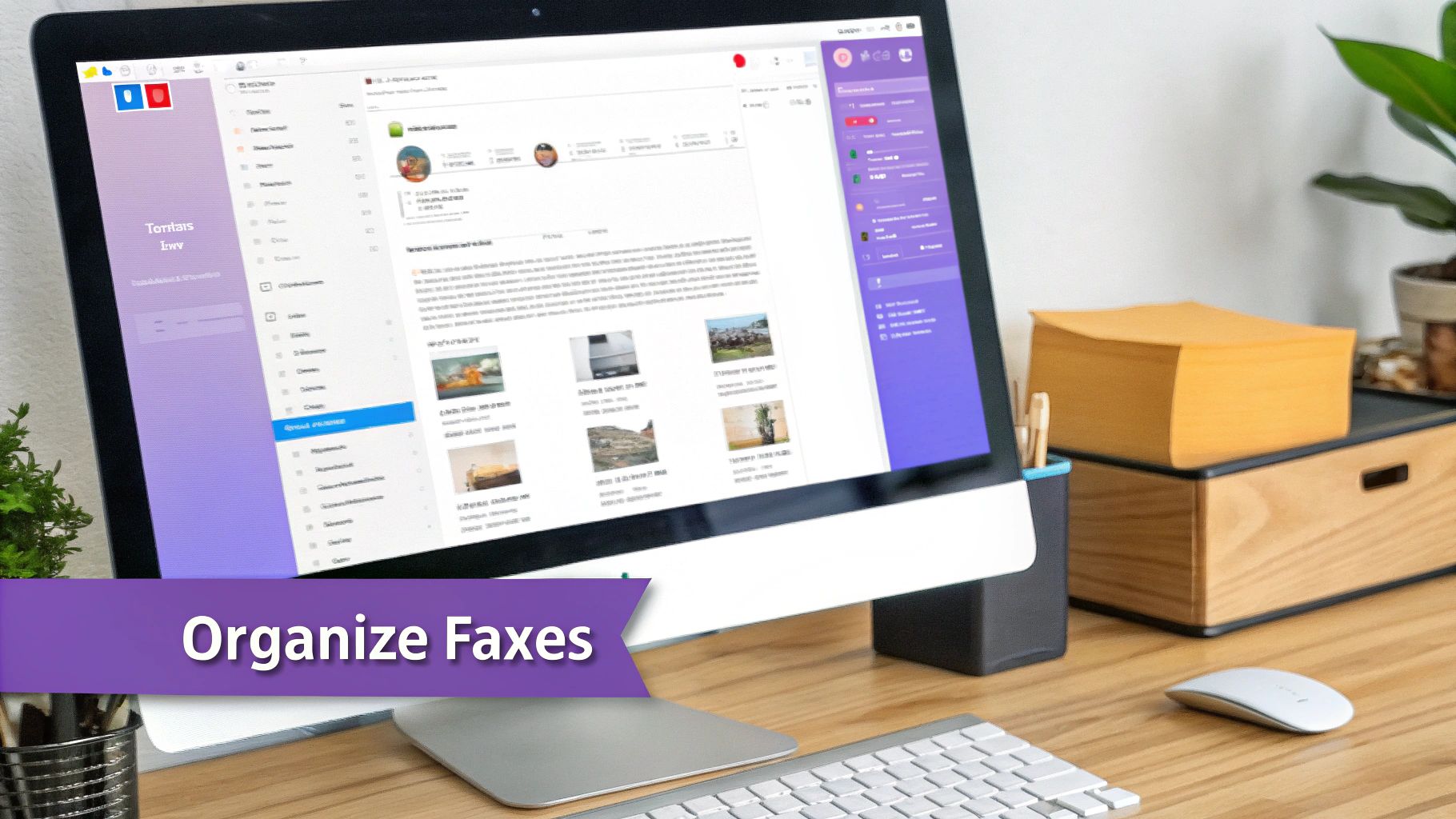
Once your fax-to-email service is active, managing your documents becomes as simple as managing your email. Incoming faxes appear as PDF attachments, allowing you to open, save, print, or forward them with just a few clicks. This integration into your existing digital workflow eliminates the cumbersome steps of handling paper documents, such as scanning and manual filing. You can create a powerful digital archive by setting up email rules to automatically save fax attachments to cloud storage services like Dropbox or Google Drive. This not only keeps your documents organized but also ensures they are securely backed up and accessible from any device.
Security is significantly enhanced when you receive faxes via email. Traditional fax machines often leave sensitive documents exposed on a shared tray, creating a major privacy risk. With a digital service, faxes are delivered directly to your password-protected inbox. Reputable online fax services also use encryption to protect your data both in transit and at rest on their servers, making the entire process far more secure than its analog counterpart.
However, the security of the service is only one part of the equation. Following personal security best practices is crucial for protecting your information. Always use a strong, unique password for your fax service and email account, and enable two-factor authentication (2FA) whenever possible. Be vigilant about potential email scams. Understanding basic Phishing Prevention is essential for safeguarding any sensitive documents that arrive in your inbox. By combining a secure service with smart personal habits, you can ensure your confidential information remains protected.
FAQ: Receiving Faxes Through Email
Can I use my existing fax number?
Yes, absolutely. Most online fax services allow you to "port" your existing fax number to their platform. This process transfers your number so you can receive faxes in your inbox without needing to update your contact information with clients and colleagues.
What file format will the faxes be in?
Incoming faxes are almost universally converted to PDF (Portable Document Format). This standard format is convenient because it can be opened on virtually any computer, tablet, or smartphone without requiring special software.
Can I also send faxes from my email?
Definitely. The ability to send faxes from your email, often called "email-to-fax," is a standard feature of most online fax services. You typically compose a new email, attach your document, and enter the recipient's fax number followed by the service's domain (e.g., [email protected]) in the "To" field.
Do I need to keep my computer on to receive faxes?
No, you do not. Online fax services are cloud-based, meaning their systems operate 24/7, independently of your devices. Your computer can be turned off, and the service will still receive, convert, and deliver faxes to your email inbox, where they will wait for you to open them at your convenience.
Is it secure to receive faxes through email?
Yes, receiving faxes via email through a reputable online service is generally more secure than using a traditional fax machine. Services use encryption to protect your documents during transmission and storage, and delivery to a password-protected inbox prevents unauthorized viewing of sensitive information.